Age checks on adult sites aren’t new — but the why you’re blocked has changed. In 2025–2026, RedGIFs doesn’t just ask “are you 18?” It checks where your IP address is located. If your IP points to Texas, Louisiana, the UK, or a handful of other restricted regions, you’re blocked before the question even comes up.
Here’s the catch: IP geolocation isn’t perfect. ISPs sometimes assign IPs that RedGIFs reads as a restricted region even when you’re not in one. That’s a different problem from age verification — and it has a different fix.
This guide covers which regions trigger blocks, how the verification process actually works, what you can do if you’re being misidentified, and what it means for your privacy when a third-party service handles your ID.
What RedGIFs Age Verification Actually Means (Not Creator “Verification”)
Before we dig into fixes, let’s separate two similar-sounding things: the pop-up that checks if you’re 18+ (user age verification) and the blue-check process for uploaders (creator verification). They serve different purposes and follow different rules.
User age verification vs. creator account verification. RedGIFs restricts adult content to users who are at least 18 (or the local age of majority). Where laws require stronger checks, RedGIFs can implement third-party verification, ID checks, or government-approved digital age tokens. That’s entirely separate from the “Verified Creator” process, which authenticates uploaders so they can publish content and access creator features.
Why does the prompt appear now? The uptick in prompts is driven by new and expanded rules in several U.S. states and the UK’s Online Safety framework. In some places, platforms must use “highly effective” age assurance—not just a checkbox—so you may see stronger checks than before.
Where You’ll See the Age Check (US States & UK)
As age-assurance laws roll out, the exact experience depends on where you are. Here’s what’s behind the most common “why can’t I access RedGIFs?” scenarios.
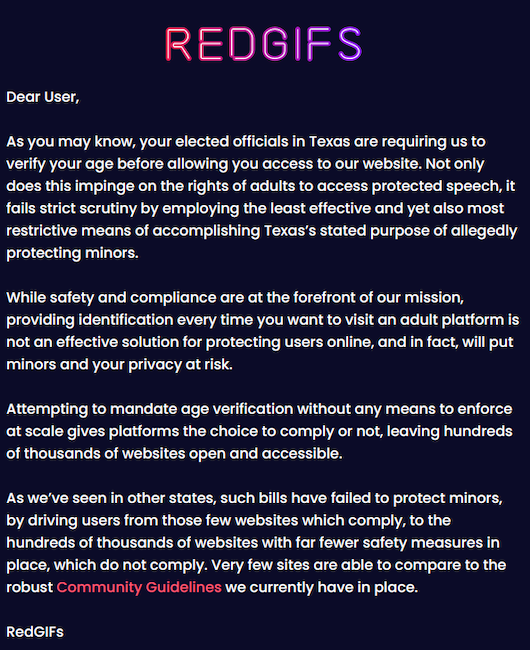
US state laws driving site restrictions (e.g., TX, LA, TN, etc.). As of May 26, 2025, RedGIFs says users located in Tennessee, Louisiana, Alabama, Kansas, Oklahoma, Indiana, Florida, and Texas will see an age-verification notice—and, in the interim, non-creators are blocked while RedGIFs evaluates compliant methods. Only verified creators can log in via Creator Login during this period.
UK Online Safety Act and platform-level age checks. The UK’s Online Safety Act requires porn providers (Part 5 services) to implement “highly effective” age assurance. Ofcom published final guidance in January 2025 and signalled that, from July 25, 2025, sites and apps that allow pornography must have strong checks in place. Expect robust verification flows when accessing adult content in the UK.
How RedGIFs Handles Age Verification
As rules evolve, RedGIFs uses a layered approach. This section outlines what the platform states publicly—and what that means for your experience.
Basic attestation (18+) vs. third-party checks. By policy, access is restricted to users who are 18+ (or older, if local law sets a higher bar). Users must affirm they’re of legal age; where law requires more, RedGIFs may deploy third-party verification, ID document checks, or government digital age tokens to confirm eligibility.
Possible methods: ID, selfie, or approved digital tokens. The exact method can vary by jurisdiction and provider. RedGIFs’ policy explicitly contemplates ID and third-party solutions; UK guidance references “highly effective” age assurance, which in practice often means ID, payment-card checks, or face-matching with liveness. Expect variants of these when the law mandates stronger checks.
What data is kept and for how long (privacy basics). RedGIFs’ policy frames verification as jurisdiction-specific and states that it updates practices as laws and technology evolve. While it doesn’t publish a detailed retention schedule in the policy page itself, it emphasizes legal compliance and the use of third-party providers where required. Always read any consent screens from a verification provider before proceeding.
Common Problems and Quick Fixes (No Hacks, Just Basics)
If you’re seeing errors, the cause is typically either local legal restrictions or routine web hiccups. Try the basics first; if you are physically in a restricted location, the block may be intentional, and non-creators may not be able to proceed until policies change.
Pop-up loops, region mismatch, cache/cookies.
- Age-gate loops can be triggered by stale cookies or a mismatched region signal. Clear your browser cache and cookies, try a different browser, or use a private window to eliminate sticky sessions. If you still see the notice and you’re outside the listed states/regions, RedGIFs specifically advises contacting support.
Location/legal restrictions vs. site outages.
- If you’re in one of the restricted U.S. states above, RedGIFs blocks access for non-creators pending compliance decisions. In the UK, stronger checks may appear; if a flow fails, retry later or check whether the verification provider is experiencing outages. Community reports sometimes describe being stuck on “lite” or in sign-in loops, especially after the UK rules tightened.
When to contact RedGIFs’ support.
- If you’re definitely outside the listed U.S. states and not in a region with heightened checks, but still see age-verification errors after the basics (cache, cookies, different browser), open a ticket from the Help Center. Include your general region, a timestamp, and a screenshot of the exact prompt for faster triage.
*Important: Don’t rely on account-level “age” badges from other platforms (e.g., Reddit). RedGIFs makes clear that only verified creators can log in while state-level restrictions are active; ordinary viewers may remain blocked despite having verified elsewhere.
Safety, Privacy, and Compliance Considerations
Age-assurance laws aim to keep minors off adult sites; they also create new data flows. Protect yourself while staying on the right side of the rules.
Verifying safely: device hygiene and data minimization. Update your OS/browser and use trusted networks. Avoid public/shared devices for ID checks and provide only the minimum required info. If a third party handles it, read the privacy policy first, confirm that it uses HTTPS, and opt out of any optional data collection.
For those asking, is RedGifs safe? It depends on your setup—disable photo auto-backups and delete any local ID images afterward.
The limits of “workarounds.” Some blogs suggest “unblocking” tools to dodge prompts. That can violate platform terms or local law. RedGIFs’ own notice shows the platform may restrict access by jurisdiction pending compliance; attempts to circumvent could lead to account or access issues. Always follow applicable law and site rules.
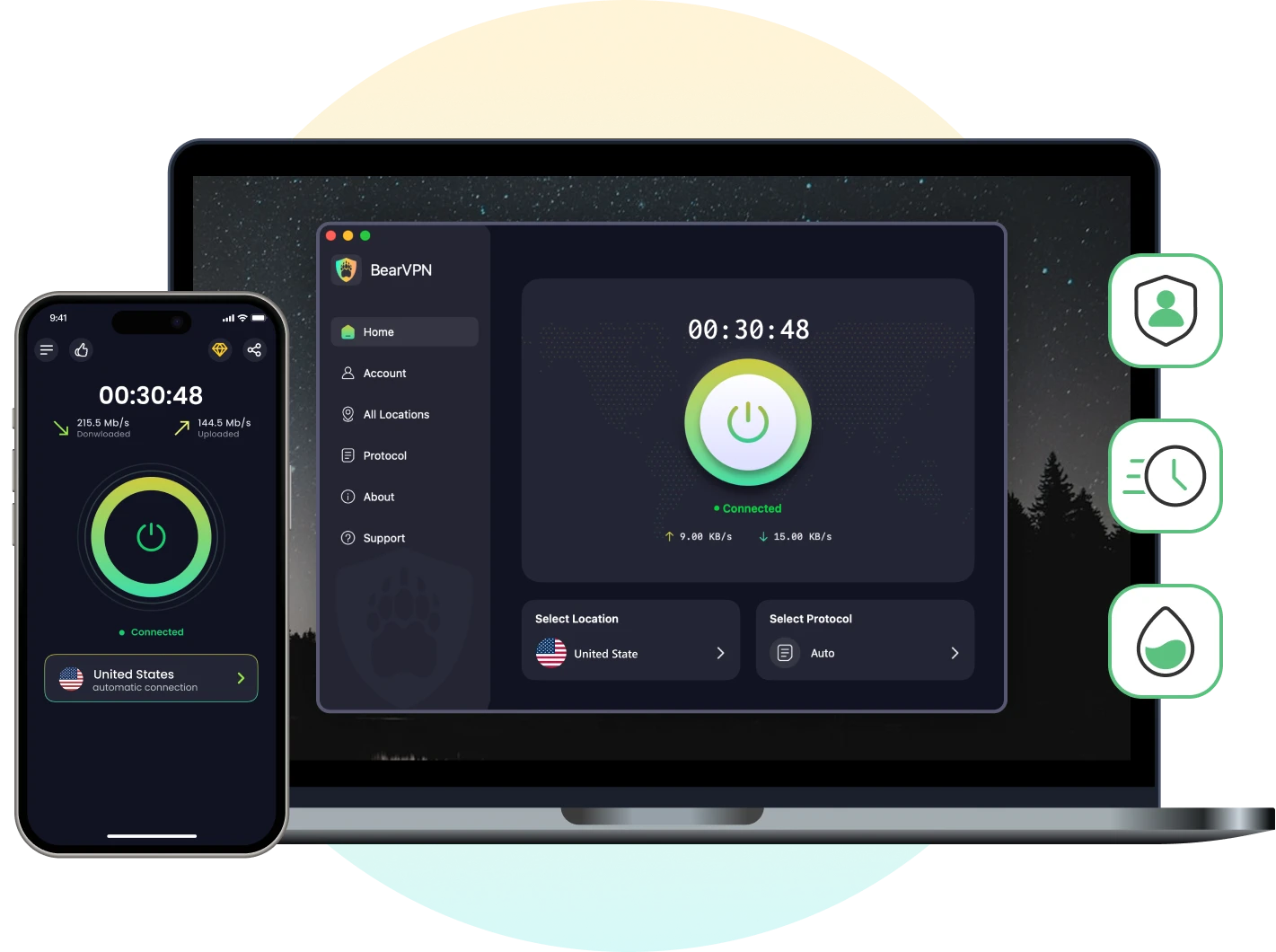
About BearVPN (iOS/Android/Windows). Even when a website uses HTTPS, a local network or ISP can still observe connection metadata such as the destination IP, timing, and traffic volume, and may be able to infer the destination domain. HTTPS prevents them from simply reading the page content, full URL path, or the information submitted inside an encrypted session.
BearVPN encrypts traffic between your device and the VPN server and replaces your public IP with the server’s IP. This can protect the local network path and help test whether RedGIFs is mapping your normal IP to the wrong region. RedGIFs, the verification provider, and any account you sign in to can still see the data you deliberately submit.
A VPN changes the location signal associated with your public IP; it does not prove your age or cancel a legal requirement that applies where you are physically located. Use it to test a genuine IP-geolocation mismatch, not to falsify your eligibility.
Connect to BearVPN to test RedGIFs with a different public IP and encrypt the connection from your device to the VPN server. This can help diagnose an IP-location mismatch; it does not replace required age verification.
For Creators Only: “Verified Creator” Is Different
If you publish content, “verification” refers to authenticating your identity as a creator—not proving you’re 18 to view content.
Requirements, links, and “no-face” option.
- To become a Verified Creator, go to redgifs.com/user/verify, supply at least two links to established creator profiles (e.g., OnlyFans, Fansly), and upload a safe-for-work verification photo with a handwritten sign showing your RedGIFs URL. RedGIFs explicitly allows no-face creator verification if you meet its other requirements.
Why creator verification doesn’t unlock age-restricted viewing.
- Creator verification helps RedGIFs confirm uploader identity and unlocks creator features. It does not automatically bypass user-side age gates or jurisdiction-level restrictions. During state-level lockouts, only verified creators can log in, and even then, this is about account access for uploading—not general viewer access.
Conclusion
Age verification on RedGIFs reflects laws that changed rapidly in 2025. The practical result: if you’re in certain U.S. states, non-creators can be blocked while RedGIFs evaluates compliant verification methods; in the UK, expect strong checks in line with Ofcom guidance.
Treat verification flows like online banking: update your device, review provider privacy terms, and share only what’s required. And remember, creator verification is separate—it helps uploaders, not viewers, and won’t bypass regional rules. If you’re outside restricted regions and still stuck after basic troubleshooting, contact RedGIFs support with details.
Related articles:
How to Download Videos from RedGIFs
FAQ
The notice listed Tennessee, Louisiana, Alabama, Kansas, Oklahoma, Indiana, Florida, and Texas. Platform responses and state rules can change, so check the latest RedGIFs notice before relying on this list.
Age badges from other platforms don’t carry over. RedGIFs applies its own user access rules and—where required—third-party checks. Jurisdictional restrictions can still apply regardless of other accounts.
Since July 25, 2025, sites that allow pornography in the UK must use strong age checks. If a provider’s flow glitches, retry later, switch browsers, or contact support. Community reports note occasional loops after the rules tightened.
RedGIFs uses third-party providers for ID-based verification — your document goes to their system, not directly to RedGIFs. Before proceeding, check the provider’s privacy policy for data retention period, whether the image is deleted after verification, and whether they share data with advertisers. Use a private network rather than public Wi-Fi when uploading any identity document, and delete any local copies of your ID photo afterward.
It depends on the problem. If RedGIFs maps your normal IP to the wrong region, BearVPN can provide another public IP for comparison. It cannot prove your age or remove a legal requirement that applies to your actual location. For privacy, it encrypts traffic between your device and the VPN server, while RedGIFs and any verifier still receive information you choose to submit.


![How to Change YouTube TV Location [Still Works in 2026]](/_next/image/?url=https%3A%2F%2Fcms.bearvpn.com%2Fwp-content%2Fuploads%2F2026%2F06%2Fhow-to-change-location-youtube-tv.webp&w=640&q=75)