


You probably found RedGIFs through a Reddit thread or a friend’s link and asked the natural question: Is RedGIFs safe? This guide gives you a balanced, plain-English answer. You’ll see the real risks (pop-ups, fake downloaders, and privacy issues), practical safety steps, mobile tips for iPhone and Android, fixes for “RedGIFs not loading,” and when a mobile VPN is necessary.
What RedGIFs Is—and Why Safety Questions Keep Coming Up
Before you decide how to use it, it helps to be clear about what RedGIFs is. It’s an adult-content hosting platform that’s frequently embedded or linked across communities, especially Reddit. The safety concerns you see on search and in “is RedGIFs safe reddit” threads mostly stem from ads, third-party tools, and privacy misunderstandings rather than the core site itself.
RedGIFs hosts looping videos and GIF-style clips and relies on advertising and embeds, which is where many users encounter sketchy pop-ups or redirects. Those behaviors can feel unsafe even if your device isn’t actually infected. Your goal is to cut exposure to risky clicks, verify links, and keep your device and browser hygiene in good shape.
Is RedGIFs Safe? The Short, Nuanced Answer
The short answer is: visiting the official RedGIFs site is generally as safe as visiting any mainstream ad-supported site, but your risk rises when you interact with aggressive pop-ups, unknown “RedGIFs downloader” sites, or copycat domains. The most common problems are nuisance ads, misleading “update your player” prompts, and privacy gaps—not confirmed, site-wide malware.
If you stick to the legitimate domain, avoid suspicious prompts, and keep your device updated, you significantly reduce risk. The biggest red flags are mirrors that look like RedGIFs but aren’t, download buttons that don’t match the page layout, and requests to install random extensions or APKs.
Common Risks: Pop-Ups, Fake Downloaders, and Mirrors
Safety issues tend to cluster around three places: on-page pop-ups/redirects, off-site tools claiming to “download RedGIFs videos,” and unfamiliar domains that mimic the brand. None of these are unique to RedGIFs, but they are the reason “can RedGIFs give you a virus” shows up as a long-tail keyword. Treat them all as potential risks, not guaranteed infections.
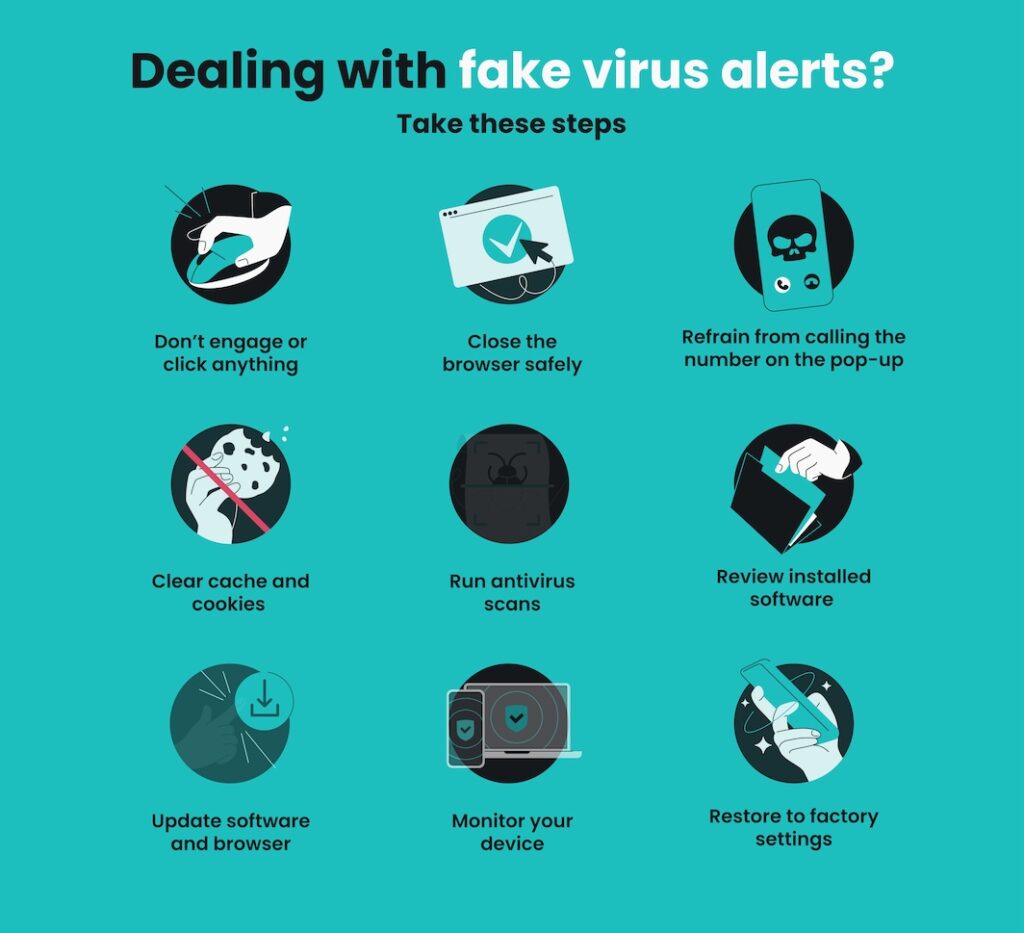
- Pop-ups and redirects: Close the tab if you see an unexpected full-screen prompt, a fake “phone infected” alert, or a demand to “allow notifications” to continue.
- Third-party downloaders: Many rank for “is RedGIFs downloader safe” but ask for excessive permissions, throw extra ads, or bundle unwanted software.
- Copycat domains: If a link takes you to a URL that’s slightly off (extra letters, different TLD), back out. Mirrors often exist to harvest clicks and data.
Beyond Ads: Zombie Scripts and Resource Hijacking
Heavy autoplaying media, poorly optimized pages, browser bugs, and third-party scripts can all cause high CPU use, memory consumption, overheating, or rapid battery drain. A tab that continues consuming resources after you leave the page may also point to a problematic extension or browser process.
Close the tab or force-quit the browser, update the browser and operating system, remove unknown extensions, and run a security scan if the behavior continues. A reputable content blocker can reduce unwanted scripts. A VPN protects the network connection, but it does not stop JavaScript or repair a compromised browser.
Is RedGIFs Safe on iPhone or Android?
On mobile, the most common questions are “is RedGIFs safe on Android?” and “is RedGIFs safe on iPhone?” The risks are similar to desktop—pop-ups, redirects, fake downloaders—but two behaviors matter more on phones: sideloading and notification spam. Avoid installing any APKs tied to “video downloads.” On iOS, don’t grant push-notification permissions to sites that don’t need them.
Update your browser (Chrome, Safari, Firefox) and your OS regularly, clear site data if you notice aggressive re-prompts, and disable sketchy content blockers or extensions temporarily if they break page playback. You’ll trade a little convenience for a lot more control and fewer surprises.
The “Streaming is Safe” Fallacy: Media Parser Exploits
Many superficial safety guides claim that as long as you “never download” and only stream the videos, your device is perfectly immune to malware. When asking is redgifs safe, relying on this assumption is a massive cybersecurity vulnerability.
In rare cases, a specially crafted media file may exploit an unpatched flaw in a browser or operating system media decoder. That possibility is not evidence that ordinary RedGIFs videos contain malicious payloads. Keep your browser and operating system updated, avoid unknown download tools, and do not install a codec or extension requested by a pop-up. A VPN cannot patch a browser vulnerability or scan the media being rendered.
Practical Safe-Browsing Steps for RedGIFs (No Tech Degree Needed)
You don’t need a toolbox of security apps to browse smarter. A few default settings and habits will cover most of the “Is RedGIFs safe?” scenarios, reduce ad noise, and protect your data. Start with your browser, then your device, and finally your network—small changes compound into a safer experience.
- Keep pop-up blocking on and notifications off for unfamiliar sites.
- Never click “update your player” banners from a web page; update only through your OS/app store.
- Use a reputable content blocker; if playback breaks, whitelist selectively rather than disabling everything.
- Don’t use random “RedGIFs video downloader” websites or apps; if you must save media, understand the site’s terms and use trusted methods.
- Review privacy settings: clear cookies and site data periodically, and limit cross-site tracking where possible.
- Run up-to-date anti-malware on Android; on iOS, keep system updates current and avoid profile installs from unknown sources.
Troubleshooting: RedGIFs Not Loading or Not Working (Quick Fixes)
When “RedGIFs not loading” spikes as a query, the culprit is usually caching, an extension conflict, or a flaky network. Work through the least-disruptive fixes first to isolate the problem quickly. If you can load other video sites, you can usually restore RedGIFs by resetting a few things and switching connections.
- Refresh the basics: Hard refresh, then clear cookies/site data for RedGIFs only.
- Check extensions: Turn off aggressive blockers briefly; re-enable them after testing.
- Try another connection: Switch from Wi-Fi to mobile data (or vice versa) to rule out local filtering.
- Change DNS: Try a well-known resolver (e.g., your OS’s “Private DNS” or “iCloud Private Relay” if available).
- Update browser/OS: Old media engines break playback; updates fix more than you think.
- As a last resort: Test in an alternate browser to confirm it’s not a rendering quirk.
Age Gate, Legality, and Privacy Essentials on RedGIFs
RedGIFs hosts 18+ content, so you should only use it if you are of legal age in your location. That part is straightforward; the nuance is privacy. Adult sites typically use cookies, CDNs, and analytics like many other media platforms. If privacy matters to you, keep your browsing compartmentalized and avoid logging into personal accounts in the same session.
You’re responsible for following local laws and site terms. Avoid off-site “verify your age” pages that ask for excessive personal data or payment info. If you ever feel pressured to share government ID with a third-party site you didn’t initiate, stop and verify you’re still on the official domain.
API Vulnerabilities: The Silent Threat of Data Scraping
Automated scraping can collect public profiles, posts, media links, and other information exposed by a website or its API. The risk is greater when a platform reveals more data than intended or when users attach identifying details to a public profile.
An API scrape does not automatically reveal every viewer’s private browsing history or permanently connect it to a home IP address. Limit the personal information attached to your account, review profile visibility, and avoid reusing identifying usernames. BearVPN can mask your normal public IP from websites, but it cannot remove information that is already public or stored in an account.
You may also like: RedGIFs Age Verification: What’s Required & How to Bypass
Safer Alternatives If You’re Uncomfortable With RedGIFs
If your main worry is the ad environment rather than the content itself, you might prefer more general-audience hosts or communities with stricter ad policies. These won’t be one-to-one substitutes for RedGIFs, but they can satisfy “quick loop” use-cases without the same pop-up profile you associate with adult platforms.
Look for reputable image/GIF hosts that are transparent about data use, have clear reporting tools, and don’t push executable downloads. When you compare options, check the domain age, HTTPS default, visible company information, recent community feedback, and how they respond to takedown and abuse reports.
Best VPN for Safer RedGIFs Browsing
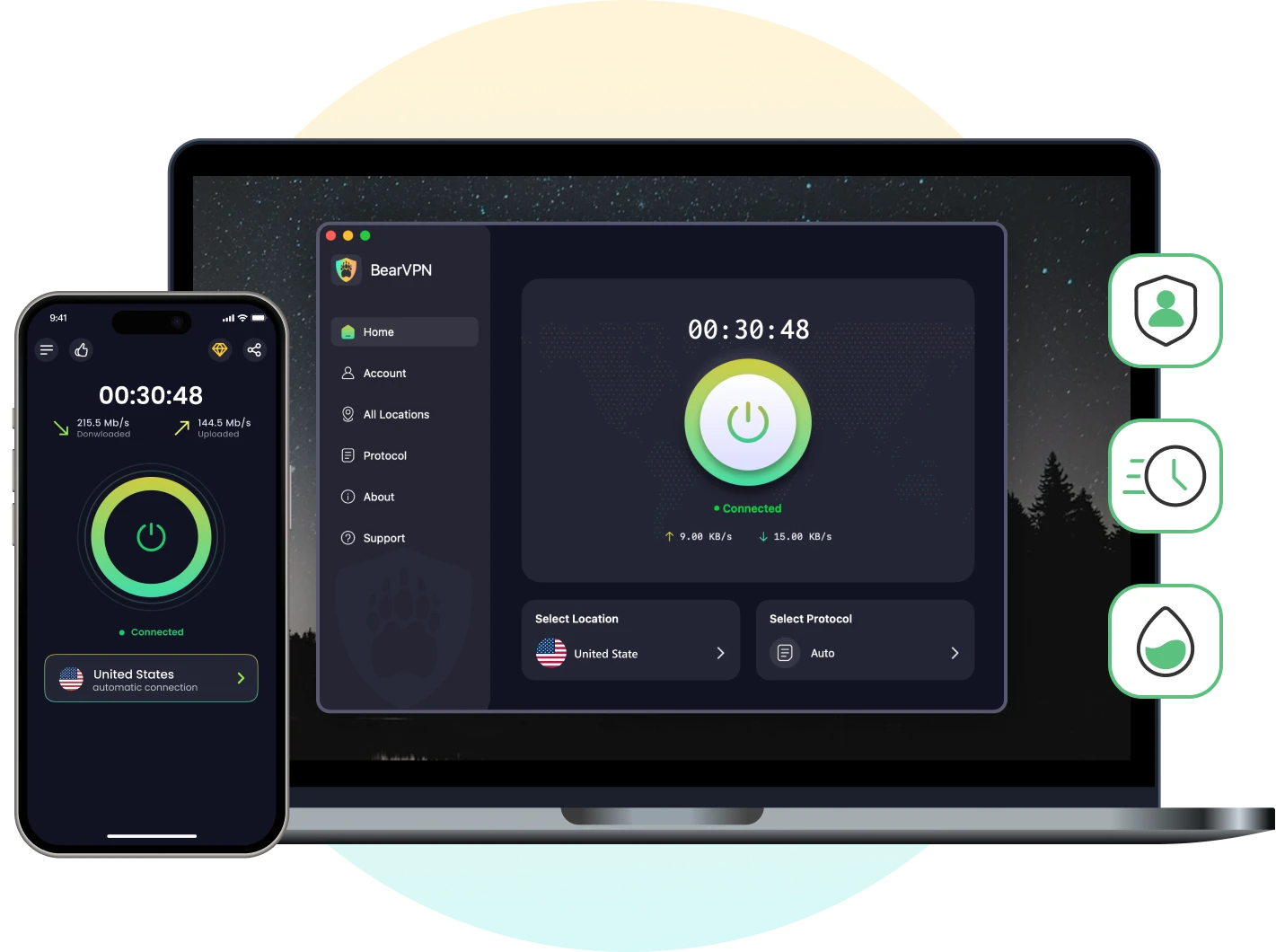
A VPN is useful for the network-privacy part of RedGIFs browsing. It can mask your normal public IP and protect traffic between your device and the VPN server, especially on public or shared Wi-Fi.
BearVPN may also help when RedGIFs is blocked by the current Wi-Fi network. It cannot block every pop-up, inspect a downloaded file, stop a malicious script, or make a copycat domain safe.
Use BearVPN together with an updated browser, device security, careful permission choices, and a strict rule against unknown downloaders or extensions.
BearVPN Technical Advantages at a Glance:
- Public IP Protection: Replace your normal public IP with the IP of the VPN server before opening RedGIFs.
- Connection Encryption: Protect traffic between your device and the VPN server on home, public, or shared networks.
- Optional App Routing: Route a dedicated browser through BearVPN when the feature is available on your device and you understand which traffic is included.
- Cross-Platform Apps: Use BearVPN on Android, iOS, Windows, or macOS.
3 Steps to Secure Your Browsing Session
Step 1: Protect the Network Connection
Connect to BearVPN before opening RedGIFs. This masks your normal public IP and protects traffic between your device and the VPN server.
Step 2: Confirm What Is Using the VPN
If you use app-based routing or split tunneling, confirm that your private browser and all relevant traffic are included. When in doubt, use the normal full-device VPN connection.
Step 3: Keep Browser and Device Defenses Enabled
Use an updated browser and operating system, reject unexpected notification or extension requests, and close pages that open suspicious redirects. Incognito mode limits local history; it does not block scripts, scan downloads, or make a risky site safe.
BearVPN masks your public IP and encrypts traffic between your device and the VPN server. It cannot block every pop-up, script, fake downloader, or malicious file, so keep your browser and device protections enabled.
FAQ: Quick Answers to Top “Is RedGIFs Safe?” Questions
You’ll see the same questions repeated across forums and SERP features. Use these concise answers as a practical baseline. When in doubt, default to the safest action: close the tab, recheck the URL, and update your software.
Not directly, if you stick to the official site and ignore pop-ups. The biggest risk is clicking deceptive prompts, installing shady extensions/APKs, or visiting look-alike domains. Avoid third-party downloaders and never install software suggested by a web banner.
It’s a well-known platform, especially through Reddit embeds, but “legit” isn’t the same as “risk-free.” Legitimacy refers to the real brand and domain. Safety depends on your habits—blocking pop-ups, refusing unknown downloads, and staying updated.
Treat it as risky by default. Many “downloaders” monetize through aggressive ads or bundle extras you don’t want. If saving media is important, look for reputable, well-reviewed tools and understand the site’s terms before you attempt any downloads.
Because ad networks and bad actors try to capture clicks on high-traffic pages. Use built-in blockers, keep notifications disabled for unfamiliar sites, and close any tab that claims your device is infected or urges you to install a “fix.”
Yes, if you avoid sideloading, keep your OS/browser updated, and don’t grant unnecessary permissions or notifications. On Android, be cautious with APKs; on iOS, be wary of configuration profiles from unknown sources.
Hard refresh, clear site data, test another connection (cellular vs. Wi-Fi), temporarily disable aggressive blockers, try a different DNS, then update your browser/OS. If it only fails on one network, a mobile VPN can provide a clean path.
Conclusion
RedGIFs is a recognized platform, but the official domain, third-party redirects, fake download tools, and files opened outside the site do not carry the same level of risk. Stay on the official domain, keep your browser and operating system updated, reject suspicious downloads and permission requests, and close any unexpected redirect.
For network privacy, connect to BearVPN before opening RedGIFs to mask your normal public IP and protect the connection between your device and the VPN server. BearVPN cannot inspect scripts or downloaded files, so use it together with browser and device security.



