The best free VPN for most Windows PC users is Proton VPN Free because it offers unlimited data and a native Windows app. Windscribe Free is better if you want more control over server location, while PrivadoVPN Free may suit occasional streaming within its monthly high-speed data allowance.
We compared each option by Windows coverage, data allowance, server access, privacy features, registration requirements, and important free-plan restrictions. Free-plan terms can change, so check the provider’s current terms before downloading.
Quick Comparison: Best Free VPNs for PC
The table below reflects information published by each provider as of September 2026. Free-plan terms can change, so confirm the current allowance and supported features before downloading.
How We Evaluated These Free PC VPNs
This comparison was source-checked on September 20, 2026. BearVPN did not independently reproduce every speed and leak test listed below. We reviewed each provider’s current free-plan documentation and compared it with published Windows testing from RTINGS, TechRadar, Tom’s Guide, and PCWorld.
Because these publications used different internet connections, devices, protocols, and server locations, their raw speed results are not directly comparable. We use the results as supporting evidence—not as a single head-to-head benchmark—and prioritize current plan limits, Windows coverage, account requirements, and independently reported security behavior.
Published Test Results and Free-Plan Limits
The published speed figures above should not be interpreted as proof that one VPN will always be faster. Your result will depend on the original connection, server distance, congestion, protocol, device, and location.
Free VPN Plans for Windows PC Compared
1. ProtonVPN: Best for Unlimited Data

ProtonVPN is one of the most trusted names in the VPN industry, particularly when it comes to privacy and security. Its free plan offers unlimited data, which is rare in the world of free VPNs.
Key Features:
- Unlimited Data: The most significant advantage of ProtonVPN’s free plan is the unlimited bandwidth. No more worrying about data limits – you can browse, stream, or game without hitting a cap.
- Strong Security: Based in Switzerland, ProtonVPN is subject to some of the strongest privacy laws in the world. It uses AES-256 encryption and adheres to a strict no-logs policy.
- Free Server Access: Proton VPN Free automatically connects Windows users to an available free server in one of 10 countries, including the Netherlands, Japan, Romania, Poland, Norway, Singapore, Canada, Mexico, Switzerland, and the United States. You do not get the same location control or complete server network included with Proton VPN Plus.
- Performance: Proton VPN does not impose a data cap on its free plan, making it suitable for longer browsing sessions. Performance can still vary with server load, network conditions, and the automatically assigned location. Worldwide streaming support and high-speed Plus servers are promoted as paid features.
For users who want unlimited data and top-tier security, Proton VPN should be the best free VPN for PC.
Proton VPN Free is difficult to beat if unlimited data is your only priority. Its main tradeoff is control: free users are automatically assigned to available locations and do not receive the complete paid server and streaming feature set. BearVPN Premium gives Windows users direct access to 2,000+ servers across 50+ locations, making it the stronger option when server selection matters.
2. Windscribe: Best for Privacy

Windscribe is a flexible free VPN for Windows users who want more control over server location. Its free plan includes 2 GB of monthly data by default, increasing to 10 GB after you add and confirm an email address. This is significantly more than most free VPNs, making it a solid choice for light streaming and browsing.
Key Features:
- 10 GB of Data per Month: You receive 2 GB per month without email verification or 10 GB after confirming an email address. That is enough for browsing and occasional video, but regular HD streaming can exhaust the allowance quickly.
- Server Locations: The free plan includes servers in 10 countries, providing more location choice than free services that assign a server automatically. Access to individual streaming platforms is not guaranteed and can change.
- Privacy and Security: Windscribe offers strong encryption (AES-256) and is committed to a no-logs policy. It also includes features like ad-blocking and malware protection, making it a privacy powerhouse.
- Speed: Windscribe says it does not deliberately throttle free accounts, although performance can still fall when shared servers are busy. The monthly data cap remains the more important limitation for streaming, downloading, and gaming.
If you are fine with a limited 10 GB data per month and want access to servers in multiple countries with a focus on privacy, Windscribe is the best free VPN for PC.
3. hide.me Free: Best for Unlimited Data Without Sign-Up

hide.me Free is a strong option for PC users who want unlimited data without entering payment details or creating a traditional account. Its Windows app provides the same core encryption as the paid service, but the free tier restricts speed, server choice, and simultaneous connections.
Key Features:
- Unlimited Data: hide.me no longer places a fixed monthly data cap on its free plan, so you can keep the VPN connected without watching a usage meter.
- No Registration Required: You can start using the free service without providing payment information or completing a traditional account registration.
- Eight Locations: Free users can choose from eight server locations, while the Premium plan provides a much larger network.
- One Connection: The free plan supports one connected device at a time.
- Restricted Speeds: Free users receive restricted performance, and hide.me reserves its streaming-optimized servers for Premium subscribers.
hide.me Free is a practical alternative to Proton VPN for users who want unlimited data and some location choice. However, its restricted speeds and lack of free streaming-optimized servers make it less suitable for demanding video or gaming sessions.
4. Opera Free VPN: Best Browser-Only Option
If you’re looking for a simple, no-fuss solution for basic browsing, Opera VPN is a solid choice. It’s built right into the Opera browser, so you don’t have to install any third-party software.

Key Features:
- No Data Limits: Opera’s free VPN has no data caps, allowing you to browse and stream without worrying about limits.
- Built-in VPN: Since it’s integrated directly into the Opera browser, it’s incredibly easy to use. You don’t need to install any extra software or configure any settings.
- Virtual Locations: Opera Free VPN lets you choose from three general regions—the Americas, Asia, and Europe—rather than selecting a specific country or city.
- Browser-Only Protection: Opera encrypts traffic inside the Opera browser, but it does not protect Discord, Steam, games, torrent clients, or other Windows applications. This makes it useful for casual browsing rather than full-device privacy.
5. PrivadoVPN Free: Best for Occasional Streaming
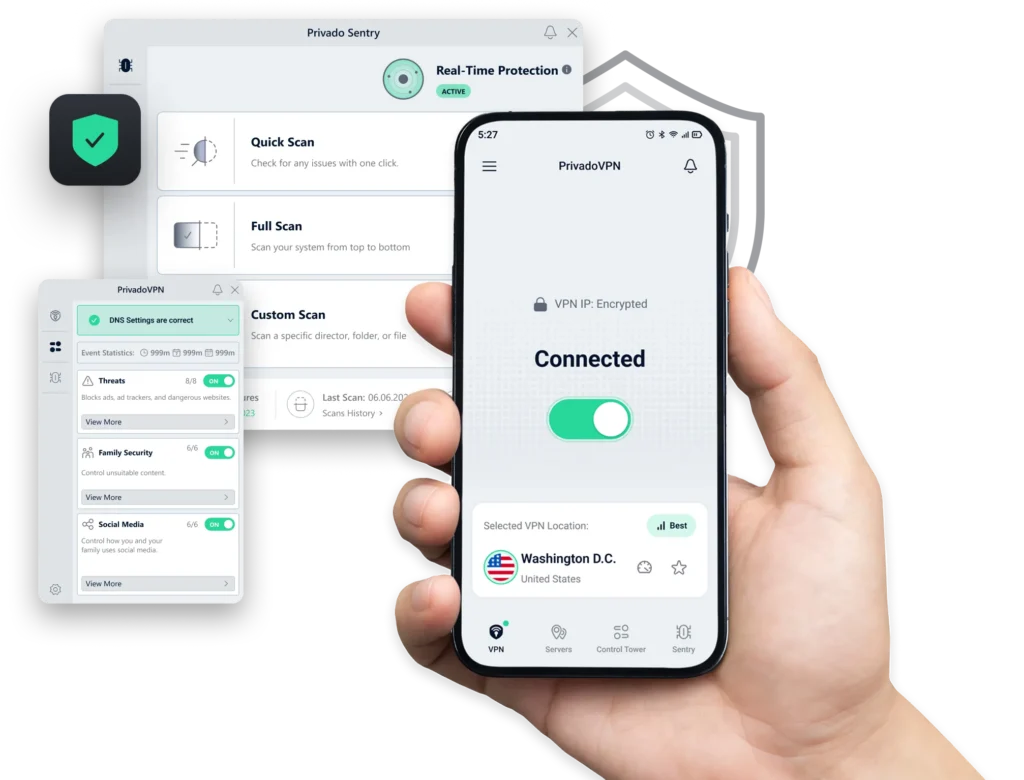
PrivadoVPN Free gives Windows users 10 GB of full-speed data every 30 days. After that allowance is exhausted, the account can continue in a restricted Lite Mode until the next renewal. It is a useful option for occasional streaming or travel, but the data allowance is too small for frequent HD viewing or large downloads.
Key Features:
- 10 GB Data per Month: PrivadoVPN provides 10 GB of high-speed data every 30 days. Even if you exceed this limit, you can continue browsing at a reduced speed, ensuring you’re never completely disconnected.
- Good Security: Based in Switzerland, PrivadoVPN benefits from some of the world’s strongest privacy laws. It uses AES-256 encryption and includes a functional Kill Switch on its PC client to prevent data leaks.
- Server Locations: PrivadoVPN currently advertises 13 free server locations. The exact countries and available endpoints may change, so check the current server list inside the app before relying on a particular region.
- Performance: PrivadoVPN does not impose a separate speed throttle while you remain within the 10 GB monthly allowance. Actual speed and streaming access still depend on server load, distance, your network, and the platform being accessed.
With more options than most, it’s a great alternative to cracked VPNs for those seeking variety without the malware risk.
When Is a Free VPN Enough for a PC?
A reputable free VPN can be enough for occasional browsing, protecting traffic on shared Wi-Fi, changing the public IP address visible to websites, or testing whether a VPN works on your network before paying.
However, the free option may become frustrating when you need:
- Several hours of HD or 4K video.
- Large game downloads or frequent updates.
- A specific country or city.
- Stable access to a particular streaming platform.
- Multiple simultaneous PC and mobile connections.
- Consistently available servers during busy periods.
Can You Use a Free VPN for PC Gaming?
You can, but a free VPN is rarely ideal for competitive gaming. A nearby VPN server may provide a different route to the game server, but encryption and longer routing can also increase latency. A VPN does not automatically reduce ping, prevent every DDoS attack, or change a game account’s registered region.
For gaming, prioritize:
- A device-wide Windows app rather than a browser VPN.
- A nearby free server.
- No restrictive data cap.
- Stable connection and leak protection.
- Compatibility with the game’s terms and anti-cheat rules.
Opera Free VPN is not suitable for protecting game traffic because it works only inside Opera. Proton VPN’s unlimited allowance is more practical for longer sessions, although automatic server selection limits routing control.
Can You Stream With a Free VPN on Windows?
Sometimes, but free streaming access is inconsistent. Streaming services can block VPN IP addresses, while a provider may reserve streaming-optimized servers for paid accounts. Data caps are another problem: 2 GB or 10 GB can disappear quickly when watching HD video.
Use a free VPN mainly for testing. If a service shows a proxy error, do not assume switching servers will always solve it. Streaming availability depends on the provider, platform, account region, licensing rules, and current IP detection.
When a Free PC VPN Is No Longer Enough
Free Windows VPNs usually make you trade one limitation for another: Proton VPN restricts server control, Windscribe and PrivadoVPN limit high-speed data, and Opera protects only browser traffic. These restrictions become difficult to ignore when you regularly stream, game, download large files, or need a specific server location.
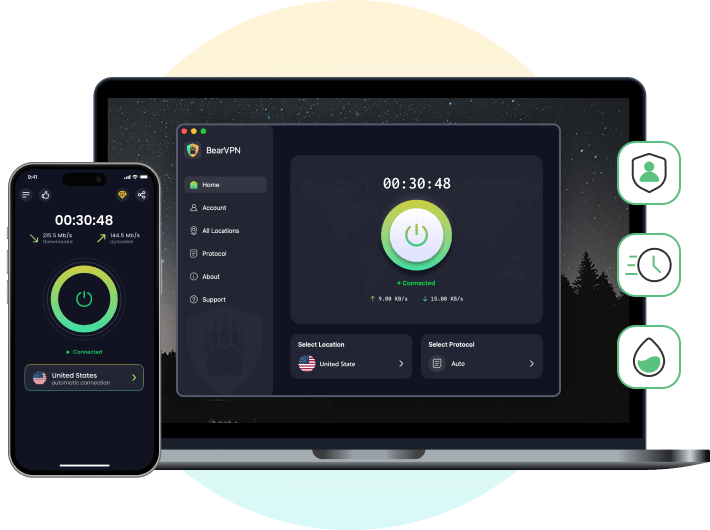
- Choose from 2,000+ servers across 50+ locations.
- Stream, game, and download without a free-tier data cap.
- Protect up to 10 devices with one Premium plan.
Safety Check Before Installing a Free PC VPN
Do not install a free VPN merely because it has a high rating or promises unlimited access. Check who operates it, how the service is funded, what data its privacy policy permits it to collect, and whether the Windows installer comes from the official domain.
A VPN encrypts traffic routed through its tunnel and masks your public IP. It does not replace antivirus software, stop phishing, remove browser fingerprints, or protect information you voluntarily enter into a website.
Which Free VPN Should You Choose for Your PC?
Choose Proton VPN Free if unlimited data and straightforward Windows protection matter most. Choose Windscribe Free if you want more location control and can stay within its monthly allowance. hide.me Free combines unlimited data with eight free locations, but restricts speed and supports one connection. PrivadoVPN Free is useful for occasional streaming within its monthly allowance, while Opera Free VPN is suitable only when browser-level protection is enough.
No free VPN is automatically the best for every user. Check the current plan terms, download only from the official provider, and remember that server load, distance, your ISP, and the destination service can all affect performance.
Still choosing which free-plan limit to accept? BearVPN Premium gives your Windows PC full-app protection, unlimited bandwidth, direct server choice across 50+ locations, and coverage for up to 10 devices. Windows access is paid; BearVPN’s unlimited free option remains available on Android and iOS.
Ready to stop working around free-tier limits?
FAQ
Proton VPN Free is the best option for most PC users because it provides unlimited data and a native Windows app. Windscribe Free is a good alternative if you want to choose among more locations, but it limits monthly data. The best option still depends on whether you prioritize unlimited browsing, location choice, streaming, or ease of use.
Yes. Proton VPN, Windscribe, PrivadoVPN, and hide.me offer ongoing free Windows plans, while Opera provides an unlimited browser-only VPN. Each option limits something—such as locations, speed, devices, server control, or protection outside the browser. BearVPN offers unlimited free access on Android and iOS, but its Windows and macOS apps require Premium access.
Proton VPN Free currently provides unlimited data for its Windows app. Opera Free VPN also has no data cap, but it protects only traffic inside the Opera browser. Some providers change their free-plan allowances, so verify the latest terms on the official website before installing.
Some established free VPNs can be safe, but “free” alone says nothing about privacy. Check the provider’s ownership, business model, logging policy, encryption, app permissions, and independent audits. Download the installer only from the official website. A VPN does not replace antivirus software or protect you from every malicious site.
Yes, but free VPNs may have crowded servers, limited locations, or data caps. They can also increase ping when the VPN server is far from the game server. Choose a device-wide Windows VPN, connect to a nearby location, and check the game’s rules. Opera’s free browser VPN does not protect game traffic.