Logo
Why BearVPN
Features
Desktop
Mobile
See All >
Pricing
Blog>
Supports>
Tools>
Log in
Download Now
Toggle Menu
Features
  • VPN Servers
  • VPN for Streaming
  • VPN for Gaming
  • Access Any Websites
  • Free VPN for iOS
  • Free VPN for Android
Tools
  • What Is My IP
  • IP Lookup
  • IPV6 Lookup
  • Website Down Checker
VPN Servers
  • USA VPN
  • Turkey VPN
  • Iraq VPN
  • Syria VPN
  • Egypt VPN
VPN for Gaming
  • Roblox VPN
  • Brawl Stars VPN
  • Oculus Quest VPN
  • Epic Games VPN
  • Clash of Clans VPN
VPN for Apps
  • TikTok Live VPN
  • Facebook VPN
  • Telegram VPN
  • Chaturbate VPN
  • OmeTV VPN
VPN for Streaming
  • Netflix VPN
  • World Cup Vpn
Resources
  • Blog
  • Contact Us
  • Research
About BearVPN
  • About Us
  • Transparency Report
  • Privacy Policy
  • Terms of Service
  • Refund Policy
Best Free VPNs for PCBest VPN for OmeTVBest VPNs for AndroidBest VPNs for StreamingBest Free VPN for iPhoneIs VPN Legal in Saudi ArabiaApps Banned in the USVPN Not Working in QatarVPN Not Working for TikTokIs Chaturbate Safe?
Windows
Windows
macOS
macOS
Android
Android
iOS
iOS
Follow us
  • X IconX Icon
  • Youtube IconYoutube Icon
  • TikTok IconTikTok Icon
  • Discord IconDiscord Icon
  • Telegram IconTelegram Icon
Payment methods
  • Payment provider icon
  • Payment provider icon
  • Payment provider icon
  • Payment provider icon

© 2026 BearVPN. All Rights Reserved.

 > VPN for Gaming
 > Roblox VPN
BearVPN App Store rating
4.8/5 (11K Ratings) on App Store
BearVPN App Store
BearVPN App Store rating
4.8/5 (11K Ratings) on App Store
BearVPN App Store

Best Roblox VPN: Unblock & Play Securely

Don't let school firewalls or ISP throttling stop your game. BearVPN provides a secure, stable tunnel to Roblox servers, keeping your connection private and helping you avoid the lag spikes that ruin your session.
  • Bypass network blocks at school, work, or on public Wi-Fi.
  • Shield your IP against DDoS attacks and malicious snooping.
  • Stabilize your connection and reduce ping caused by poor ISP routing.
Go PremiumGet BearVPN
Refund policy varies by plan
Go PremiumGet BearVPN
Refund policy varies by plan
Free DownloadDownload Now
Available on:
Free DownloadDownload Now
Available on:
Free DownloadDownload Now
Available on:
BearVPN
Download Icon
BearVPN
Download Icon

How to get back into Roblox safely
Setting up a VPN for Roblox is quick and easy. Just follow these simple steps to get started:
1
Download
Download
Download and install the BearVPN app on your PC, mobile, or tablet.
2
Connect
Connect
Select a server location. For the best ping, choose one geographically close to your preferred Roblox data center.
3
Play
Play
Launch Roblox and enjoy your session. BearVPN’s encrypted tunnel ensures you stay connected without unwanted interference.

Why you need a Roblox VPN

Unblock Roblox anywhere
Unblock Roblox anywhere

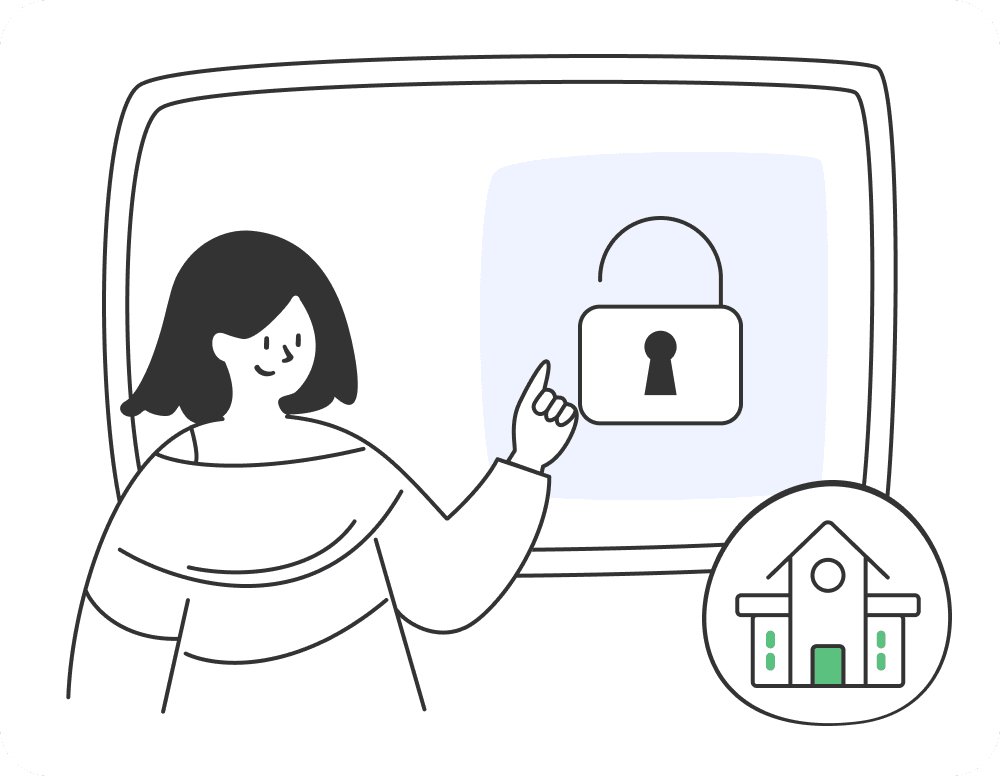
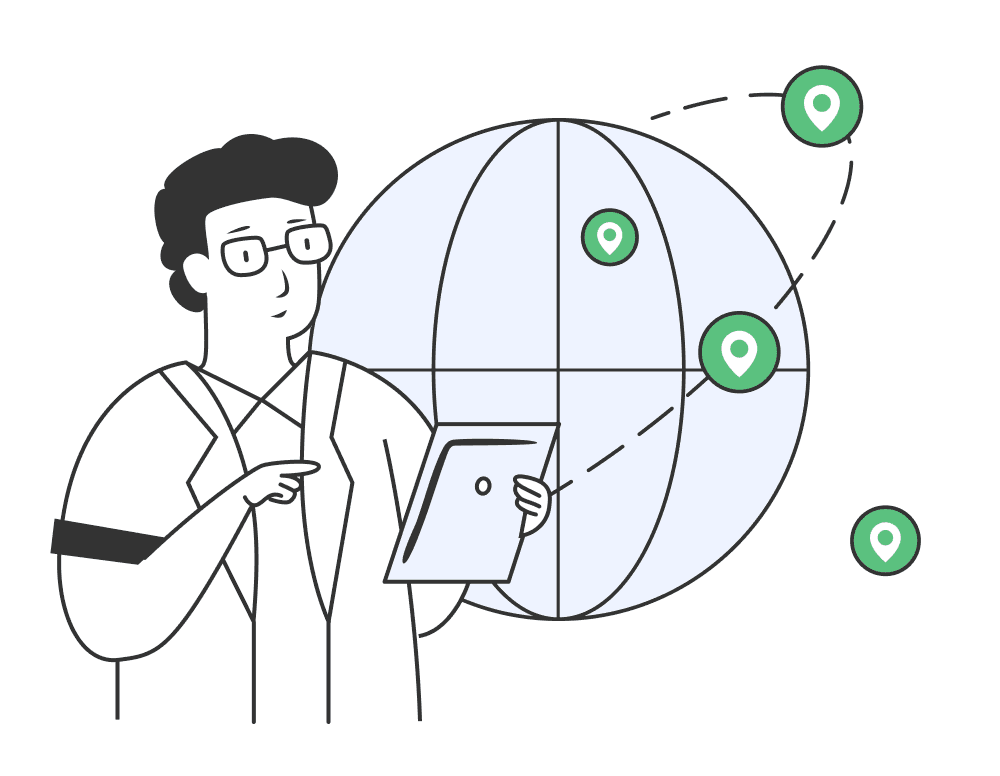
School and office networks often block game servers to restrict bandwidth. BearVPN hides your gaming traffic, letting you bypass these firewalls so you can play your favorite experiences during your break.
Go PremiumGet BearVPN
Free DownloadDownload Now
Unblock Roblox anywhere
Play in restricted regions
Play in restricted regions

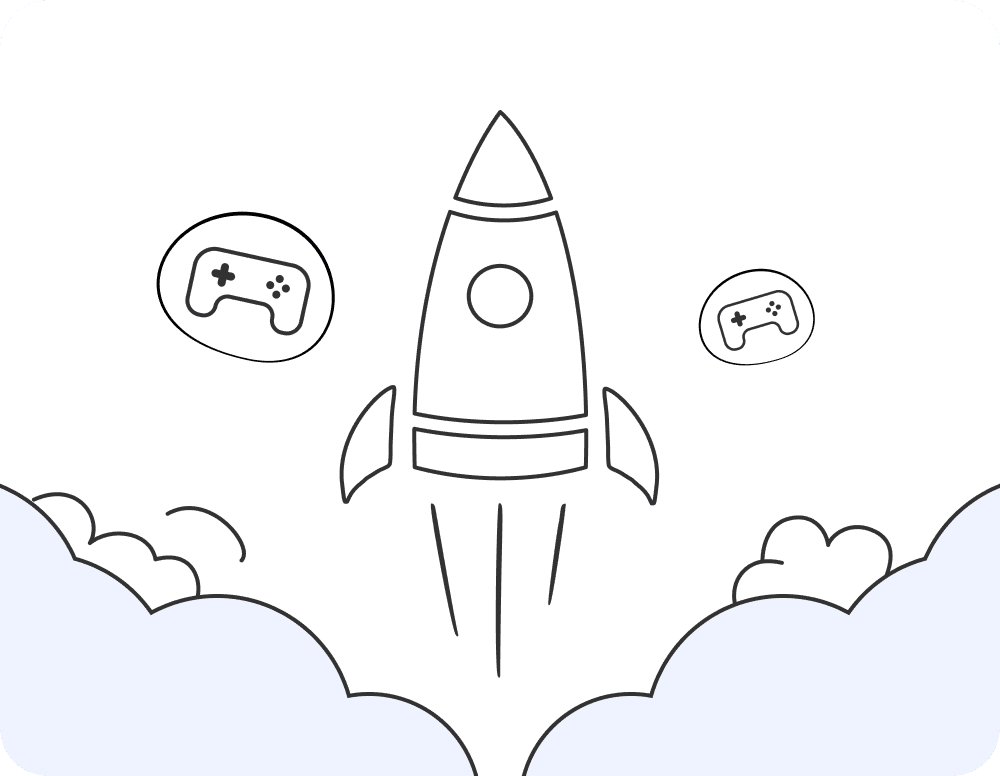
If Roblox is unavailable in your region, BearVPN allows you to connect via a server in a supported country, ensuring you never lose access to your account or your favorite games.
Go PremiumGet BearVPN
Free DownloadDownload Now
Play in restricted regions
Stop ISP throttling

Stop ISP throttling

If your game starts lagging during peak hours, your ISP might be throttling your gaming traffic. BearVPN encrypts your connection, so your ISP can't identify or slow down your Roblox activity.
Go PremiumGet BearVPN
Free DownloadDownload Now
Stop ISP throttling

Best VPN locations for Roblox

•United States
•United Kingdom

How to choose the best Roblox VPN

When selecting a VPN for Roblox, look for key features like speed, server variety, connection stability, robust security, and dependable customer support. These factors ensure a smooth and secure gaming experience.

Extensive server network

Extensive server network

With 2,000+ servers, BearVPN ensures you have options. We don't use overcrowded, "poisoned" IPs like free VPNs, which significantly reduces the risk of your account being flagged or banned by Roblox.
Ultra-fast speeds

Ultra-fast speeds

We prioritize gaming traffic. Our ultra-fast servers provide the consistent throughput needed to keep your ping low and your gameplay smooth, even when your ISP is acting up.

No data caps

No data caps

No limits. Whether you’re playing Blox Fruits or building your own world, you get unlimited bandwidth to enjoy your session without hitting a data wall.

Top-tier encryption

Top-tier encryption

Your account is your identity. We use top-tier AES-256 encryption to create a secure bubble around your connection, preventing snoops from intercepting your game data.
Up to 10 devices

Up to 10 devices

Play on any device. Your BearVPN account covers up to 10 devices simultaneously, so your PC, mobile phone, and tablet stay protected with one subscription.

24/7 customer support

24/7 customer support

Gaming network issues can be tricky. Our 24/7 support team is here to help you find the best server settings if you encounter connection drops or specific firewall issues.

Go PremiumGet BearVPN
Free DownloadDownload Now

Download Roblox VPN for your device

Our VPN works perfectly on popular operating systems.
WindowsWindows
macOSmacOS
AndroidAndroid
iOSiOS

Frequently asked questions

    Using a VPN is not against Roblox’s rules. However, free or unreliable VPNs often reuse IP addresses that have been "tainted" by previous users who were banned. BearVPN is different—we provide reputable, clean IPs, which minimizes your risk and keeps your account safe. Always use your VPN for privacy, not for ban evasion.
    Look for speed, security, and a massive network of clean IPs. BearVPN is the ideal choice because it combines high-speed gaming protocols with a strict no-logs policy, keeping you both fast and invisible to trackers.
    Yes! School networks often block the Roblox domain. By connecting to BearVPN, your traffic becomes encrypted and invisible to the school’s firewall, allowing you to access the platform freely.
    The ability to change your display name on Roblox is currently available in Germany. If you’re outside Germany, you can use a VPN to access this feature:

    Step 1. Download and install BearVPN.

    Step 2. Connect to a server located in Germany, where the display name feature is available.

    Step 3. Log into your Roblox account, go to your settings, and update your display name.

    Step 4. By using a VPN, you can easily change your display name regardless of your actual location.
    The best server is always the one physically closest to you. If you are in the U.S., choose a U.S. server. If you are in Europe, choose a server near your country. This ensures the shortest distance for your data, keeping your ping as low as possible.
    A VPN can stabilize ping if your ISP has bad routing or is throttling you. It won't give you "superhuman" speed, but it will help eliminate the jitter and lag spikes caused by a congested local network.