


Watching adult content can reveal more about you than a normal browser history entry. The website may receive your IP address, cookies, device details, searches, and account activity. Your internet provider or Wi-Fi administrator may also observe information about the connection when it is not protected.
You cannot make every online session perfectly anonymous. You can, however, make it much harder to connect the activity to your home IP address, normal browser profile, everyday accounts, and real identity.
The most practical setup combines a VPN, a separate browsing session, stricter tracking controls, and careful decisions about what information you provide.
What Does Watching Porn “Anonymously” Actually Mean?
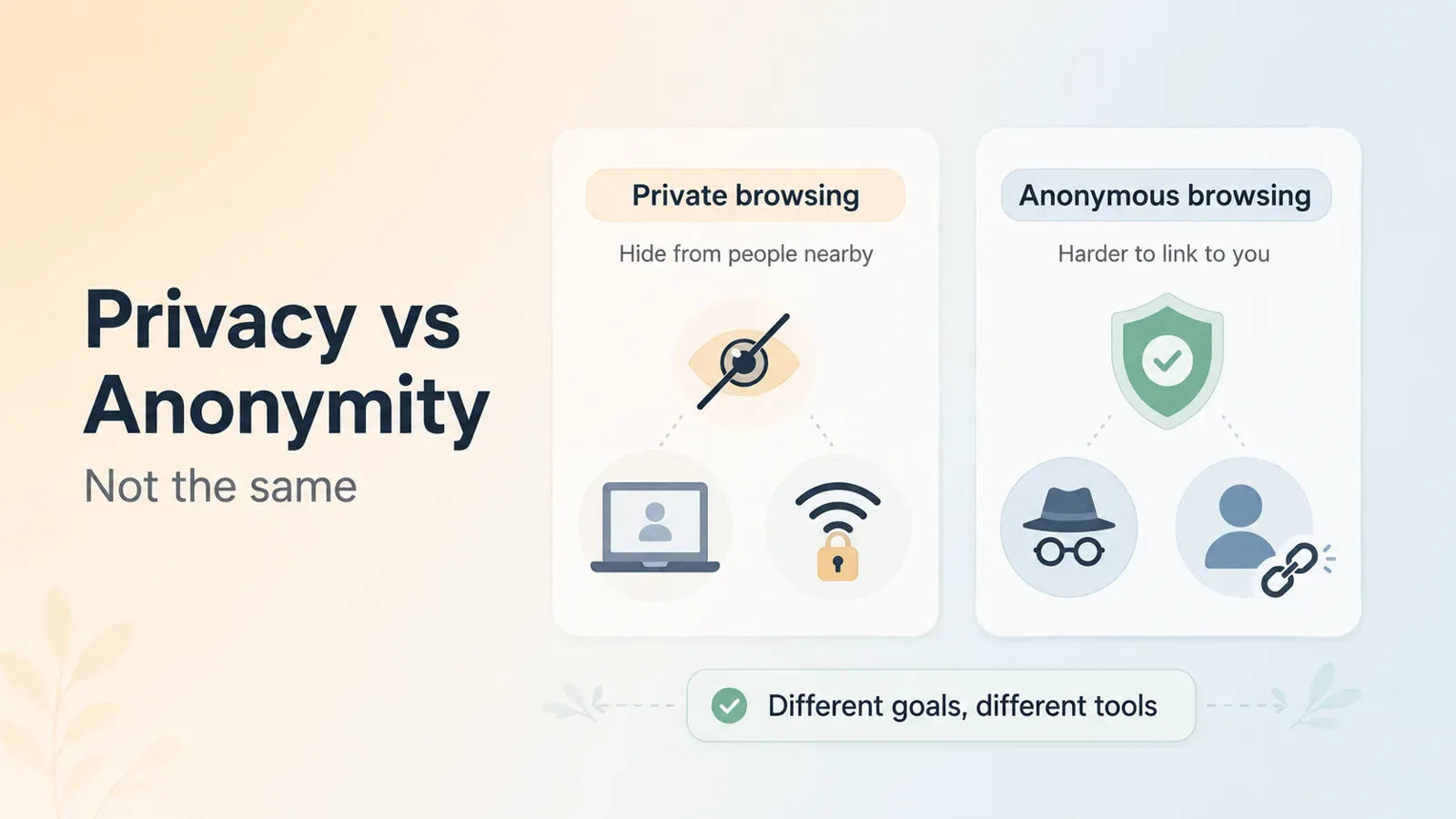
Privacy and anonymity are related, but they are not the same.
Private browsing usually means reducing who can see your activity. For example, you may want to hide a visit from other people using your computer or from someone monitoring a shared Wi-Fi network.
Anonymous browsing goes further. It means making it difficult to connect the activity to your real identity.
No single tool achieves both goals in every situation. The protection you need depends on who you are concerned about.
A VPN may hide your original IP address but cannot make you anonymous after you sign in with an identifying email address. Incognito mode may remove local history but cannot hide the connection from an ISP.
An anonymous session is only as strong as its weakest identifying detail.
Watch Porn Anonymously by Protecting Your IP Address and Connection with a VPN
When you visit a website normally, it receives the public IP address used by your connection. That IP may reveal an approximate location and can be combined with cookies, account activity, and other technical information.
Connecting to BearVPN before opening the website replaces your original IP address with the VPN server’s IP. BearVPN also encrypts traffic between your device and the VPN server using VPN encryption. This reduces what an ISP, public Wi-Fi operator, or local network administrator can observe about the final destination of the connection.
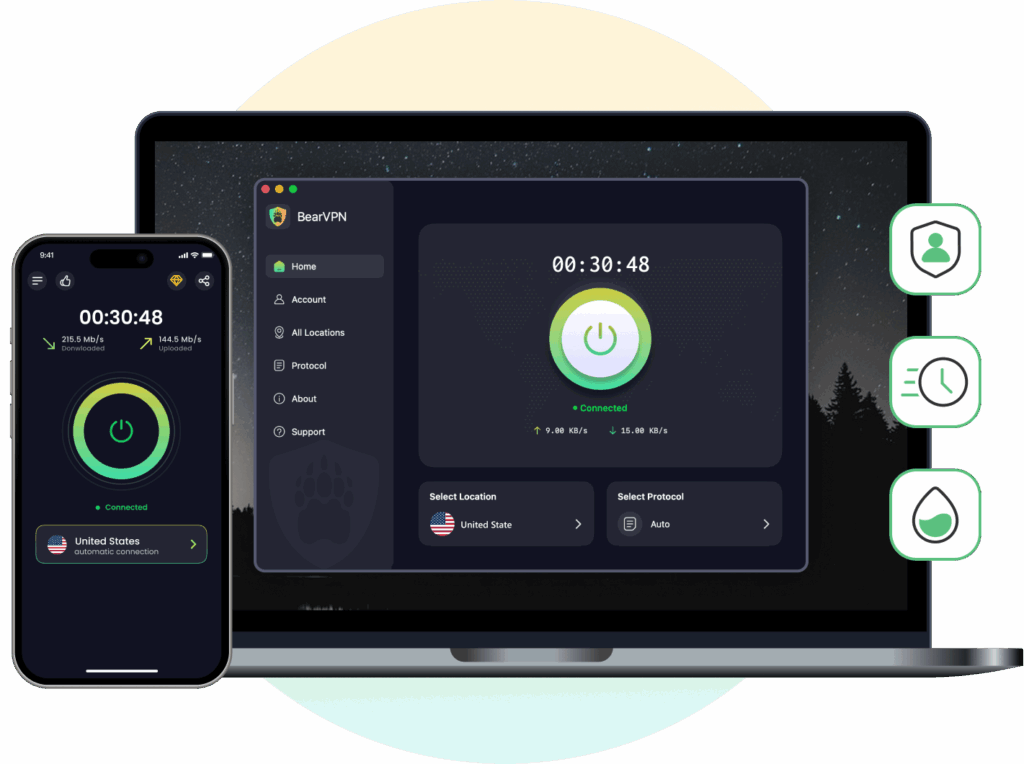
For a sensitive browsing session:
- Close existing browser windows.
- Open BearVPN and connect to a server.
- Confirm that the VPN status shows as connected.
- Enable the VPN Kill Switch where available.
- Open a private window or a separate browser profile.
- Visit the verified official domain directly.
A Kill Switch is important because it can block internet traffic if the VPN unexpectedly disconnects. Without it, the browser may silently return to the normal connection and expose the original IP address. BearVPN documents a system-level Kill Switch for protecting the connection when the VPN drops.
BearVPN is available for Windows, macOS, Android, and iOS.
Download BearVPN for your device.
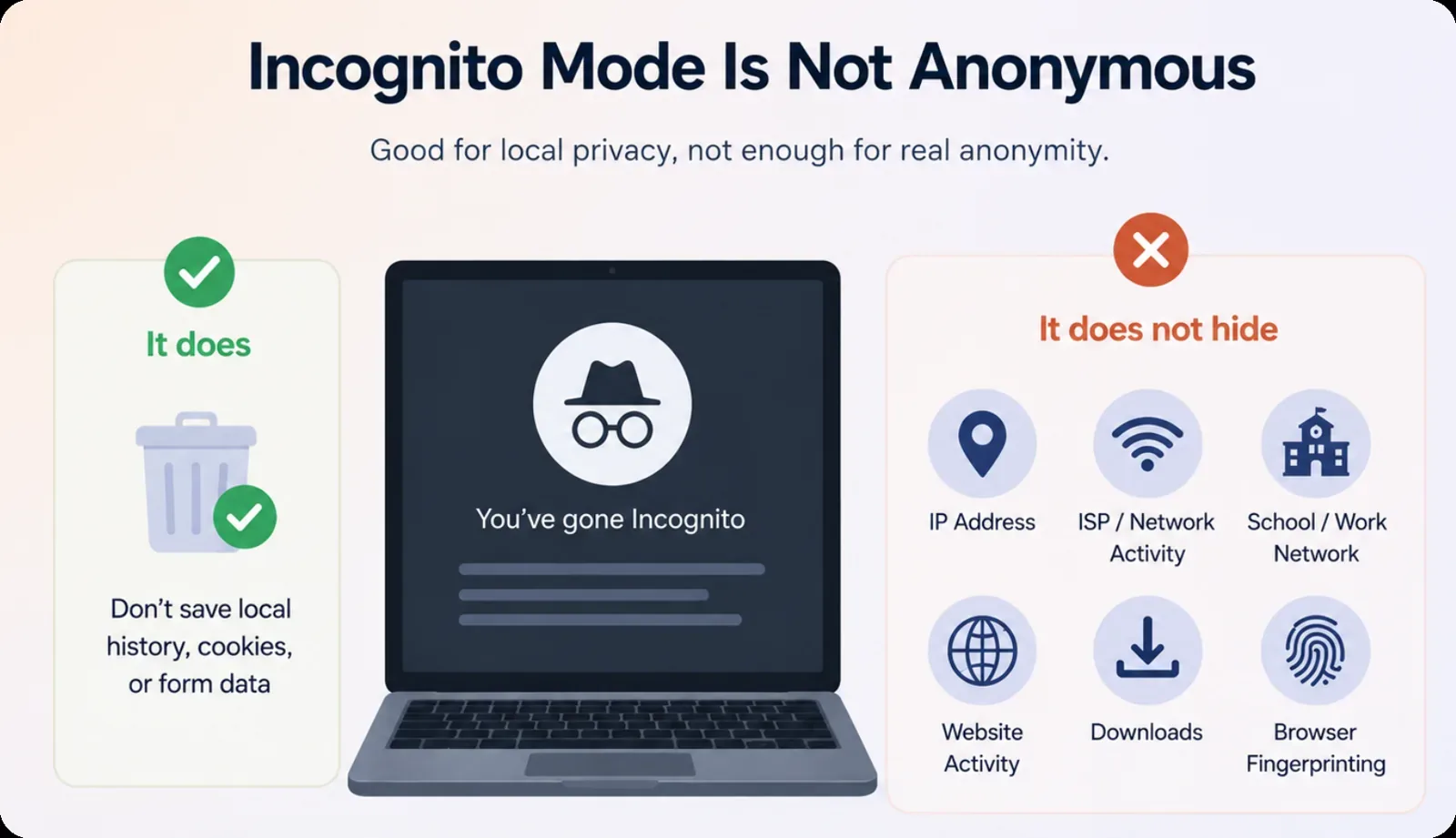
Incognito Mode Is Not Anonymous
Incognito mode removes local browsing history, temporary cookies, and form data after the session closes. It can help on a shared device, but it does not hide your IP address, ISP activity, workplace or school network traffic, website activity, downloads, or browser fingerprinting.
Use it for local privacy, not as a replacement for a VPN or privacy-focused browser.
Separate Browsing From Your Real Identity
Your normal browser may already be linked to your Google, Apple, email, social media, payment, and cloud accounts. Browsing in that profile makes it easier to connect the session to your everyday identity.
Use a separate browser profile or private browser. Avoid social login and your primary email. When an account is necessary, use a separate email, unique password, and non-identifying username.
A VPN hides your original IP, but it cannot hide information you submit or an account you log into.
Limit Tracking and Fingerprinting
Cookies can remember visits and account activity. Browser fingerprinting can identify a device using details such as screen size, language, fonts, and browser settings.
Block third-party cookies, enable built-in tracking protection, remove unnecessary extensions, reject notification requests, and close the full private session when finished.
Avoid installing too many privacy extensions, as an unusual browser setup can make you easier to identify.
Share as Little Personal Information as Possible
Accounts, payments, and age verification can link browsing activity to your email, identity, payment details, or biometric data.
Before submitting sensitive information, check who collects it, what is stored, how long it is retained, whether it is shared, and whether deletion is available.
A VPN cannot hide information you voluntarily provide. It should not be used to misrepresent your age or bypass protections for minors.
Avoid Downloads and Browser Add-ons
Unofficial downloaders, players, codecs, extensions, and apps can collect data, redirect users, or install malware.
A VPN encrypts the download connection, but it does not make the file safe.
Leave the page if it asks you to install software, disable browser protection, allow suspicious notifications, or run commands to continue.
Watch Porn Privately by Browsing Setup
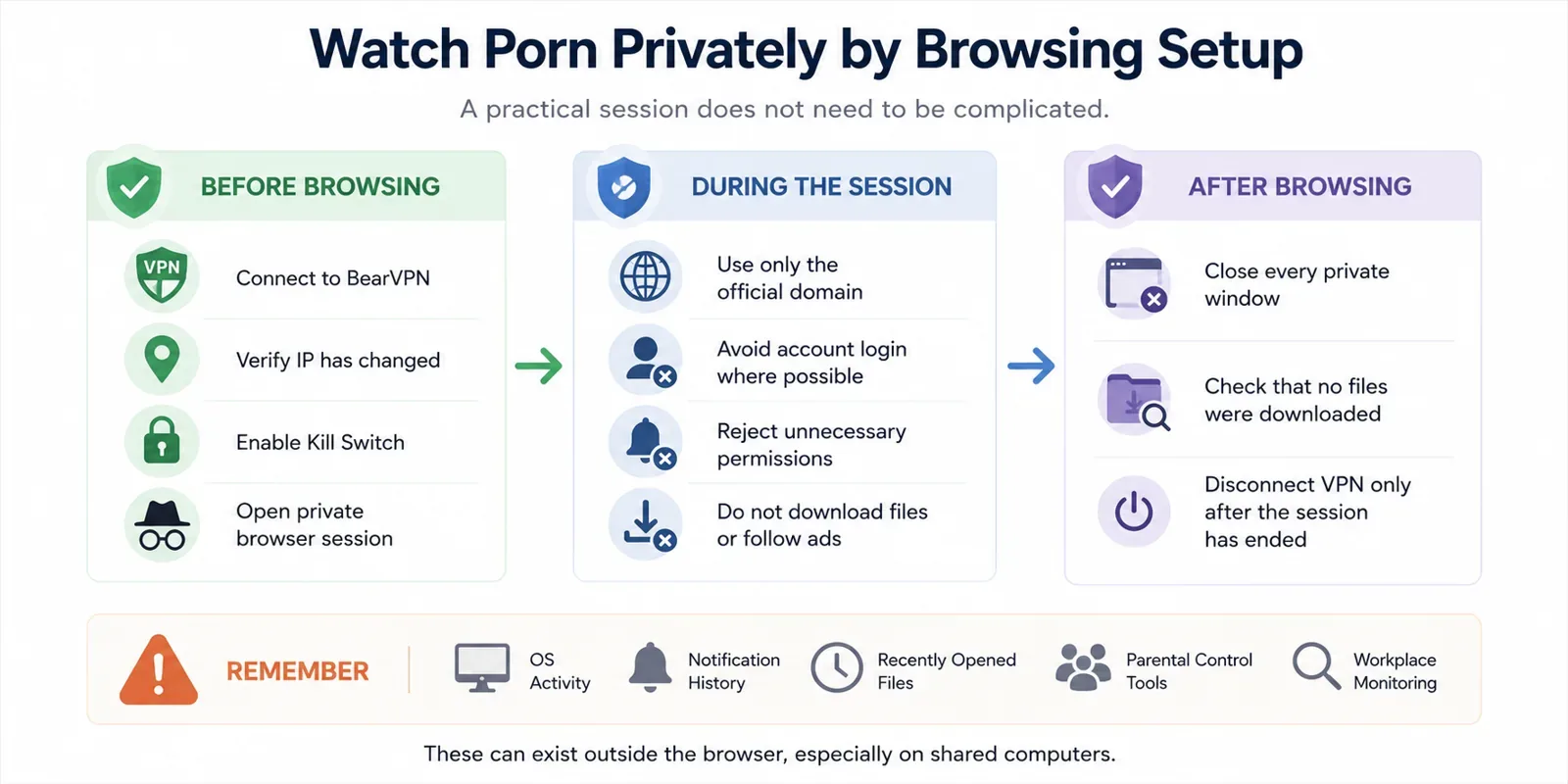
A practical session does not need to be complicated:
Before browsing, connect to BearVPN, verify that the IP has changed, enable the Kill Switch, and open a dedicated private browser session.
During the session, use only the official domain, avoid account login where possible, reject unnecessary permissions, and do not download files or follow external advertisements.
After browsing, close every private window, check that no files were downloaded, and disconnect the VPN only after the browser session has ended.
For shared computers, remember that operating-system activity, notification history, recently opened files, parental-control tools, and workplace monitoring may exist outside the browser.
Should You Use Tor Browser to Watch Porn Anonymously?
Tor Browser provides stronger anonymity protections than Incognito mode or a standard browser with a VPN.
It routes browser traffic through multiple Tor relays, hides the source IP address from the destination website, clears session history by default, and includes defenses against tracking and fingerprinting.
However, Tor is not automatically the best choice for every user.
Video playback may be slower because traffic travels through several relays. Some websites block Tor exit nodes or display repeated CAPTCHAs. Logging in, entering personal details, or downloading and opening files can still reveal identity.
The Tor Project states clearly that perfect anonymity is impossible. It also warns that providing a name, email, address, phone number, or other identifying information removes anonymity toward that website.
VPN or Tor: which is more practical?
Use a VPN when you want:
- a faster and simpler browsing experience;
- privacy from your ISP or Wi-Fi administrator;
- your home IP hidden from the website;
- protection for traffic from the device or browser;
- control over the server location.
Consider Tor Browser when stronger resistance to tracking and fingerprinting is more important than speed and convenience.
Do not combine Tor and a VPN casually. Tor’s documentation warns that VPNs can interfere with Tor and does not recommend combining them unless the user understands the configuration and privacy implications.
For most users, BearVPN plus a separate private browser session is the more practical setup. Tor Browser is better suited to users who understand its limitations and need stronger anonymity properties.
Frequently Asked Questions
Without a VPN, an ISP may be able to observe or infer the service your connection reaches, although HTTPS encrypts the exact page contents. With a working VPN, the ISP generally sees an encrypted connection to the VPN server rather than the final website.
It can prevent normal browser history and session cookies from remaining after the private session closes. It does not hide the activity from the website, ISP, network administrator, or tracking systems.
It may still identify or recognize you through an account login, cookies, browser fingerprinting, payment details, or information you enter. A VPN mainly hides the original IP address and protects the connection.
Tor Browser generally provides stronger anonymity and fingerprinting protection, while a VPN is usually faster and easier to use. Neither guarantees perfect anonymity, especially after the user reveals personal information.
A separate email can reduce the connection between an adult-site account and your everyday identity. It should not contain your real name or be reused across public accounts.
Laws depend on your location, age, and the content involved. Privacy tools do not make illegal activity lawful. Adults should follow applicable laws and must not use privacy tools to evade protections for minors.
The Bottom Line
Perfect anonymity is difficult, but you can reduce exposure by protecting each layer of the session.
Connect to BearVPN before browsing, use a separate private browser session, block unnecessary tracking, avoid everyday accounts, and do not download files or submit sensitive information unless necessary.
BearVPN can encrypt the connection, hide your original IP address, and reduce accidental network exposure with a Kill Switch. It cannot conceal an account login, remove every cookie, stop browser fingerprinting, or make an unsafe website trustworthy.
The fewer connections you create between the session and your real identity, the more private the activity will be.
This article is intended only for adults and provides general cybersecurity and privacy information. It does not guarantee complete anonymity, provide legal advice, or encourage users to misrepresent their age, evade protections for minors, infringe copyright, or violate applicable laws.



