If your Crunchyroll login is not working, start with the exact symptom instead of repeating the same password attempt. A greyed-out Login button usually means the form, cookies, JavaScript, or CAPTCHA did not finish loading. Bad CAPTCHA points to a browser, extension, session, or current-IP problem. Invalid login requires a fresh form and credential check, while Oops. Something went wrong can come from stale site data, blocked scripts, an extension, or the network. Work through the fixes below in order and stop as soon as login works.
Common Causes & How to Fix Crunchyroll Login Not Working
When your Crunchyroll login window is not loading properly, it can feel like there’s a hidden villain messing with your anime time. But don’t stress—it’s usually an easy fix. Let’s look at the common causes and how you can sort them out!
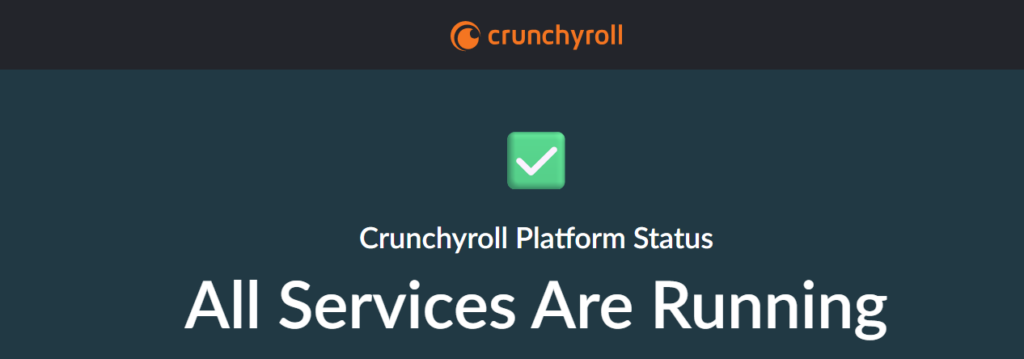
1. Check Crunchyroll’s Server Status (The “Is Crunchyroll Down?” Check)
Before you start changing passwords or deleting apps, check if Crunchyroll itself is actually down. During massive anime premieres (like the finales of Demon Slayer or Jujutsu Kaisen), the sheer volume of traffic can crash Crunchyroll’s authentication servers.
If the servers are down, no amount of troubleshooting on your end will fix it.
- How to check: Go to the Crunchyroll Status page and see if there is any server-down alert. Or visit sites like DownDetector or check the official @Crunchyroll Twitter/X account for outage announcements.
- The fix: If the servers are down, you just have to be patient and wait for their engineering team to resolve it.
2. The Amazon Prime Video Subscription Confusion
A Crunchyroll subscription purchased through Amazon Prime Video Channels is managed through Amazon. Amazon credentials do not automatically become standard Crunchyroll credentials, so entering the Amazon email and password on the ordinary Crunchyroll login form may fail even though the subscription is active.
- The Fix: First, open Prime Video and confirm that the Crunchyroll Channel subscription appears under your Amazon account. You can keep watching and managing that subscription inside Prime Video. If Crunchyroll’s official Amazon linking option is available for the country where the Amazon account was created, open
https://sso.crunchyroll.com/register/amazon, choose the correct region, select Login with Amazon, and authorize the connection to an existing or new Crunchyroll account. Billing, cancellation, and account changes for the Channel remain with Amazon.
3. Wrong Username or Password

It happens to the best of us: you’re sure you’ve got your credentials right, but something’s just off. You know that magic: Wrong password. New password can’t be the same as your old password.
Maybe it’s a tiny typo or a forgotten password. It’s a simple mistake, but it can stop you from logging in.
Solution:
- Double-check your login details: Are you using the right email or username? Make sure the caps lock isn’t on, and there are no extra spaces.
- Password reset: If you’ve forgotten your password (it happens!), click “Forgot Password” and follow the instructions to reset it. You’ll be back in action in no time!
- No password-reset email: Search every inbox you may have used for Crunchyroll, including Spam and Junk. Request one fresh reset email, wait for it to arrive, and use only the newest link; repeated requests can leave older links invalid.
- Try both your email and username: Sometimes, you can log in with either your email or username—so try both to be sure.
Small mistakes like this can easily sneak up on us, but once you’ve sorted them out, your Crunchyroll account should be ready for use again!
4. Crunchyroll Bad CAPTCHA

So you’re ready to go, but reCAPTCHA throws up a roadblock, asking you to prove you’re not a robot. Sometimes, reCAPTCHA just doesn’t play nice, and that’s where things get frustrating.
Solution:
- Close every duplicate Crunchyroll tab. Reopen one fresh login page and submit the form only once.
- Make sure cookies and JavaScript are enabled. The sign-in form and reCAPTCHA cannot finish when either is blocked.
- Pause blockers for Crunchyroll. Temporarily disable ad blockers, script blockers, privacy extensions, or browser security add-ons on the login page, then refresh it.
- Try a Private/Incognito window or another supported browser. If CAPTCHA works there, cached site data or an extension in the original browser is the likely cause.
- Test another network. Switch from Wi-Fi to mobile data, or from mobile data to Wi-Fi. If the CAPTCHA works immediately, the previous network or public IP was triggering the challenge.
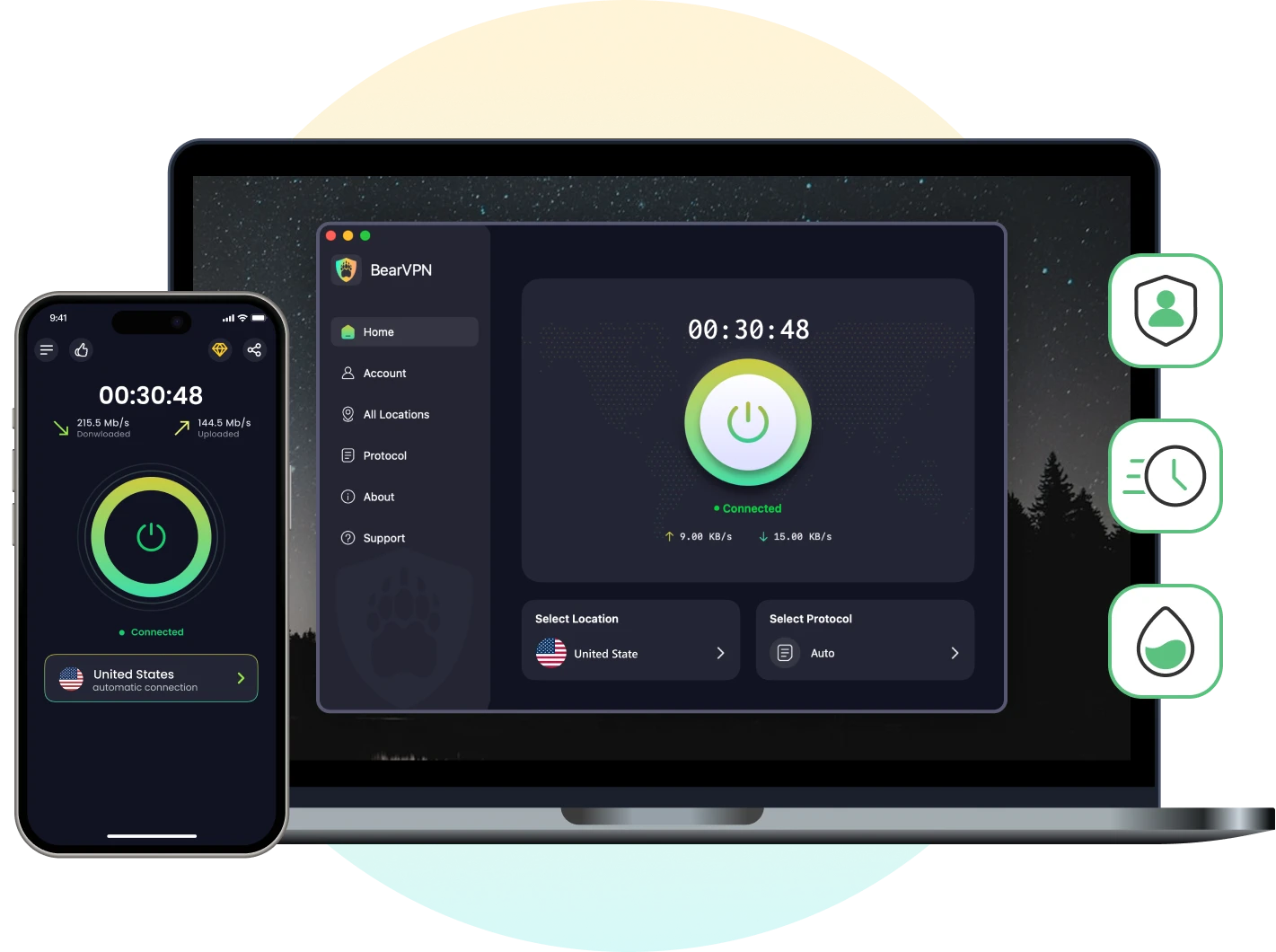
- Change a flagged VPN IP instead of exposing the connection. If a free or crowded VPN server causes the loop, disconnect it and reconnect through a different BearVPN server. Avoid rapid retries across many IPs; submit one fresh login attempt after each controlled change.
5. Replace a Flagged Free VPN or Blocked Network Route
If Crunchyroll accepts the same credentials on mobile data but rejects them on Wi-Fi—or starts an endless CAPTCHA loop only when a free VPN is connected—the account is probably not the problem. The current network route or shared VPN IP may be overloaded, restricted, or carrying enough automated traffic to trigger an anti-abuse check.
- The Fix: Do not keep hammering the login form, and do not abandon encryption on hotel, airport, dorm, or shared Wi-Fi. Open BearVPN, use Smart Server Selection to connect through a nearby server, close every old Crunchyroll tab, and submit one fresh login attempt in a Private/Incognito window. If the first server still triggers CAPTCHA, switch once to another nearby location. When ordinary VPN traffic is blocked by the local network, enable Strong Obfuscation before reconnecting. BearVPN can change the visible IP and network route; it cannot correct a wrong password, repair a Crunchyroll outage, or turn an Amazon Channel subscription into a different account.
- Replace a crowded free-VPN IP.
- Find a cleaner route across 2,000+ servers.
- Obfuscate VPN traffic on restrictive networks.
6. Troubleshooting Specific Error Messages
If you are getting a specific pop-up, you can usually solve the problem instantly. Here are the most common error codes and how to fix them:
Error: “Crunchyroll Login Button Is Greyed Out” or Does Nothing
- The Fix: Retype the email and password manually and confirm that neither field contains a leading or trailing space. Then enable cookies and JavaScript, pause ad/script blockers for the login page, close duplicate Crunchyroll tabs, and refresh one clean form. If the button becomes active in a Private/Incognito window, cached site data or an extension is interfering. If it remains greyed out in two supported browsers, check Crunchyroll’s status page before changing the account again.

Error: “Oops. Something went wrong”
- The Fix: This message does not identify one single cause. Close duplicate login tabs, hard-refresh the remaining page, enable cookies and JavaScript, and temporarily pause extensions that block ads, scripts, pop-ups, or trackers. Then try a Private/Incognito window. If the error remains, clear only Crunchyroll site data, restart the browser, and test another network before reinstalling anything.

Error: “Invalid login. Please try again by re-submitting the form”
- The Fix: Close every duplicate Crunchyroll login tab and open one fresh form in an up-to-date version of Chrome, Firefox, Edge, or Safari. Hard-refresh the page—
Ctrl + F5on Windows orShift + Command + Ron macOS—then type the credentials manually and submit once. If the same message returns, reset the password and retry with the newest reset link.

7. Clear Corrupted Browser Cache and Cookies
Over time, your web browser stores data (cookies and cache) to help websites load faster. If this saved data becomes outdated or corrupted, the Crunchyroll login portal will fail to load properly.
The Shortcut: If you don’t want to clear your whole browser history, simply open an Incognito or Private Browsing window and try logging into Crunchyroll there. Incognito mode ignores all your saved cache and cookies.
The Fix: Head into your browser’s history settings and clear your Cache and Cookies.
Start by clearing only the cookies and stored data for Crunchyroll; this avoids signing out of every unrelated website in the browser.
You may also like: How to Get Cheapest Crunchyroll Membership?
Fix Crunchyroll Login Not Working on Different Devices
Different devices and platforms may have their own unique quirks when it comes to logging in. Let’s go over what to do if you cannot log in to your Crunchyroll account on your browser, mobile app, Roku TV, or console.
Cannot Log in to Crunchyroll on Web Browser
If you’re facing issues on your computer, your browser might be to blame. Here’s what you can try:
Solution:
- Update your browser: An outdated browser can cause issues. Check if you have the latest version, and if not, update it.
- Clear cookies and cache: Just like we mentioned earlier, this is a crucial step. Clearing these can help reset any bad data that’s blocking your login.
- Try another browser: If nothing works, try using a different browser like Firefox, Chrome, or Safari to log in.
- Switch to cellular data or Wi-Fi.
A little browser TLC can get you back to streaming in no time!
Crunchyroll Login Not Working on Mobile App
For those on mobile, the Crunchyroll app can sometimes be a bit finicky. Don’t worry though—we’ve got you covered.
Solution:
- Update the app: Make sure you’re using the most recent version of the Crunchyroll app. Updates often fix bugs and login issues.
- Reinstall the app: Sometimes, the app just needs a clean slate. Uninstall it, then reinstall from the App Store or Google Play.
- Clear app cache (Android): If you’re on Android, go to Settings > Apps > Crunchyroll > Storage and hit Clear Cache. This can help remove any corrupted data.
Crunchyroll Login Not Working on Console (PS4/PS5, Xbox)
On consoles like PS4, PS5, or Xbox, you might run into a few login issues as well. Here’s what you can try to get things working again.
Solution:
- Check your internet connection: Make sure your console is connected to Wi-Fi and that there are no connectivity issues.
- Reinstall the app: Uninstalling and reinstalling the Crunchyroll app on your console can sometimes fix login issues.
- Clear console cache: Some consoles have an option to clear cache or restart the system, which can help if the app isn’t working properly.
With these tips, you should be good to go on your console!

One final network test: Try the same account on one other device using a different connection. If Crunchyroll works on mobile data but not on home, dorm, office, or public Wi-Fi, the credentials and account are valid—the failing network route is the remaining variable. That is the right moment to reconnect through BearVPN. If login fails on every device and every network, stop changing IPs and contact Crunchyroll Support with the account email, device, browser/app version, exact error text, and a screenshot.
Change the blocked route with BearVPN, reopen one clean Crunchyroll login page, and try again.

Conclusion
When your Crunchyroll login is not working, let the symptom choose the fix. Check the official service status first; then repair the login form, CAPTCHA, credentials, cached session, app, or device before changing the network. If the same account logs in on another connection, BearVPN can replace the failing public IP and route without forcing you to browse unprotected. If it fails everywhere, send Crunchyroll Support the exact error and device details instead of repeating password resets or rapid login attempts.
FAQs: Crunchyroll Login Not Working
This usually happens due to cached app data or outdated app versions on your mobile device. To fix it, try updating or reinstalling the app, clearing the app cache (on Android), or switching from Wi-Fi to cellular data.
A local browser, app, or network problem should change as soon as you complete the relevant fix and restart the login session. A Crunchyroll outage has no guaranteed duration, so follow the official status page rather than repeatedly resetting the account.
Travel can change the catalog and may trigger CAPTCHA or another security check because the visible IP and location changed. It does not mean every Crunchyroll account is locked to one regional login server. If the account works normally from your home connection, connect BearVPN to a server in your usual country, open one fresh login session, and retry.
Yes—when the login works on another network, the current public IP is triggering repeated CAPTCHA, or local Wi-Fi blocks Crunchyroll. BearVPN changes the visible IP and network route, and Strong Obfuscation helps when ordinary VPN traffic is filtered. A VPN cannot fix incorrect credentials, an unlinked third-party subscription, or a Crunchyroll service outage.
This can happen due to multiple active sessions or corrupted cookies. Try logging out from all devices, clearing your browser or app cache, and logging in again on a single device.
If none of the troubleshooting steps work, reach out to Crunchyroll Support. Provide details about your device, app/browser version, and the exact error message for faster assistance.