


A free app that pulls movies, shows, live TV, and sports into one clean interface sounds almost too good to be true — and that’s exactly why so many people pause before installing it. The worry is fair, but it’s usually aimed at the wrong target. Most of the confusion around Stremio comes from treating “the app” and “the add-ons” as one thing, when they’re really two very different stories. Once you separate them, the safety picture gets a lot clearer, and so does the short list of things you actually need to watch out for.
Is Stremio Safe? The Short Answer
Yes — Stremio itself is safe. It’s a legitimate, open-source media center that doesn’t host or distribute any content of its own. What changes the answer is how you use it: the add-ons you install and where you download streams from carry the real risk, not the core app.
That distinction matters because it’s the source of almost every “is Stremio safe” question online. The app is just a shell that organizes content; the add-ons are the connectors that actually fetch it. A clean install with official add-ons behaves very differently from one loaded with unknown community sources.
Is the Stremio App Actually Safe?
The app layer is the easy part to trust, and there are concrete reasons for that — not just marketing claims. Stremio’s code and design choices are open to scrutiny, which is more than you can say for most free streaming tools.
A few things make the core app genuinely low-risk:
- It’s open-source. The code is publicly hosted and auditable, so anyone can review what the app actually does.
- Add-ons don’t run code locally. By design, Stremio’s add-on system keeps add-ons from executing code directly on your device, which limits how much damage a bad add-on can do.
- It collects minimal data. Stremio only stores the essentials needed to create and sync your account, and it even offers a guest mode that makes no backend calls at all.
There’s one practical catch worth knowing: where you get the app from. Stremio was briefly removed from the Google Play Store in late 2025 and returned on January 13, 2026 after a 19-day suspension. Stories like that push some users toward sketchy APK mirrors — which is exactly the wrong move. Stick to the official Stremio website or your device’s trusted app store, and the download itself stays clean.
Where the Real Risks Come From: Add-ons
If the app is the safe part, add-ons are where you need to pay attention. They’re the bridge between Stremio and the content you watch, and not all bridges are built the same. Understanding the categories helps you avoid the few that actually cause problems.
Official vs. Community Add-ons
Stremio’s official add-ons — think YouTube and other recognized sources — are vetted and safe to use. They connect to legitimate, authorized content, so you can install them without a second thought.
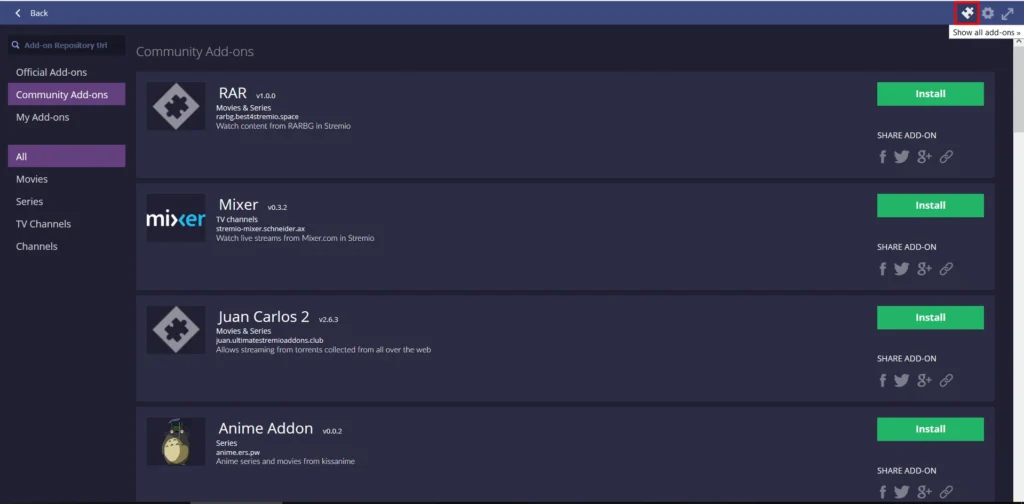
Community add-ons are a different story. They’re built by outside developers, and quality ranges from genuinely useful to outright risky. Some are perfectly harmless and focus on legal content; others pull from unlicensed sources. The add-on is only ever as trustworthy as the streams it serves, so the judgment call falls on you.
Torrent-Based Add-ons and Your IP
Some of the most popular community add-ons, like Torrentio, rely on torrenting to fetch streams. That’s where a privacy concern enters the picture. When you stream through a torrent-based add-on, you’re joining a peer-to-peer swarm — and without protection, your real IP address is visible to your ISP, to copyright monitors, and to other peers in that swarm.
There’s a performance tell here too, and it catches a lot of people off guard: streams that buffer mid-scene even when your internet is fast. That’s often your ISP throttling traffic it flags as torrent-like — and it’s a common reason people pair Stremio with a VPN. The privacy concern and the buffering concern come from the same place: your ISP can see what your connection is doing. For a deeper look at how VPNs protect peer-to-peer traffic, see our guide to the best VPN for torrenting.
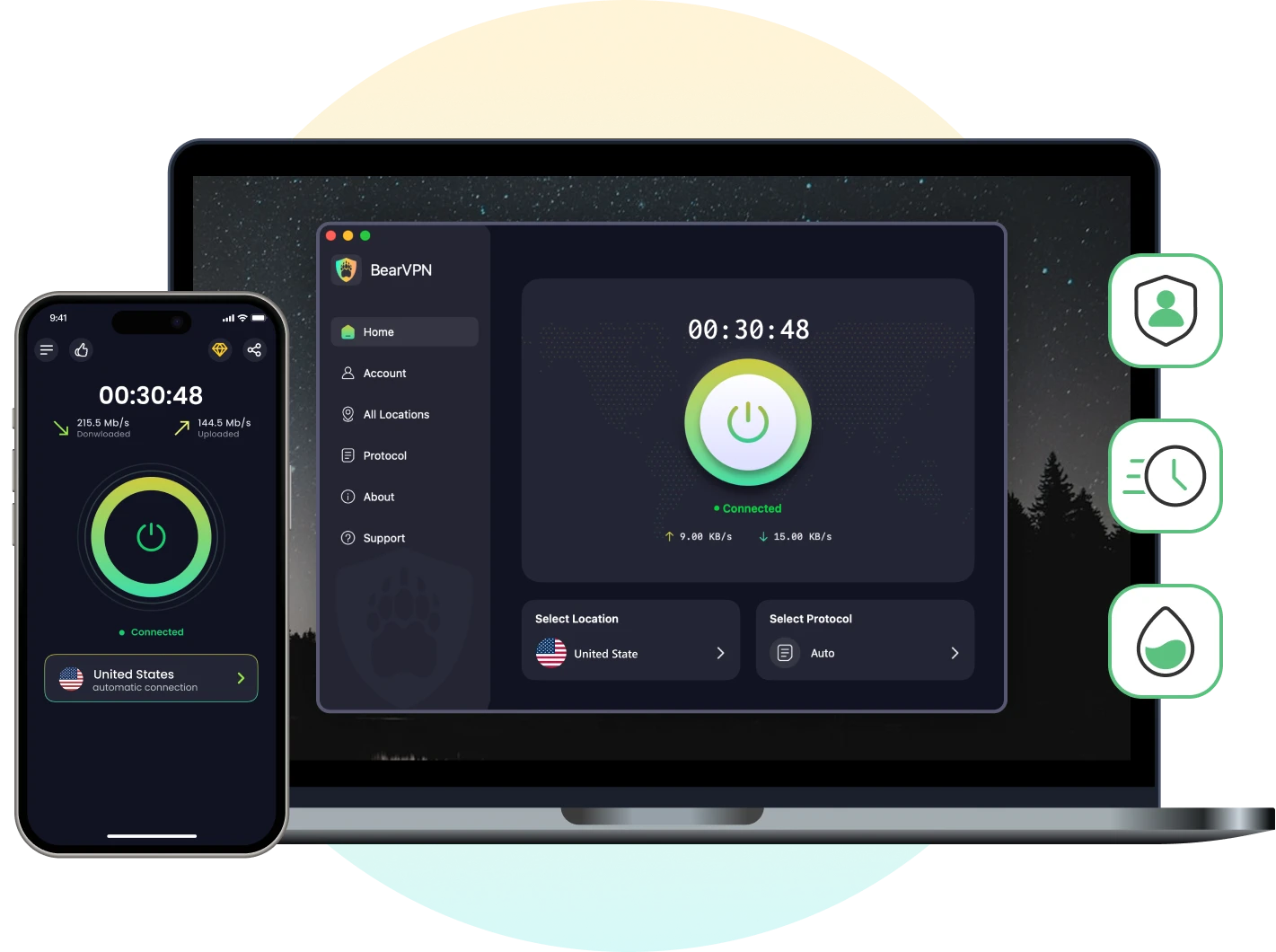
If you use Stremio with torrent-based add-ons, turning on BearVPN before you start streaming is a simple way to hide your real IP, encrypt your traffic, and make your connection harder for your ISP to inspect. On Android and iOS, BearVPN is free to use with no registration and no data caps, so you can protect a stream without setting up an account or committing to a paid plan.
Download BearVPN and try it for free before you start streaming is a simple way to hide your real IP, encrypt your traffic, and make your connection harder for your ISP to inspect.
Fake APKs and Modded Versions
A risk that has nothing to do with add-ons at all: fake installers. Modified APKs and “modded” Stremio builds floating around forums, file mirrors, and messaging groups can carry ads, trackers, or malware bundled into them.
The fix is simple — only ever install Stremio from official channels. Any version promising “extra features” or “unlocked content” from an unofficial source isn’t worth the gamble.
Is Stremio Legal?
Safety and legality often get tangled together, but they’re separate questions. Installing and using Stremio is legal; the gray area is entirely about what you stream and where it comes from.
Streaming content you have the rights to — official add-ons, your own paid subscriptions, public-domain films — is completely fine. Streaming copyrighted material through unofficial add-ons without permission is piracy, and that’s where the legal exposure lives. Enforcement also varies by country: some regions issue ISP notices or DMCA complaints, and a few treat even temporary streamed copies as relevant under copyright law. The safer question isn’t “is Stremio legal?” but “is this specific stream licensed where I live?”
How to Use Stremio Safely?
Putting all of this together, safe Stremio use comes down to a handful of habits. None of them are complicated, and following them removes nearly all of the risk people worry about.
- Download only from official sources — the Stremio website or a trusted app store, never a random APK.
- Stick to official or well-known trusted add-ons, and be skeptical of community add-ons offering free access to normally paid content.
- Keep the app and your add-ons updated to the latest versions.
- Use a VPN whenever you rely on torrent-based add-ons, ideally one with a $1, so your real IP is less likely to be exposed to the public P2P swarm or your ISP while streaming torrents.
That last step is the one most people skip — and it’s the one that protects you in the exact moment it matters.
A Free VPN That Keeps Your Streaming Private
The privacy gap in torrent-based streaming is straightforward to close, and it doesn’t require an expensive subscription. The goal is simple: hide your real IP and encrypt your traffic so no one between you and the stream can easily see what you’re doing.
BearVPN covers that without putting a paywall in front of you on mobile. It’s genuinely free on Android and iOS with no registration and no data caps, so you can protect a Stremio session the moment you start one. Under the hood, it uses AES-256 encryption alongside a strict no-log policy, which means BearVPN does not record your IP address, browsing activity, or connection history.
BearVPN also runs on RAM-only, diskless servers. Instead of writing session data to physical hard drives, server data is handled in volatile memory and wiped when the server is rebooted. For privacy-sensitive streaming, that adds another layer of protection by reducing the risk of long-term activity records being stored on the VPN server.
A few features map directly to the Stremio risks above:
- Kill switch — if your VPN connection drops mid-stream, your internet is cut automatically, so your real IP is less likely to leak during a torrent fallback.
- Split tunneling — route only Stremio through the VPN while everything else uses your normal connection.
- Obfuscated servers — disguise VPN traffic as regular traffic, which helps in regions that restrict VPN use.
- 2,000+ servers across multiple regions for stable, lower-drop connections that hold up while streaming.
No-log policy, bank-grade encryption, and a kill switch — BearVPN covers the privacy gap in torrent-based add-ons without a paywall on mobile.
Worth setting expectations honestly: there’s a small trade-off. Expect a few seconds for the tunnel to connect before you hit play, and an occasional server switch if one node gets congested during peak hours. It’s a minor bit of friction for the privacy you get back — and far less annoying than an ISP throttling letter.
Final Thoughts
Stremio is safe — the app is open-source, privacy-conscious, and built so add-ons can’t run code on your device. The risks that people worry about almost always trace back to three things: unverified add-ons, fake APKs, and unprotected torrent streaming. Handle those, and you’re left with one of the most flexible streaming hubs available. Download from official sources, stick to trusted add-ons, and add a layer of privacy when you stream through torrent-based ones.
Ready to stream privately? Download BearVPN free on mobile — no sign-up, no data caps, no excuses.
FAQs
Yes — Stremio is completely free to download and use, with no subscription required for the app itself. Most official add-ons are free too. The exception is content tied to a paid service: to stream Netflix or similar through Stremio, you still need that platform’s own subscription.
You can, and plenty of people do without issues — especially if you stick to official add-ons. The catch is visibility: without a VPN, your ISP can see your connection activity, and torrent-based add-ons can expose your IP to other peers. If you only use official sources, a VPN is optional; if you use torrent-based add-ons, it’s a sensible safeguard.
It’s possible — but only when you stream copyrighted material through torrent-based or unauthorized add-ons that copyright holders monitor. Your IP appearing in a torrent swarm tied to copyrighted content is what triggers those notices. If you use torrent apps outside Stremio too, you can also learn how to prevent torrent IP leaks by binding torrent traffic to your VPN. Streaming licensed, public-domain, or your own subscription content carries no such risk.
Official add-ons are safe and vetted. Community add-ons vary widely — some are harmless, others connect to unlicensed or risky sources. Because add-ons don’t run code locally on your device, the real concern is the content they pull in, not the add-on infecting your system. Check who maintains an add-on and what sources it uses before installing.
Very little. Stremio only stores what’s needed to create and sync your account, like an email and a securely hashed password, and it doesn’t log which add-ons or sources you stream from. There’s also a guest mode that makes no backend calls at all — though you lose cross-device syncing in exchange.



