Logo
Why BearVPN
Features
Desktop
Mobile
See All >
Pricing
Blog>
Supports>
Tools>
Log in
Download Now
Toggle Menu
Features
  • VPN Servers
  • VPN for Streaming
  • VPN for Gaming
  • Access Any Websites
  • Free VPN for iOS
  • Free VPN for Android
Tools
  • What Is My IP
  • IP Lookup
  • IPV6 Lookup
  • Website Down Checker
VPN Servers
  • USA VPN
  • Turkey VPN
  • Iraq VPN
  • Syria VPN
  • Egypt VPN
VPN for Gaming
  • Roblox VPN
  • Brawl Stars VPN
  • Oculus Quest VPN
  • Epic Games VPN
  • Clash of Clans VPN
VPN for Apps
  • TikTok Live VPN
  • Facebook VPN
  • Telegram VPN
  • Chaturbate VPN
  • OmeTV VPN
VPN for Streaming
  • Netflix VPN
  • World Cup Vpn
Resources
  • Blog
  • Contact Us
About BearVPN
  • About Us
  • Transparency Report
  • Privacy Policy
  • Terms of Service
  • Refund Policy
Best Free VPNs for PCBest VPN for OmeTVBest VPNs for AndroidBest VPNs for StreamingBest Free VPN for iPhoneIs VPN Legal in Saudi ArabiaApps Banned in the USVPN Not Working in QatarVPN Not Working for TikTokIs Chaturbate Safe?
Windows
Windows
macOS
macOS
Android
Android
iOS
iOS
Follow us
  • X IconX Icon
  • Youtube IconYoutube Icon
  • TikTok IconTikTok Icon
  • Discord IconDiscord Icon
  • Telegram IconTelegram Icon
Payment methods
  • Payment provider icon
  • Payment provider icon
  • Payment provider icon
  • Payment provider icon

© 2026 BearVPN. All Rights Reserved.

 > Features
 > VPN Kill Switch

VPN Kill Switch: Stay Protected If Your VPN Drops

A dropped VPN connection should not expose your real IP address or send traffic outside the encrypted tunnel. BearVPN’s VPN Kill Switch blocks internet access if the VPN disconnects unexpectedly, keeping your traffic paused until VPN protection is restored.
Go PremiumGet BearVPN
30-day money-back guarantee
Free DownloadDownload Now
Available on:
Free DownloadDownload Now
Available on:
BearVPN

What Is a VPN Kill Switch?

Logo
A VPN kill switch is a security feature that blocks internet traffic when the encrypted VPN connection drops unexpectedly. Instead of allowing your device to fall back to its regular network, it pauses traffic until the VPN reconnects.

This helps reduce the risk of exposing your real IP address, DNS requests, location signals, or background app traffic outside the VPN tunnel. It does not prevent the underlying network from disconnecting; it controls what happens to your traffic while VPN protection is unavailable.

Why Use a VPN Kill Switch?

Even a brief VPN interruption can allow traffic to use your regular connection. A kill switch helps close that exposure window by pausing internet access until the VPN is protected again.
Prevent Real IP Address Exposure

Prevent Real IP Address Exposure

Without a kill switch, your device may return to its normal internet connection when the VPN drops. Blocking traffic helps keep your real IP address from being exposed during that gap.
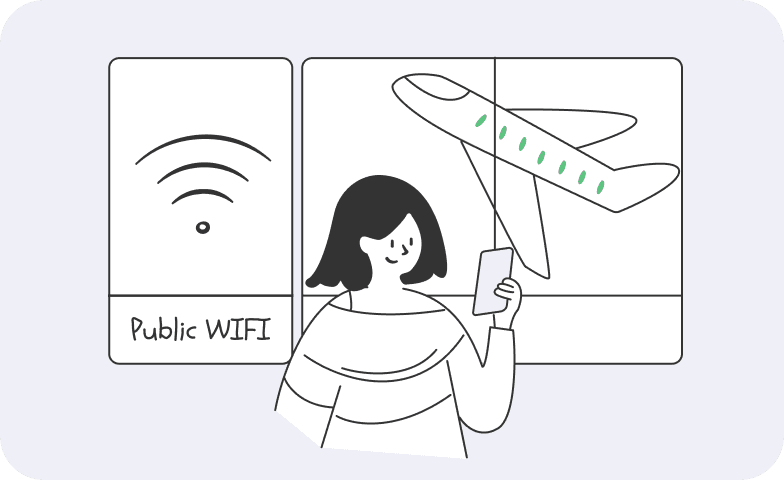
Stay Protected on Unstable Wi-Fi

Stay Protected on Unstable Wi-Fi

Unstable hotspots can interrupt a VPN without warning. The kill switch stops traffic from continuing over the regular Wi-Fi connection until VPN protection returns.

Stop Traffic From Bypassing the VPN

Stop Traffic From Bypassing the VPN

If the encrypted tunnel fails, your internet provider may again be able to associate network traffic with your connection. A kill switch pauses that traffic instead of letting it bypass the VPN.

Protect Persistent Connections

Protect Persistent Connections

Streaming, peer-to-peer apps, and other persistent connections can keep exchanging data in the background. A kill switch prevents them from silently switching to your real IP address when the VPN drops.
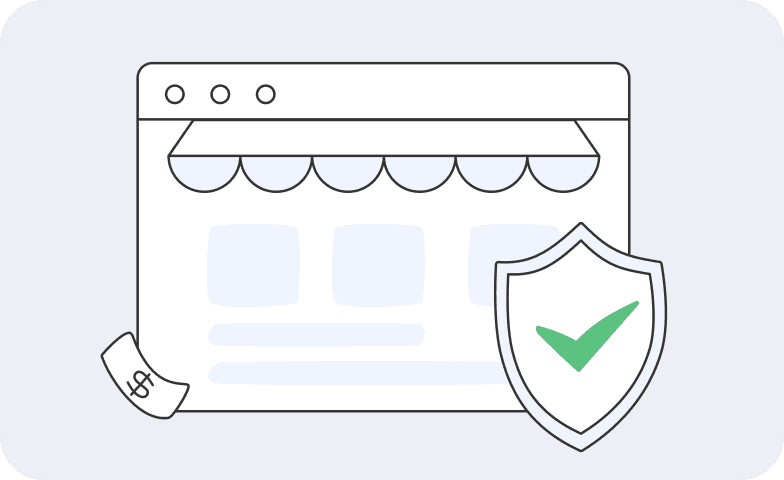
Add a Safety Net for Sensitive Activity

Add a Safety Net for Sensitive Activity

When accessing accounts or handling private information, the kill switch prevents new traffic from leaving outside the VPN tunnel during an unexpected interruption. It does not replace HTTPS, two-factor authentication, or normal account security.
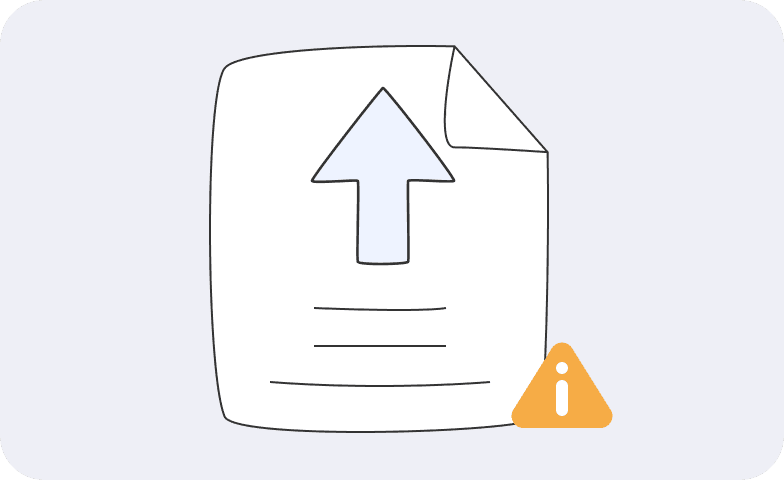
Block Unprotected Background Traffic

Block Unprotected Background Traffic

Cloud sync, messaging, browsers, and other background apps may continue sending data even when you are not actively using them. A kill switch blocks that traffic until the VPN connection is restored.

Go PremiumGet BearVPN
Free DownloadDownload Now

Types of VPN Kill Switches

VPN kill switches generally protect either the whole device or selected apps. The exact implementation and available controls depend on the VPN service and platform.

System-Level Kill Switch
A system-level kill switch blocks internet traffic across the device if the VPN connection drops. It provides broader coverage because browsers, messaging apps, cloud services, and background processes cannot quietly switch to the regular network.
Application-Level Kill Switch
An application-level kill switch blocks or closes selected apps when the VPN disconnects while allowing other traffic to remain online. It offers more flexibility, but apps outside the protected list can still use the regular internet connection.

VPN Kill Switch Protection Across Your Devices

Download BearVPN for your device and add a kill switch safety net to your VPN connection. Choose your platform below to get started:
WindowsWindows
macOSmacOS
AndroidAndroid
iOSiOS

How to Enable the Kill Switch in BearVPN

Turn on BearVPN’s kill switch in a few steps to prevent traffic from using your regular internet connection during an unexpected VPN interruption.
1
Download BearVPN
Download BearVPN
Download and install the BearVPN app on your device.
2
Enable Kill Switch
Enable Kill Switch
Open BearVPN, go to Settings, and turn on Kill Switch so traffic is blocked if the VPN disconnects unexpectedly.
3
Connect to a VPN Server
Choose a server and connect. BearVPN encrypts your traffic, while the kill switch stands by in case the VPN tunnel is interrupted.
Go PremiumGet BearVPN
Free DownloadDownload Now

How Does a VPN Kill Switch Work?

The kill switch acts as a failsafe between your device and the open internet:

Monitoring the VPN Tunnel

BearVPN monitors the status of the encrypted VPN tunnel while you are connected.

Detecting a Disconnect

If the VPN tunnel drops unexpectedly, the kill switch detects that protected routing is no longer available.

Blocking Unprotected Traffic

Internet traffic is blocked before your device can fall back to its regular, unprotected connection.

Restoring Protected Access

When the VPN connection is restored, protected traffic can resume through the encrypted tunnel.

When Does a VPN Kill Switch Activate?

A VPN kill switch responds when the protected tunnel is interrupted and your device might otherwise return to the regular internet. Common triggers include:
Unexpected VPN Disconnect

Unexpected VPN Disconnect

If the VPN connection drops because of a temporary network or server interruption, the kill switch blocks traffic before it can use your regular connection.
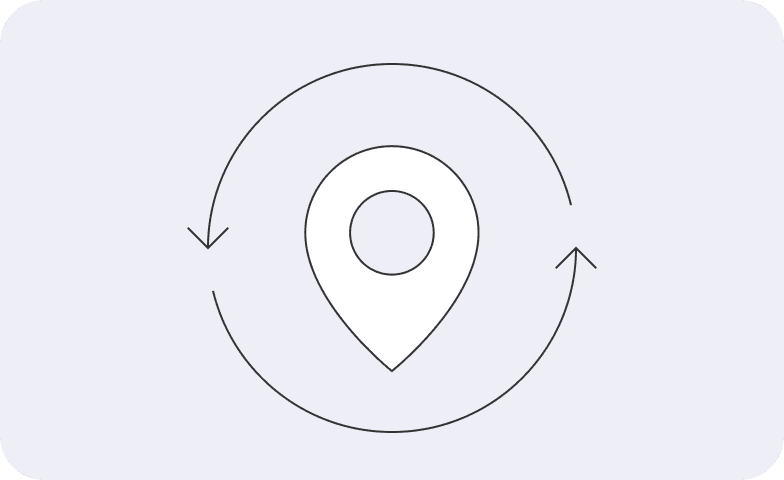
Changing Networks

Changing Networks

Moving between Wi-Fi and mobile data, changing hotspots, or waking a device can briefly interrupt the VPN tunnel. The kill switch keeps traffic paused during the transition.
VPN App or Tunnel Interruption

VPN App or Tunnel Interruption

If the VPN app or protected tunnel stops working unexpectedly, the kill switch prevents other apps from continuing to send traffic outside the VPN.

More Privacy Features Beyond the VPN Kill Switch

Combine BearVPN’s VPN kill switch with privacy, security, and connection controls built for safer everyday use.
Kill Switch

Kill Switch

Blocks internet traffic if the VPN disconnects unexpectedly, helping prevent accidental IP address and data exposure.
Hide IP Address

Hide IP Address

Replaces your visible IP address with the VPN server’s IP to reduce exposure of your approximate location and network identity.
Split Tunneling

Split Tunneling

Choose which apps use the VPN tunnel and which connect directly when you need more control over routing.
AES-256 Encryption

AES-256 Encryption

Protects traffic with AES-256 encryption while it travels through the BearVPN tunnel.
No-Logs Policy

No-Logs Policy

Keeps your browsing activity out of stored logs, supporting a more private VPN experience.
Protect Up to 10 Devices

Protect Up to 10 Devices

Protect up to 10 devices at the same time with one BearVPN account for work, travel, and everyday browsing.
Dedicated IP

Dedicated IP

Use an IP address assigned only to you for more consistent access to trusted services, remote systems, and IP allowlists.
Double VPN

Double VPN

Routes your VPN traffic through two servers to add another layer of separation between your device and its destination.
High-Speed VPN

High-Speed VPN

Connect through a high-performance server network designed to keep browsing, streaming, and gaming responsive.

VPN kill switch FAQs

    Enable the kill switch, connect to a VPN server, and confirm that your public IP address has changed. Then interrupt the VPN connection without turning off the kill switch. Internet access should pause rather than fall back to your regular connection. Reconnect to the VPN and check your IP address again before continuing.
    Yes. BearVPN includes a built-in VPN kill switch that blocks internet traffic if the protected VPN connection drops unexpectedly. This helps prevent your device from quietly switching back to an unprotected connection.
    Yes. You can turn the kill switch on or off in the BearVPN app settings. Keeping it enabled provides stronger protection against accidental IP and traffic exposure when the VPN connection is interrupted.
    Keeping the kill switch enabled is recommended whenever you do not want traffic to leave your device outside the VPN tunnel. It is especially useful on unstable Wi-Fi, while changing networks, or when apps continue running in the background.