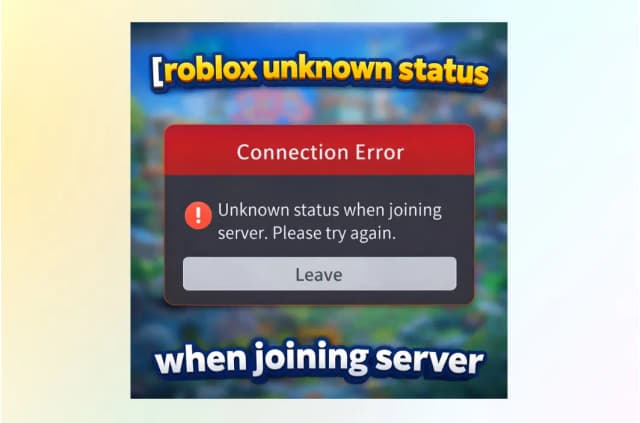
Japanese games have been popular in various countries for a long time. In recent years, Jujutsu Kaisen: Phantom Parade has been hotly discussed among RPG gamers. However, most users encountered the “Sorry! This content is not available in your region.” alert when downloading Jujutsu Kaisen: Phantom Parade. Why did this happen? How to download Jujutsu Kaisen: Phantom Parade JP version successfully?
In this guide, you’ll learn exactly how to bypass regional locks and download JJK Phantom Parade JP version on Android, iOS, and PC—no matter where you are.
You may also like: How to change region in Valorant
“Hey, I’ve been wondering if any of you could help me out, playing the JP version off JJK on Android, since I’ve just been able to get it on my phone but not even a VPN helped and so I came here to humbly ask you guys, who probably know more abt this situation than me to please help me play the JP version. Thanks guys.” – Asked by a user on Reddit. If you have the same question, follow the steps below to download Jujutsu Kaisen: Phantom Parade Japanese Version on Android, iOS, and PCs.
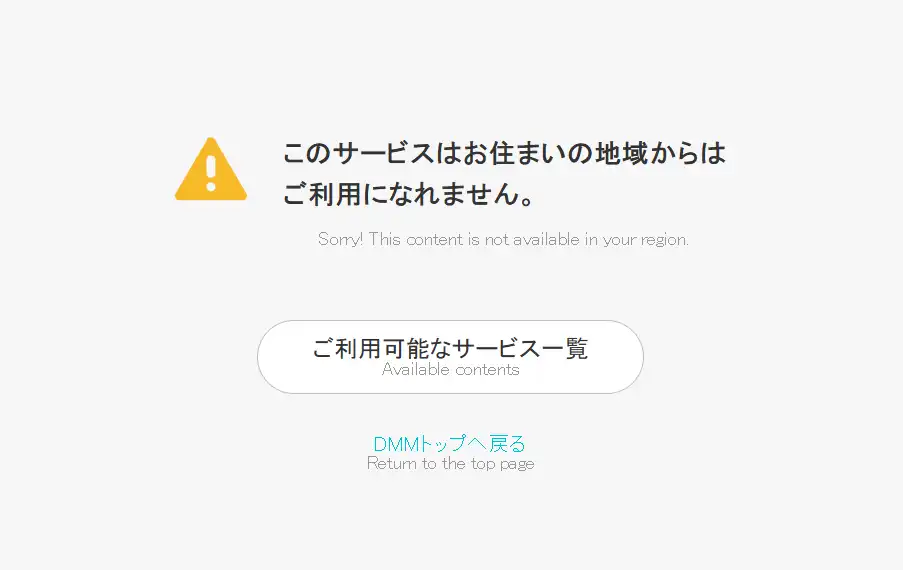
Prerequisites Before You Download JP JJK Phantom Parade
Before diving into Jujutsu Kaisen: Phantom Parade JP version, there are a few things you’ll need to prepare. These steps will save you time, prevent errors, and ensure a smooth gameplay experience.
1. Supported Devices & System Requirements
To play the game without interruptions, make sure your device meets the following requirements:
Android: Android 8.0 or higher, 4 GB RAM minimum.
iOS: iPhone 8 or newer, iOS 13+.
PC: Windows 10/11, stable internet, and either the DMM Game Player or an Android emulator (like BlueStacks).
Note: Ensuring your device meets these specifications will prevent crashes, lag, and other issues while playing.
2. VPN Requirement & Region Switching
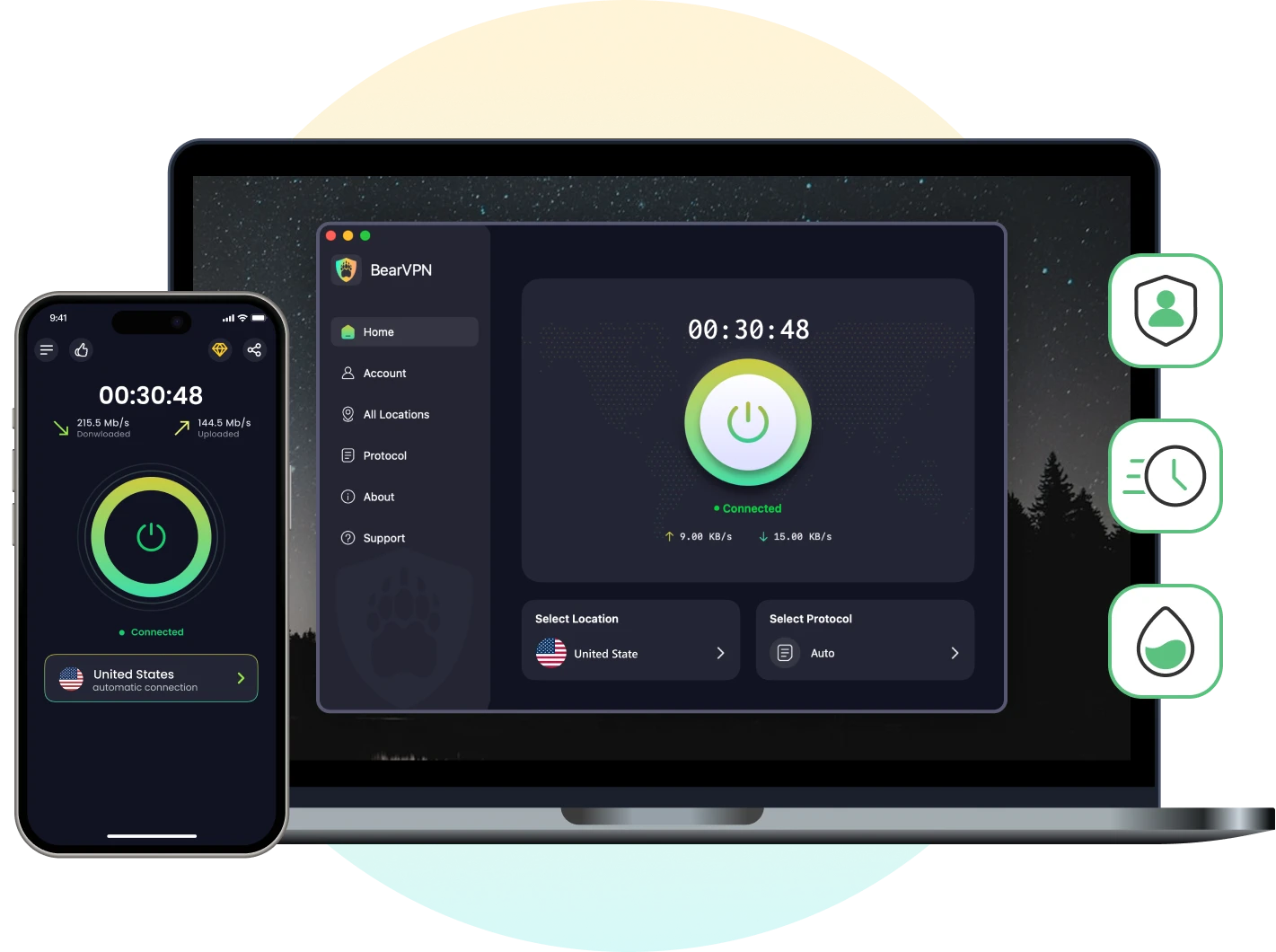
Because the Phantom Parade JP version is region-locked to Japan, you’ll need a VPN with Japan servers to access the game. Here we recommend BearVPN, a free and easy-to-use VPN that offers 2000 servers across 50 locations, including Japan.
- 2000+ Servers in 50+ Countries
- Minimal Lag for Gaming
- AES-256 Encryption & Strong Obsfucation
3. Japanese Account Setup
To download the game, you’ll need a Japanese account, depending on your platform:
Android: Use third-party stores like TapTap or QooApp. No Japanese Google account is required.
iOS: Create a Japanese Apple ID.
PC: Register a DMM account to use the official PC client.
How to Play JJK Phantom Parade JP Version on Android
If you’re on Android, there are two main ways to download the JJK Phantom Parade JP version. Let’s walk through the simpler approach first.
Step 1: Get QooApp/Taptap
To download the game on Android, you can use QooApp or TapTap, a popular third-party store for Japanese and Asian-region games.
1. Search “QooApp” or “TapTap” on Google and download it from the official site.
2. Install the app on your phone.
3. Open the app and search for “Jujutsu Kaisen: Phantom Parade.”
4. Tap Install to download the APK.
Note: Be careful not to confuse it with Phantom Siege, a different, unlicensed game.
Step 2: Set Up a VPN (Japan)
Once installed, the game will open but won’t let you play until you’re connected to Japan:
1. Open BearVPN and connect to a Japanese server.
2. Keep the VPN running whenever you launch the game.
Step 3: Launch and Enjoy
After connecting to Japan through BearVPN:
1. Reopen the game.
2. It will start downloading additional game data.
3. Once completed, you can play freely.
How to Play JJK Phantom Parade JP Version on iOS
For iPhone or iPad users, a Japanese Apple ID and a Japan VPN are required to download and play the game. Follow these steps carefully to avoid common errors.
Step 1: Connect to Japan via VPN
Before creating a Japanese Apple ID, make sure your device appears to be in Japan:
1. Open BearVPN and connect to a Japanese server.
2. Keep the VPN active throughout the setup process.
Step 2: Create a Japanese Apple ID
1. Go to Apple ID creation and click Create Your Apple ID.
2. Set the region to Japan.
3. Use a spare email (Gmail works fine) and your usual phone number.
4. Verify your new account.
Step 3: Sign In to the Japanese App Store
1. Open the App Store > Profile > Sign Out.
2. Sign in with your new Japanese Apple ID.
3. Search for “Jujutsu Kaisen: Phantom Parade.”
4. Download the game directly.
How to Play JJK Phantom Parade JP Version on PC
For PC, the official method uses the DMM Game Player. You can also play via Android emulator, but using the official client is recommended for stability.
Step 1: Connect to Japan via VPN
1. Download BearVPN for PC and connect to a working Japanese server.
2. Keep the VPN active throughout the setup.
Step 2: Install the DMM Game Player
1. While connected to Japan through VPN, go to the official DMM site.
2. Click the yellow button to download the DMM Game Player installer.
3. Run the installer and sign in (or create a new account). You can also log in with a Google account while VPN is active.
Step 3: Find and Install the Game
1. Open DMM Game Player and search for “呪術廻戦 ファントムパレード” (the Japanese title).
2. Click Install.
3. Once installed, open the game and start playing while connected to your VPN.
Why the JP Version? What You Get & What to Know
Many fans wonder why they should go through the extra steps to play the Japanese version of Jujutsu Kaisen: Phantom Parade. Here’s why it’s worth it.
Benefits of the Japanese Version
- Early Access: JP players get the newest story chapters, characters, and events before any global release.
- Authentic Experience: The Japanese voice acting, original anime cast, and text maintain the authentic Jujutsu Kaisen vibe.
- Exclusive Rewards: Many in-game events are Japan-only, offering unique login bonuses and skins.
What You Need to Be Aware Of
- Region Lock: The game only runs on devices that appear to be in Japan.
- Language Barrier: The interface is in Japanese—some menus may need translation apps to navigate.
- Updates: You’ll need to re-enable your VPN for every update download.
- Account & Data: Game progress is usually saved to your device or DMM account; switching regions may cause sync issues.
Best Practices & Safety Tips
1. VPN Reliability
- Use BearVPN, which is free and reliable, to connect to Japan servers.
- Always connect to Japan before launching or updating the game.
2. Legal / Ban Risks
- Currently, accessing JP servers from abroad does not result in bans.
- Avoid modded clients or unlicensed APKs—these carry higher risk and can compromise your account.
3. Language Barrier Tips
- Use Google Lens to translate Japanese menus.
- Follow Reddit’s r/PhantomParadeJK for English translations and event guides.
4. Updating the Game
- Connect your VPN before checking for updates on any platform.
- Updates downloaded without a Japanese VPN may fail or cause errors.
Conclusion
Jujutsu Kaisen: Phantom Parade has attracted millions of gamers worldwide. However, the regional lock restricts it to Japan only. To download Jujutsu Kaisen: Phantom Parade Japanese version on supported devices, you will need a premium VPN to change your IP address and access full features.
As one of the best VPN for gamers, BearVPN is highly recommended for 2000+ servers and advanced protocols. By connecting to a Japanese server in BearVPN, you will unlock early access, an authentic anime experience, and exclusive rewards in Jujutsu Kaisen: Phantom Parade.
- 2000+ Servers in 50+ Countries
- Minimal Lag for Gaming
- AES-256 Encryption & Strong Obsfucation
FAQ About Jujutsu Kaisen: Phantom Parade JP
You can play Phantom Parade on Steam. As JJKPP is region-locked in Japan, you should switch to a Japan IP and play this game if you are in other countries.
Yes, Jujutsu Kaisen Phantom Parade is region-locked in Japan. Users who want to play it outside of Japan should use a VPN to change their IP addresses before downloading.
No, the game is fully in Japanese. Translation tools or community guides can help navigate menus.
No, usually JP and global accounts are separate. But you can keep backups of any progress to avoid accidental data loss.
Yes, as long as you use official stores (Google Play, App Store, or DMM). Avoid unofficial APKs or modded clients.


![How to Change YouTube TV Location [Still Works in 2026]](/_next/image/?url=https%3A%2F%2Fcms.bearvpn.com%2Fwp-content%2Fuploads%2F2026%2F06%2Fhow-to-change-location-youtube-tv.webp&w=640&q=75)