XVideos may show an age check based on your location and the verification rules currently applied there. For a legal adult, changing an IP-based location with BearVPN may change a prompt triggered only by geolocation. It cannot prove your age, replace an ID or biometric check, defeat account or device-level verification, or guarantee access. Before submitting personal information, identify the official verification provider and review what it collects, retains, and shares.
This article provides general privacy information for legal adults, not legal advice. Do not use it to help a minor access age-restricted material. Age-verification laws, platform rules, and VPN restrictions vary by location and may change. Follow applicable law and XVideos’ current terms.
- Mask the public IP and IP-based location visible to the site.
- Encrypt traffic between your device and the VPN server.
- Keep Kill Switch and DNS/IP leak protection active while connected.
How to Bypass XVideos Age Verification as an Adult
If XVideos is showing a location-based age check, a VPN can change the location associated with your IP address. This may let a legal adult access the site without submitting ID, but only when the prompt is based primarily on geolocation. It cannot override every check, and some services actively detect VPN connections.
Step 1: Choose a VPN to Bypass XVideos Without Uploading ID
Choose a VPN that can mask your IP address, protect the connection against DNS/IP leaks, and quickly switch between server locations. A VPN improves connection privacy, but it does not hide activity from a site after you log in or submit identifying information.
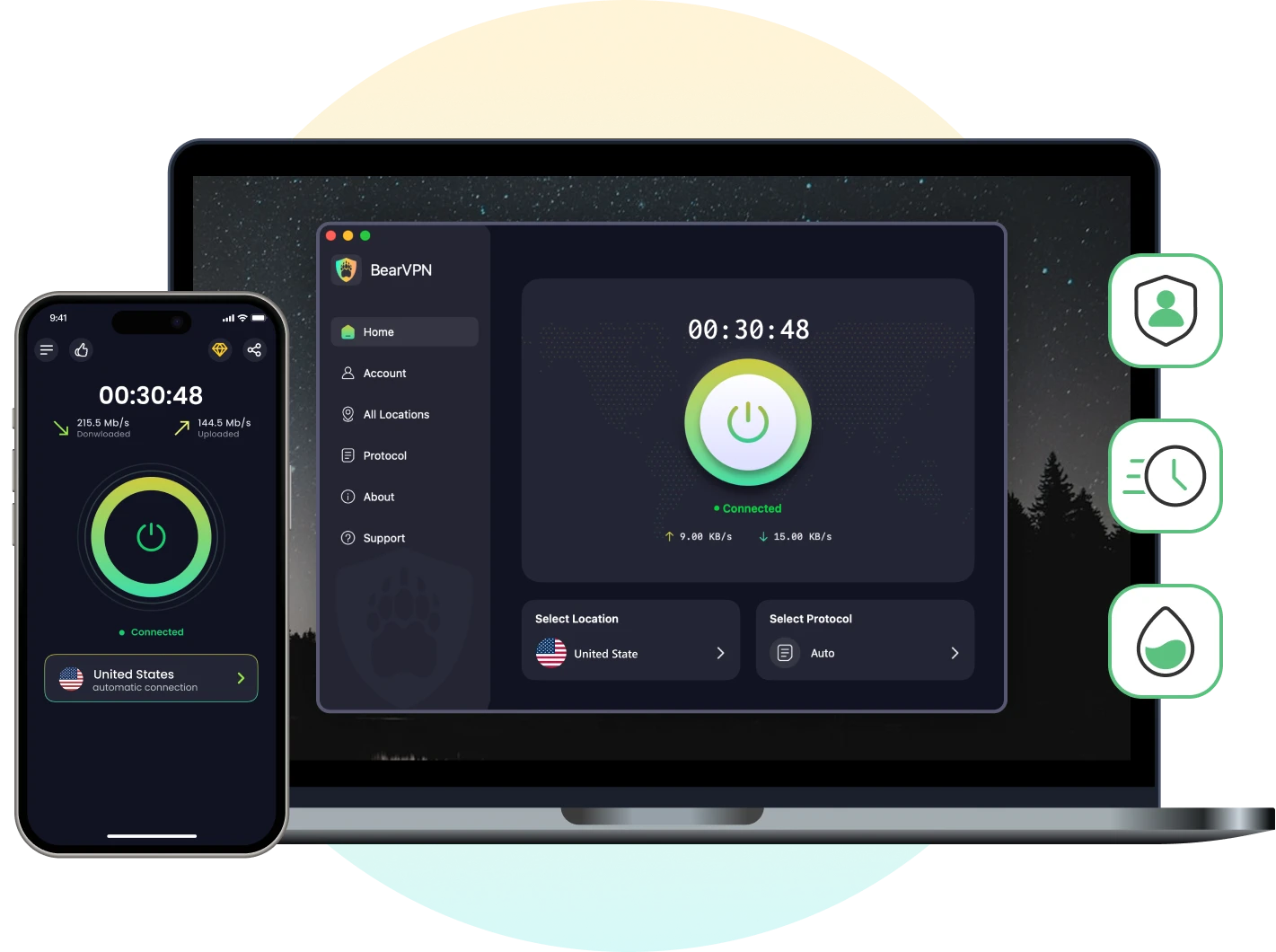
BearVPN gives you access to 2,000+ servers across 50+ locations, with IP masking, DNS/IP leak protection, and a Kill Switch. Android and iOS users can start with a limited, ad-supported no-login experience; access on Windows and macOS requires a subscription. Availability on XVideos can change and is not guaranteed.
Step 2: Download and Install BearVPN
Download BearVPN from its official source and install the correct version for your device. Avoid unofficial APKs, mirrors, cracked clients, or browser extensions claiming to be BearVPN.
Step 3: Connect and Confirm the Public IP
1. Open BearVPN and choose a server location where your intended access is permitted under applicable law and the platform’s current rules.

2. Connect, then use an IP-checking page to confirm that the visible IP location has changed before opening XVideos.
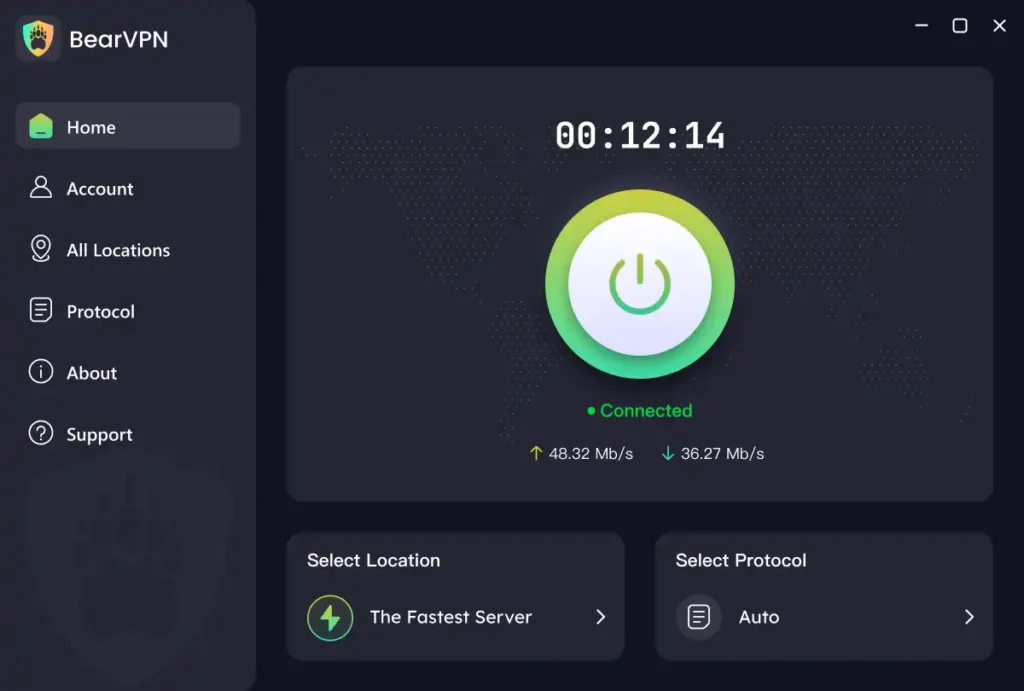
3. Open XVideos in a new private browser window. If the check was triggered only by IP geolocation, the prompt may no longer appear.
Do not rely on a fixed list of “verification-free” countries. Requirements and enforcement can change, and a server located in the same country may use an IP range that the platform treats differently.
4. If the IP did not change, reconnect or test another available server before opening XVideos.
Step 4: Start a Fresh Browser Session After Connecting
Close existing XVideos tabs, then open a Private or Incognito window. If needed, clear only XVideos’ site-specific cookies and cached data rather than deleting all browser data. A fresh session can remove stale location information, but it cannot remove a server-side or legally required age check.
Carrier-Grade NAT does not normally expose your original region through a correctly configured VPN tunnel. Instead, confirm that BearVPN shows an active connection and check the public IP address in your browser. If it has not changed, reconnect or switch servers. Keep the Kill Switch enabled if you want traffic blocked during an unexpected VPN disconnect.
What Is XVideos Age Verification?
Age verification on XVideos is intended to confirm that users meet the applicable adult-age requirement before accessing restricted content. Depending on your region, this could mean anything from a simple “I am 18+” confirmation to a more detailed process that asks for an age token, ID card, or biometric check through a third-party service.
These checks exist for a valid reason — to prevent minors from exposure to adult material. However, many users understandably worry about how much personal data they must share and who handles it.
Why Does XVideos Use Age Checks?
XVideos uses age checks because adult platforms face growing legal and regulatory pressure to prevent minors from reaching pornographic content. A simple “I am 18+” button is no longer considered sufficient in several jurisdictions.
The exact experience is not universal. One visitor may see only a self-declaration screen, while another may be offered facial age estimation, a credit card check, a digital identity option, mobile-provider confirmation, or photo-ID matching. The method depends on the location, the platform’s implementation, and the rules currently in force.
Where Is XVideos Age Verification Required?
Age-verification rules and platform responses continue to change. The following summary was reviewed in September 2026 and should not be treated as legal advice.
Do not assume that every user in a country receives the same prompt or that a country will remain free of age checks. Check current local requirements before relying on a specific server location.
How Age Verification Typically Works
Not all age checks are the same. In general, adult sites use one of three approaches:
- Self-Declaration (Click-to-Confirm): The simplest and least secure method — just a pop-up confirming you’re 18+.
- Attribute Verification (Age-Only): Confirms you’re over 18 without storing your full ID details, offering a privacy-friendly balance.
- Full Identity Verification (ID or Biometrics): Requires uploading government-issued ID or using face recognition. This method is more accurate, but it raises privacy risks if not handled transparently.
Regulators like Ofcom recommend that platforms use privacy-minimized verification, storing only what’s necessary and clearly explaining how data is processed or deleted.
Is XVideos Age Verification Safe?
There is no universal yes-or-no answer. Safety depends on the verification method, the company processing the data, what it collects, how long it retains the information, and whether it can connect the result to your account or activity.
A VPN cannot protect information that you voluntarily submit to XVideos or an age-verification provider. If you upload an ID or complete a facial scan, that provider can still process the submitted data even while your connection is encrypted.
Check these details before continuing:
- Provider identity: Confirm which company performs the check and avoid prompts that do not clearly identify the data controller or processor.
- Data requested: Prefer an age-only result when available instead of providing more identity information than necessary.
- Retention: Read whether the ID image, selfie, biometric template, IP address, and transaction metadata are deleted or retained—and for how long.
- Purpose and sharing: Check whether the data is limited to age assurance or may be reused for fraud prevention, analytics, profiling, or other purposes.
- Deletion and complaints: Look for a clear deletion process, privacy contact, and regulator or appeal route.
- Connection security: Confirm that the page uses HTTPS and belongs to the stated provider before entering any information.
Facial age estimation may require less identifying information than matching a selfie to a government document, but it still processes sensitive facial data. A certification or audit can be useful evidence of security controls; it is not a guarantee that a provider is risk-free.
If you are uncomfortable with the available method, do not submit the data. Check whether the platform offers another approved option, leave the site, or seek guidance from the relevant privacy regulator.
- Encrypt traffic between your device and the VPN server.
- Mask your home IP from the destination site.
- Use DNS/IP leak protection while reviewing the official verification page.
XVideos Age Verification Still Showing? How to Fix It
If XVideos still shows an age check after you connect to BearVPN, work through the connection signals in order. Do not repeatedly clear all browser data before confirming that the VPN itself is working.
- Confirm the VPN IP: Open an IP-checking page and verify that the visible IP and location differ from your original connection.
- Try another server: The selected IP range may be classified differently or recognized as VPN traffic.
- Start a fresh session: Open a private window or clear only XVideos’ cookies and site data, then load the site again.
- Check for conflicting settings: Temporarily close another VPN, proxy, privacy extension, or custom DNS tool that may be interfering with the route.
- Test another network: Switching between Wi-Fi and mobile data can help identify a network-specific routing problem, but it does not guarantee that the check will disappear.
- Accept the limitation: If the verification prompt remains, XVideos may be using VPN detection, account information, device signals, or a mandatory regional check. Use an official verification option you are comfortable with or do not continue.
BearVPN changes the IP address presented by the VPN connection; it does not alter your account age, device identity, legal eligibility, or XVideos’ verification rules.
How to Protect Your Privacy During Age Verification
If you want to comply with the law while keeping your personal data secure, here are practical, legal privacy measures you can take:
- Use an Age-Only Option When Available: Prefer a method that returns an age result without collecting more identity information than necessary.
- Read Before You Submit: Review the verification provider’s privacy notice, requested data, retention period, sharing, and deletion process.
- Verify the Official Page and Connection: Avoid public Wi-Fi, confirm HTTPS and the provider’s official domain, and keep the device updated. A VPN protects the connection but does not hide submitted information from the provider.
- Use the Provider’s Data-Request Process: If applicable, follow its documented access or deletion procedure and keep a copy of the request.
Conclusion
XVideos age checks are becoming more common, but the method and enforcement still depend on location. If a prompt is triggered only by IP geolocation, BearVPN may let a legal adult test a different IP-based location without immediately submitting identity or biometric data.
The limit matters: a VPN cannot guarantee access, replace a legally required age check, alter account or device eligibility, or protect information you choose to submit. Confirm the VPN connection, use a fresh browser session, and evaluate the official verification provider before sharing sensitive data.
If you are a legal adult and want to test whether the prompt is triggered only by IP location, download BearVPN for your device, confirm that the public IP changed, and open a fresh browser session. If an official verification requirement remains, complete an approved method you are comfortable with or do not continue.
FAQ
UK services that allow pornography have been required to use highly effective age assurance since July 25, 2025. A simple “I am 18+” checkbox is not sufficient. The available method does not have to be government ID: Ofcom also lists options such as facial age estimation, open banking, digital identity, credit card, mobile-network, and photo-ID matching. The exact XVideos prompt can change.
There is no universal answer because VPN rules, age-verification laws, and platform terms vary by jurisdiction. The UK and Australian regimes primarily place compliance duties on service providers, but that does not make every circumvention method lawful everywhere. Adults should check current local law and XVideos’ terms. This guide does not support giving minors access to adult content.
There is no reliable permanent list. XVideos can change its checks independently of legislation, and rules can differ within a country, particularly across US states. A location that does not show an ID-based check today may introduce one later. Test the current site experience, follow applicable law, and do not treat any BearVPN server as guaranteed to be verification-free.
Use only the verification options shown on the official XVideos page. Depending on your region, these may include facial age estimation, a credit card or mobile-provider check, a digital identity service, or photo-ID matching. Before proceeding, confirm the verification provider’s domain, requested data, retention period, deletion process, and privacy contact. Do not upload documents through an unexpected pop-up or third-party link.


![How to Change YouTube TV Location [Still Works in 2026]](/_next/image/?url=https%3A%2F%2Fcms.bearvpn.com%2Fwp-content%2Fuploads%2F2026%2F06%2Fhow-to-change-location-youtube-tv.webp&w=640&q=75)