Urban VPN is supposed to solve connection problems—not become one. If Urban VPN is not working, frozen on “It’s almost done,” throwing a registration error, refusing to load locations, or claiming it is connected while your IP never changes, stop hammering Retry.
Most failures come from a dead base connection, another VPN or proxy taking control, a damaged or outdated Urban VPN installation, or an unavailable Urban location or service. Start with the exact symptom below. If the same failure survives one official reinstall and a second network, endless resets are no longer troubleshooting—they are wasted time.
Urban VPN Error: Fast Diagnosis
Two-minute cutoff: If the same error appears on two locations and two different networks, reinstall once from the official source. If it still fails, stop tearing apart every network setting on the device.
Why Is Urban VPN Not Working?
Urban VPN usually stops working for one of these reasons:
- The internet itself is down or unstable. No VPN can build a route without a working connection.
- Another VPN or proxy owns the route. This is especially common with multiple Chrome extensions.
- The app or extension is outdated or damaged. A failed update can trap it in registration or initialization.
- The selected location is unavailable. Urban VPN states that a missing free Android location may have reached its maximum-user limit.
- The current network blocks VPN traffic. School, workplace, hotel, carrier, or managed networks may enforce restrictions.
- The destination rejects the sharedVPNIP. In that case, Urban may connect correctly while a particular website still refuses access.
Do not guess which one it is. Run the checks below in order and stop as soon as the failure is isolated.
Urban VPN Quick Fixes: 8 Things to Try Immediately
If you’re experiencing issues with Urban VPN not working, follow this expanded guide for a more thorough troubleshooting process.

Way 1. Restart the App or Extension
- Close the Urban VPN browser extension or mobile app completely.
- On desktop, use Task Manager (Windows) or Force Quit (Mac) to ensure it’s not running in the background.
- Reboot your device entirely to clear temporary conflicts.
- After rebooting, open Urban VPN and try connecting to a different server location.
Way 2. Clear Browser Cache & Conflicting Extensions
- Go to your browser’s settings > Privacy > Clear Browsing Data.
- Clear cache, cookies, and site data for the last 7 days.
- Disable or uninstall other VPN extensions, ad blockers, or security plugins that may interfere.
- Restart the browser before reconnecting to Urban VPN.
Way 3. Update Urban VPN to the Latest Version
- Visit the Chrome Web Store or Urban VPN’s official website.
- Check the extension or app version under settings.
- Uninstall older versions completely, then reinstall the latest build.
- Updating ensures compatibility with your operating system and fixes known bugs.
Way 4. Switch to a Lower-Traffic Server Location
- Urban VPN offers limited server choices. Avoid common locations like the US, UK, or Germany during peak hours.
- Select less popular servers such as those in Eastern Europe or Asia-Pacific regions.
- You can test different servers manually to compare speed and stability.
Way 5. Check for Antivirus or Firewall Conflicts
- Security software often blocks VPN tunnels.
- Temporarily disable your antivirus and firewall, then try connecting.
- Add Urban VPN to the list of trusted apps in your firewall settings.
- If the VPN works with security software off, tweak settings to allow Urban VPN while staying protected.
Way 6. Try a Different Network
- If you’re on a school, workplace, or hotel Wi-Fi, the network may block VPN traffic.
- Try switching to mobile data or a different Wi-Fi network.
- Tether your phone’s internet to your laptop to test VPN connectivity.
Way 7. Flush Your DNS and Reset Network Settings (Advanced)
- On Windows: Open Command Prompt and run ipconfig /flushdns.
- On macOS: Use Terminal and run sudo dscacheutil -flushcache; sudo killall -HUP mDNSResponder.
- Restart your device and reconnect to Urban VPN.
- This clears cached DNS data that may be conflicting with VPN routing.
Way 8. Reinstall Urban VPN from a Trusted Source
- Uninstall Urban VPN completely.
- Reboot your device to remove leftover files.
- Download the app or extension only from Urban VPN’s official website or verified app store.
- Avoid third-party mirrors, which may offer outdated or tampered versions.
If you’ve followed every step above and Urban VPN is still not working, then the issue likely isn’t you—it’s the service itself. Persistent problems often point to systemic flaws in free VPN infrastructure
Fix Specific Urban VPN Errors
Urban VPN Registration Error
Install the current official version, set the device date and time to automatic, restart, and test another network. If registration fails on both Wi-Fi and mobile data after one clean reinstall, treat it as a product or provider-side failure—not an invitation to reset the whole device again.
“Please Retry to Connect” or “Connection Failed”
Confirm the normal internet works, close every other VPN/proxy, and select another Urban VPN location. Urban VPN’s official troubleshooting page recommends checking the base connection and disabling competing VPNs or proxy extensions for these connection errors.
“We Couldn’t Load the Locations”
Relaunch the app and test another connection. For free Android users, Urban VPN says a missing location can mean that location has reached its maximum-user limit. Wait and retry; premium users should relaunch and contact Urban VPN support if the failure continues.
“Initialization—It’s Almost Done”
Close the app or browser completely, remove the damaged installation, restart, and install the current official version once. If the loop survives a second network, the request is probably failing beyond a simple local cache problem.
“Service Failed to Start” on Windows
Restart Windows and confirm the installer came from Urban VPN’s official source. Then repair or reinstall it with the permissions requested by the verified installer. Do not disable security software just to force an unknown executable to run.
Is Urban VPN Down?
One dead location is not proof of a global outage. Test another location, a second network, and—if available—another device. If all fail at the same time, check Urban VPN’s current support channels and official store listing before assuming your device is broken.
When to Stop Troubleshooting and Switch
Many issues with Urban VPN stem from the nature of free VPNs. If they are the causes, you may consider switching to another premium VPN. Common issues that free VPNs may cause:
- No guaranteed uptime
- Data throttling
- Limited server availability
- No customer support
Even if you’re using it for casual streaming or light browsing, these limitations often outweigh the convenience of “free.” That’s where BearVPN comes in.
Why BearVPN Is a Better Alternative to Urban VPN
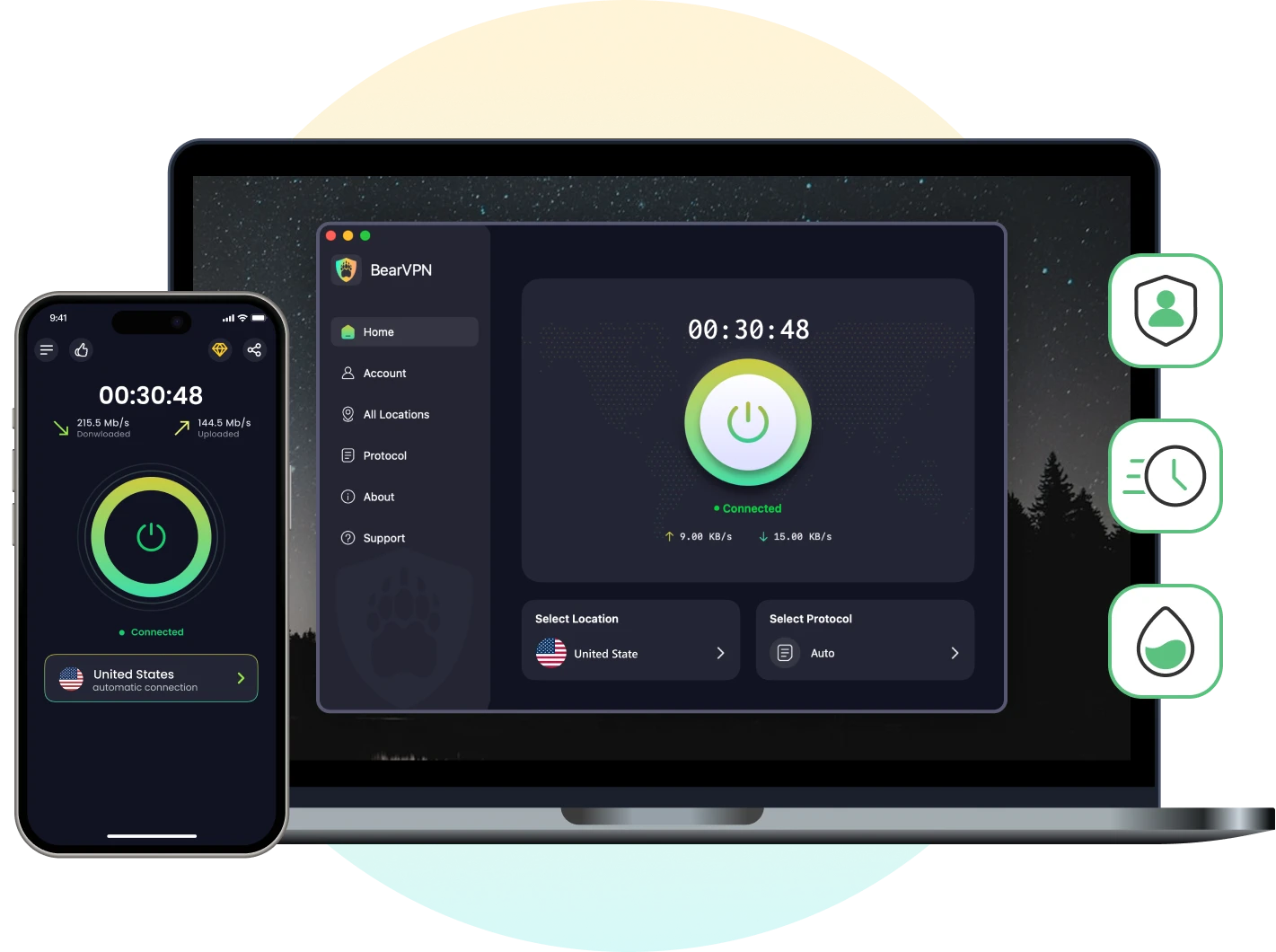
If Urban VPN has already failed the clean-reinstall and second-network test, BearVPN gives you a cleaner exit: native apps, a larger disclosed physical-server network, and connection-protection controls without another hour of recycling the same error.
Why BearVPN Is the Stronger Recovery Path
- Native apps instead of another browser-proxy conflict: Use BearVPN on Android, iOS, Windows, or macOS without stacking multiple proxy extensions.
- More routes to test: Choose among 2,000+ physical servers across 50+ locations instead of repeating the same failed endpoint.
- Connection safeguards: AES-256 encryption and DNS/IP leak protection secure the route; Kill Switch on supported platforms and plans can stop fallback traffic if the tunnel drops.
- Control app routing: Split Tunneling on supported platforms can keep selected apps inside or outside the VPN rather than forcing every app through one route.
- Privacy-focused infrastructure: BearVPN’s RAM-only server positioning and no-browsing-activity-logs policy reduce the data retained by the VPN service.
- Connect through native Android, iOS, Windows, and macOS apps.
- Choose from 2,000+ physical servers across 50+ locations.
- Protect the connection with AES-256 encryption and DNS/IP leak protection.
- Verify the new public IP, then get back to what you opened the VPN for.
Urban VPN Not Working on Specific Platforms?
Sometimes, Urban VPN issues aren’t universal—they vary depending on the device or platform you’re using. Whether it’s a browser extension, mobile app, or streaming service, the cause (and solution) may look a little different. Here’s how to fix Urban VPN on the most commonly used platforms.

Chrome Extension Not Working
Open the browser’s extension page, confirm the official Urban VPN extension is enabled and current, then disable every other VPN/proxy extension. If Chrome says another extension controls proxy settings, leave only one proxy tool active. After reconnecting, verify that the public IP actually changed.
Urban VPN Not Working on Android/iOS
Force-close and reopen the app, confirm the operating system granted the VPN configuration permission, switch between Wi-Fi and mobile data, and try another location. On free Android, an unavailable location may simply be at its user limit.
Urban VPN Not Working on Windows or macOS
Quit competing VPN apps, restart the computer, and repair or reinstall the official client. On Windows, a service-start or installer-permission error belongs to the app installation; do not treat it as a browser-cache problem.
Urban VPN Not Working for Netflix or Disney+
First verify that the public IP changed. If ordinary sites work but one streaming service does not, that service may be rejecting the VPN IP or the requested title may not be licensed in the visible catalog. Change location once; do not promise that any VPN can unlock every title or platform.
Conclusion
When Urban VPN is not working, the fastest fix is diagnosis—not panic. Test the base connection, confirm whether the IP changed, remove competing VPN/proxy tools, try another location and network, then reinstall once from the official source.
If the same registration, initialization, loading, or connection failure survives that sequence, stop feeding the loop. BearVPN is the direct alternative for users who want native apps, 2,000+ physical servers across 50+ locations, AES-256 encryption, and DNS/IP leak protection. No VPN is failure-proof, but your troubleshooting should have a hard stopping point.
Don’t settle for unreliable protection—switch to BearVPN today and experience VPN that actually works.
FAQs on Urban VPN Not Working
Yes, but the limits vary by platform, product, and plan. Free locations can be crowded or unavailable, and Urban VPN says a free Android location may disappear after reaching its maximum-user limit. Check the current app or store listing instead of relying on an old fixed country count.
The official Urban VPN Proxy Chrome listing was available when this guide was reviewed and showed an update dated September 1, 2026. Store status can change, so confirm the current official publisher and listing instead of installing an archived CRX or copied extension.
Do not label every Urban VPN product a Trojan without checking the exact app, extension, version, publisher, and detection. Researchers raised serious privacy concerns about the browser extension’s handling of AI-chat data in December 2025, and Urban VPN disputed key claims about consent and scope. Review the current permissions and never override a specific malware warning blindly.
An unstable base connection, overloaded or unavailable location, battery optimization, another VPN/proxy, or a network restriction can break the route. Try another location and a second network. If the failure follows Urban VPN after one clean official reinstall, stop repeating resets and switch products.
The official product is not the same as an obvious malware clone, but “safe” also includes privacy. Its current Chrome listing discloses handling location, web history, and website content, and researchers and Urban VPN have disputed aspects of AI-chat data collection. Read the current permissions, privacy policy, and plan terms before deciding whether that tradeoff fits you.
A browser extension does not route traffic from a separate torrent client. Support in a full VPN app can vary by platform and current terms, so verify the official product documentation before transferring files. Do not assume every server is optimized for P2P, and download only material you are authorized to share.
First confirm mobile data works with Urban VPN off. Then set date and time automatically, allow the VPN configuration, disable battery or data restrictions for the app, and try another location. If Wi-Fi works but multiple mobile networks fail, the carrier may be filtering the route; do not keep reinstalling the app.
Install the latest official version, set the device date and time automatically, restart, and test both Wi-Fi and mobile data. If registration still fails across networks after one clean reinstall, it is likely a product- or provider-side problem rather than another cache issue.
The app may be unable to retrieve its location list. Urban VPN says that on free Android, a missing location may have reached its maximum-user limit. Wait and retry once; premium users should relaunch and contact support if the list remains unavailable.
Switch when normal internet works but Urban VPN still fails after multiple locations, a second network, and one official reinstall—or when its current permissions and data practices do not match your privacy requirements.