


Navigating software directory sites like Softonic often brings up huge download buttons and aggressive pop-ups. For users searching for free games, desktop utilities, or Android APK files, determining whether Softonic is safe requires distinguishing between clean official mirrors and risky third-party installers. While the platform has updated its scanning protocols, misleading ad networks and bundled PUPs (Potentially Unwanted Programs) remain a common issue.
What Is Softonic?
Softonic is a software-discovery and download platform founded in Barcelona in 1997. It publishes listings, reviews, version information, and download links for Windows, macOS, Android, and other platforms.
The download path is not identical on every listing. Some files are delivered from Softonic’s servers, while other buttons redirect users to a developer, app store, affiliate, or another external source. That distinction matters because the Softonic domain, the page you visit, and the file you eventually install may come from different parties.
Softonic earns revenue through advertising and commercial links. An advertisement or sponsored button is not proof that the linked file is malicious, but you should always confirm that the button leads to the developer and file you intended to download.
Is Softonic Safe and Legit in 2026?
Yes, Softonic is a legitimate, long-running software platform. It is generally safe to browse, but you should not treat that as a guarantee that every installer, APK, redirect, or third-party application is safe.
Softonic says it scans new and updated downloads using more than 60 antivirus engines and blocks or warns about suspicious files. It has also introduced file-level Security Reports that can show the latest review date, file status, antivirus tools used, and additional VirusTotal verification.
Those checks are useful, but they do not replace your own verification. Softonic’s current Terms of Use state that third-party software may be hosted or linked through the platform and that users are responsible for checking its safety, legality, and compatibility before installing it.
What About Softonic’s Old Adware Reputation?
Softonic’s poor reputation largely comes from its former Softonic Downloader, which could present recommended offers and bundled software. The company shut down that downloader and its recommended-offer system in February 2015.
Malwarebytes still maintains a page for PUP.Optional.Softonic, but the entry describes the discontinued Softonic Downloader in the past tense. It should be treated as evidence of Softonic’s history—not proof that every current Softonic download contains adware.
Current complaints on Reddit and review sites can still help identify problems with a particular advertisement, redirect, APK, installer, or application. However, a complaint without the file name, version, source URL, and scan result cannot establish that all Softonic downloads are unsafe.
Is Softonic Safe to Download From?
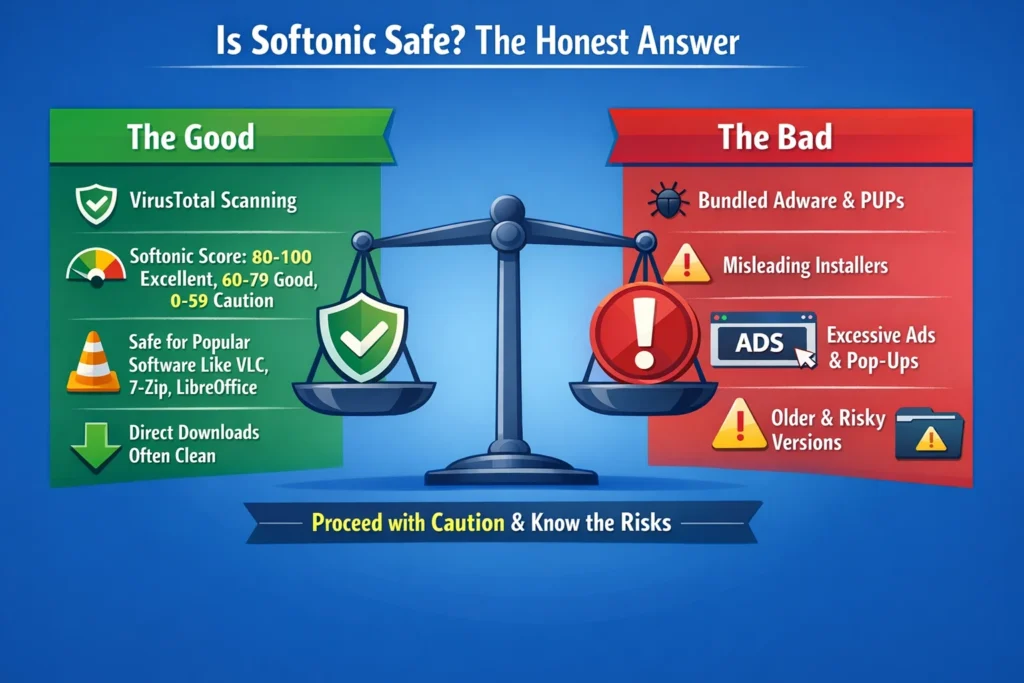
A Softonic download may be safe, but the answer depends on the exact file—not just the website’s name. Check these four risk areas before opening anything:
- The download destination: Confirm whether the button downloads from Softonic, opens the official developer website, sends you to an app store, or redirects to another third party.
- The publisher and version: Compare the developer name, version number, release date, and system requirements with the developer’s official page.
- The file itself: Review Softonic’s security status when available, scan the exact file, and check a Windows installer’s digital signature before running it.
- Unexpected behavior: Stop if the installer asks you to disable security software, install unrelated applications, change browser settings, or grant permissions that do not match the app’s purpose.
Advertisements, old versions, and external redirects deserve additional attention. A clean result for the Softonic webpage does not prove that every file or destination reached from that page is safe.
Is Softonic Safe for PC and Game Downloads?
Softonic can provide legitimate Windows programs and games, but the developer’s official website, Microsoft Store, Steam, Epic Games Store, or another official publisher channel is normally the better first choice.
Before running an .exe or .msi file, right-click it in Windows, open Properties, and check the Digital Signatures tab when available. The signer should match the expected developer. Then scan the file with your installed security software. If the signature is missing, invalid, or belongs to an unexpected company, do not continue until you verify the file elsewhere.
Treat cracks, unofficial mods, key generators, and altered game installers as separate high-risk categories. A Softonic page or antivirus scan cannot confirm that such files are legal, authentic, or safe.
Is Softonic APK Safe for Android?
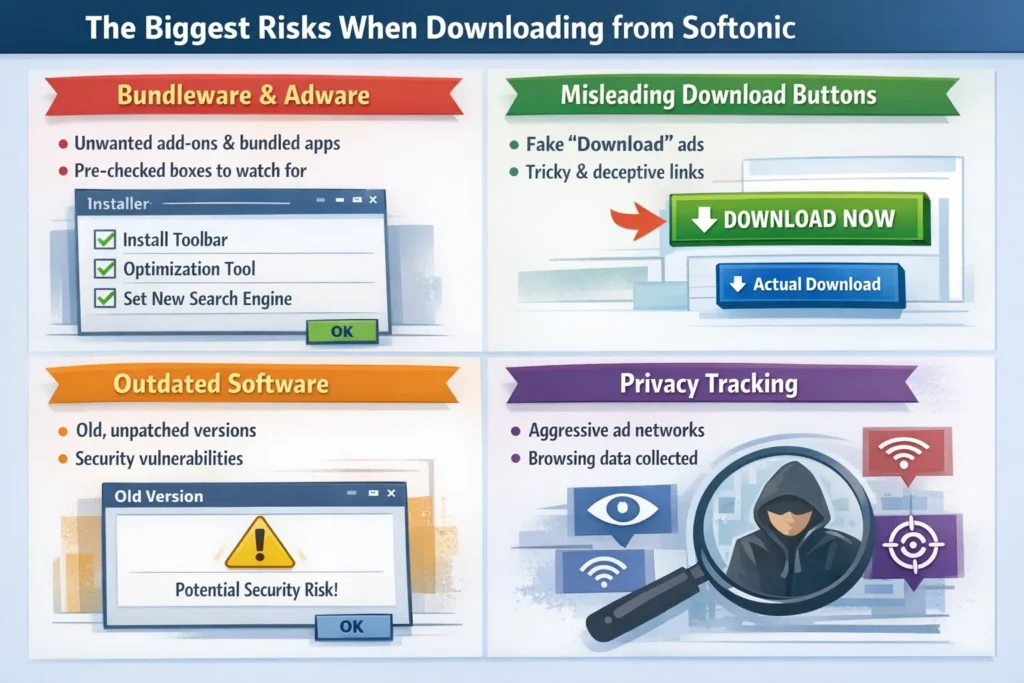
A Softonic APK is not automatically malicious, but installing an APK outside Google Play carries more uncertainty about its publisher, signing key, update path, and permissions. Prefer Google Play or the developer’s official Android download whenever possible.
If you still use an external APK:
- Confirm that the package name, developer, version, and requested permissions match the official app.
- Keep Google Play Protect enabled. Google says Play Protect can also inspect applications installed from outside Google Play.
- Scan the APK before installation and stop if Android or Play Protect displays a harmful-app warning.
- Never sideload banking, password-manager, authentication, VPN, crypto-wallet, or security apps from an unverified publisher.
Do not disable Play Protect merely to force an APK to install. A warning does not always prove that a file is malware, but it is a reason to stop and verify the file—not to bypass the protection.
How to Download from Softonic More Safely
If the official developer or app-store version is unavailable and you decide to use Softonic, follow this checklist:
- Confirm the URL and button. Make sure you are on the expected
softonic.compage and identify whether the button is a Softonic download, official developer link, app-store link, advertisement, or external redirect. - Check the listing details. Compare the developer, version, update date, platform, and file type with information on the developer’s official website.
- Open the Security Report. When a report is available, review the file status, scan date, and antivirus results. Do not rely only on a generic “safe” label.
- Scan the exact file. Use your device’s security software before opening the installer. VirusTotal can provide a second opinion, but no clean scan is a permanent guarantee.
- Verify the signature or permissions. On Windows, check the installer’s digital signature. On Android, review the package, publisher, and permissions before installation.
- Reject unexpected extras. Cancel the installation if it promotes unrelated software, changes browser settings, or asks you to disable antivirus protection.
- Respond to warnings instead of bypassing them. If your browser, operating system, antivirus, or Play Protect blocks the file, stop and obtain a fresh copy from the official source.
User reviews can provide additional clues, but they are not a substitute for checking the exact file and publisher. Reviews may refer to a different version, advertisement, redirect, or download source.
What a VPN Can—and Cannot—Protect on Softonic
A VPN does not scan installers, detect malicious APKs, block every advertisement, or make an unsafe file safe. Antivirus protection, file verification, and choosing the correct publisher remain essential.
A VPN protects a different part of the process: your network connection. BearVPN encrypts traffic between your device and the VPN server and masks your public IP address. This is particularly useful when browsing or downloading on shared networks such as airport, hotel, school, or café Wi-Fi.
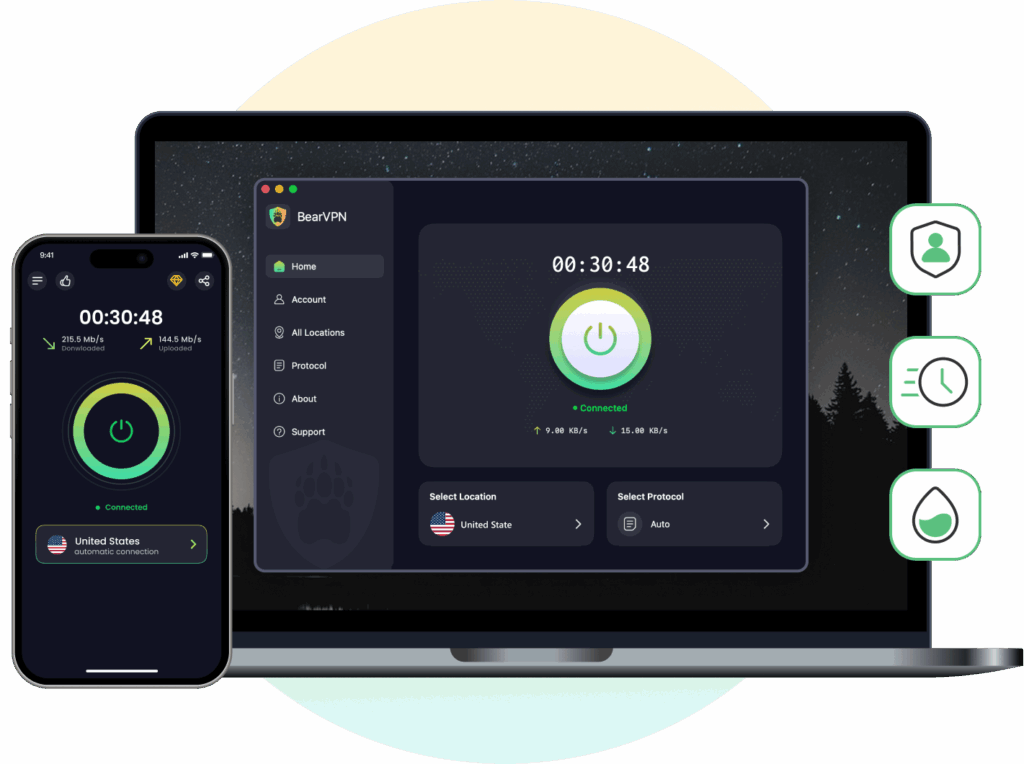
Relevant BearVPN protections include:
- AES-256 encryption for network traffic routed through the VPN.
- Kill Switch protection that can stop internet traffic if the VPN connection unexpectedly drops.
- DNS and IP leak protection to reduce accidental exposure of your network address.
- Split Tunneling when you need selected supported apps to use the VPN while other traffic connects normally. Support for Windows, macOS, Android, and iOS, with up to 10 simultaneous devices on a paid account.
On Android and iOS, you can try BearVPN without creating an account; the free mobile experience includes ads and one available route. Use it to protect your connection, then separately scan and verify every file before installing it.
Better Alternatives to Softonic
For most software, there’s a safer path that doesn’t require navigating a minefield of misleading ads and bundled installers.
The most reliable option is always the official developer website. Whether you’re downloading a media player, a productivity tool, or a game client, going directly to the source means you get the current, verified version with no third-party modifications. Most developers make this easy to find with a clearly labeled Downloads or Get Started page.
For most software, use sources in this order:
- The developer’s official website for the latest installer and release information.
- An official app store, such as Microsoft Store, Mac App Store, Google Play, Apple App Store, Steam, or Epic Games Store, when the developer distributes the product there.
- The project’s verified release repository for open-source software. On GitHub, confirm that you are viewing the developer’s real organization and official Releases page; a GitHub repository is not automatically safe simply because its code is public.
- A reputable package manager, such as Microsoft WinGet or Homebrew, after checking that the package points to the expected publisher.
Ninite can also simplify installation of the mainstream Windows applications included in its catalogue. Regardless of the source, keep the application updated and investigate any signature, browser, operating-system, or antivirus warning before proceeding.
Final Verdict: Is Softonic Safe?
Softonic is legitimate and generally safe to browse, but it is not the best first source for every download. Its antivirus scanning and newer Security Reports are useful safeguards, while the safety of the exact installer, APK, advertisement, or external redirect still needs to be verified separately.
Start with the developer’s official website or an official app store. If you use Softonic, confirm the publisher and version, inspect the available security report, scan the exact file, and stop when any warning or unexpected installation request appears.
BearVPN can encrypt your network connection and mask your public IP while you browse or download, especially on shared Wi-Fi. It cannot verify the software itself, so use it alongside—not instead of—antivirus protection and careful file checks.
FAQs
Softonic is a legitimate download platform, and it scans files before publishing them. However, the safety of a download depends on the exact installer, APK, publisher, version, advertisement, or external link involved. Prefer the developer’s official website or an official app store. If you use Softonic, check the file’s Security Report, verify its publisher, and scan it before opening it.
Yes. Softonic is a real software-discovery and download company founded in 1997, not a fake website or virus. Legitimacy does not guarantee that every third-party program or external download is safe, current, or suitable for your device, so each file still needs to be checked individually.
Some Softonic APKs may be legitimate, but APK safety is file-specific. Prefer Google Play or the developer’s official Android channel. If you install an external APK, check its developer, package name, version, signing information, and requested permissions. Keep Play Protect enabled and do not override a harmful-app warning without independently verifying the file.
It can be safe for some Windows programs and games, but official developer sites and recognized stores are usually better sources. Before running an .exe or .msi file, compare the version with the official release, check its digital signature, and scan it. Avoid cracks, key generators, and unofficial modified installers.
No. Softonic itself is not a virus. Its reputation was affected by an old ad-supported downloader that was discontinued in 2015. A current file can still be unsafe, unwanted, outdated, or incorrectly flagged, so judge the exact download rather than assuming that every Softonic file is either malicious or harmless.
PUP.Optional.Softonic is Malwarebytes’ detection name for Softonic’s former Windows downloader, which could present bundled advertising offers. The detection documents Softonic’s historical download model and should not automatically be applied to every current file. If your antivirus flags a new download, stop and verify the exact file instead of ignoring the warning.
Many Reddit warnings refer to Softonic’s former downloader, older bundled offers, or a specific advertisement or file. New complaints can still be relevant, but check their date, file name, version, download URL, and scan evidence. A single user report cannot establish the safety of the entire current catalogue.
The safest first choice is normally the software developer’s official website or its verified listing in Microsoft Store, Mac App Store, Google Play, Apple App Store, Steam, or Epic Games Store. For open-source software, use the project’s official repository and Releases page rather than an unrelated fork or re-upload.



