


Is 4Download safe? Not reliably. The 4Download.net website itself may open without triggering a browser warning, but that does not prove that every installer, crack, redirect, or third-party file host linked from the site is safe. Modified software can contain credential stealers, cryptominers, ransomware, or unwanted programs, and no antivirus scan can guarantee that a file is clean.
This guide separates website safety from download safety, explains the warning signs to check, and recommends legal 4Download alternatives for plugins and creative software.
You may also like: Is Softonic safe?
Disclaimer: This guide is for educational and cybersecurity awareness purposes only. It does not endorse, encourage, or support the downloading of copyrighted software, “cracked” programs, or any activity that violates local or international law. All information in this article is intended to help readers recognize online risks, protect their devices, and make informed, lawful decisions.
4Download.net Is Not 4K Download
First, make sure you are researching the correct website. The similar names refer to different services:
- 4Download.net is a directory associated with full-version or modified downloads of software, audio plugins, sample libraries, and other digital tools. It is the subject of this guide.
- 4kdownload.com is the website of a separate company that develops media-downloading applications. Its reputation and software should be evaluated independently.
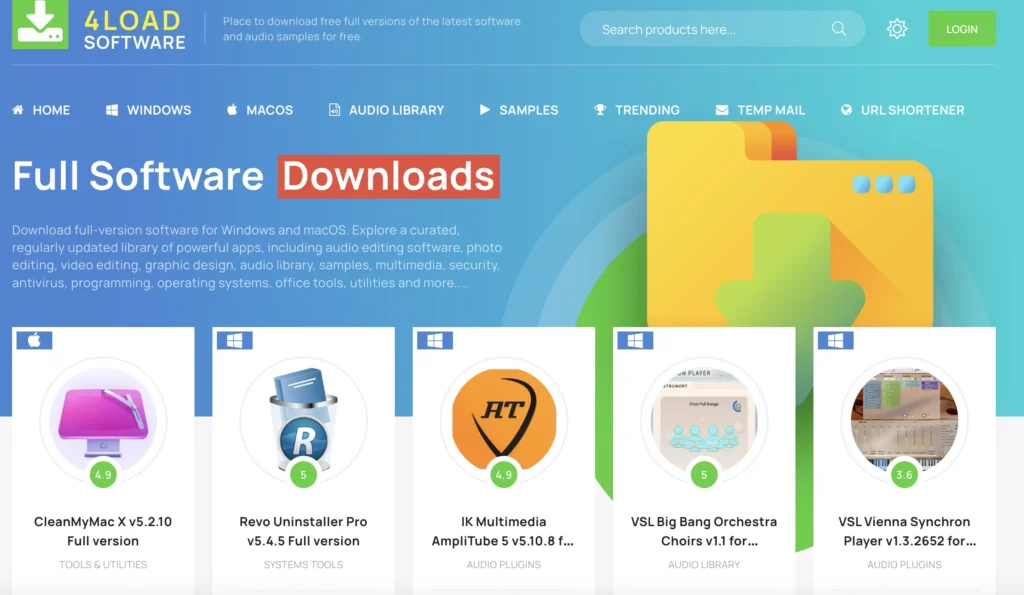
Do not assume that a similarly named domain is connected to either service. Check the complete domain before downloading or entering any information, because look-alike websites can imitate established brands.
Is 4Download Safe?
No—4Download should not be treated as a reliably safe place to download software. The main domain may not currently appear on major threat blocklists, but that result only describes the scanned website at that moment. It does not certify every archive, executable, redirect, advertisement, or external file host.
Here is the practical distinction:
What Do Current Reviews Say?
Public feedback is mixed and too limited to certify the site. As of September 2026, 4Download.net has a 3.1/5 TrustPilot score based on only nine reviews. Some reviewers report using downloads without an obvious problem, while a more recent reviewer reported a Trojan and account compromise.
These are individual reports rather than controlled security tests. They show why neither positive comments nor one successful download should be treated as proof that another file is safe.
Can a VPN Make 4Download Safe?
No. A VPN can improve connection privacy, but it cannot determine whether an installer is genuine or stop a malicious file after you run it.
A VPN encrypts traffic between your device and the VPN server and replaces your public IP address with the server’s IP. This can reduce what a local network or ISP can observe about your connection. It does not:
- Scan an installer or archive for malware
- Remove a Trojan, keylogger, or ransomware
- Verify who uploaded a file
- Block every malicious advertisement or redirect
- Make an unauthorized download legal
- Hide activity from services you sign in to
How BearVPN Helps With Connection Privacy
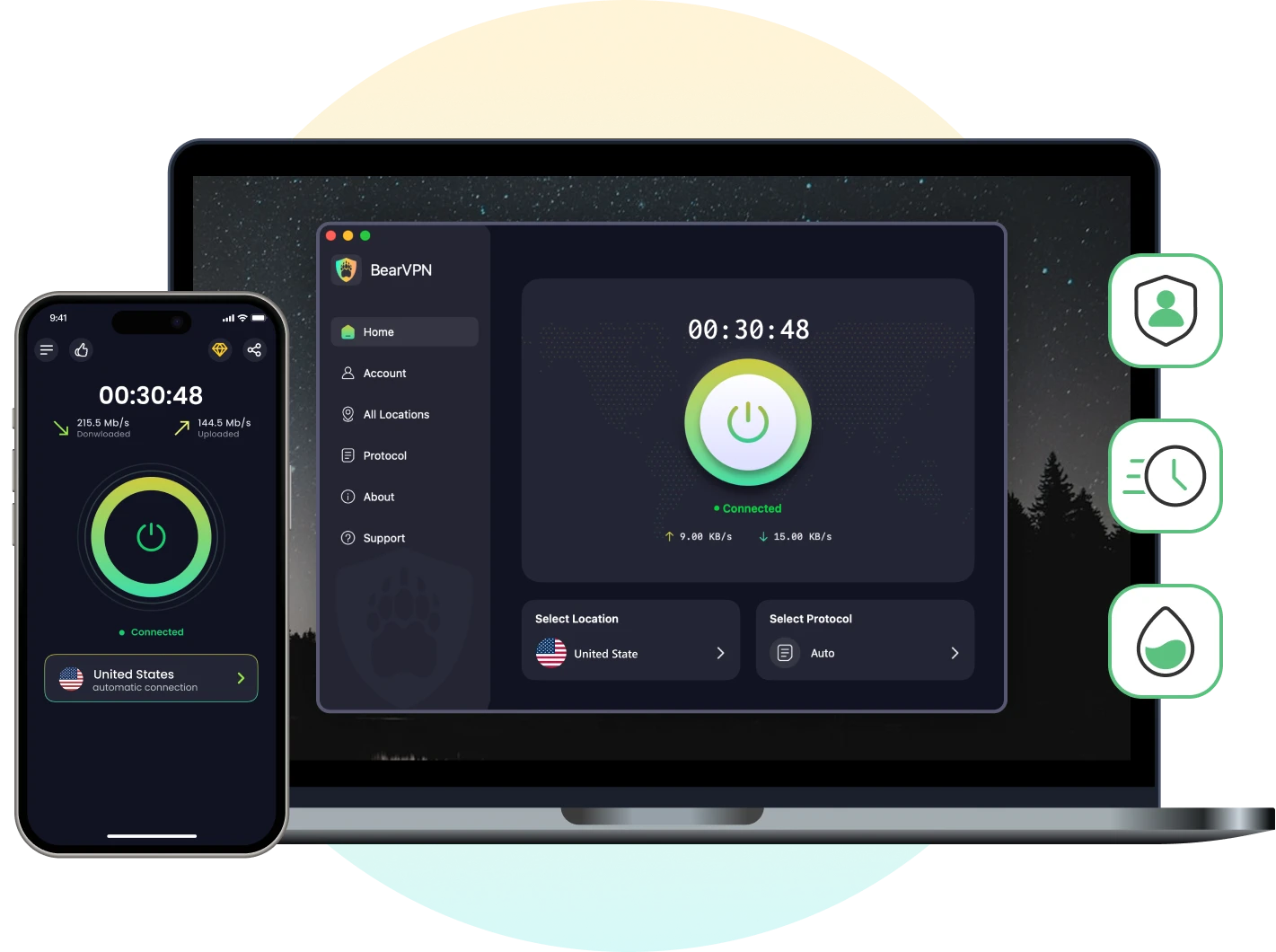
If you need additional privacy while visiting an unfamiliar website, BearVPN provides AES-256 encryption, IP masking, DNS/IP leak protection, and a Kill Switch. These features protect the network connection; they do not replace antivirus software, browser protection, backups, or safe download practices.
How to Connect BearVPN Before Browsing
- Download BearVPN from the official BearVPN website or your device’s official app store, then install it on the device you use for browsing.
- Open BearVPN and select a suitable server. A nearby server will usually provide a more responsive connection, although actual speed depends on your location, network, and server conditions.
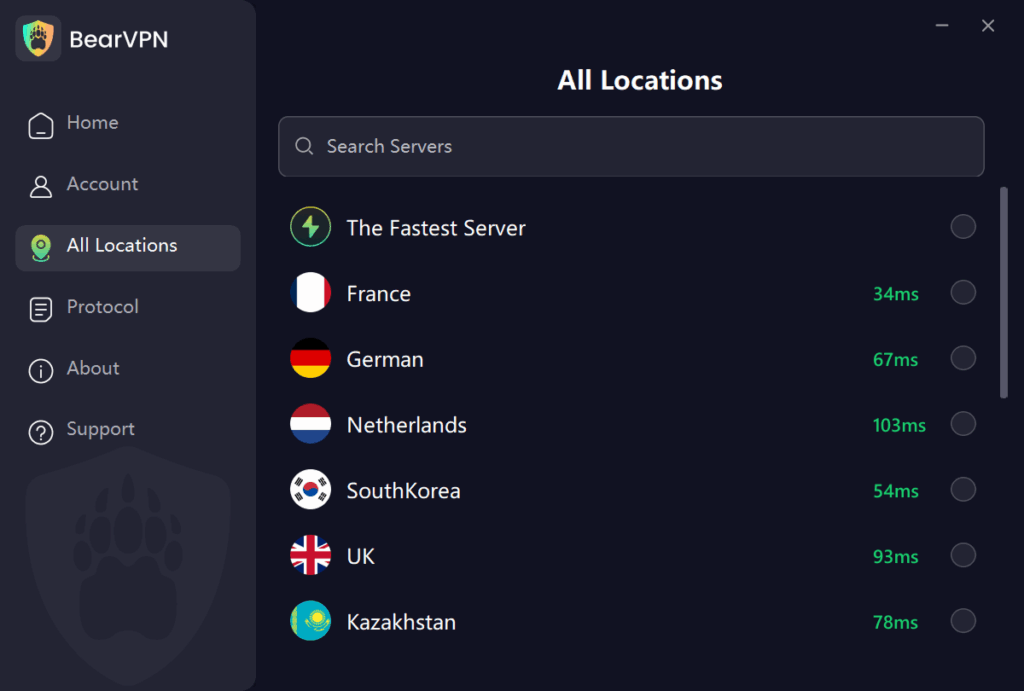
- Select Connect and wait until the app confirms that the VPN connection is active.
- Use BearVPN’s What Is My IP tool to confirm that the displayed IP address differs from your normal public IP.
After connecting, BearVPN can help keep your connection and public IP more private. You must still treat every unknown download as untrusted.
What Is 4Download.net?
4Download.net is a software-download directory offering applications, audio plugins, sample libraries, and other digital tools. Many listings advertise paid products as free “full versions,” which may involve modified installers or unauthorized copies.
The site commonly sends users through external pages or file-hosting services rather than delivering every file from one controlled server. This creates a chain-of-trust problem: the 4Download page, redirect service, advertisement, file host, archive, and installer may all be operated or changed independently.
Direct downloading is different from torrenting. A direct download normally connects your browser to a server, while torrenting exposes your IP address to peers participating in the same swarm. That privacy difference does not prove that a direct-download file contains less malware.
Redirects, Mirrors, and Look-Alike Domains
A redirect is not automatically malicious, but every additional domain introduces another party that could track visitors, display deceptive advertising, or substitute a different file. A third-party scan of 4Download.net in August 2026 found several externally referenced domains or links marked as suspicious or malicious.
Before trusting any page, check the complete domain—not just the logo or page design. If a link suddenly asks you to install a download manager, browser extension, or unrelated executable, close it.
4Download Risks: Malware, Fake Buttons, and False Positives
The most important risk is not whether the homepage loads normally. It is whether you can verify the origin and integrity of the file you are about to run.
Potential threats include:
- Credential stealers that target browser passwords, cookies, crypto wallets, or account sessions
- Cryptominers that consume CPU or GPU resources in the background
- Ransomware that encrypts documents, projects, and backups
- Remote-access Trojans that allow an attacker to control the device
- Potentially unwanted programs that change browser settings, display ads, or install additional software
Never Assume an Antivirus Warning Is “Only a False Positive”
Cracks and key generators modify software behavior, so some security products may classify them as hack tools or potentially unwanted programs. However, malware authors can exploit that expectation by hiding a real malicious payload inside a modified installer.
The number of VirusTotal detections is not a reliable pass-or-fail rule. One detection may be incorrect, but zero detections can also miss a new threat. Review the names of the detections, file history, signatures, behavior, contacted domains, and community comments rather than relying on an arbitrary number.
Watch for Fake Download Buttons
Large Download buttons may be advertisements rather than the file link you intended to use. Treat the following as warning signs:
- The link opens an unrelated domain
- A page requests browser-notification permission
- The download is an EXE or download manager when you expected a ZIP, RAR, audio file, or document
- The page asks you to disable antivirus protection
- The filename, publisher, or file size does not match the software description
- Several redirects appear before the file host
How to Check a Suspicious Download
No procedure can make an untrusted cracked installer completely safe. If the software is available from its developer or an authorized store, use that source instead.
- Check the source. Confirm the developer, publisher, expected filename, version, and operating system. A working download is not proof that it is authentic.
- Scan the URL and file. VirusTotal aggregates results from multiple security tools and can reveal known malicious indicators. Do not upload private, confidential, or proprietary files: VirusTotal explains that submitted content may be shared with security partners and qualified premium customers.
- Look for a valid digital signature. On Windows, open the file’s Properties and check Digital Signatures. A missing signature is not automatic proof of malware, but a valid signature from the expected developer provides stronger evidence than an anonymous modified executable.
- Do not disable antivirus protection. If your security software quarantines a crack, keygen, DLL, or installer, do not restore and run it merely because a forum calls the detection a false positive.
- Use isolation only as an additional safeguard. Windows Sandbox can reduce risk when examining an untrusted application, but it is not a certificate of safety. Microsoft recommends disabling Sandbox networking and mapping required folders as read-only when handling untrusted files. This feature is available only on supported Windows editions.
- Back up important files. Keep project files and backups disconnected from any environment used to inspect unknown software.
4Download Passwords and Installation Warnings
What Is the Password for a 4Download RAR File?
The password commonly associated with 4Download archives is:
Some listings may use 4download.net or provide a different password on the original download page or in an included text file. Do not trust a password copied from an unrelated redirect or comment.
A password-protected archive is not evidence that the contents are safe. Encryption can also prevent security tools from inspecting the files until the archive is opened.
What Should You Do If Antivirus Blocks the Installer?
Do not disable antivirus protection or restore a quarantined file simply to make a crack, patcher, or key generator run. A failed installation can indicate a missing component, an incompatible version, a damaged archive, or a genuine security threat.
The safest response is to delete the unverified installer and obtain the software from the developer or an authorized distributor. If you believe a legitimate file was incorrectly detected, submit it to the software developer or antivirus vendor for verification.
3 Safer, Legal 4Download Alternatives in 2026
If you need plugins or creative software without the uncertainty of a modified installer, use a legal catalog and download from the original developer whenever possible. The following services cover different needs, so they are alternatives to 4Download rather than exact copies of it.
1. FossHub
FossHub distributes freeware and open-source applications across categories such as multimedia, system utilities, file management, and productivity.
Why consider it:
- It focuses on software that can be distributed legally.
- Download pages identify the application and available versions clearly.
- It is useful for general desktop utilities, not only music-production plugins.
For the strongest verification, compare the publisher and checksum with information supplied by the software’s developer when available.
2. Plugin Boutique
Plugin Boutique is an authorized marketplace for audio plugins, virtual instruments, effects, and music-production tools. Its catalog includes both commercial products and free offers.

Why consider it:
- It specializes in the same audio-production category that attracts many users to 4Download.
- Products include licensing and developer information.
- Its free section provides legal plugins without relying on cracks or key generators.
Check the current license terms, system requirements, and plugin format before installing any product.
3. KVR Audio
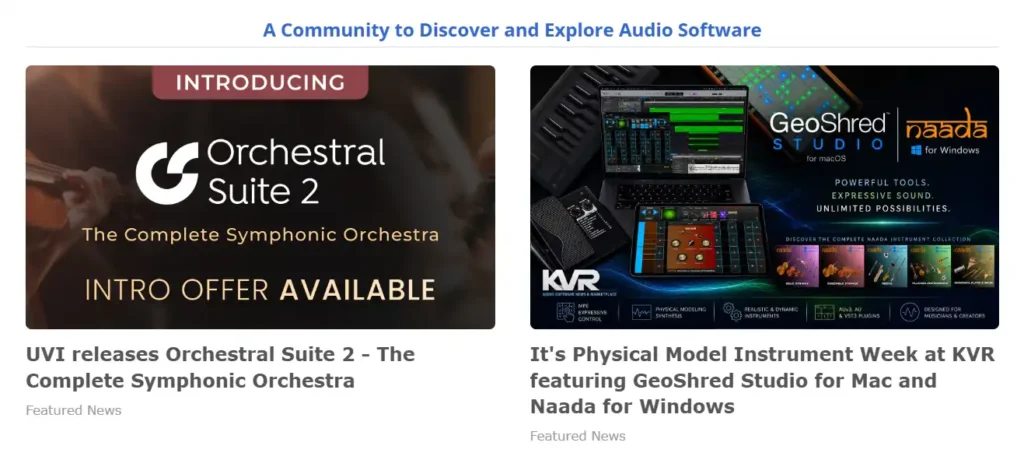
KVR Audio maintains a large searchable database of audio plugins, instruments, effects, hosts, and soundware. Users can filter results by price, operating system, plugin format, and product type.
Why consider it:
- Its database includes thousands of free plugin listings.
- Filters help users find Windows, macOS, or Linux-compatible tools.
- Product pages provide developer information, community discussions, and links that can be checked before downloading.
KVR is primarily a directory and community, so verify that the final download comes from the named developer or another authorized source.
Conclusion
Is 4Download safe? Not reliably. A current scan may show that the main domain is not blocklisted, but it cannot authenticate every modified installer, advertisement, redirect, or third-party download. VirusTotal and Windows Sandbox can add useful evidence and isolation, but neither can turn an unknown crack into a verified file.
The safest option is to download from the software developer or an authorized service such as FossHub, Plugin Boutique, or a verified developer listed through KVR Audio.
If you also want to reduce exposure of your public IP and encrypt your connection on local networks, BearVPN can protect the network layer. It does not remove malware or change the legal status of a download, so use it together with legitimate sources, current security software, and reliable backups.
- Mask your public IP on unfamiliar websites.
- Encrypt traffic on public or shared Wi-Fi.
- Keep antivirus enabled—VPNs do not scan files.
FAQs About 4Download
4Download.net should not be treated as a reliably safe source for software. The main domain may pass a website reputation scan while individual downloads, advertisements, redirects, and external file hosts remain unverified. Downloading from the software developer or an authorized distributor is safer than running a modified installer from an unknown source.
4Download is an established, functioning website, but “legit” can mean different things. Its continued operation does not prove that every download is authorized by the copyright owner, authentic, or malware-free. Check the license and publisher of each product rather than relying on the age or popularity of the website.
A file obtained through 4Download could contain malware, although not every download is necessarily infected. The main risks include credential stealers, cryptominers, ransomware, remote-access Trojans, and unwanted programs. Fake download buttons and third-party redirects can also deliver files unrelated to the software you intended to obtain.
The commonly used password is www.4download.net, although some archives may use 4download.net or a password shown on the relevant listing. A working password does not prove that the archive is safe. Scan extracted files and do not disable antivirus protection to run a blocked installer.
Modified executables, cracks, and key generators may trigger heuristic detections because they alter software or inject code. However, you cannot assume that every warning is a false positive. Malware authors can hide real threats inside files that users expect antivirus products to flag. Do not restore a quarantined file unless its authenticity has been independently verified.
For general freeware and open-source applications, consider FossHub. Plugin Boutique offers authorized commercial and free audio plugins, while KVR Audio provides a searchable database of free plugins and developer listings. Whenever possible, follow the listing to the original developer and download directly from that source.
No. BearVPN can encrypt your connection, mask your public IP, and reduce exposure on a local network, but it cannot scan a downloaded installer or stop malware after execution. A VPN also does not make copyright infringement legal. Use legitimate download sources, current security software, and backups alongside connection protection.



