Top VPN for TikTok Live Recommendations:
- BearVPN – An overall security and bypass option that effectively tunnels your traffic for everyday streaming on TikTok.
- NordVPN – Offering lightning-fast speeds and specialized servers for bypassing harsh network restrictions.
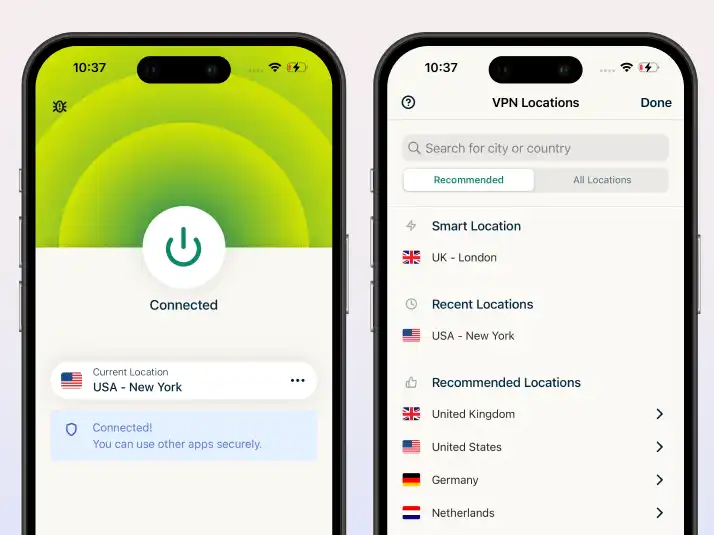
- ExpressVPN – Premium performance with servers in 105 countries, delivering a seamless, buffer-free TikTok Live experience.
- Private Internet Access (PIA) – Highly customizable and budget-friendly with an enormous global server network.
- CyberGhost – Features dedicated streaming servers that guarantee optimized connections for high-quality broadcasts on TikTok.
As one of the most popular video apps, TikTok has rapidly evolved from video sharing into a dominant platform for real-time engagement through TikTok Live. Whether you are a content creator looking to interact with fans, a business promoting products, or just a viewer watching global events, TikTok Live offers endless entertainment and experience. However, TikTok imposes geo-restrictions on short-video access and a strong firewall on live streams. This is where the best VPN for TikTok Live becomes crucial.
Using a VPN allows you to encrypt your internet traffic, mask your real location, and connect to servers in a different country that supports watching TikTok live videos. But not all VPNs are created equal. Some users have found they can’t stream on TikTok with their current VPN or are being shadowbanned, which limits their audience reach. Don’t worry, this article will introduce 5 efficient VPNs for TikTok live in 2026 that actually work, walk you through the setup process, and explore why some providers fall short when going live. Check them out!
Why Do You Need a VPN for TikTok Live?
Users typically need a reliable VPN for TikTok for three main reasons:
- Bypassing Network Restrictions: Many countries (like India and Afghanistan) have outright banned TikTok. Additionally, school and workplace Wi-Fi networks frequently block the app. A VPN encrypts your traffic so you can access your account anywhere.
- Reaching a US/Global Audience: For creators, monetization is key. If you live outside high-paying regions, your live stream is locked to your local demographic. By connecting to a US server with a premium VPN, you can push your live stream to an American audience, increasing engagement and potential gift revenue.
- Buying Cheaper TikTok Coins: The cost of TikTok coins fluctuates wildly depending on regional app store pricing and exchange rates. Consumers often use a VPN to connect to countries like Brazil to purchase coins at a significant discount to support their favorite creators.
Quick Comparison: Top VPNs for TikTok Live
When going live, upload speed and server obfuscation are your most important metrics. Here is how the top contenders stack up:
1. BearVPN
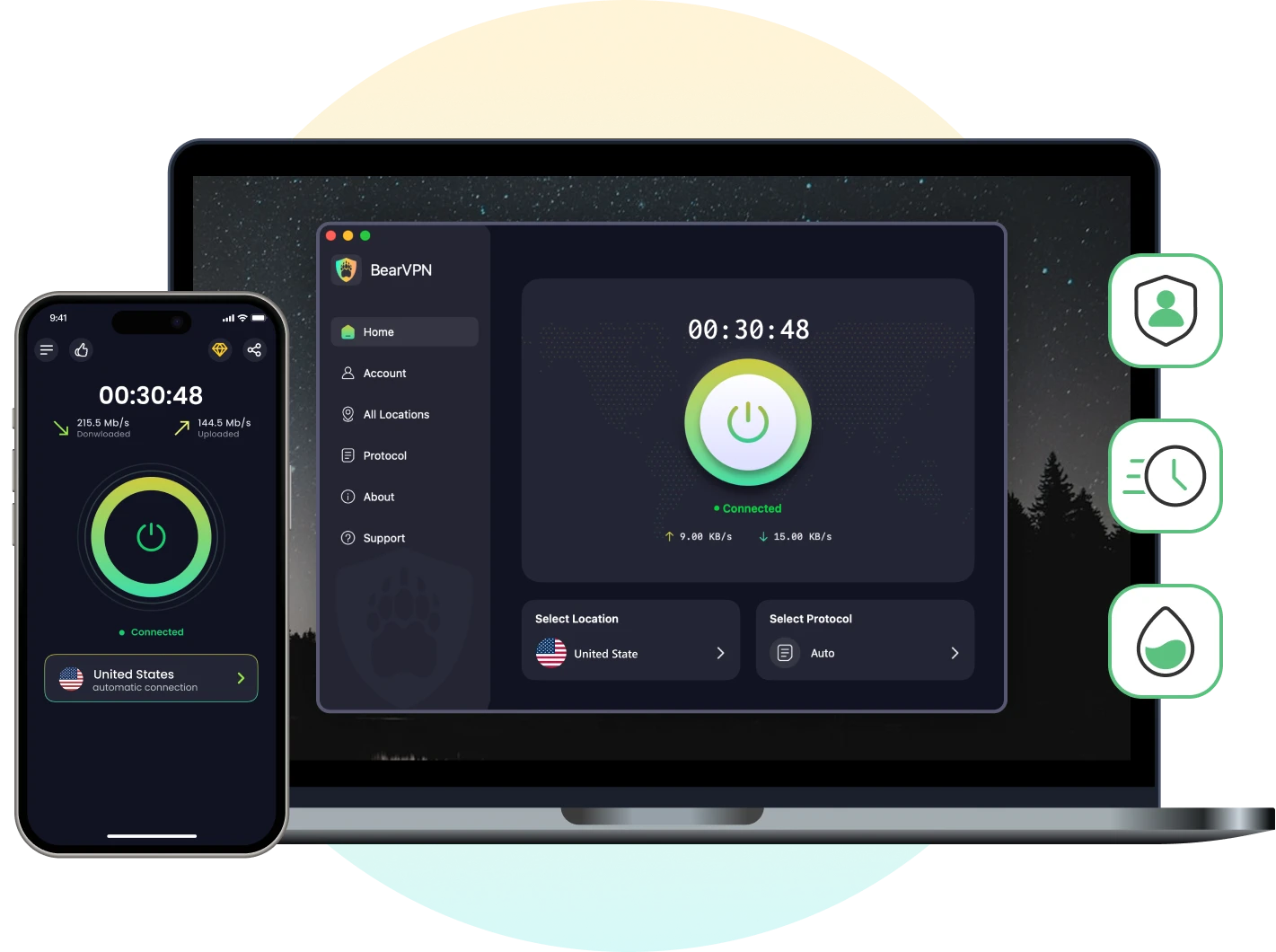
BearVPN, as a powerful VPN tool to unblock TikTok live, is straightforward and accessible for new starters. Known for its worldwide servers and no-logs privacy, BearVPN makes bypassing geographical blocks a breeze. For TikTok creators who want a fluent setup without getting bogged down by technical jargon, BearVPN presents a strong starting point. It encrypts your connection with industry-standard AES-256, making it difficult for your local Internet Service Provider and TikTok’s tracking algorithms to pinpoint your actual location. With BearVPN, you can easily watch your desired streaming videos on TikTok.
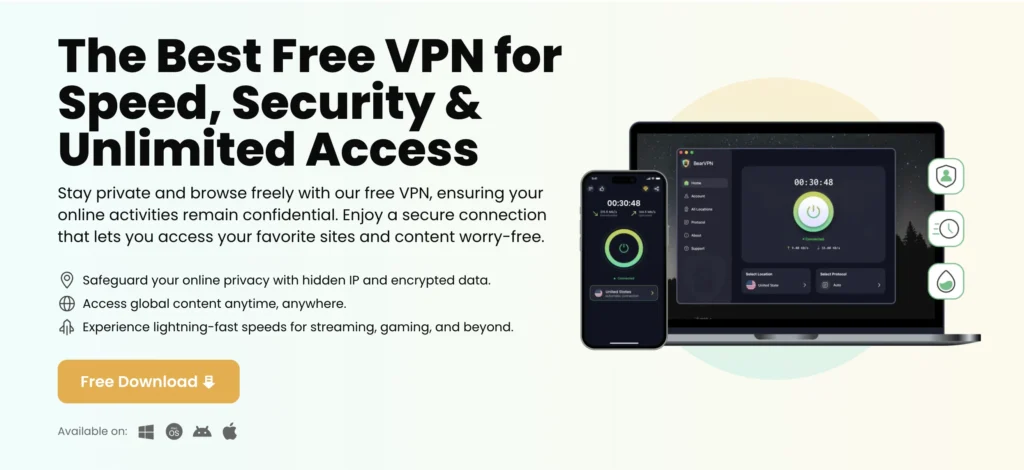
Steps to access TikTok Live with BearVPN:
Step 1. Download and Install
Download the application and follow the on-screen instructions to install it on your smartphone or computer.
Step 2. Create an Account
Open the app and sign up for a premium subscription to access unlimited data, which is essential for live streaming.
Step 3. Select a Server to Connect
Navigate to the server page, then choose a location for your TikTok Live audience.
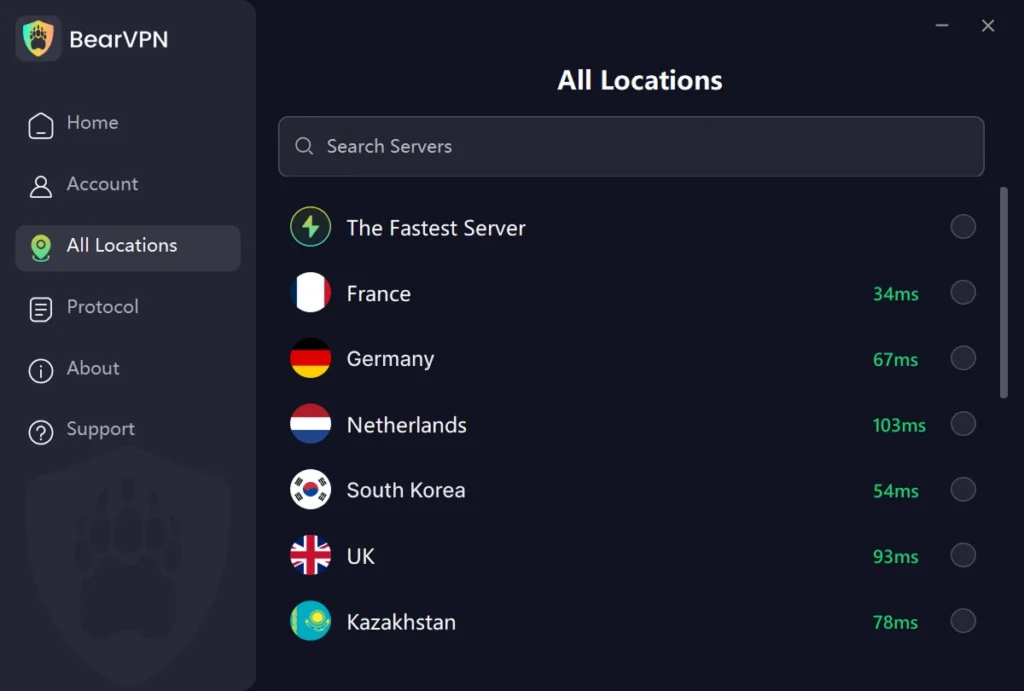
Step 4. Access TikTok Live
Once connected, open the TikTok app or visit its webpage in a browser. It is recommended that you remove your local SIM card and rely solely on Wi-Fi to prevent TikTok from accessing your physical SIM data. After that, start your live stream and engage with your new audience.
2. NordVPN
NordVPN is generally regarded as one of the best VPNs for TikTok live when it comes to raw speed, security, and the ability to bypass aggressive geo-restrictions. Featuring over 6,000 servers across more than 60 countries, NordVPN provides you with several options to mask your location. TikTok Live demands a stable, high-speed connection to prevent lagging and stream drops, and NordVPN delivers this through its proprietary NordLynx protocol. Furthermore, its obfuscated servers are designed to hide the fact that you are using a VPN, making it more difficult for TikTok’s detection systems to block you.
3. ExpressVPN
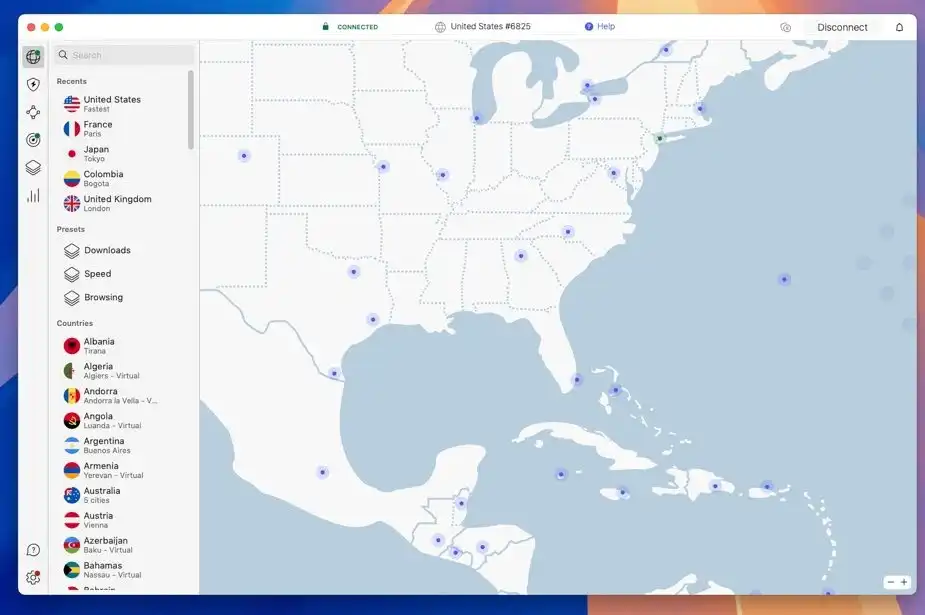
ExpressVPN is another premium-tier VPN for TikTok live with top-notch performance. If you want absolutely no buffering or sudden disconnections during live streaming, ExpressVPN is a phenomenal choice. With servers spanning across 105 countries, it offers the widest global coverage among our top picks. Built from the ground up using the Lightway protocol, ExpressVPN delivers blazing-fast speeds without compromising security. Moreover, it doesn’t store any browsing or connection logs, meaning your online anonymity is strictly preserved.
4. Private Internet Access
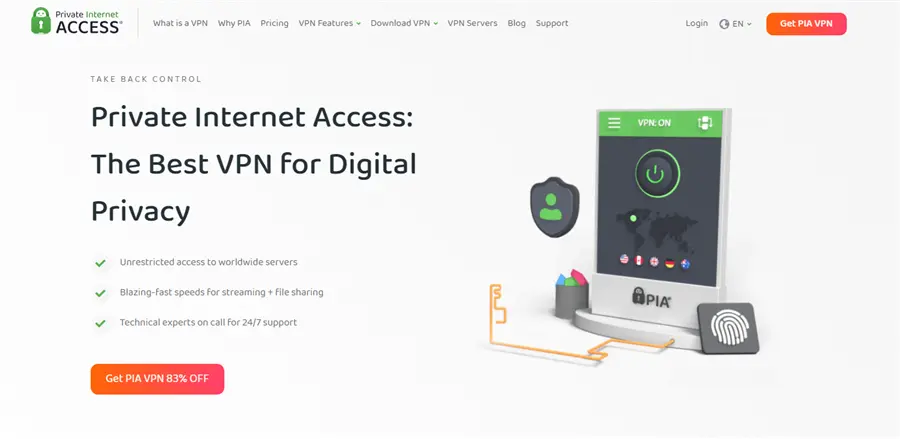
Private Internet Access, commonly referred to as PIA, is a highly customizable VPN for TikTok live favored by tech-savvy users. With tens of thousands of servers worldwide, PIA is rarely congested. That’s a major part of watching live streams on a video platform. Furthermore, PIA is one of the best cheap VPNs compared with some premium services, making it an excellent choice for beginner content creators who are just starting to monetize their streams.
5. CyberGhost
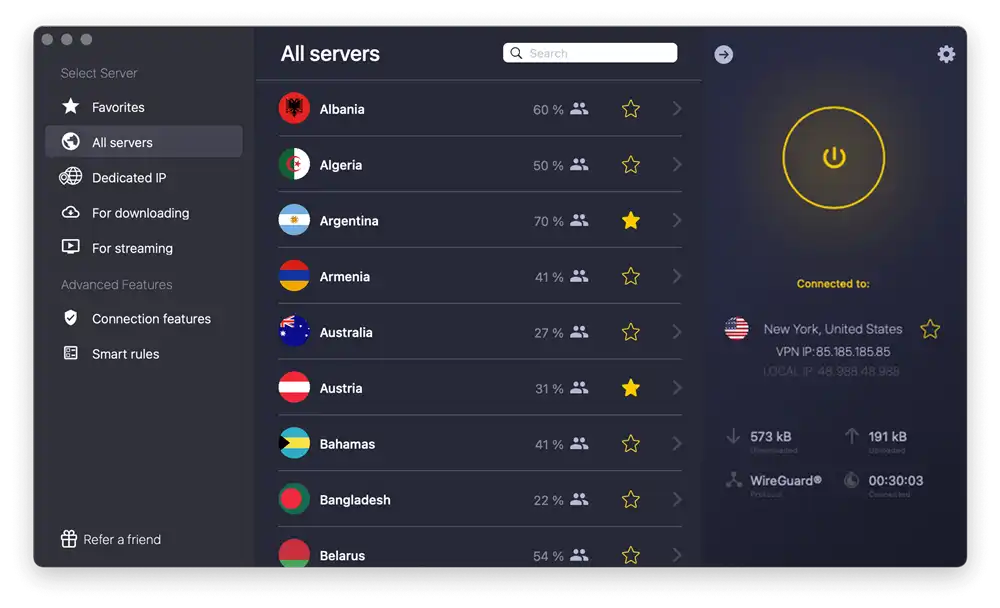
CyberGhost stands out due to its optimized streaming servers for TikTok live. While other VPNs offer general-purpose servers, CyberGhost provides servers specifically optimized for high-speed streaming and social media access. This ensures that you get the highest possible upload speeds, thus offering high-definition video quality for your TikTok Live viewers. According to some user feedback, the CyberGhost app is intuitive too, requiring just a single click to connect to a specific server.
Why Does My VPN Fail to Work for TikTok Live?
Common VPNs can help unblock the basic post and comment features, but they may fail to work for live streams due to strict enforcement. While many creators successfully use VPNs to access short videos and interact with global audiences on TikTok, going live presents a much steeper challenge. Currently, some countries have blocked TikTok Live, including India and Afghanistan. It is subject to intense scrutiny by the platform’s moderation algorithms.
When you try to go live, TikTok doesn’t just look at your IP address; it cross-references it with a multitude of other data points. As one frustrated user highlighted in a Reddit thread:
“I have been using a VPN + SIM card combo for posting on TikTok. It helps me so much with reaching the audience I want… The issue is that I want to go live-stream, but no matter how hard I try, my live stream always connects to my home country, and my premium VPN doesn’t work in that section. I’m 100% sure that they use strict protocols that VPN and SIM cards cannot easily bypass for livestreaming.”
Other users in the same Reddit community chimed in, noting that TikTok livestreams check device telemetry, SIM card region codes, account history, and background region signals. Because of these overlapping security layers, your IP address might indicate that you are in the United States, but your phone’s internal hardware or GPS signals verify that you are elsewhere. This discrepancy causes TikTok to default your live stream to your physical country, or worse, flag your account for suspicious activity.
The Fix: You must use a premium obfuscated VPN, completely remove your physical SIM card, disable location services (GPS), and stream solely over Wi-Fi.
Is It Safe and Legal to Use a VPN for TikTok Live?
Using a VPN for TikTok Live is safe and legal from a cybersecurity standpoint. A premium VPN encrypts your internet connection, protecting your personal data from hackers, no matter whether you are streaming over private or public Wi-Fi networks. It also shields your real IP address from viewers, preventing potential doxxing, swatting, or targeted DDoS attacks from malicious actors who might be watching your broadcast.
However, the primary security concern revolves around TikTok’s Terms of Service. While using a VPN is not explicitly illegal in most countries, social media platforms continuously battle against artificial location spoofing. If TikTok’s security algorithms detect that you are aggressively manipulating your location using low-quality VPNs or free proxies, they may flag it as bot activity or spam, causing a temporary shadowban or a permanent account suspension.
Tips to safely use a VPN for TikTok Live and avoid getting banned
- Enable Obfuscated Servers/Stealth Mode: Make sure you have enabled the obfuscation in your VPN settings before connecting to a server.
- Ditch the SIM Card: Always stream over Wi-Fi by physically removing your local SIM card, as cellular network pinging is a straightforward way for TikTok to bypass your VPN.
- Use a dedicated IP address: If your VPN provider offers one, use it. TikTok easily flags shared IPs used by thousands of people as VPN traffic.
- Enable the Kill Switch: Always ensure your VPN’s kill switch is active. It immediately cuts your internet access if the connection drops midstream, preventing your real IP address from leaking.
- Avoid Frequent Server Hopping: Do not change your VPN location drastically in a short period, or your IP can be easily flagged by TikTok.
Final Words
Finding the best VPN for TikTok Live is essential for ambitious creators aiming to bypass strict geographic restrictions, reach international streaming videos, and protect their digital footprint. While TikTok’s location-detection protocols are tightly guarded, using elite services like BearVPN, NordVPN, or ExpressVPN can help overcome these hurdles. However, it’s better to pair the VPN with removing your physical SIM card to avoid tracking. By utilizing the high-quality VPNs we have recommended in this article, you can maximize your global live video experience, engage seamlessly, and enjoy safe TikTok Live streaming without regional shadowbans or network disruptions.
For those who want comprehensive protection at a low cost, BearVPN is highly upvoted. It always works to unblock short videos and live streams on TikTok. Download BearVPN now and unlock full features without effort.
- RAM-only Diskless Servers
- DNS Leak Protection
- Double VPN
- AES-256 Encryption
FAQs About the Best VPN for TikTok Live
While you can use a free VPN to browse TikTok, they are generally terrible for going Live. Free VPNs impose strict data caps, throttle your upload speeds, and lack the obfuscation required to bypass TikTok’s algorithms. For a stable broadcast, a premium service is required.
If you are getting zero views, your account has likely been shadowbanned by TikTok’s regional detection algorithm. This usually happens if you used a low-quality VPN, frequently jumped between international servers, or forgot to remove your physical SIM card before going live.
No. A VPN only encrypts your traffic and masks your location. It cannot alter your account statistics or bypass TikTok’s internal platform rules, such as the 1,000 follower minimum required to unlock the Live feature.
Yes, a VPN can bypass regional and network-level TikTok bans by routing your internet traffic through a server in a country where the app is legally available. This completely masks your IP address and grants full access to TikTok videos.
Yes, TikTok uses sophisticated algorithms to detect VPN use. It identifies shared IP addresses commonly associated with VPNs and cross-references them with device hardware data, GPS, and SIM details. Using premium VPNs like BearVPN with obfuscated servers helps mitigate this.
BearVPN is the best VPN for TikTok live in Pakistan due to its fast servers, encryption, and ability to bypass regional blocks while keeping streams stable and secure.
No, a VPN will not affect your streaming speed on TikTok as long as you connect to an optimized server. However, a VPN encrypts your data and routes it through an external network, which can slightly reduce your baseline internet speed sometimes. Using premium VPNs like BearVPN with ultra-fast protocols ensures any speed drop is unnoticeable and that they can handle live broadcasting.