


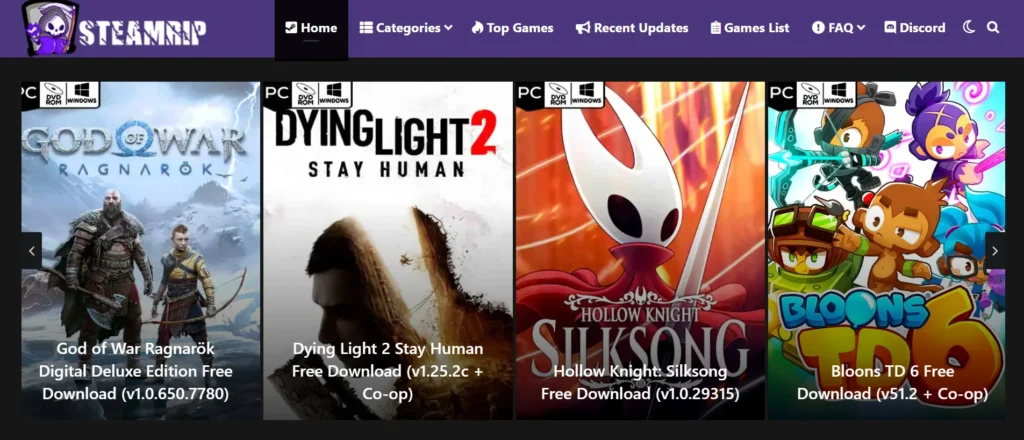
SteamRip is a website that distributes pre-installed, cracked PC games through third-party download hosts. It is not affiliated with Steam or Valve, and the games are not supplied through an authorized store.
So, is SteamRip safe? The most accurate answer is that it has a relatively favorable reputation in some piracy communities, but no independent security company verifies every file it distributes. As of September 2026, FMHY still includes SteamRip in its game-download index. That is a useful community signal—not proof that every download is malware-free.
The risk also extends beyond the main website. Modified executables, third-party file hosts, fake download buttons, advertising redirects and copycat domains can each introduce a separate point of failure. A clean-looking page, an HTTPS padlock or one successful download cannot guarantee that the next file will be safe.
This article covers operational security and digital safety practices only. We do not endorse copyright infringement. Downloading copyrighted games without a license is illegal in most jurisdictions. Please support developers through official platforms.
What Is SteamRip?
SteamRip distributes cracked PC games as downloadable archives that are usually described as “pre-installed.” Instead of purchasing and installing a licensed copy through Steam, a user downloads an archive from an external file host, extracts it and runs a modified executable.
That convenience does not establish safety. Pre-installed games still contain executable code, DLL files and DRM modifications that can be altered before distribution. SteamRip is also not affiliated with Steam or Valve, and users do not receive the file-integrity guarantees, automatic security updates or account support provided by an authorized store.
Is SteamRip Safe? What the Evidence Shows
There is no public, independent audit proving that every SteamRip download is safe. The available evidence consists mainly of community listings, individual reviews and antivirus reports, each of which has important limitations.
1. Community Reputation: A Positive Signal, Not Certification
As of September 2026, FMHY includes SteamRip in its game-download index. Discussions in piracy communities also frequently describe it as more reputable than many similar sites.
This matters, but it should not be called a certification. Community lists can change, moderators cannot continuously inspect every mirror and archive, and inclusion does not create a guarantee for a specific file downloaded today.
User reviews are also mixed. Some people report years of trouble-free use, while others describe antivirus detections, malicious pop-ups or suspected infections. These anecdotes can reveal recurring concerns, but they cannot independently prove that every positive or negative outcome came from SteamRip itself.
2. Ads, Redirects and Third-Party Hosts
SteamRip relies on external file-hosting services. Moving from the main page to another host introduces a separate website, advertising system and download interface.
Fake download buttons may open a new tab, request notification permission, display a fake browser or Flash update, or offer a small “download manager” instead of the expected archive. These files should not be opened. Close the tab and check the browser’s download list and notification permissions.
An ad blocker can reduce exposure to some malicious advertising, but it cannot guarantee that every redirect or downloaded file is safe.
3. Antivirus Alerts: False Positive or Real Malware?
Cracked games often contain modified executables or DLL files, so heuristic antivirus systems may flag behavior associated with hacking tools or DRM bypasses. That makes false positives possible—but not automatic.
A detection should not be dismissed merely because:
- the file is inside the game folder;
- the filename is steam_api64.dll;
- other users say the game worked;
- the archive came from a community-listed site; or
- the crack requires the file to run.
Check the exact detection name, scan the file with an updated security product and look for multiple independent detections. A clean result reduces uncertainty but does not prove that a file is harmless. If you cannot verify an executable’s origin, the safest decision is not to run it.
Never disable antivirus protection or exclude an entire download folder just to launch a cracked game.
4. Copycat Domains and HTTPS
Impersonator and typo domains are common around popular download sites. A familiar logo or similar domain name does not prove that two sites have the same operator.
The HTTPS padlock only means the connection between your browser and that domain is encrypted. It does not prove that the operator is trustworthy or that a downloadable archive is clean. Avoid links received through unsolicited messages, video descriptions or pop-up pages, and do not enter your Steam, email or payment credentials on a download mirror.
Comparative Analysis: SteamRip vs. The Ecosystem
To truly answer the question of legitimacy, we must compare SteamRip to its direct competitors.
SteamRip vs. SteamUnlocked: Which Is Safer?
Based on current community listings, SteamRip has the stronger reputation. As of September 2026, SteamRip appears in FMHY’s game-download index, while SteamUnlocked does not appear in the same recommended download section. Piracy-community discussions also commonly raise more concerns about SteamUnlocked’s sourcing, advertisements and download hosts.
However, “better community reputation” is not the same as “verified safe.” Neither platform is an authorized game store, and neither provides an independent guarantee covering every archive, mirror or modified executable.
Verdict: SteamRip is generally regarded as the less risky of the two by current piracy communities, but that does not make it reliably safe. If security and legality are the priority, an authorized store is safer than either option.
SteamRip vs. FitGirl Repacks
This choice depends on your hardware and internet speed.
- Use FitGirl if: You have slow internet but a fast CPU. The downloads are small, but installation takes hours.
- Use SteamRip if: You have fast internet. You download a larger file, but you can play immediately after extraction.
How to Reduce Your Exposure Before Opening an Unknown Download
No tool can make an unauthorized game download completely safe. If you are evaluating an unknown file, focus on reducing exposure rather than assuming that a familiar site or community recommendation guarantees it.
- Keep Windows, your browser and your security definitions updated. Do not turn off real-time protection to make a download work.
- Treat redirects as separate websites. Close pages that request notification access, display fake system warnings or offer unexpected browser updates and download managers.
- Check what was actually downloaded. A misleading filename or icon can disguise an executable. Enable file-extension visibility in Windows and do not open files you did not intentionally request.
- Scan before opening. Use an updated antivirus product to scan the downloaded file or folder. Multiple detections, credential-stealer warnings or unexplained persistence behavior are strong reasons to delete the file.
- Do not create broad antivirus exclusions. Excluding a games or downloads folder allows everything placed in that folder—including malware—to avoid real-time scanning.
- Use a standard user account when possible. Do not grant administrator access to an unknown executable unless you fully trust and understand it.
What a VPN Can—and Cannot—Protect
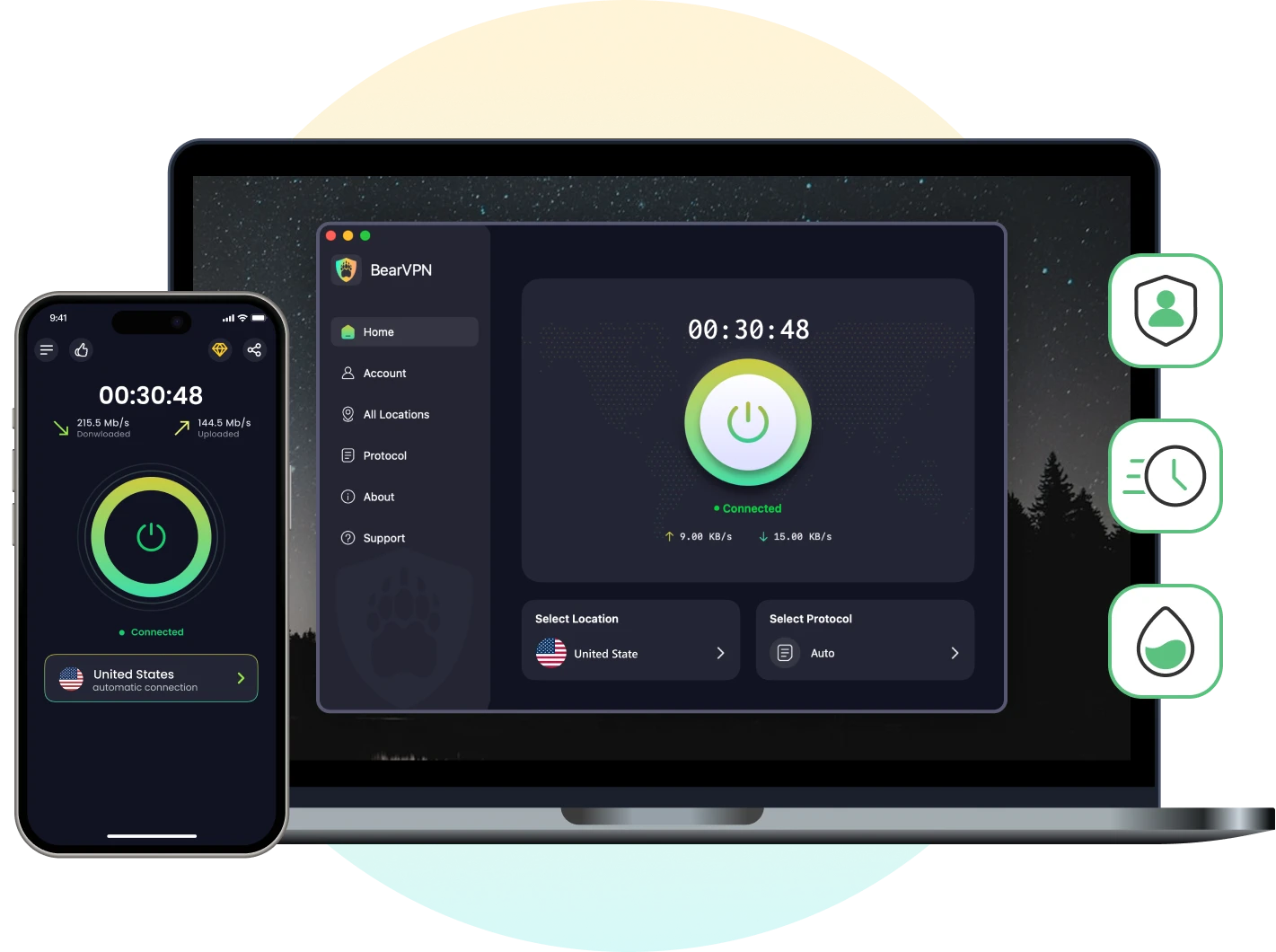
A VPN protects the network connection, not the downloaded file. BearVPN uses AES-256 encryption to help prevent a local network operator or ISP from reading the contents of your traffic, while IP masking prevents a destination from seeing your normal public IP address. Its Kill Switch can help stop traffic if the VPN connection unexpectedly drops.
BearVPN cannot verify a SteamRip archive, block every malicious advertisement, remove malware, determine whether an antivirus alert is a false positive or make an unauthorized download legal. Keep antivirus protection, browser safeguards and account security enabled even while connected to a VPN.
Protect your connection—not a suspicious file—with BearVPN.
BearVPN encrypts traffic between your device and the VPN server and masks your public IP while you browse. It cannot inspect a SteamRIP archive or stop malware after you run it.
What to Do If You Downloaded or Ran a Suspicious File
What you should do depends on whether you only downloaded the file or actually opened it.
If You Downloaded It but Did Not Run It
- Do not open the archive, installer or executable.
- Scan the file or its containing folder with Microsoft Defender or another updated security product.
- If the file was unexpected or you cannot verify its origin, delete it and empty the Recycle Bin.
- Check your browser’s Downloads page, extensions and notification permissions for anything unfamiliar.
- Do not override a high-severity detection simply because someone online calls it a false positive.
If You Already Ran It
- Disconnect the computer from the internet if you notice unexpected processes, redirects, login alerts or security tools being disabled.
- Run a full antivirus scan. If compromise is still suspected, use Microsoft Defender Offline, which scans after a restart outside the normal Windows environment.
- From a different, known-clean device, change the password of your primary email account first, followed by Steam and other important accounts.
- Review Steam’s authorized devices and recent account activity, revoke unfamiliar sessions and enable Steam Guard.
- Check browser extensions, startup applications and recently installed programs.
- Contact your bank or payment provider promptly if payment information or an authenticated browser session may have been exposed.
- If detections return or the system continues behaving abnormally, seek professional help or restore the device from a known-clean backup.
Do not sign back into email, Steam, banking or password-manager accounts on a device you still believe may be compromised.
Conclusion: Is SteamRip Safe or Not?
SteamRip has a better community reputation than many similar piracy sites, and it remains listed in at least one prominent community-maintained download index as of September 2026. That is the strongest evidence in its favor.
It is not enough to call SteamRip completely safe or independently verified. No public audit guarantees every archive, crack, mirror or advertisement, and a modified executable can carry risks that are impossible to judge from the filename alone. Antivirus alerts can be false positives, but they can also identify genuine malware.
For the lowest security and legal risk, use an authorized store or a legitimate free-game platform. If you have already downloaded a suspicious file, keep your security software enabled, scan it before opening and never create a broad antivirus exclusion simply to make it run.
BearVPN can encrypt the network connection and mask your public IP, but it cannot make a malicious file safe. If you want to protect the network layer while browsing, connect to BearVPN before opening the site—and keep antivirus protection, browser safeguards, and file scanning enabled.
FAQ
There is no reliable evidence that every SteamRip download contains malware, but there is also no independent audit proving that every file is clean. Risks can come from modified executables, external download hosts, malicious advertisements, redirects and impersonator domains. Treat each download as unverified and do not dismiss an antivirus detection without further investigation.
SteamRip is a real, functioning website, but “legit” does not mean authorized or risk-free. It distributes cracked games without being affiliated with Steam, Valve or the games’ publishers. Downloading copyrighted games without permission may infringe copyright or violate local law, depending on where you live.
SteamRip currently has the better reputation in major piracy communities and appears in FMHY’s game-download index. SteamUnlocked does not appear in the same recommended section. However, neither platform provides an independent, file-by-file safety guarantee, so “more trusted” should not be interpreted as completely safe.
Cracked games contain modified code that can trigger heuristic detections, so some alerts may be false positives. However, the same types of modifications can also conceal genuine malware. Check the exact detection, use updated security tools and never assume that a file is harmless solely because it is a crack or has a familiar DLL name.
Simply viewing a page is generally lower risk than opening a downloaded executable, but visiting can still expose you to malicious advertisements, redirects, notification prompts and browser exploits. Keep the browser updated, reject unexpected permissions and check the Downloads folder if a file appeared without your intention.
A VPN is not required to scan or open a file, and it cannot detect malware. A VPN such as BearVPN can encrypt network traffic, mask your public IP and help prevent accidental IP exposure if its Kill Switch activates. It does not verify downloads, eliminate legal risk or replace antivirus protection.
Do not immediately restore the file or add its folder to the exclusion list. Update Defender, review the exact detection and run a full or offline scan if necessary. If you cannot independently verify the file’s origin and behavior, deleting it is safer than overriding the warning.



