Finding a trustworthy free VPN for macOS can be challenging. Many utilities on the Mac App Store enforce restrictive daily data caps, throttle connection speeds, or track browsing habits to serve targeted ads.
Whether you need to secure public Wi-Fi at a local cafe, bypass regional network restrictions, or maintain daily online privacy on your Mac, this guide evaluates the best free macOS VPN options available in 2026—focusing on strict security, performance, and transparency.
Free VPNs for Mac: Quick Comparison Table
Data and features last verified: July 2026. Always check the official website for the latest details.
Pros and Cons of the Top 5 Free VPNs for Mac
With so many options, it’s tough to know which free VPN for Mac is truly worth your time. To simplify your decision, we’ve evaluated five of the most recommended free VPNs—McAfee VPN, ProtonVPN, Windscribe, Hotspot Shield, and TunnelBear—based on privacy, performance, data limits, ease of use, and real user feedback. Check the table for a quick overview, then see how each stacks up in real-world use.
NordVPN
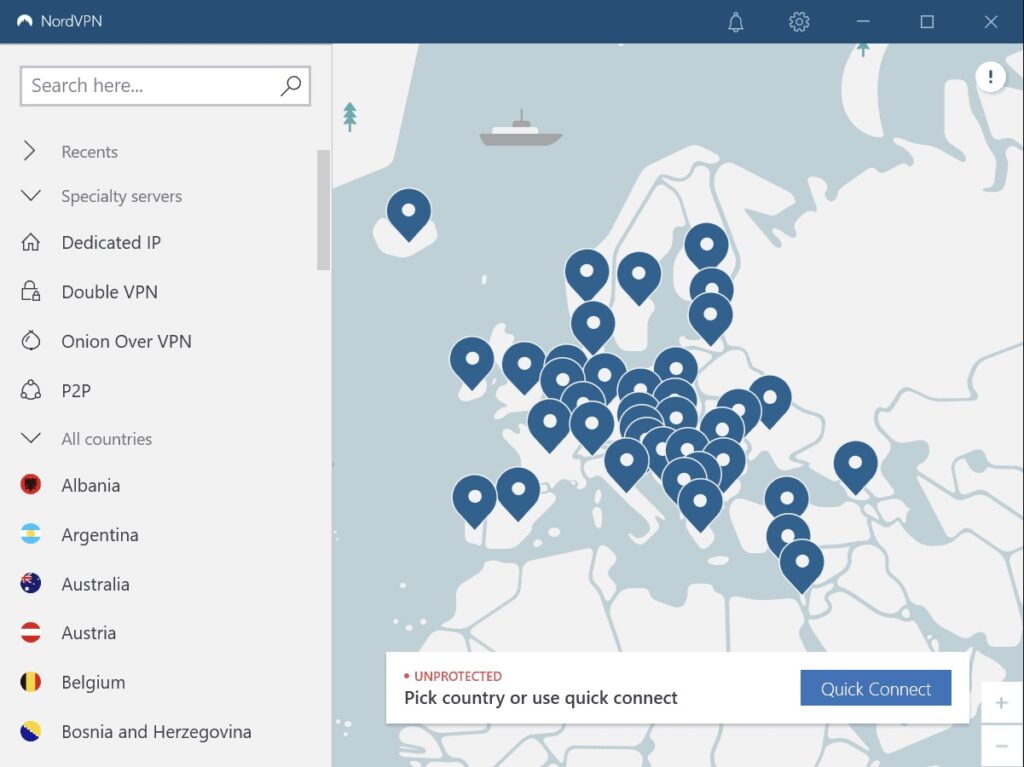
NordVPN is designed for simplicity and peace of mind, especially for users who are new to VPNs. You get a 3-day free trial with an easy, automatic connection. It’s a solid choice for light, everyday browsing and is backed by the reputation of one of the world’s most recognized cybersecurity brands.
Why recommend it for Mac:
NordVPN offers a straightforward, lightweight Mac app ideal for new VPN users looking for an easy, reliable way to boost privacy online.
Pros:
- Trusted brand with decades of security expertise
- Clean, user-friendly Mac app
- Automatic server connection for quick setup
- Suitable for basic browsing and privacy needs
Cons:
- Only offers 3-day free trial
- Streaming and premium features require a paid upgrade
- Not suitable for heavy use or frequent streaming
ProtonVPN
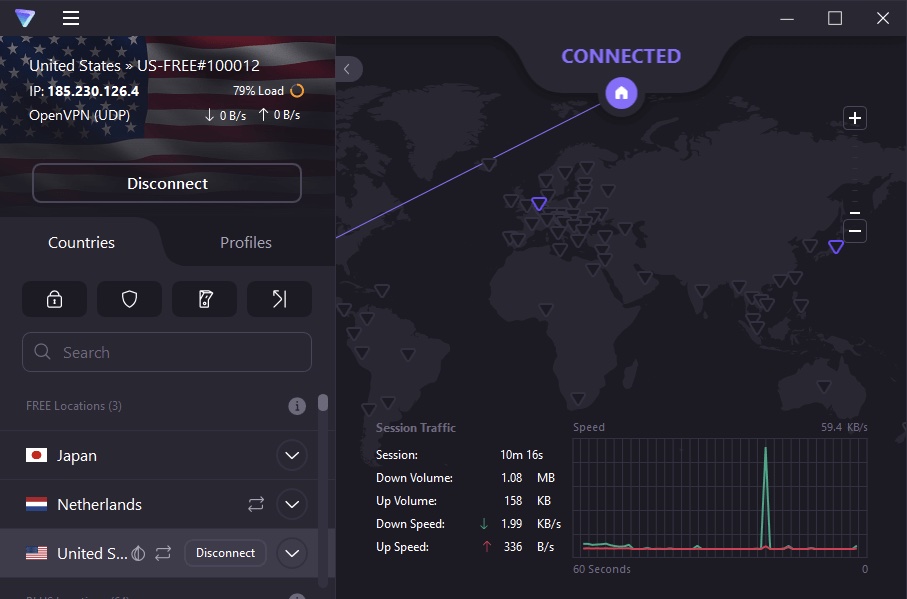
ProtonVPN’s unlimited free data is a rare find. It’s privacy-focused, open about its policies, and has a minimal Mac app that just works. Free users can only auto-connect to five countries, and streaming isn’t supported, but for everyday browsing, it’s more than enough.
Why recommend it for Mac:
Best for users who need unlimited browsing and value privacy, even though streaming and server options are limited on the free tier.
Pros:
- True unlimited bandwidth
- Swiss-based, audited, no-logs policy
- Clean, secure Mac application
Cons:
- Free plans includes only 5 countries
- No guarantee of streaming access
- Slower speeds during peak times
Windscribe
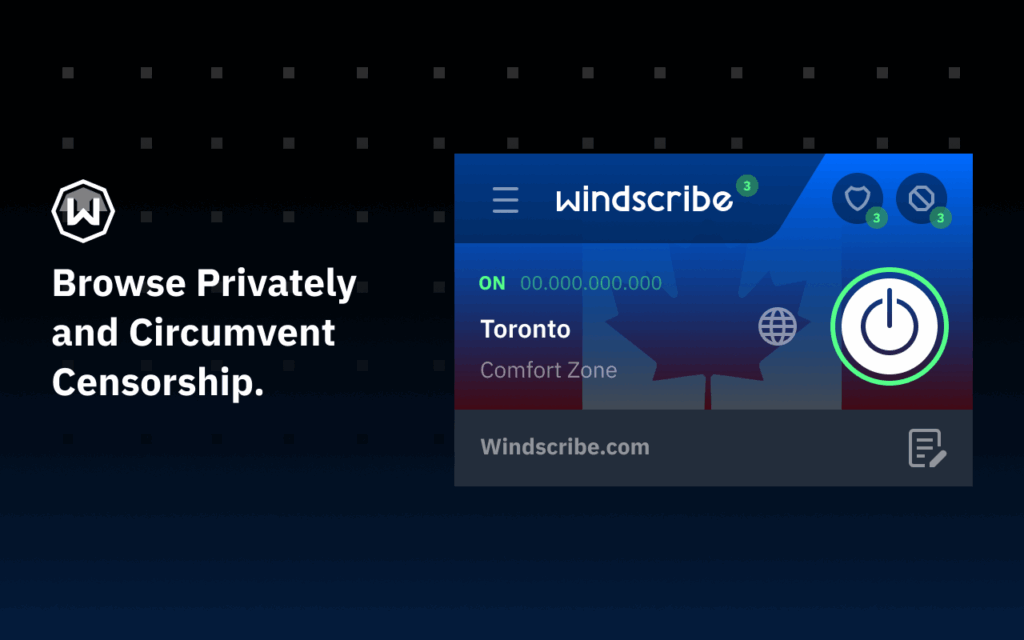
Windscribe offers a generous 10 GB/month if you sign up with your email and lets you pick from 10+ countries. The Mac app has built-in ad and malware blocking, making it a solid all-rounder for moderate users. The main catch is that the free plan has a data ceiling and some features are paid-only.
Why recommend it for Mac:
Ideal for users seeking versatility and basic content unblocking.
Pros:
- 10 GB/month is above average
- Servers across 10+ countries
- Built-in ad/malware blocker
- Easy-to-use Mac client
Cons:
- 10 GB monthly cap suits moderate use
- Some premium features are paid-only
Hotspot Shield
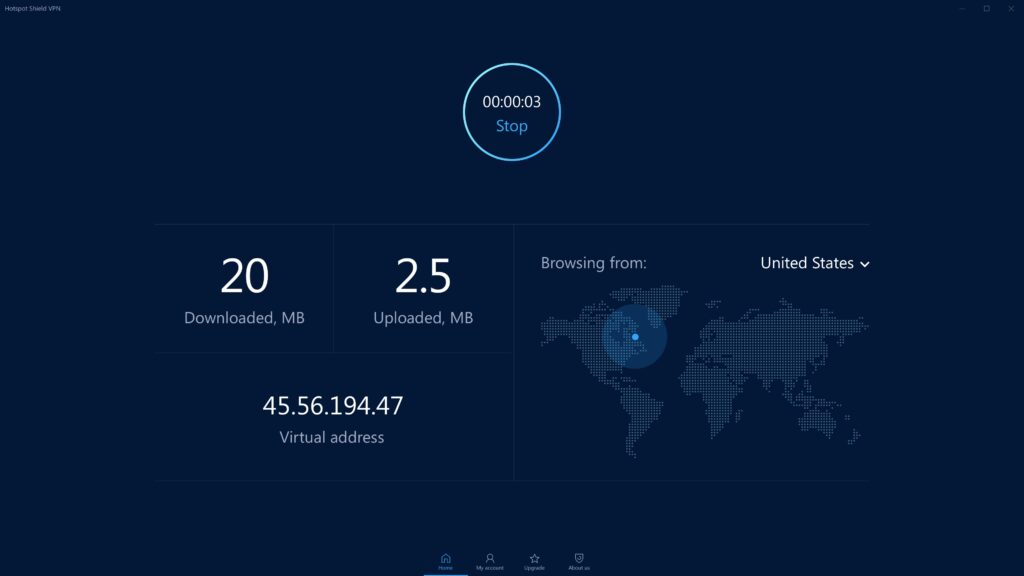
Hotspot Shield is famous for its speed and easy installation, making it suitable for users who want to secure their Mac with minimal effort. Free users have a daily data cap, can only use auto-connect, and may experience reduced speeds or server switching limitations.
Why recommend it for Mac:
Great for users who prioritize speed and simplicity for short sessions.
Pros:
- Top-tier speeds with proprietary Hydra protocol
- No setup complexity—one-click connection
- Large global brand with solid reputation
Cons:
- 500 MB/day free data cap
- Restricted to US servers on free plans
- Include Ads
TunnelBear
TunnelBear is known for its welcoming design and user-first approach, though its free plan is mainly suitable for very light use. You get 2 GB/month and access to all countries, with a focus on simplicity.
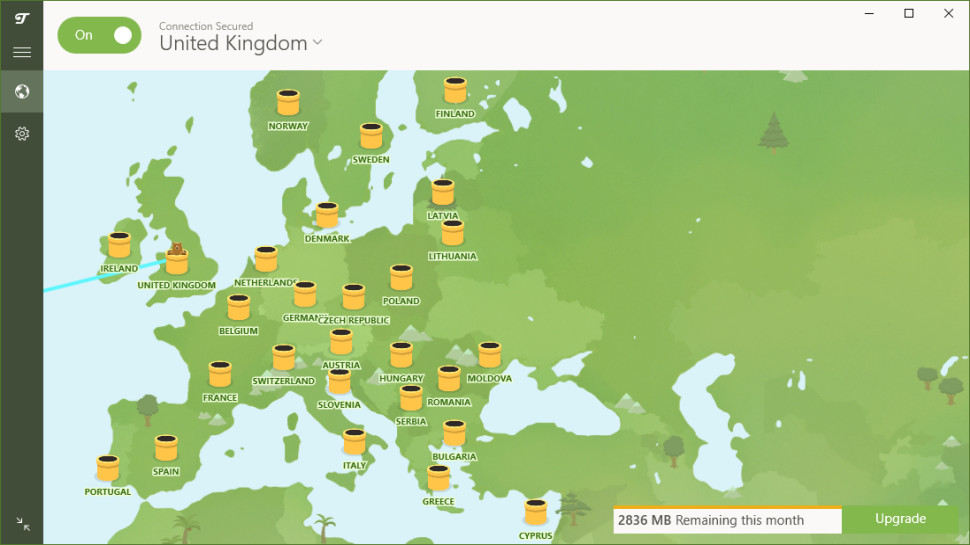
Why recommend it for Mac:
Excellent choice for first-time VPN users or those who just need occasional secure browsing.
Pros:
- Access to servers in 40+ countries
- Independently audited for privacy
- 2GB free data monthly
Cons:
- Data allowance too small for heavy use
- Lacks advanced free-tier features
- Not ideal for streaming or large downloads
How to Choose the Best Free VPN for Mac: Key Factors and Essential Features
Selecting the best free VPN for Mac involves more than just downloading the top result from the App Store. A high-quality free VPN should balance security, performance, and usability, while maintaining transparent privacy practices. Before making a choice, it’s important to evaluate each option against a set of essential criteria to ensure both safety and a smooth user experience.
Key features to look for in a free VPN for Mac:
- Strong encryption: Protects your data from unwanted access.
- Clear privacy policy: A real no-logs policy is non-negotiable.
- Consistent speed: You want smooth browsing and streaming, not constant buffering.
- Reasonable data limits: Make sure the plan fits your actual usage.
- User-friendly interface: Simple apps save you time and frustration.
- Reliable server options: More server locations help you bypass restrictions and get better speeds.
Prioritizing these features will help you find a free VPN for Mac that meets your security needs without sacrificing convenience or performance.
Bonus. Need Free Protection for Your Mobile Devices? Try BearVPN
If you rely on your Mac alongside mobile devices like an iPhone, iPad, or Android smartphone, securing your mobile traffic is just as critical.
While desktop VPNs often enforce tight monthly caps, BearVPN offers a 100% free mobile tier designed specifically for iOS and Android users:
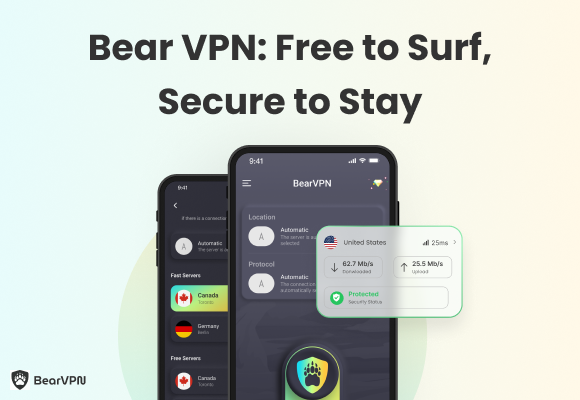
Key features of BearVPN:
- Global access: Easily switch between international servers to unblock restricted websites, stream global content, or play your favorite mobile games wherever you are.
- Truly Free for Mobile: Enjoy secure browsing on iOS and Android without providing credit card details or signing up for auto-renewing subscriptions.
- One-Tap Privacy: Secures your mobile traffic instantly on open public Wi-Fi networks to protect banking apps, messaging, and online browsing.
- No-Logs Guarantee: Built with AES-256 encryption and strict no-logging protocols to ensure your mobile activity remains completely private.
BearVPN is a smart choice for anyone who wants reliable privacy, seamless performance, and simple controls on a smartphone. Click the button below to download.
FAQs
While some free VPNs (like Windscribe) can occasionally unblock streaming sites, most free plans restrict speeds, limit servers, or block streaming altogether. For smooth HD streaming, a premium VPN is recommended.
Free VPNs often impose tight data caps, slower connection speeds, and fewer server locations. Unreliable options may also display intrusive ads, lack customer support, or collect user data to sell to third parties.
Yes. BearVPN provides a 100% free package for iOS and Android devices that requires no credit card details or subscription setup.
ProtonVPN is the top choice offering truly unlimited data allowance on macOS, though free server selection is managed automatically by the system.
Yes, as long as you select a verified, reputable provider with AES-256 encryption and a strict no-logs policy (such as ProtonVPN or Windscribe). Avoid unverified App Store utilities that monetize by tracking or selling user data.
The Bottom Line
Selecting the best free VPN for Mac enhances your privacy and internet freedom, but every provider has trade-offs. If you need a simple and secure VPN for your iPhone or iPad, BearVPN is a great mobile choice—download it on the App Store and try it today.