A free Chrome VPN can change the IP address websites see, but its protection usually stops at the browser. This guide compares three free Chrome extensions with BearVPN’s full-device alternative by data limits, server access, account requirements, permissions, and protection scope. Choose an extension for browser-only use or a VPN app when other supported apps and background connections also need protection.
Why Use a Free VPN for Google Chrome?
A Chrome VPN or proxy extension can be useful when you want a quick way to change the IP address visible to websites without installing a desktop application. Depending on the provider, it may also encrypt traffic between Chrome and the provider’s server.
Common uses include:
- Masking your public IP in Chrome: Websites normally see the VPN or proxy server’s IP instead of your home or mobile IP. This reduces exposure of your approximate IP-based location but does not make you anonymous.
- Using Chrome on shared or untrusted networks: An encrypted connection can reduce what a local network operator can inspect while your browser traffic is traveling to the VPN server. HTTPS should still remain enabled.
- Opening sites restricted by a school, workplace, ISP, or region: Changing the route or apparent location may help with some network or geographic restrictions. Results are not guaranteed, and you must follow applicable laws, network rules, and service terms.
- Separating browser traffic from other apps: A browser extension can route Chrome through a different location while leaving other applications on the normal connection.
A VPN cannot stop websites from identifying you after you sign in. It also does not automatically block cookies, browser fingerprinting, phishing, malicious downloads, or every form of tracking. Those risks require separate browser settings and security tools.
Chrome VPN Extension vs. Full VPN App
The word “VPN” is used loosely in the Chrome Web Store. Some extensions create an encrypted browser tunnel, while others primarily change Chrome’s proxy settings. Either way, the extension normally protects only traffic generated inside the supported browser.
A system-level VPN app does not literally encrypt every possible byte under every configuration. Traffic intentionally excluded through split tunneling, unsupported traffic, local-network communication, or connections made while the VPN is disconnected may remain outside the tunnel.
Does WebRTC Leak Your IP in Chrome?
WebRTC supports browser-based voice, video, and peer-to-peer communication. Poorly designed proxy extensions may fail to handle WebRTC requests correctly, potentially exposing an IP address that differs from the proxy address.
Choose an extension that specifically documents WebRTC leak protection, then check the connection with an IP or WebRTC leak test. WebRTC protection does not stop websites from identifying you through cookies, account logins, device information, or browser fingerprinting.
How to Check Whether a Free Chrome VPN Is Safe
Do not judge an extension only by its name, rating, download count, or presence in the Chrome Web Store. Before installing it:
- Confirm that the publisher matches the provider’s official website.
- Open the extension’s privacy practices and privacy policy.
- Check what browsing or site data it can read and why.
- Look for a clear explanation of whether it uses a proxy or VPN tunnel.
- Check the free data, location, account, advertising, and device limits.
- Review its update history and recent user reports.
- Avoid extensions that do not identify the company operating the service.
- Remove extensions you no longer use through
chrome://extensions.
An extension needs enough permission to route browser traffic, so a permission warning does not automatically mean it is malicious. It does mean you should understand who receives that access before installing it.
4 Best Free VPNs for Chrome in 2026
There is no single winner for every Chrome user. Proton VPN is the strongest dedicated extension in this comparison if unlimited free browser data is your priority. BearVPN is the better fit when you want to protect more than Chrome, but its desktop apps are not free.
1. BearVPN: Best Full-Device Alternative for Chrome Users
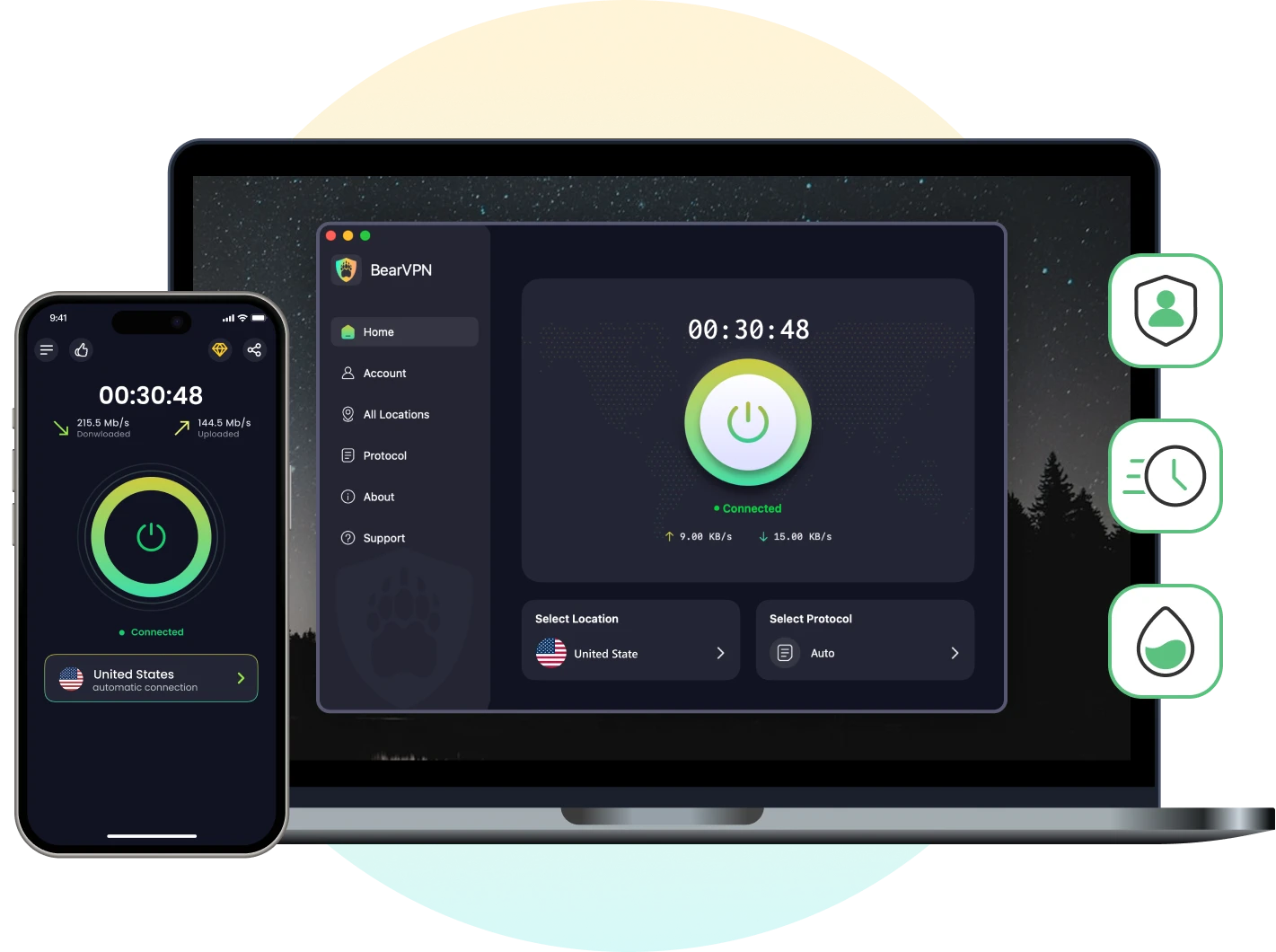
BearVPN does not currently offer a standalone Chrome extension. Instead, its VPN app creates a device-level tunnel that can protect Chrome together with other supported app traffic.
That makes it the stronger choice when you also use email apps, messaging software, cloud storage, another browser, or other internet-connected applications. Websites generally see the VPN server’s public IP while BearVPN is connected rather than your normal public IP.
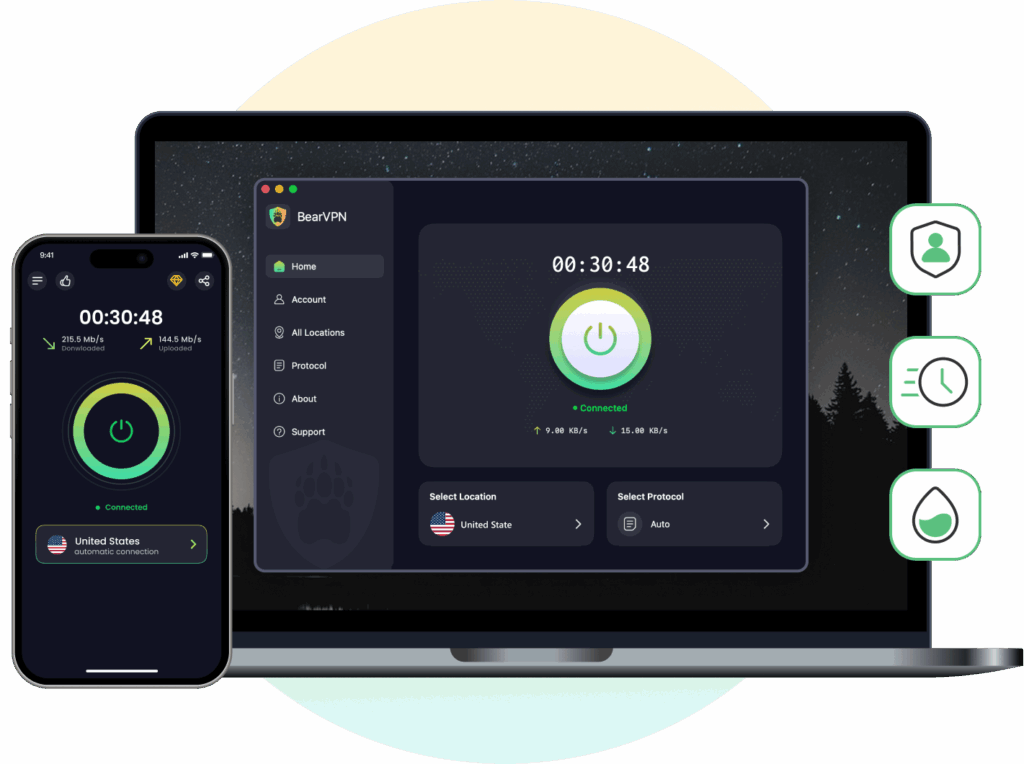
What BearVPN offers:
- Device-level VPN protection rather than browser-only routing
- AES-256 encryption
- DNS and IP leak protection
- Kill Switch support
- Bare-metal and RAM-only server infrastructure
- More than 2,000 servers across 50+ locations for paid users
- Up to 10 simultaneous devices on a paid account
- Unlimited bandwidth
Free-plan limitation: BearVPN’s no-login free experience is available on Android and iOS. It includes advertising and access to only one free connection route. Choosing from the broader server network requires a paid plan. Windows and macOS require a subscription.
Best for: Choose BearVPN when browser-only protection is the compromise you no longer want. Start with the free mobile route on Android or iOS, or use Premium on Windows and macOS to protect Chrome together with other supported app traffic.
Protect Chrome and Other Apps with BearVPN
- Download BearVPN from the official BearVPN website or the official app store for your device.
- Open the app. On Android or iOS, start with the available free connection, or sign in to a paid account to choose from more server locations.
- Tap Connect and approve the VPN connection request if your device displays one.
- Open Chrome after the VPN shows that it is connected.
- Visit BearVPN’s What Is My IP tool and confirm that the displayed public IP is different from your normal connection.
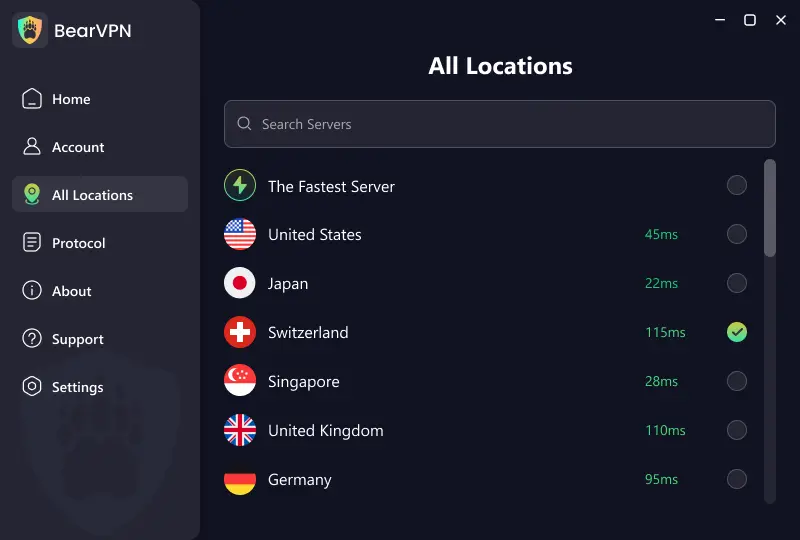
Keep the VPN connected while browsing. If the connection drops and the Kill Switch is enabled, internet access may pause until the VPN reconnects or you change the setting.
2. Proton VPN: Best Unlimited Free Chrome Extension
Proton VPN now offers a standalone Chrome extension to users with a free Proton account. This is a major change from earlier versions of the service, when browser-extension access was more restricted.
The extension protects traffic inside Chrome and other supported Chromium-based browsers. It does not protect desktop applications, system updates, torrent clients, or browsers where the extension is not installed.
Free-plan advantages:
- No monthly data limit
- Official standalone Chrome extension
- Available to Proton VPN Free accounts
- Browser traffic protection without installing the desktop app
- Auto-connect and IPv6 support
- Works in Incognito after the user enables permission
Limitations:
- A Proton account is required
- Free server and location choice is more restricted than on paid plans
- Paid access may be required for streaming-specific use
- Only supported browser traffic is protected
Best for: Chrome users who want an established provider and do not want a monthly browser data cap.
3. Windscribe: Best for Browser Privacy and Blocking Tools
Windscribe’s Chrome extension combines browser traffic routing with tools designed to reduce WebRTC leaks, ads, trackers, unwanted cookies, and some location inconsistencies.
Free users receive 2GB of data per month without confirming an email address. Confirming an email address increases the allowance to 10GB per month under Windscribe’s current free-plan terms.

Free-plan advantages:
- 2GB per month without a confirmed email
- 10GB per month after email confirmation
- Access to a limited set of free locations
- WebRTC leak protection
- Ad and tracker blocking features
- No credit card required
Limitations:
- The free allowance is too small for frequent HD streaming
- The full global location list requires a paid plan
- Only Chrome traffic is covered by the extension
- Some blocking and privacy features may affect how individual websites work
Best for: Users who want browser privacy controls and only need a moderate amount of monthly data.
4. CyberGhost: Best Simple Free Proxy Extension
CyberGhost offers a free Chrome proxy extension with access to four proxy locations: the United States, Germany, the Netherlands, and Romania. It is designed for quick browser-only routing and does not provide the same protection as CyberGhost’s full VPN application.
Free-extension advantages:
- Free Chrome extension
- Four available proxy locations
- Simple connection process
- Protects supported Chrome browsing traffic
- No full desktop VPN installation required
Limitations:
- Only Chrome traffic is routed
- Only four free proxy locations
- Fewer security and connection controls than the full VPN app
- Not the best choice for protecting other applications or the entire device
Best for: People who want a basic Chrome proxy and do not need many locations or full-device coverage.
Quick Comparison: Best Free Chrome VPNs
Free-plan details and extension availability can change. Check the provider’s official website and Chrome Web Store listing before installation.
How to Install a Free VPN Extension on Chrome
The exact interface varies by provider, but the safe installation process is similar:
- Open the VPN provider’s official website.
- Follow its link to the Chrome Web Store instead of selecting a similarly named extension from search results.
- Confirm that the publisher and linked website match the provider.
- Select Add to Chrome, review the requested permissions, and select Add extension.
- Open the Extensions menu and pin the VPN extension to the toolbar.
- Create or sign in to an account if the provider requires one.
- Choose an available location and connect.
- Open an IP-checking page to confirm that Chrome shows the VPN or proxy IP.
Chrome extensions are disabled in Incognito by default. To use one there, open chrome://extensions, select Details under the extension, and enable Allow in Incognito. This permission does not make Incognito anonymous; it only allows the extension to run in that window.
Which Free VPN for Chrome Should You Choose?
Choose Proton VPN if you want an unlimited free extension that works directly inside Chrome. Choose Windscribe if you prefer additional browser privacy and blocking tools and can work within its monthly data limit. CyberGhost is suitable when you only need a simple proxy with a small selection of free locations.
Choose BearVPN when browser-only protection is not enough. Its full VPN app can protect Chrome together with other supported app traffic, while masking your public IP and reducing exposure on shared networks. The free no-login experience is available on Android and iOS with one free route and advertising; Windows and macOS require a subscription.
No free VPN guarantees access to every website, uninterrupted streaming, or faster speeds. Performance depends on your network, server load, location, device, and the website you are trying to reach.
Protect Chrome and other supported app traffic with one BearVPN connection. Start free on Android or iOS, or use Premium for full-device protection on Windows and macOS.
FAQs About Free VPNs for Chrome
Proton VPN is the strongest free Chrome extension in this comparison for users who want unlimited browser data from an established provider. Windscribe is a good alternative when browser privacy and blocking tools matter more, although its free plan has a monthly data limit. If you need to protect Chrome and other applications, use a full VPN app such as BearVPN instead of relying only on an extension.
No. Google Chrome does not include a general-purpose VPN that lets you route browser traffic through a chosen VPN server. You must install a trusted VPN extension or use a VPN application on your device. Chrome’s Secure DNS and Incognito mode serve different purposes and do not replace a VPN.
Yes. Proton VPN, Windscribe, and CyberGhost currently offer free Chrome options, but their limits differ. Proton requires a free account, Windscribe limits monthly data, and CyberGhost provides only four free proxy locations. “Free” does not mean unlimited features, locations, or reliable access to every website.
It depends on the provider and requested permissions. Check that the publisher matches the company’s official website, read its privacy policy, review what data it collects, and confirm whether it operates a VPN tunnel or browser proxy. Avoid unidentified providers and extensions with no clear privacy policy or business model.
No. A Chrome extension normally protects only traffic handled inside Chrome. Other browsers, desktop applications, cloud synchronization, games, software updates, and background services remain outside the extension. A full VPN application provides broader device-level coverage.
When the extension creates an encrypted connection to its server, your ISP generally cannot directly inspect the websites carried through that connection, although it can usually see that you are connecting to the VPN or proxy service. The provider may still be able to process connection data, which is why its privacy policy matters.
Not automatically. Chrome disables extensions in Incognito unless you enable them individually. Open chrome://extensions, select the VPN extension, open Details, and turn on Allow in Incognito. Incognito prevents Chrome from retaining some local browsing data after the session; it does not make you anonymous.
You can try, but free servers and proxy IPs are often crowded or blocked by streaming platforms. Available libraries and playback quality can also vary by region, server, and platform policy. A free extension should not be described as guaranteeing streaming access or buffer-free video.
Usually not. Routing traffic through another server adds distance and processing overhead. A nearby, lightly loaded server may feel fast enough for normal browsing, but results depend on your network and the provider’s server load. A VPN may help only in limited cases where an ISP is selectively slowing identifiable traffic.
Usually yes, provided the extension supports the current version of ChromeOS. However, it will still protect only browser traffic. For broader Chromebook coverage, check whether the provider offers an Android or ChromeOS-compatible VPN app and confirm which traffic that app routes.