To watch anime in Spanish dub legally, start with Crunchyroll and Netflix, then check Prime Video, YouTube, and Pluto TV. Confirm Spanish under Audio for the exact episode—Spanish subtitles do not mean the anime has a Spanish dub. Availability varies by country, season, and whether you want Latin American or Castilian Spanish. Below, you’ll find the fastest way to compare the platforms and check titles such as One Piece, Death Note, Dragon Ball, and Attack on Titan.
Latin American Spanish vs. Castilian Spanish Anime Dubs
Before choosing a platform, decide which Spanish dub you want:
Do not assume that “Spanish available” means Spanish audio. Open the Audio & Subtitles menu for the exact episode and look for a Spanish option under Audio. A platform may provide Spanish subtitles without offering a Spanish dub.
5 Best Legal Spanish-Dubbed Anime Websites
Catalogs and audio tracks can change by country, season, and licensing agreement. Use this comparison as a starting point, then verify the language on the exact title page before paying.
1. Crunchyroll: Best Overall for a Dedicated Anime Catalog

Website: https://www.crunchyroll.com/
Crunchyroll should be your first stop if you want a service focused almost entirely on anime. Some series offer Latin American Spanish, Castilian Spanish, or both, while others provide only Japanese audio with Spanish subtitles.
To check a title:
- Search for the anime on Crunchyroll.
- Open the series page and select the season and episode you want.
- Start playback and select the gear icon.
- Open the Audio menu.
- Choose Spanish, Español Latino, or Español (España), if listed.
Do not rely only on the language shown for the series as a whole. Different seasons can have different audio options, and recently released episodes may receive a dub later than the original Japanese version.
2. Netflix: Best for Browsing Anime by Audio Language

Website: https://www.netflix.com/
Netflix makes it relatively easy to search its current catalog by audio language. On the web, open Browse by Languages, choose Audio, and select the Spanish variant you prefer. You can also add Spanish to your profile’s Audio & Subtitles language preferences.
To change the audio while watching:
- Play the anime.
- Open Audio & Subtitles.
- Look under Audio—not Subtitles.
- Select Spanish, Spanish (Latin America), or Spanish (Spain), when available.
Netflix states that language availability can depend on the title’s licensing agreements. It can also vary between seasons or episodes, so a Spanish option on one part of a series does not guarantee that the complete series is dubbed.
3. Prime Video: Useful for Included, Rental, and Purchase Options
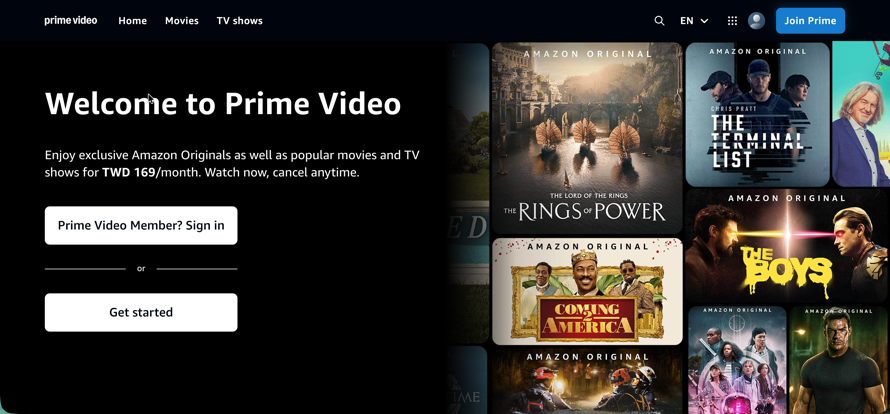
Website: https://www.amazon.com/primevideo/
Prime Video can supplement Crunchyroll and Netflix, especially when a movie or series is available to rent, purchase, or watch through an add-on channel. However, language availability is title- and country-specific.
Before renting or buying an episode:
- Open the title’s detail page.
- Find Languages, Audio Languages, or More Details.
- Confirm that Spanish appears under audio rather than subtitles.
- Check whether the listing applies to the complete season or only selected episodes.
Do this before completing a purchase. Two listings for the same anime may come from different distributors and offer different language tracks.
4. YouTube: Best Free Option for Official Uploads

Website: https://www.youtube.com/
YouTube can be useful for official episodes, films, trailers, and clips released by publishers or regional distributors. Search for the anime title together with “Español Latino,” “doblaje latino,” “Español España,” or “Castellano.”
Prioritize verified or clearly identified rights-holder channels. Unofficial uploads can disappear because of copyright claims, may contain incomplete episodes, or may direct viewers to unsafe third-party sites. A VPN does not make an unauthorized upload legal.
5. Pluto TV: Free, Ad-Supported Anime in Supported Markets
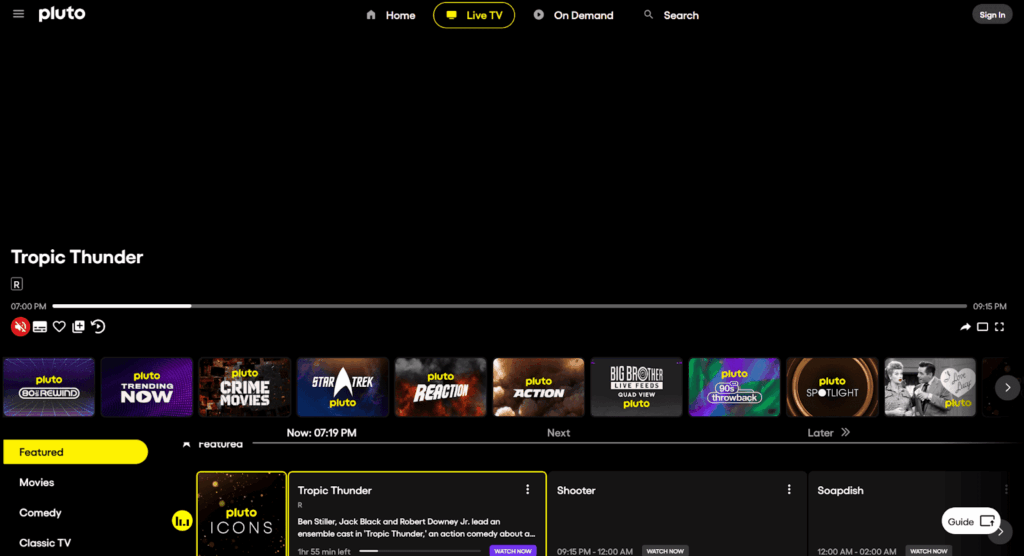
Website: https://pluto.tv/
Pluto TV offers free, ad-supported live channels and on-demand programs. Its anime catalog and audio languages differ substantially by country, so search the catalog available in your location rather than assuming that a title listed elsewhere will appear for you.
Open the program details or start playback to confirm the audio. Some channels may broadcast a Spanish version even when the on-demand listing provides limited language information.
What About HIDIVE?

HIDIVE carries niche and exclusive anime, but it is no longer the strongest general recommendation for someone specifically looking for Spanish-dubbed anime. Its current regional availability is limited, and many of its dubbed releases are English rather than Spanish. Check an individual title before subscribing instead of treating HIDIVE as a primary Spanish anime website.
Where to Watch Spanish-Dubbed Anime for Free Legally
For free Spanish-dubbed anime, start with official YouTube channels and Pluto TV. YouTube may carry full episodes, publisher playlists, films, or limited-time releases, while Pluto TV offers free ad-supported channels and on-demand titles in supported countries.
Confirm that an upload comes from the publisher, distributor, or platform itself. Then check the exact video or episode: a Spanish title or Spanish subtitles do not prove that it uses Spanish-dubbed audio. Crunchyroll may offer limited free viewing for selected titles or markets, but its availability changes too often to promise a universal free catalog.
Traveling? Check Another Licensed Anime Catalog
- Connect to an available Spain or Latin American location while traveling.
- Reopen the legal streaming service and check Spanish under Audio.
Where to Watch One Piece in Spanish Dub
Start by checking Netflix and Crunchyroll for One Piece in Spanish dub. However, do not assume that either service carries every episode with the same Spanish audio track. Availability can differ by country, story arc, season, and whether you want Latin American Spanish or Castilian Spanish.
Use this quick check:
- Search for One Piece on Netflix or Crunchyroll.
- Open the exact season and episode you want.
- Start playback and open Audio & Subtitles or the gear menu.
- Look for Spanish (Latin America), Español Latino, Spanish (Spain), or Castellano.
- If only Spanish appears under Subtitles, that episode is not available as a Spanish dub in your current catalog.
If a later episode offers only Japanese audio, that does not necessarily mean your settings are wrong. The Spanish dub may not have reached that episode, or the platform may not hold the relevant audio rights in your country.
A VPN may help a traveler access a different regional catalog where permitted, but it cannot create a missing One Piece Spanish audio track or override the platform’s licensing, account, and regional restrictions.
One Piece dub missing after you travel? Connect BearVPN to an available supported location, reopen the exact episode, and check Audio again. If the platform has not licensed that dub, a VPN cannot add it.
Where to Check Popular Anime in Spanish Dub
The fastest approach is to search the title on more than one legal platform and inspect the exact audio menu. The table below shows where to begin—not a guarantee that every season is currently available in every country.
A search result that says “Spanish” may refer only to subtitles. Always open an episode and inspect its audio menu before subscribing, renting, or purchasing.
Spanish Audio Missing? Try These Fixes First
How to Confirm an Anime Really Has Spanish Audio
- Open the exact title, season, and episode—not only the series landing page.
- Open Audio & Subtitles or the platform’s language menu.
- Look for Spanish, Spanish (Latin America), Español Latino, Spanish (Spain), or Castellano under Audio.
- If Spanish appears only under Subtitles, the episode is not Spanish dubbed.
- Repeat the check for another episode because dub coverage can change between seasons or story arcs.
- Confirm the result while signed in to the account and country where you plan to watch.
If a Spanish dub should be available but does not appear, work through these checks in order:
- Confirm that Spanish is listed under Audio, not only Subtitles.
- Check another episode or season; language rights can differ within the same series.
- Add Spanish to your Netflix or platform profile language preferences.
- Update the streaming app, then sign out and sign back in.
- Try the platform’s website if the TV or mobile app shows fewer language choices.
- Disable any conflicting browser extension and reload the player.
- Check whether the title and Spanish dub are licensed in your current country.
Watching While Traveling
Streaming catalogs can change when you travel because platforms use location, licensing, account, and device information to determine which titles and audio tracks appear. If you are permitted to use a VPN, BearVPN can change your visible IP location and encrypt traffic between your device and the VPN server.
Choose an available location, reconnect, reopen the legal streaming service, and check the exact episode again. Results can still depend on the account region, cookies, device location, subscription, licensing, and VPN detection. BearVPN cannot add an unlicensed Spanish dub or guarantee playback.
- Change your visible IP location while traveling.
- Encrypt streaming traffic on hotel, airport, or café Wi-Fi.
- Reopen the legal platform and check the exact episode’s audio.

Conclusion
Crunchyroll and Netflix are the best places to start, while Prime Video, official YouTube channels, and Pluto TV can fill catalog or free-viewing gaps.
Before subscribing or paying, confirm Spanish under Audio for the exact episode. Spanish subtitles do not mean Spanish dubbing, and audio coverage can change by country, season, and story arc.
If the catalog changes while you travel, BearVPN can protect the connection and change the visible IP location where permitted. It cannot create a missing dub, replace a subscription, or guarantee access.
FAQ
Not necessarily in every country or episode. Open the exact One Piece episode and check the language menu. If Spanish appears under Subtitles but not under Audio, that episode does not offer a selectable Spanish dub in your current catalog. Audio options can change by region, season, and licensing period.
Yes, some Crunchyroll titles offer Latin American Spanish, Castilian Spanish, or both. Availability varies by anime, season, episode, and country. Start an episode, open the gear menu, and check Audio. If Spanish appears only under Subtitles, that episode does not have a selectable Spanish dub in your current catalog.
Crunchyroll and Netflix are the strongest places to start. Prime Video may offer additional rentals, purchases, or channel listings, while YouTube and Pluto TV can provide legal free content in some countries. Always verify the audio language on the exact title because catalogs change.
Start with the Netflix listing available in your country, then verify the exact season and episode under Audio & Subtitles. Check other licensed services separately rather than assuming every One Piece listing uses the same audio tracks. On Crunchyroll, Spanish may be available as subtitles without Spanish audio, so confirm the Audio label before subscribing.
Search for Death Note on the licensed streaming services available in your country, then inspect the exact episode’s Audio & Subtitles menu. Availability can vary by region and may change over time. Make sure Spanish is listed as audio rather than assuming that Spanish subtitles mean the anime is dubbed.
Official YouTube channels and Pluto TV are the main legal free options to check, although their titles vary by country and may include ads. Crunchyroll’s free availability can also differ by market and title. Avoid sites that copy episodes without permission or push suspicious downloads.
The title may offer only Spanish subtitles, the dub may cover only certain seasons, or the platform may not license that audio track in your country. Check your profile language, another episode, the platform’s website, and the title’s regional availability before assuming it is a technical problem.
No. A VPN changes the visible IP location and encrypts the connection to the VPN server. It cannot create a missing dub, change a platform’s licensing rights, or guarantee access. It may help eligible travelers check a catalog available in another supported location, subject to the platform’s terms.





![How to Watch Bigg Boss in the USA on JioHotstar [2026 Guide]](/_next/image/?url=https%3A%2F%2Fcms.bearvpn.com%2Fwp-content%2Fuploads%2F2025%2F03%2Fwatch-bigg-boss-in-the-usa-featured-image.jpg&w=640&q=75)