Nothing kills a design project faster than opening Pinterest for references and getting slammed with Access Denied. But do not hand your password to a random “Pinterest unblocked” mirror or start fighting controls on a school-owned Chromebook. A managed device may enforce administrator policy everywhere; school Wi-Fi may block Pinterest only on campus; and Pinterest may temporarily restrict an IP after suspicious activity. Test which wall you hit first, then use the matching fix below.
Why Is Pinterest Not Opening?
Fast answer: if the block follows the school-owned Chromebook, the administrator controls the lock. If it follows the Wi-Fi but disappears on your personal connection, the network is the wall.
Why Is Pinterest Blocked on School Computers & Wi-Fi?
Network administrators implement automated web filters for two main reasons:
- Conserving Wi-Fi Bandwidth: Pinterest is extremely image and video-heavy. Hundreds of students browsing image boards simultaneously can severely slow down school Wi-Fi for essential learning platforms.
- Minimizing Distractions: Filters like GoGuardian automatically categorize Pinterest alongside social networks like Instagram or TikTok.
How to Access Pinterest on a School Chromebook
Since most students use school-managed Chromebooks with restricted administrative settings, standard software installation is often blocked. You can bypass this by:
1. Request Access for the Assignment
Send your teacher or IT team the exact Pinterest URL, explain the project need, and ask for a temporary whitelist or approved alternative. A targeted request is far more likely to succeed than asking them to unblock all social media.
2. Check Whether the Chromebook Is Managed
Open Chrome’s menu and look for Managed by your organization, or check chrome://management. A school can restrict websites and control which Android apps, extensions, proxies, and VPN configurations are available. Google’s own Chromebook guidance says users with VPN problems on a school device should contact their administrator.
3. Use a Personal Device and Permitted Personal Connection
If school policy allows personal devices and hotspots, open Pinterest on your own phone or laptop using your mobile connection. This separates the research task from the school Wi-Fi filter without modifying the Chromebook. Watch data usage: Pinterest boards are image- and video-heavy.
4. Use BearVPN Only Where You Have Permission
On a personal iOS, Android, Windows, or macOS device—or a personally owned Chromebook that supports approved Android apps—connect BearVPN before reopening Pinterest. AES-256 encryption protects traffic between the device and VPN server, while public-IP masking changes the route Pinterest sees. Some school networks block VPN traffic, and access is never guaranteed.
5. Fix Pinterest When It Is Not Actually Blocked
Update the browser, enable JavaScript, clear cache and cookies, and temporarily test whether an ad-blocking, anti-tracking, antivirus, or other browser extension is breaking Pinterest elements. Do not use Incognito mode to troubleshoot the Pinterest Save Extension; Pinterest says the extension does not work there.
How to Access Pinterest on School Wi-Fi
First, open the official Pinterest site on the same personal device using an allowed personal connection. If it works there but fails as soon as you return to school Wi-Fi, the network filter—not your Pinterest account—is probably the wall. Ask for course access when Pinterest is required for class. If personal devices and VPN use are permitted, connect BearVPN, reopen pinterest.com, and test again. The VPN changes the visible network route and encrypts traffic between your device and the VPN server, but the school can still detect or block VPN connections. If Pinterest fails on every network, stop blaming the school filter and use the browser and account troubleshooting steps above.
Unblock Pinterest on School Networks with BearVPN
If you are browsing on a personal laptop, mobile device, or a Play Store-enabled Chromebook, BearVPN provides a secure way to bypass school network blocks:
- Encrypted Traffic Tunneling: Uses AES-256 encryption to hide your internet traffic from local Wi-Fi firewalls, allowing you to load Pinterest boards smoothly.
- High-Speed Image Rendering: Fast server routing prevents the frustrating image loading lag common on heavy visual sites like Pinterest.
- One-Tap Mobile Connection: Simple setup allows students to secure their mobile connections instantly without complex manual configurations.
It can also get you into other sites that might be blocked at school—like YouTube, Instagram, free movie sites, unblocked gaming sites, or even specific study resources. Click the button below to unblock Pinterest at school.
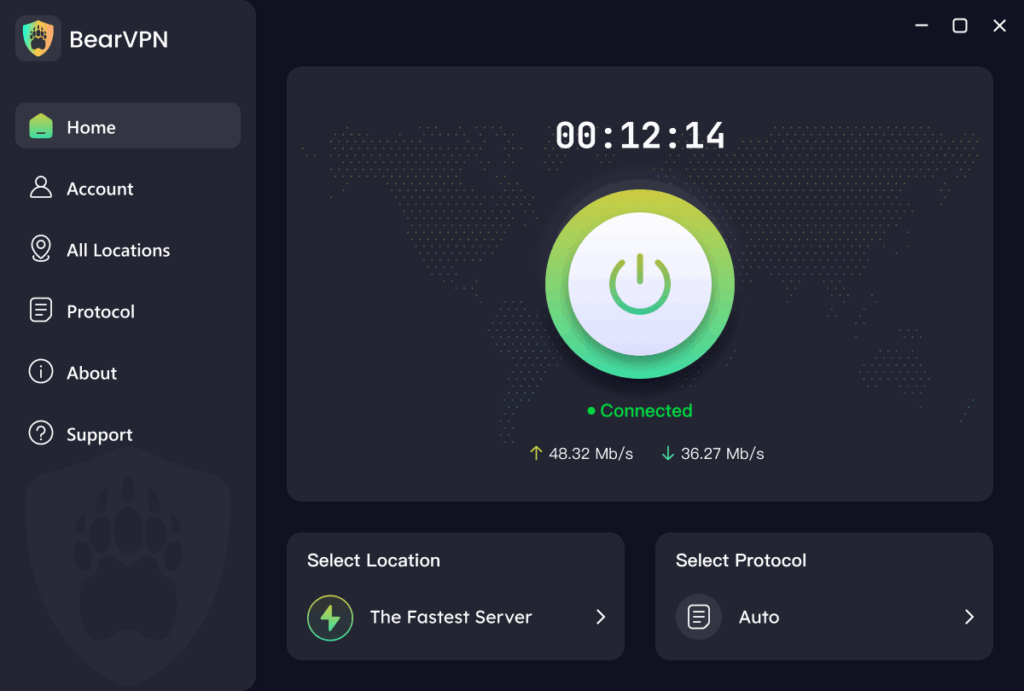
- Open the official Pinterest site—never a password-hungry mirror.
- Encrypt traffic on public or shared Wi-Fi.
- Mask your public IP and retry the blocked network path.
- Use BearVPN only on your own device and where school policy permits.

A VPN cannot remove Chromebook management, override school policy, or guarantee access on a network that blocks VPN traffic.
Conclusion
So, there you have it—multiple ways to unblock Pinterest at school, but none of them are as easy, reliable, or secure as BearVPN. Sure, proxies and Chrome extensions might seem like quick fixes, but they come with plenty of drawbacks—slow speeds, security risks, and limited functionality.
BearVPN, on the other hand, is fast, free, and safe. It works not just for Pinterest, but for a whole host of other sites you might need. Plus, you don’t have to deal with any annoying technical issues or hidden fees.
So if you’re tired of seeing the “Access Denied” page when you try to visit Pinterest, give BearVPN a shot. It’s a simple, hassle-free way to get back to exploring, pinning, and gathering inspiration for your school projects.
FAQs
If the Chromebook is school-managed, ask the teacher or administrator to approve Pinterest for the assignment. Administrators can restrict sites, Android apps, extensions, proxies, and VPNs. On a personal Chromebook, use the official Pinterest website and—if the Play Store is supported—the official app or an approved VPN app.
Only if the Chromebook supports Android apps and the school administrator and acceptable-use policy allow it. A visible Play Store or Install button does not automatically grant permission. Google recommends contacting the administrator when a VPN has problems on a work- or school-managed Chromebook.
The VPN encrypts traffic between your device and the VPN server, but the network can often still see that a VPN connection exists and may block it. On a managed device, school-installed software or browser policies may also record activity outside the encrypted tunnel.
Pinterest may temporarily block activity from an IP address or area after detecting suspicious behavior. Its current help guidance recommends waiting about 30 minutes before trying again; most temporary limits clear automatically. Repeated retries can prolong the frustration.
Do not trust a mirror with your Pinterest password. Pinterest says users should enter credentials only on pinterest.com or the official Pinterest app. Look-alike pages can steal logins, inject advertising, or send you to malicious extensions.