The dark web includes sites that use .onion addresses and require the Tor Browser. It contains both legitimate services—such as news mirrors and privacy tools—and dangerous pages, phishing sites, scams, and malicious downloads.
Tor and a VPN perform different jobs. Tor provides the route to .onion services; a VPN can protect the connection before Tor and prevent the local network from directly seeing the Tor entry connection. Neither tool verifies a site, scans a file, or guarantees anonymity.
Do You Really Need a VPN for the Dark Web? (Tor vs. VPN)
Tor can open .onion sites without a VPN. The choice depends on which part of the connection you want to protect and which provider you are willing to trust.
- Tor without a VPN: You can access
.onionsites, but the local network may see a connection to Tor. - Tor over VPN: The local network sees the VPN connection, while the Tor entry receives the VPN server’s IP.
- What neither setup fixes: Logging into identifying accounts, browser fingerprinting, malicious downloads, phishing, or information you reveal yourself.
Some users connect to a VPN before opening Tor so that the local network sees the VPN connection instead of a direct Tor connection. This shifts the first layer of trust to the VPN provider and does not make unsafe browsing behavior anonymous or harmless.
Connect to BearVPN before launching the official Tor Browser to hide the direct Tor connection from your local network. BearVPN cannot verify .onion sites, scan downloaded files, or guarantee anonymity.

3 Best VPNs for the Dark Web (Free & Premium Trial Options)
A free VPN should be evaluated by its current platform support, privacy policy, security features, limits, and business model. A VPN can protect the entry connection before Tor, but no provider can guarantee anonymity or make an unsafe .onion page trustworthy.
1. BearVPN (The Best 100% Free Mobile Choice)
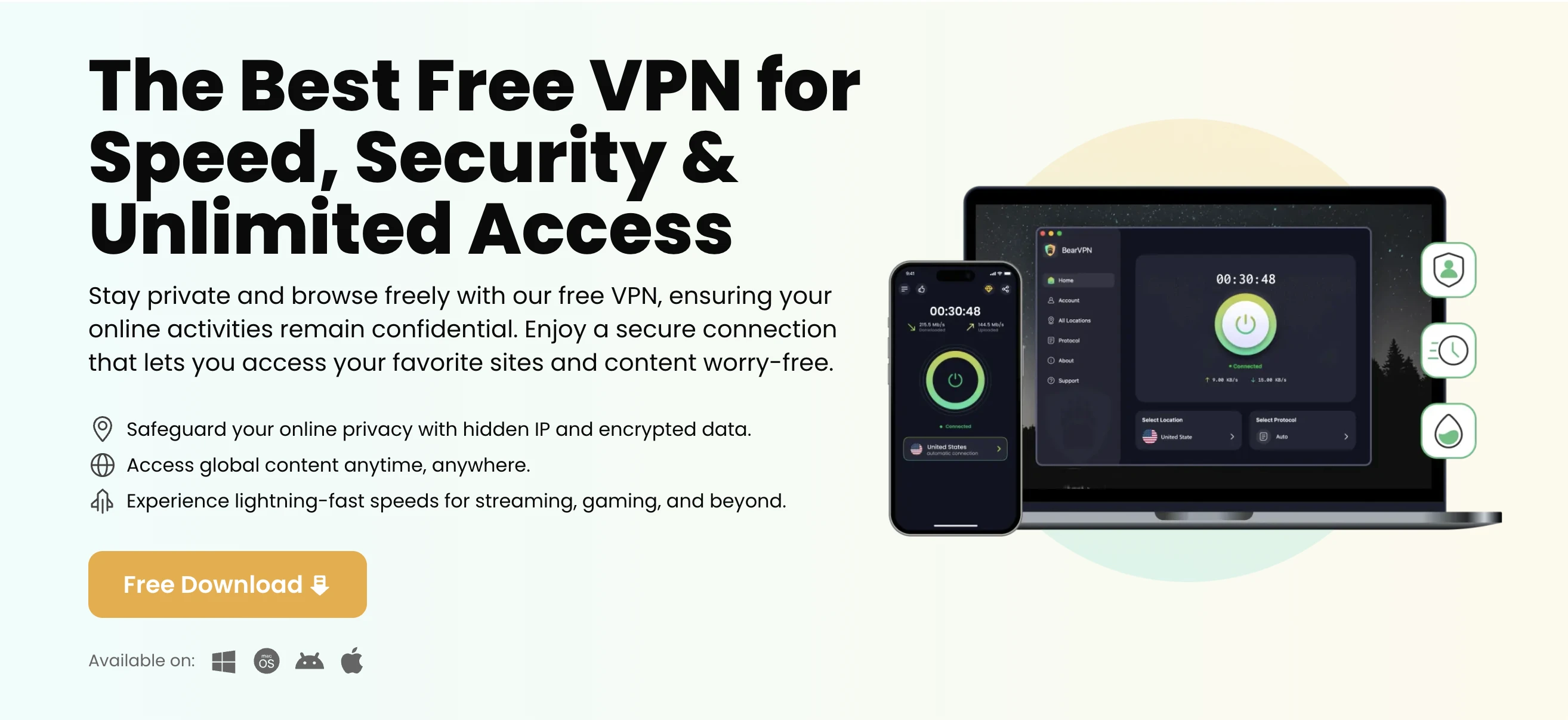
- Works on: iOS, Android, Windows, and macOS. Check the current BearVPN download or pricing page for the free and paid features available on each platform.
BearVPN can be connected before the official Tor Browser to replace the home public IP seen by the Tor entry and to prevent the local network from directly seeing the Tor connection. It does not replace Tor or guarantee anonymity.
- Use Kill Switch and DNS/IP leak protection when available on the device.
- Choose a stable nearby server before opening Tor Browser.
- Use an available obfuscation option only when the current network blocks the ordinary VPN connection.
Keep identifying accounts, unknown downloads, and unverified .onion links outside the session. These risks are not solved by VPN infrastructure or server counts.
- Pros:
- 100% free with no registration required on iOS and Android.
- Bare-Metal & RAM-Only servers guarantee zero data retention.
- Double VPN routing for maximum dark web anonymity.
- Automatic Kill Switch and DNS leak protection prevent accidental IP exposure.
- Strong Obfuscation (SLProxy, SCProxy, Y2Proxy) defeats ISP tracking.
- Cons:
- Desktop versions (Windows/macOS) require a paid subscription.
2. ProtonVPN (The Freemium Alternative)

- Works on: Windows, macOS, iOS, Android, Linux
If you need a free VPN for your desktop and BearVPN’s mobile app isn’t enough, ProtonVPN offers a highly respected free tier. Based in Switzerland, it operates under strict privacy laws and maintains a solid no-logs policy.
- Pros: Unlimited bandwidth on the free tier; strong privacy laws.
- Cons: The free version limits you to servers in only a few countries, which can cause slower Tor browsing speeds.
3. NordVPN & ExpressVPN (Best Premium Trial Options)

NordVPN and ExpressVPN are paid services. A money-back guarantee is not the same as a permanently free plan or a no-payment free trial, and its eligibility and duration should be checked on the provider’s current official page.
- NordVPN: Onion Over VPN and breach-monitoring features may be useful in different situations, but breach monitoring does not make dark web browsing anonymous.
- ExpressVPN: A Kill Switch, private DNS, and tracker-blocking features can reduce particular connection and tracking risks, but they cannot guarantee that a site, script, or download is safe.
How to Access the Dark Web Safely (The ‘Tor Over VPN’ Method)
Tor over VPN means connecting to the VPN first and then opening the official Tor Browser. This can hide the direct Tor connection from the local network, but it is one privacy configuration with tradeoffs—not a promise of maximum anonymity.
Step 1: Download and install BearVPN
Install BearVPN from its official download page and check which features are included for your device and plan. Do not install a VPN from an unknown software mirror.
Step 2: Connect to a VPN server
Open BearVPN and connect to a stable server. The local network now sees the VPN connection rather than a direct connection to a Tor entry node. The VPN provider can still receive your source IP and connection metadata according to its service design and policy.
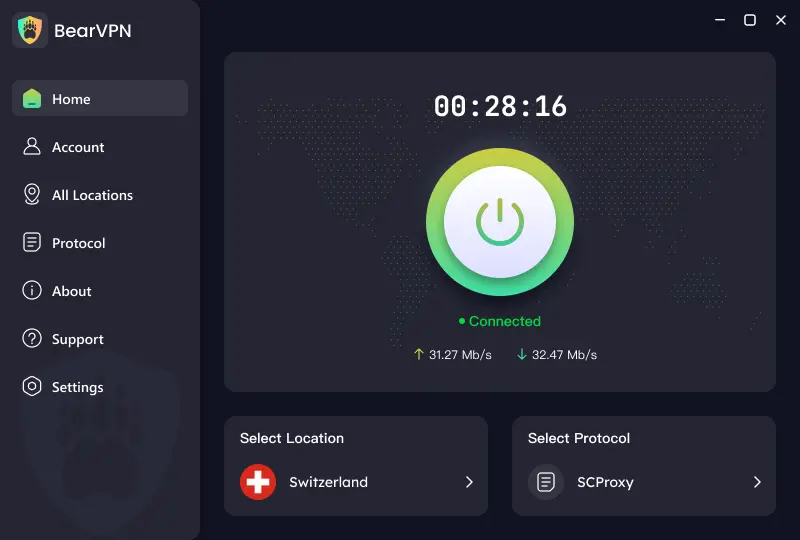
Step 3: Download and launch the Tor Browser
With your VPN connection active, download and install the official Tor Browser from torproject.org. Never download Tor from third-party software sites, as they may contain malware.
Step 4: Enter your target .onion URL
Open the Tor Browser and enter a .onion address obtained from the organization’s official surface-web page. The destination should not see your home public IP, but your login, downloads, browser behavior, or information you reveal can still identify or harm you.
- Keep Tor Browser updated and use an appropriate Security Level.
- Do not install browser extensions or resize the window into a distinctive shape.
- Do not sign in to accounts linked to your real identity.
- Do not open unknown downloads, especially in an external app while online.
- Do not use BitTorrent through Tor.
- Verify every
.onionaddress through the organization’s official website. A VPN cannot detect a phishing page or malicious file for you.
7 Popular & Legal Dark Web Websites to Visit
If you are new to the Tor network, finding legitimate .onion sites can be tricky because standard search engines like Google do not index them. Contrary to popular belief, the dark web is not just for black markets—many major news outlets, whistleblowing portals, and privacy search engines maintain official dark web mirrors to circumvent government censorship and protect confidential sources.
The services below are commonly associated with legitimate organizations, but .onion addresses can change and lookalike links are common. Before publishing or visiting any address, verify it on that organization’s current official surface-web page.
Always double-check .onion URLs before clicking them. Dark web phishing sites frequently clone legitimate addresses by changing just one or two characters to steal login credentials or install malware.
FAQ: Safe Dark Web Browsing
Quality varies. Review the provider’s current privacy policy, ownership, platform support, limits, leak protection, Kill Switch, and business model. A free or paid VPN can protect the connection before Tor, but it cannot guarantee anonymity, verify an .onion link, or scan every download.
Yes. The official Tor Browser can access .onion sites without a VPN. The local network or ISP may be able to recognize a connection to Tor even though it cannot see the final Tor destination. Tor over VPN can hide that direct Tor connection from the local network, while transferring the first layer of trust to the VPN provider.
VPN and Tor rules vary by country and can change. Using privacy tools does not make illegal activity lawful. Check the current law and any network or service rules that apply where you are located.
Conclusion
Use the official Tor Browser to open .onion sites. BearVPN can protect the network entry point and keep your home public IP away from the Tor entry node, but you must still verify links, avoid unknown downloads, and keep real-world accounts separate from private browsing.