The best VPN for Roblox depends on why you need one. For unrestricted mobile play and stronger obfuscation, BearVPN is our top overall pick. Proton VPN is the strongest genuinely free option because its free plan has no data limit, although it does not give free users full control over server selection. NordVPN and Surfshark are better-established paid alternatives for players who want broader device support.
A VPN can help when Roblox is blocked by a country, ISP, school, workplace, or other network administrator. It also encrypts your traffic and masks your public IP address. It cannot guarantee lower ping, however: encryption and the extra server hop normally add overhead. Ping may improve only when the VPN provides a better route than your ISP.
Egypt officially began blocking Roblox on February 4, 2026. Players affected by that restriction should check current Egyptian law and Roblox’s terms before using any circumvention tool.
Do You Need a VPN for Roblox?
Not every Roblox problem needs a VPN. First identify whether the failure comes from a network restriction, a Roblox outage, your device, or the individual experience you are trying to join.
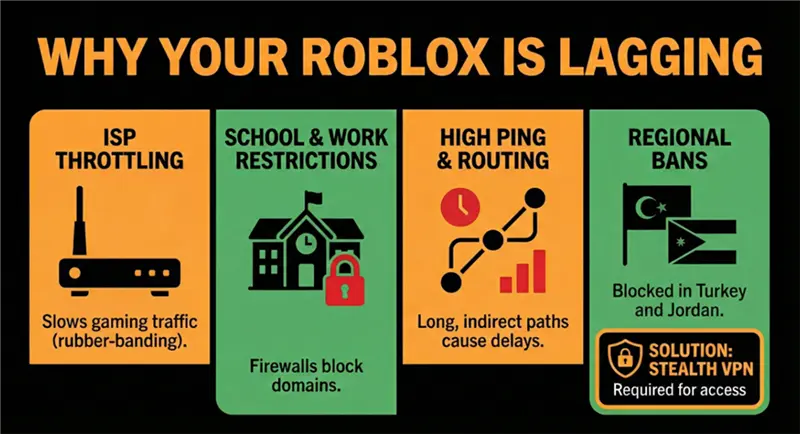
Roblox’s own troubleshooting guidance recommends testing another internet connection when Error 279 or high ping appears. That makes a VPN useful as a diagnostic option, not a universal fix.
Is Roblox Blocked in Egypt?
Yes. Egypt’s Supreme Council for Media Regulation announced the block on February 1, 2026, and the restriction was implemented in coordination with the National Telecommunications Regulatory Authority on February 4.
This explains why searches such as “VPN for Roblox Egypt” may return results even when the Roblox app, website, or login worked previously. A VPN changes the IP address and route visible to the network, so it may help establish a connection through another region. It does not alter the legal status of the restriction or guarantee that Roblox will remain reachable.
If you are in Egypt:
- Confirm that the problem affects both the Roblox app and website.
- Test a different connection, such as mobile data, to rule out a local router problem.
- If permitted where you live, connect to a nearby VPN location rather than a distant US server.
- Open Roblox only after the VPN connection is established.
- If the connection fails, change servers or protocols instead of repeatedly changing countries.
- Avoid making purchases immediately after large location changes, as regional payment and account checks may still depend on more than your IP address.
Roblox states that account location is inferred over time from device signals, including IP address, and that VPN use can affect its accuracy. A VPN therefore does not provide a reliable or immediate method for permanently changing a Roblox account’s region.
VPN and platform rules vary by location. Check current local law and Roblox’s Terms of Use before attempting to bypass a government, school, workplace, or account-level restriction.
8 Best VPNs for Roblox: Deep Dive
1. BearVPN — Best Overall Roblox VPN
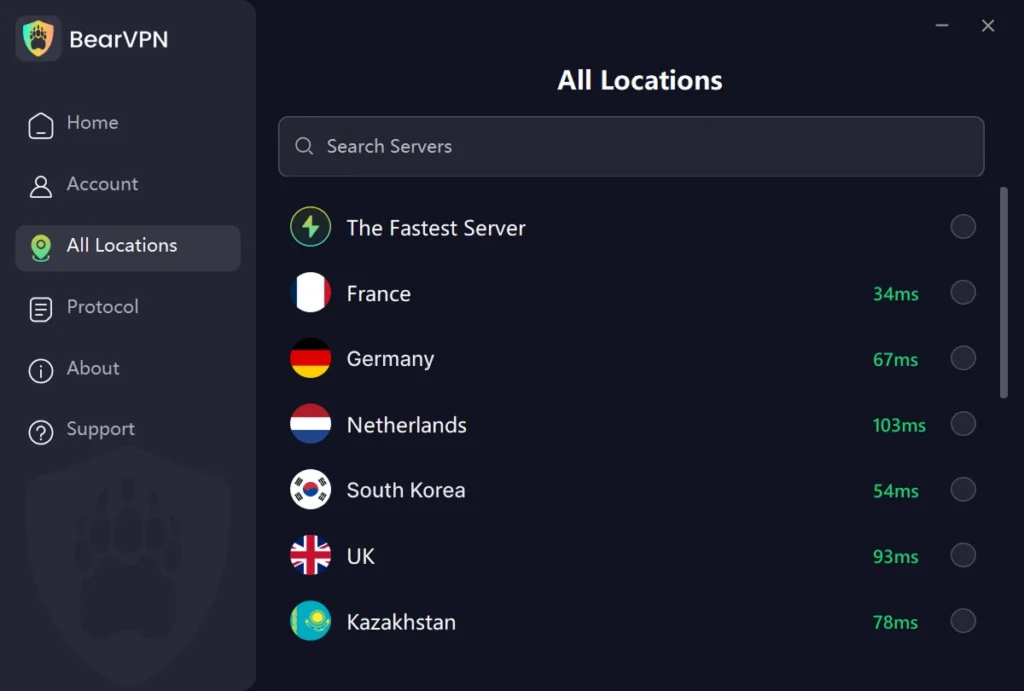
BearVPN is our top pick for players who need strong obfuscation, simple server selection, and a practical option for both restricted networks and everyday gaming. Its network includes 2,000+ servers across 50+ locations, so you can test a nearby route instead of sending Roblox traffic through a distant country.
On Windows and macOS, BearVPN supports SLProxy and SCProxy. Android and iOS also support Y2Proxy. SCProxy is the better starting point when a network interferes with ordinary VPN traffic, while Smart Recommendations can help you find a less congested connection.
Why it stands out
- 2,000+ servers across 50+ locations
- Strong obfuscation for networks that interfere with VPN traffic
- DNS/IP leak protection and a Kill Switch
- Smart server recommendations
- Up to 10 simultaneous connections on a paid account
- Unlimited bandwidth on paid plans
- Limited no-login experience on Android and iOS
Limitations
- The free mobile experience includes ads and only one available route
- Windows and macOS require a subscription
- It cannot guarantee access on every restricted network
- It may increase ping if you choose a distant server
Best for: Roblox players in restricted regions, mobile users who want to try the service first, and households that need coverage for multiple devices.
2. Proton VPN — Best Free VPN for Roblox
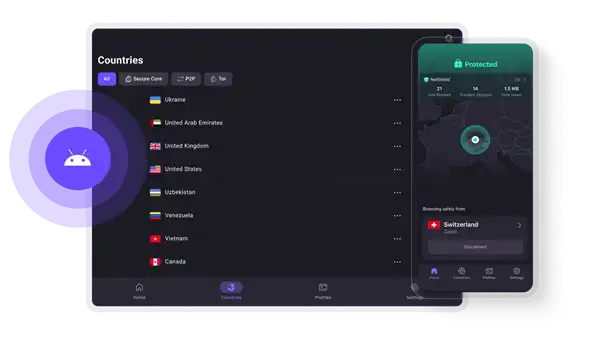
Proton VPN is the strongest free choice for users who need unlimited data. Its free plan has no advertising or data cap, making it more practical for longer sessions than VPNs with small monthly allowances. The compromise is server control: free users cannot freely select from the full paid network, so the assigned route may be too distant for low-latency Roblox experiences.
Best for: Players who prioritize a genuinely free plan over precise server selection.
Avoid if: You need to choose a nearby country or consistently minimize ping.
3. NordVPN — Best Established Option for Restricted Networks
NordVPN offers mature PC and mobile apps, NordLynx for regular connections, NordWhisper for restrictive networks, and support for up to 10 simultaneous devices. It is a strong alternative for users who want an established provider, although there is no permanent free plan and pricing is higher than budget services.
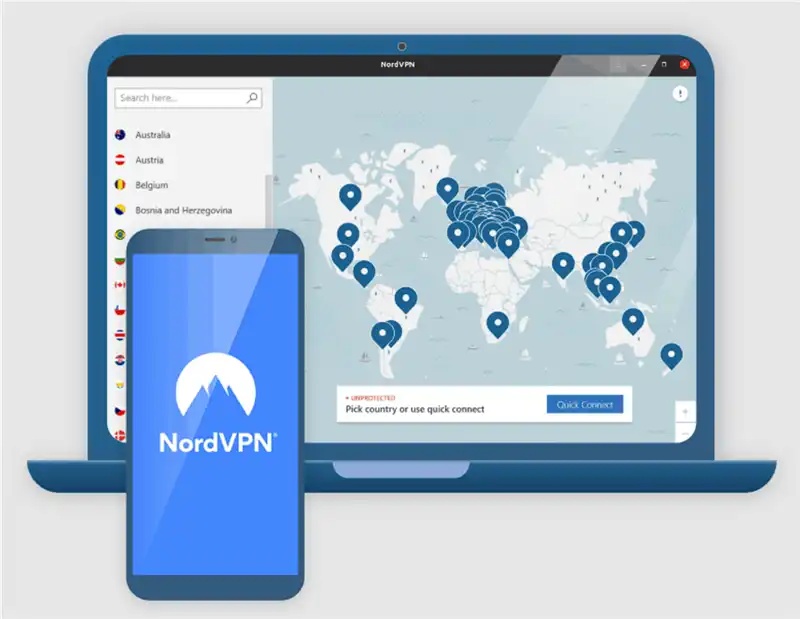
Best for: Players who value mature apps and additional restrictive-network options.
Avoid if: Your main requirement is a permanent free Roblox VPN.
4. Surfshark — Best for Unlimited Devices
Surfshark allows unlimited simultaneous connections, making it suitable for households with several Roblox players. NoBorders is designed for networks that restrict VPN connections. As with every provider, its effect on ping depends on the distance and quality of the selected route.
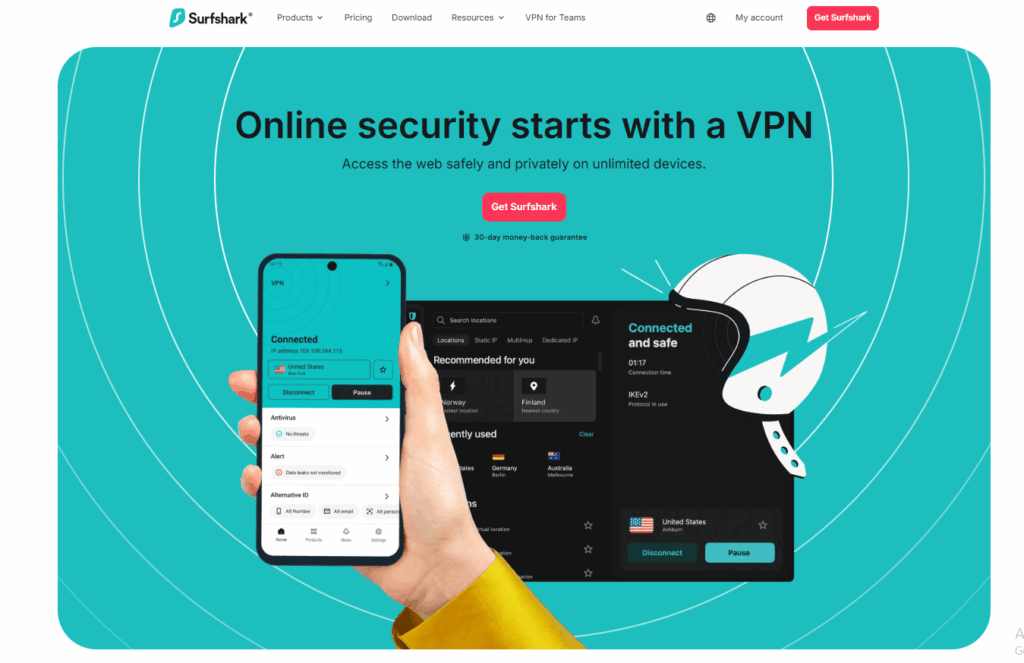
Best for: Families or users with many devices.
Avoid if: You only need a lightweight free option for one device.
5. ExpressVPN — Best for Simple Setup
ExpressVPN is easy to configure across major platforms and uses its Lightway protocol for VPN connections. Depending on the subscription tier, it supports up to 14 simultaneous devices. It is straightforward but usually positioned at the premium end of the market.
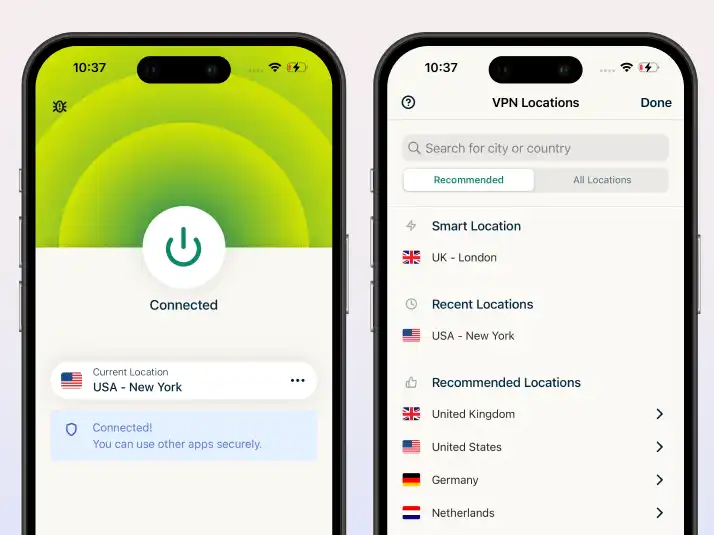
Best for: Users who prioritize polished apps and simple setup.
Avoid if: Price or a permanent free plan is the deciding factor.
6. CyberGhost — Best for Beginners
CyberGhost provides approachable apps and a large choice of server locations. It is suitable for testing nearby routes, but users on heavily filtered networks should not assume that every server or protocol will connect successfully.
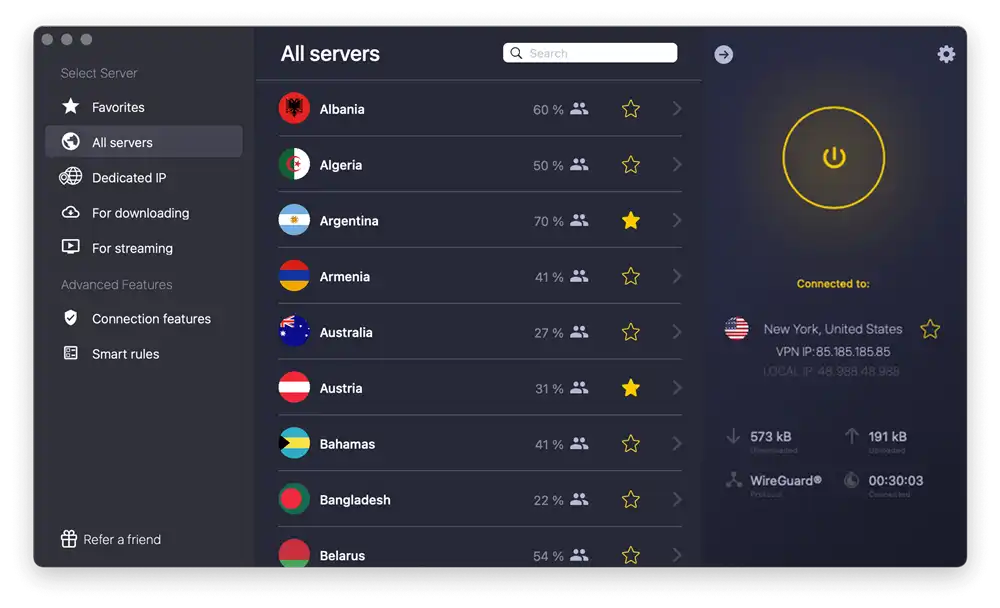
Best for: New VPN users who want a familiar interface.
Avoid if: Strong obfuscation is your main requirement.
7. PrivadoVPN — Best for Occasional Free Use
PrivadoVPN offers a free tier that can work for short or occasional Roblox sessions. The free plan comes with data and location restrictions, so it is less suitable for frequent play or users who need a specific nearby route.
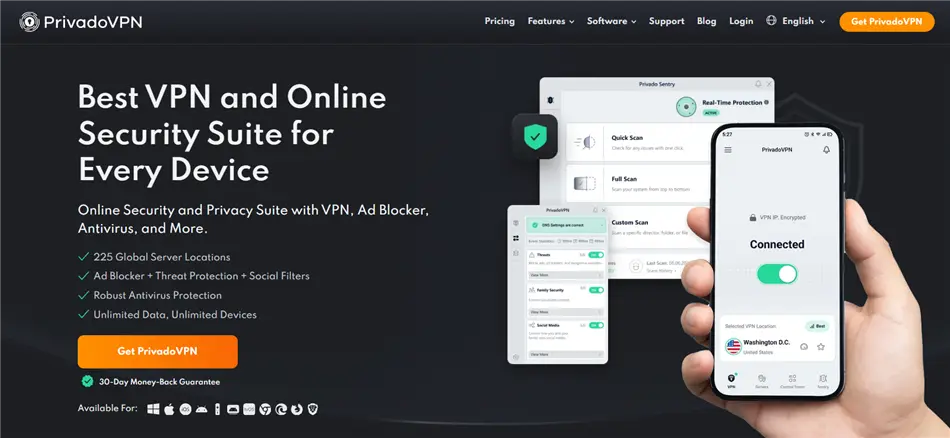
Best for: Occasional users who want another reputable free option.
Avoid if: You need unrestricted data and consistent server choice.
8. X-VPN — Best No-Sign-Up Alternative
X-VPN provides free access without requiring account registration and supports PC and mobile platforms. However, free users may have limited control over server location and connection performance. That makes it easy to try, but less predictable for latency-sensitive gameplay.
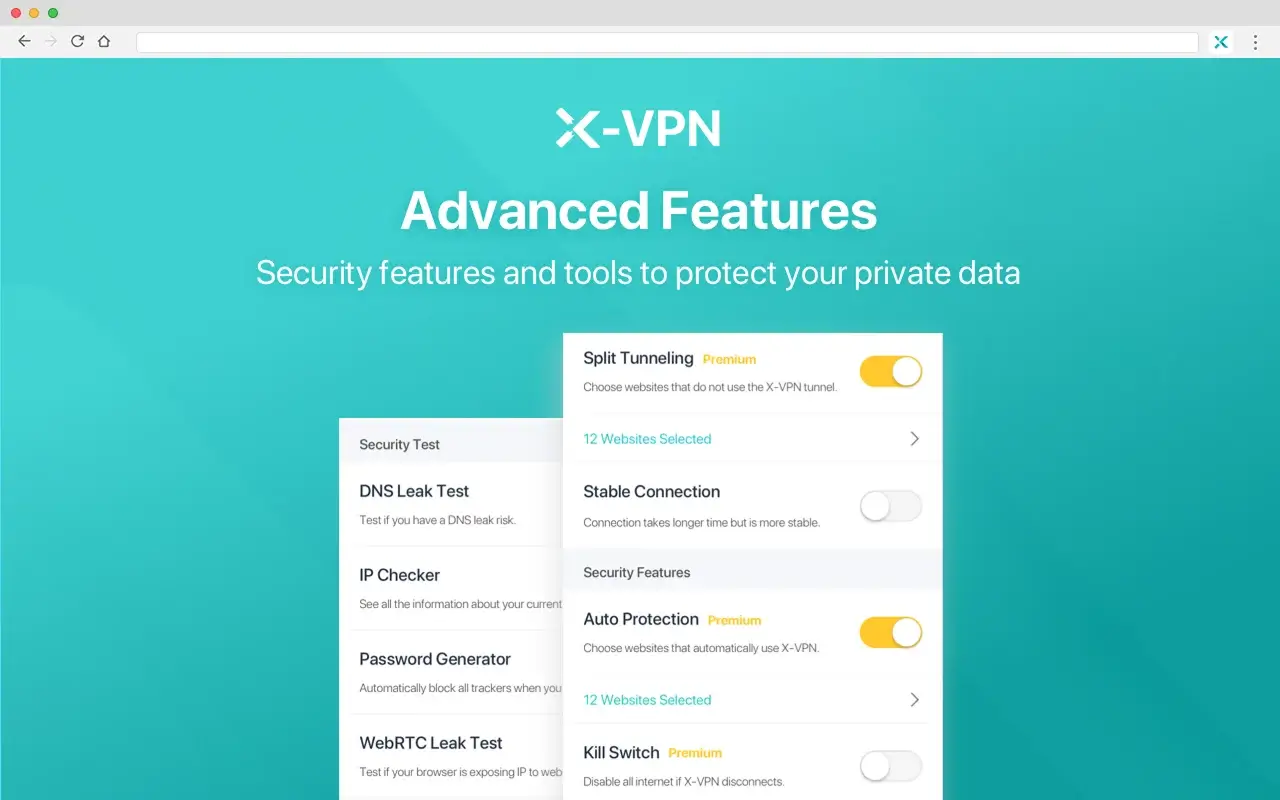
Best for: Users who want to test a no-sign-up free VPN.
Avoid if: You need dependable access to a particular country or server.
Best VPNs for Roblox Compared
This is a feature-based comparison using free-plan restrictions, server choice, obfuscation options, device support, privacy features, and suitability for Roblox on PC and mobile. Because network performance changes by ISP, country, server load, and time of day, we do not claim that one provider will produce the lowest ping for every player.
How to Play Roblox with BearVPN on PC or Mobile
Getting started takes only a few minutes. For the best chance of a stable connection, connect BearVPN before opening Roblox.
Step 1: Download and Install BearVPN
Download BearVPN from the official download page and install it on your device.
BearVPN supports Windows, macOS, Android, and iOS. A paid account can connect up to 10 devices simultaneously, so you can use the same account on your gaming PC, phone, and tablet.
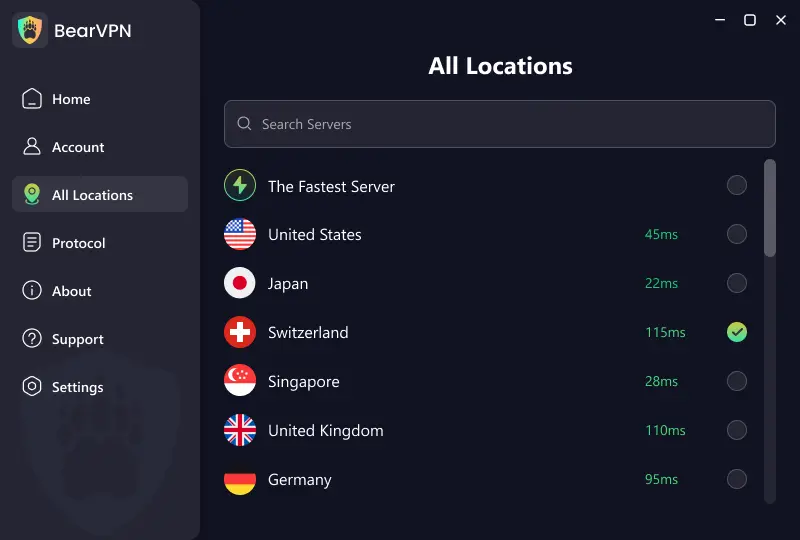
Step 2: Connect to a Nearby Server
Open BearVPN and choose a server close to your physical location or the nearest available country where Roblox is accessible.
A nearby server usually adds less latency than a distant one. Do not automatically connect to the US if a closer server is available—test several nearby locations and keep the one that gives you the most stable connection.
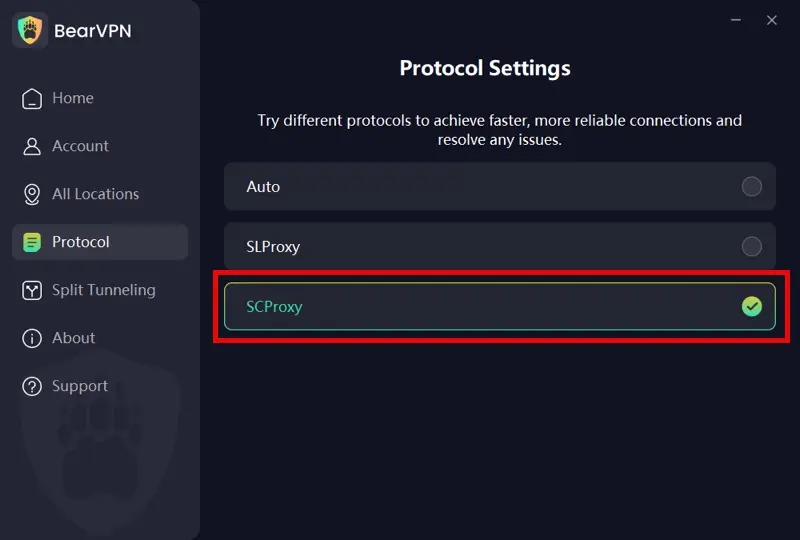
Step 3: Choose the Right Protocol
Start with the recommended protocol. If Roblox is blocked or the network interferes with your VPN connection, switch to SCProxy for stronger obfuscation.
After changing protocols, reconnect BearVPN before launching Roblox again. No protocol can guarantee access on every ISP, school, workplace, or restricted network.
Step 4: Route Only Roblox Through the VPN
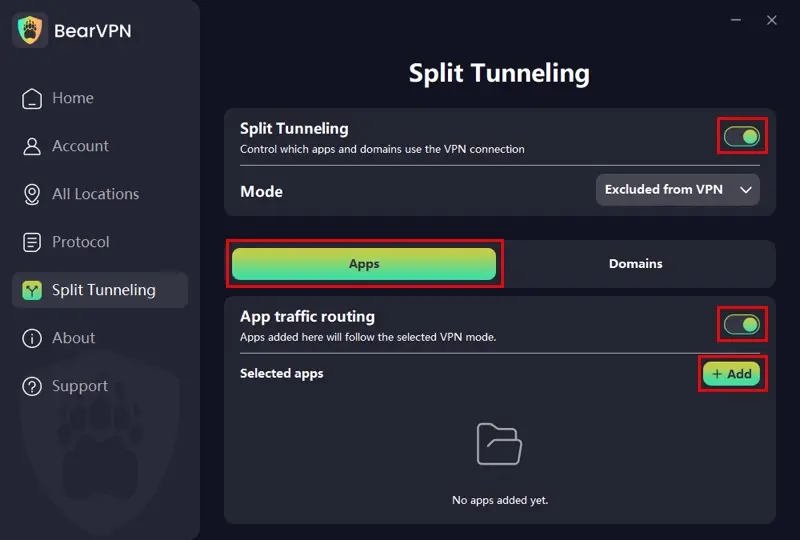
Open Split Tunneling in BearVPN. On Windows and macOS, you can control VPN routing by either App or Domain.
For the simplest Roblox setup:
- Turn on Split Tunneling.
- Select the mode that sends chosen items through the VPN.
- Open the Apps tab.
- Click Add and select the Roblox application.
- Confirm that Roblox follows the VPN route.
You can also use the Domains tab to control how specific Roblox-related websites use the VPN. App-based routing is usually the better choice for gameplay because Roblox launches through its desktop client.
If you want everything except selected apps to use BearVPN, choose the exclusion mode and add the apps that should remain on your regular connection.
Step 5: Launch Roblox After Connecting
Completely close Roblox if it is already running. Connect BearVPN first, then reopen the Roblox app or website and join an experience.
Launching Roblox after the VPN is connected helps ensure that the new IP address and route are used from the beginning of the session.
Step 6: Compare the Connection
Play the same Roblox experience for several minutes and compare it with your normal connection.
If Roblox still will not connect or the ping becomes noticeably higher:
- Switch to another nearby server.
- Test a different BearVPN protocol.
- Restart both BearVPN and Roblox.
- Disable Split Tunneling temporarily to check whether a routing rule is causing the problem.
- Try another internet connection to determine whether the restriction comes from your ISP or local network.
A VPN may improve Roblox performance when it avoids poor ISP routing or network throttling, but it can also increase ping if the selected server is distant or congested.
Roblox Still Not Working with a VPN? Try These Fixes
- Check whether Roblox is down. A VPN cannot fix a platform-wide outage.
- Test Roblox without the VPN. If both connections fail, the problem may be the app, firewall, router, or Roblox itself.
- Choose a closer server. Distance usually matters more than choosing a well-known city.
- Try another BearVPN protocol. Use SLProxy for a normal connection and test SCProxy when the network appears to interfere with VPN traffic.
- Restart Roblox after changing servers. The client may retain an old session until it is fully closed.
- Check your firewall and security software. Make sure Roblox and BearVPN are allowed to make network connections.
- Try a different network. Switching temporarily between Wi-Fi and mobile data helps identify whether the restriction belongs to one ISP or router.
- Treat Error 524 separately. This error usually concerns private-server permissions, invitations, server availability, or account privacy settings—not VPN routing.
- Stop rapid server switching. Repeated logins from distant locations can cause inconsistent regional or security checks.
- Contact Roblox Support for account problems. A VPN cannot remove moderation, restore a banned account, or change private-server permissions.
Final Verdict: Which Roblox VPN Should You Choose?
BearVPN is our best overall choice for Roblox because it combines nearby server options, strong obfuscation, leak protection, smart recommendations, and support for up to 10 connected devices. Mobile users can try its limited free experience before paying, while PC and macOS users require a subscription.
If you need a completely free VPN with no data limit, choose Proton VPN—but accept that its restricted server selection may produce higher ping. NordVPN and Surfshark are stronger alternatives for users who want established multi-device apps.
For players in Egypt, the key requirement is a nearby connection that can handle the nationwide Roblox block. No VPN can guarantee permanent access, lower ping, or exemption from local law and Roblox’s rules. Start with the nearest server, test the result, and change routes only when necessary.
FAQs About VPNs for Roblox
Proton VPN is the best fully free option for extended play because its free plan has no data cap. However, free users cannot freely choose from the full server network, so the assigned route may increase Roblox ping. BearVPN also offers a limited free experience on Android and iOS, but PC and macOS require a subscription.
BearVPN is our top option for Egypt because its obfuscation and server selection are designed for restrictive networks. Choose the nearest available location outside Egypt rather than a distant US server. Access is not guaranteed, and users should check current Egyptian law before attempting to circumvent the February 2026 block.
Yes, providers such as Proton VPN and X-VPN offer free PC apps, but server choice or performance may be restricted. BearVPN’s no-login free experience is currently limited to Android and iOS; its Windows and macOS apps require a subscription.
Not automatically. A VPN normally adds encryption and another network hop, which can increase latency. It may lower ping if your ISP uses an inefficient route or throttles the connection and the VPN supplies a shorter or less congested path. Test the same Roblox experience with and without the VPN.
Roblox’s public support materials explain that VPN use can affect detected account location, but they do not provide a blanket promise that every use is risk-free. Never use a VPN to evade moderation, operate abusive accounts, exploit prices, or break Roblox’s rules. Appeal account sanctions through Roblox Support instead.
No guarantee. Roblox says account location is automatically inferred over time from device signals, including IP address. A VPN may affect location accuracy, but connecting once does not ensure an immediate or permanent region change. Users who genuinely relocated should allow the account time to update or contact Roblox Support.
BearVPN’s SCProxy may help when a network blocks recognizable VPN traffic, but no protocol is guaranteed to work on every school network. Students should follow school rules and use their own connection when gaming is prohibited.
A paid BearVPN account supports up to 10 simultaneous connections with unlimited bandwidth. The exact features available depend on the platform and plan.