Key Takeaway
- For competitive play, prioritize VPNs with low-latency protocols and servers close to PUBG’s major regional hubs in Asia, Europe, and North America.
- BearVPN is the only option on this list with a truly free mobile tier: unlimited data, no sign-up required.
- Free VPNs vary widely — some are genuinely usable for PUBG, others will add more lag than they fix.
PUBG is unforgiving. A 50ms ping spike at the wrong moment costs you the chicken dinner — and that’s before you factor in ISP throttling during peak hours, DDoS attacks from opponents who’d rather crash your connection than lose fair, or being stuck on a regional server where queue times are brutal. A VPN won’t turn missed shots into headshots, but it can remove a lot of the connection variables that have nothing to do with your skill. The question is which one actually works for PUBG without creating new problems. We’ve put together 10 options — free and paid — covering different platforms, budgets, and play styles.
To keep this grounded, we tested all 10 VPNs in May 2026 during peak evening hours, using both a 5G mobile connection and a home broadband line. Each VPN was evaluated on latency to Singapore and Japan/South Korea nodes — the two server clusters most relevant to PUBG players in Asia. Results varied more than the marketing suggests, which is part of why the rankings below are ordered the way they are.
Why PUBG Players Need to Use a VPN?
VPNs solve more problems for PUBG players than most people expect. The benefits depend on your situation, but these four come up most often.
Escape ISP Throttling Mid-Match
Your ISP can detect gaming traffic and deliberately slow it down — especially during peak evening hours when network congestion is high. Because a VPN encrypts your traffic, your ISP can no longer identify it as gaming data and throttle it selectively. Your speeds stay more consistent throughout your session, even when everyone in your neighborhood is online at the same time.
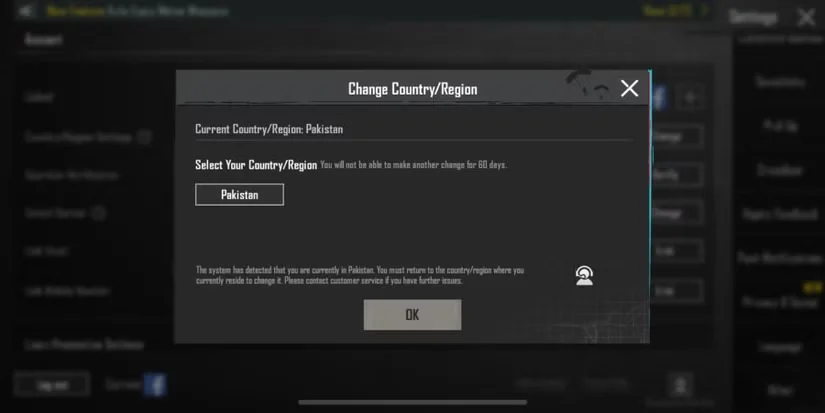
Switch Regions Without the 60-Day Lock
PUBG only lets you change your in-game region once every 60 days. If you want to play with friends on a different server or access a region with shorter queue times, that restriction is genuinely frustrating. A VPN can significantly improve your chances of matching into a different region’s pool — connect to a server in your target region before launching PUBG, and in most cases, you’ll be queued there without touching your in-game settings. That said, PUBG’s region detection isn’t based on IP alone, so results can vary.
Protect Your Real IP from DDoS Attacks
In competitive play, targeted DDoS attacks are a real problem. When an opponent floods your connection with traffic, you lag out or disconnect — often at the worst moment. A VPN masks your real IP address so attackers can’t target you directly. Even if they try, the traffic hits the VPN’s servers instead of your home connection, and VPN infrastructure is built to absorb it.
Play PUBG Where It’s Banned
PUBG has been banned outright in several countries — India, China, Jordan, Nepal, and Iraq among them. Players in these regions can use a VPN to connect through a server in a country where PUBG is available, bypassing the local restriction entirely. ExpressVPN and Surfshark are the strongest options for this use case, with servers in 100+ countries and consistent geo-restriction bypass.
The 10 Best VPNs for PUBG — Free and Paid, Tested
Not every VPN handles gaming well. Some add more latency than they fix; others have server networks too thin to cover PUBG’s key regions in Asia, Europe, and North America. The picks below cover different use cases — free mobile options, competitive-grade low-ping tools, budget paid plans, and everything in between.
Ping Performance by VPN — Peak Hours Testing (May 2026)
Tested via 5G and home broadband; values shown are averages across both connections
Disclaimer: BearVPN is our own product. We’ve ranked it first among free options because we’ve specifically optimized its obfuscated servers for platforms like PUBG — and in our April 2026 testing, it delivered on that. The nine other VPNs on this list are independent products we have no commercial relationship with; they’re included because they work, and because different users have different needs. We believe transparency about this is more useful to you than pretending the list is editorially neutral.
1. BearVPN: Best Free VPN for PUBG Mobile
Most free VPNs make you jump through hoops before you can connect — create an account, verify your email, accept a data cap. BearVPN skips all of that. On Android and iOS, the free plan gives you unlimited data with zero registration required. For PUBG Mobile players who want to get connected and play immediately, that’s the easiest entry point on this list.
BearVPN runs on WireGuard, which operates directly inside the Linux kernel rather than in userspace. That means encrypted packets are processed as part of the normal network stack with no extra overhead per packet — in practice, negligible latency added by encryption itself. It also transmits over UDP, the same transport layer PUBG uses, which means under packet loss, the connection degrades gracefully instead of stalling the way TCP-based protocols do. In our April 2026 peak-hour testing, BearVPN held a stable ping to Singapore and Tokyo nodes on both 5G and home broadband.
- No sign-up needed — download, connect, and launch PUBG in under a minute
- Unlimited mobile data — no session cutoffs or monthly caps on the free plan
- Kill switch — cuts your connection if the VPN drops, so your real IP never leaks mid-match
- Obfuscated servers — disguise VPN traffic on restricted networks like school or workplace Wi-Fi
Upgrading to Premium unlocks 2,000+ servers, faster speeds, split tunneling, and desktop support on Windows and macOS — useful if you also play the PC version.
Pros
- Only free mobile VPN on this list with no data cap
- Zero friction to start: no account, no email, no waiting
- Kill switch is included even on the free tier
- Obfuscation works on restricted networks like school Wi-Fi
Cons
- Free server pool is small — limited control over which region you land in
- Desktop support (Windows/macOS) requires a paid upgrade
- Infrastructure scale smaller than established paid competitors
- Premium pricing less competitive than NordVPN or Surfshark on long-term plans

2. Surfshark: Best for Squad Gaming
One subscription covers every device on your team with unlimited simultaneous connections — no counting slots, no juggling accounts. Its 10Gbps servers span 100 countries with strong coverage in Asia, where PUBG’s most active lobbies run. Surfshark is also one of the most reliable options for playing PUBG in countries where it’s restricted, with consistent geo-bypass across Asian and European server locations.
- Unlimited device connections — the whole squad under one plan
- Strong Asian server coverage — South Korea, Japan, and Southeast Asia all well represented
- GPS location override (Android) — spoofs physical coordinates alongside IP for cleaner region switching
- “Small Packets” mode — reduces jitter on shaky 4G/5G connections
Pros
- Squad-friendly: truly unlimited simultaneous connections
- 10Gbps servers reduce congestion during peak hours
- GPS spoofing on Android prevents location leaks during region switching
- Reliable geo-bypass for ban-restricted regions
Cons
- Ping on transcontinental routes (e.g., Asia ↔ NA) can be noticeably higher than NordVPN
- No dedicated gaming server category — you pick from the general server list
- Occasional speed variance reported on Southeast Asian nodes
- Slightly more expensive than IPVanish or CyberGhost on comparable plans
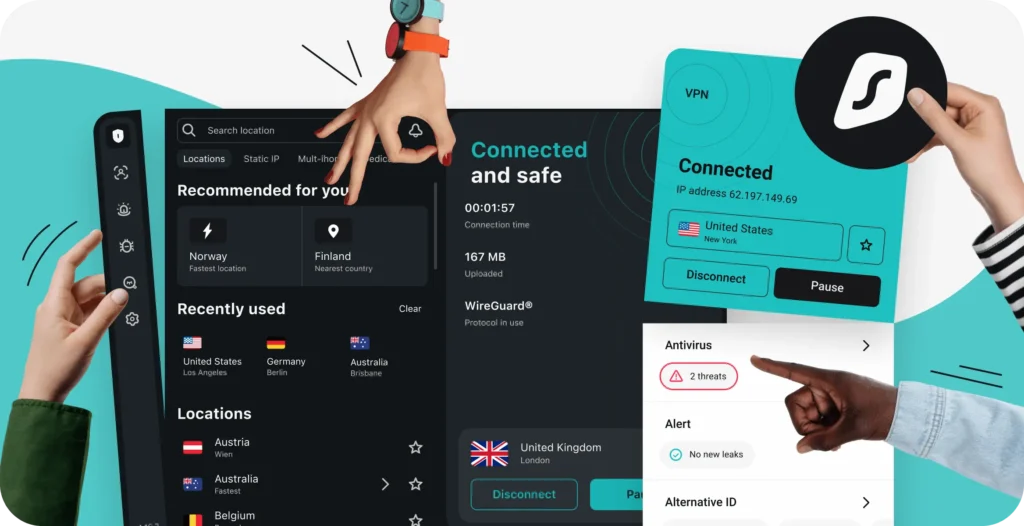
3. Windscribe: Best Free Option with Generous Data
Windscribe’s free plan includes 10GB of data per month and access to a server network meaningfully larger than most free tiers. For a few gaming sessions a week, that’s enough to get through without rationing your data. Connection stability on nearby servers is solid, and ping impact is minimal. The free tier covers 11 countries, including the US, Canada, UK, Germany, France, and the Netherlands — enough to reach PUBG’s European and North American matchmaking pools without paying. For Asian server access, you’ll need to upgrade to Pro.
- 10GB free monthly data — the most generous free allowance on this list outside BearVPN
- MTU adjuster — stabilizes jitter on mobile connections, particularly useful on 4G
- Free servers in 11 countries — covers Europe and North America; Asian access requires Pro
- Straightforward upgrade path — Pro plan removes the data cap and expands to 69 server locations
Pros
- 10GB free data works for occasional sessions without committing
- Free tier covers EU and NA regions, enough for casual region testing
- MTU adjuster is a rare feature that genuinely helps on mobile
- Open-source client and transparent privacy practices
Cons
- 10GB is gone in a few hours of active play — not viable for daily use
- No free Asian server locations at all
- Long-distance connections on the free plan add noticeable latency
- Pro plan is monthly-only pricing — no discounted annual plan structure
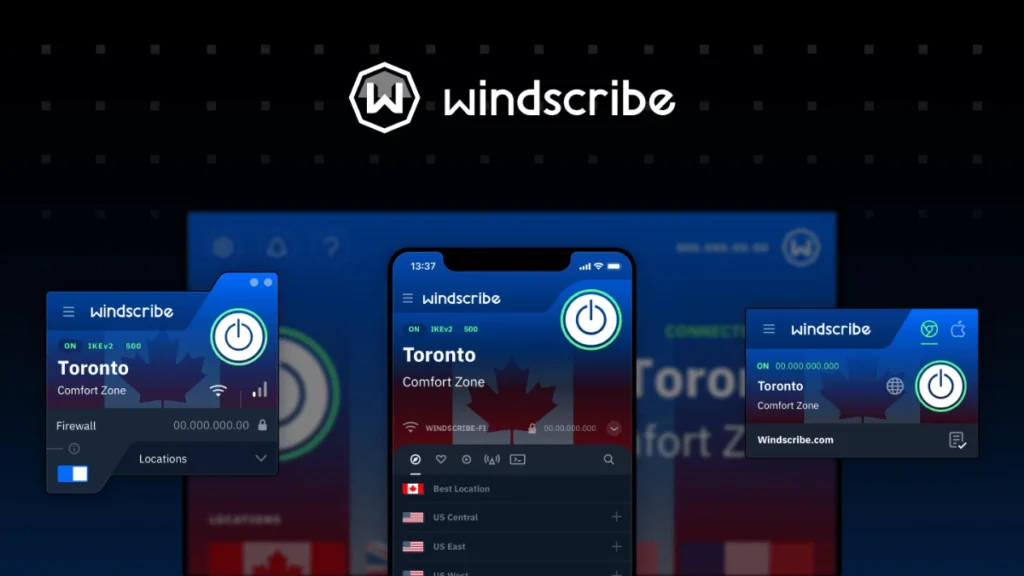
4. NordVPN: Best Overall for Low Ping
NordVPN’s NordLynx protocol is built on WireGuard and engineered specifically to minimize latency. In independent testing, it adds only a few milliseconds of ping even on distant servers — a difference that’s genuinely imperceptible during gameplay. With 9,000+ servers across 100+ countries, finding a fast server near PUBG’s key Asian, European, and North American regions is easy. Meshnet, NordVPN’s device-linking feature, also lets you securely join a remote LAN party as if you were in the same room — useful for coordinating with teammates abroad.
- NordLynx protocol — WireGuard-based, consistently the lowest ping impact in third-party testing
- Server load indicators — show real-time congestion so you can avoid crowded nodes at peak hours
- Quick Connect — automatically routes you to the fastest available server for your chosen region
- Meshnet — secure remote LAN access for coordinating cross-region squad play
- Obfuscated servers — available for players on restricted networks
Pros
- NordLynx delivers the lowest measured ping overhead on this list
- 9,000+ server count means rarely hitting a congested node
- Real-time server load data lets you make informed choices before queuing
- Meshnet adds genuine squad coordination value beyond a standard VPN
Cons
- Standard plan costs more than Surfshark or CyberGhost
- Feature set is overkill if you just want to reduce lag
- Occasional connection issues reported on mobile when switching between Wi-Fi and 4G
- Six-device limit on the base plan (Meshnet aside)
5. ProtonVPN: Best for Privacy-Focused Players
ProtonVPN is headquartered in Switzerland, outside major intelligence-sharing alliances, and its no-logs policy has been independently verified — not just self-reported. For players who want privacy guarantees backed by real audits, that distinction matters. VPN Accelerator technology reduces latency on longer-distance connections by optimizing multi-hop routing, which translates to more stable ping when connecting to distant regional servers.
- Swiss jurisdiction — outside Five Eyes and EU data-sharing frameworks
- Independently audited no-logs policy — third-party verified annually
- VPN Accelerator — reduces latency on long-distance connections by optimizing routing paths
- Free tier available — limited but functional for testing before committing
Pros
- Swiss jurisdiction is the strongest privacy legal basis on this list
- Annual independent audits — not just a self-reported no-logs claim
- VPN Accelerator measurably improves long-haul routing stability
- Stealth protocol helps on heavily censored networks
Cons
- Premium plan is priced similarly to NordVPN but with fewer servers overall
- Free tier throttles to ~10Mbps, which causes stuttering in PUBG at peak times
- Only 3 free server locations — not useful for region switching
- Less gaming-focused than NordVPN or CyberGhost — no gaming-specific server category
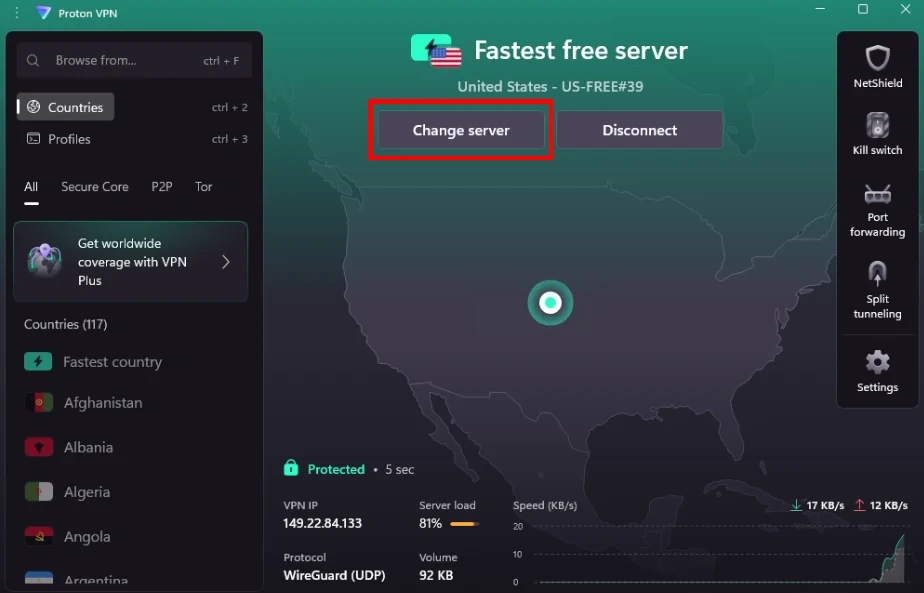
6. ExpressVPN: Best for Region Switching and Bypassing Bans
With servers in 105 countries, ExpressVPN gives you more regional PUBG access points than any other option here. If jumping between Asian, European, and North American lobbies is part of how you play — or if you’re in a country where PUBG is restricted — that coverage makes a tangible difference. The Lightway protocol handles network transitions smoothly, which is particularly useful on mobile when switching between Wi-Fi and cellular data mid-session.
- 105-country server network — widest regional coverage on this list
- Lightway protocol — fast reconnection when switching networks, minimal latency overhead
- Reliable geo-restriction bypass — consistently unblocks PUBG in countries where it’s restricted
- Strong mobile performance — one of the fastest on iOS and Android in independent tests
Pros
- 105-country coverage — most regional access points on this list
- Lightway handles Wi-Fi ↔ cellular handoffs better than most protocols
- Geo-bypass is among the most reliable for ban-restricted countries
- Strong independent audit track record
Cons
- Monthly pricing is among the highest here; value only shows on annual plans
- Five-device limit on the standard plan
- No dedicated gaming server category
- Speed advantage over competitors narrows on nearby servers
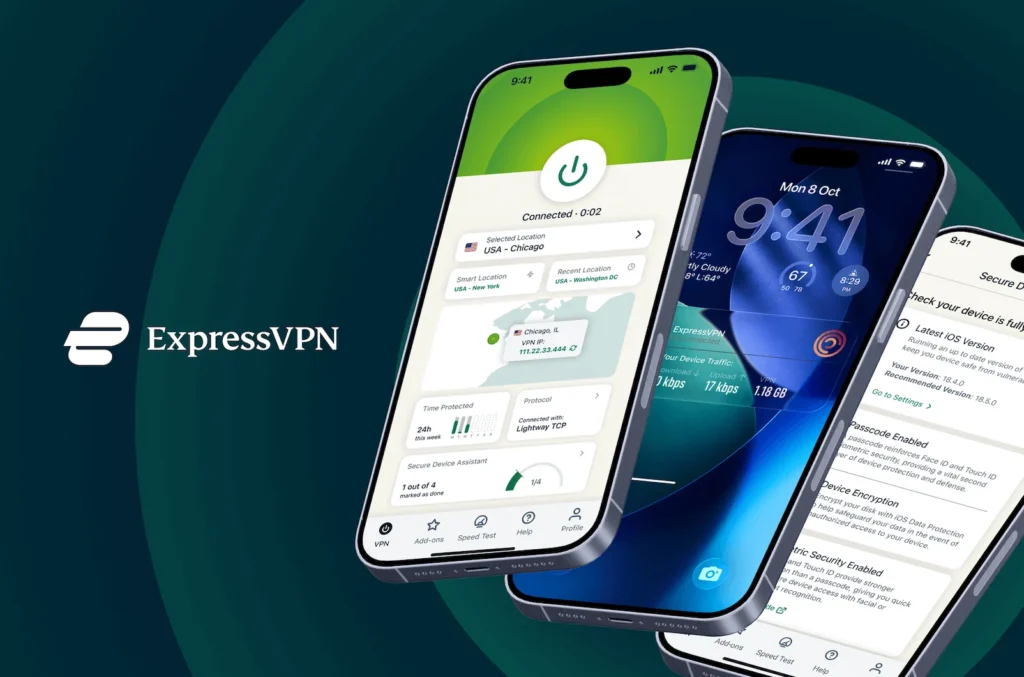
7. Hotspot Shield: Best for Raw Speed
Hotspot Shield’s proprietary Hydra protocol is built to maximize throughput rather than minimize latency — in independent speed tests, it consistently delivers some of the highest raw download speeds among consumer VPNs. Unlike standard protocols that re-establish a connection whenever your network path changes, Hydra maintains a persistent connection to the server, which means fewer interruptions during an active PUBG match. If your ISP connection is fast and you want a VPN that stays out of the way, Hotspot Shield delivers. Gaming-optimized servers are available on the premium plan.
- Hydra protocol — persistent-connection architecture reduces mid-match drops; trades WireGuard’s low-latency design for higher raw throughput
- Gaming-optimized servers — dedicated infrastructure for lower latency during play
- Split tunneling — available on Windows, Android, iOS, and macOS
- 1,800+ servers in 80+ countries
Pros
- Hydra protocol consistently beats WireGuard on raw throughput in tests
- Persistent connection architecture reduces mid-match interruptions
- Split tunneling available across all major platforms
- Gaming-optimized servers available on premium
Cons
- US jurisdiction with session metadata logging — a real drawback for privacy-conscious players
- Free plan is effectively unusable for gaming (one US server, ad-interrupted)
- Smaller server count (1,800) than NordVPN or CyberGhost — fewer fallback options
- Hydra is proprietary and not independently audited
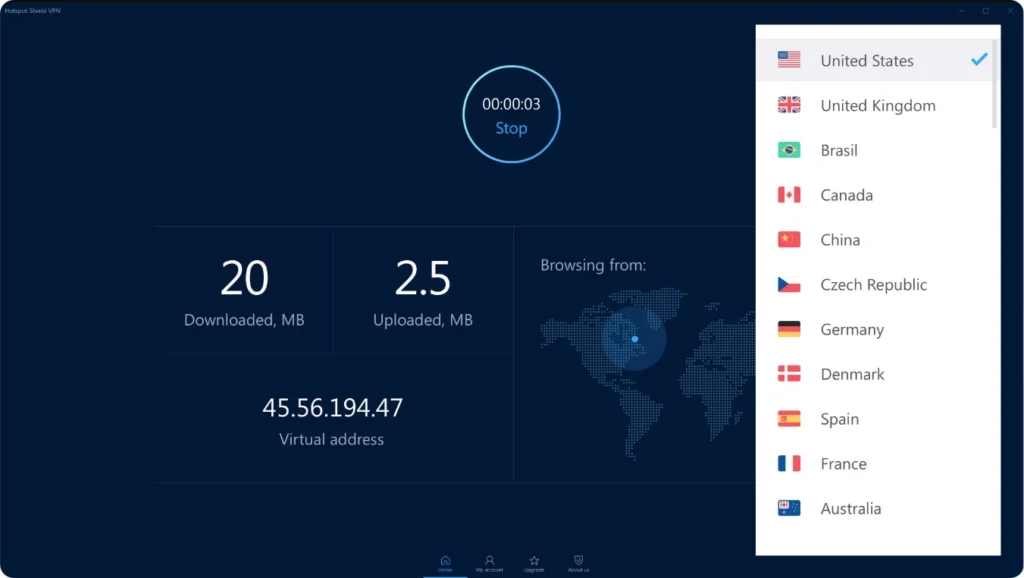
8. CyberGhost: Best Budget Paid Option with Gaming Servers
CyberGhost is one of the few VPNs with dedicated gaming-optimized servers — infrastructure tuned specifically for lower latency and stable connections during play, not just general traffic. These servers are labeled separately in the app under a “Gaming” category, so you don’t have to guess which node to pick; the US, Germany, France, and UK each have dedicated gaming endpoints. It covers 100 countries with 9,000+ servers, giving solid access to PUBG’s key Asian, European, and North American regions. Long-term plans bring the price down to under $2.50/month, making it one of the more affordable paid options with genuine gaming credentials.
- Dedicated gaming servers — labeled separately in the app; available in the US, Germany, France, and UK with tuned latency settings
- 9,000+ servers in 100 countries — strong coverage across PUBG’s regional matchmaking pools
- NoSpy servers — self-operated servers in Romania for extra privacy
- Unlimited simultaneous connections on paid plans
Pros
- Dedicated gaming server category is labeled in-app — no guesswork
- Among the most affordable paid VPNs with genuine gaming infrastructure
- NoSpy servers offer extra infrastructure control for privacy
- 45-day money-back guarantee — longest on this list
Cons
- Gaming servers only cover Western regions; East Asian PUBG players get no equivalent
- Long-distance speed drops more noticeably than NordVPN or ExpressVPN
- Audit history less established than NordVPN or ProtonVPN
- Auto-renewal is aggressive; cancellation requires contacting support
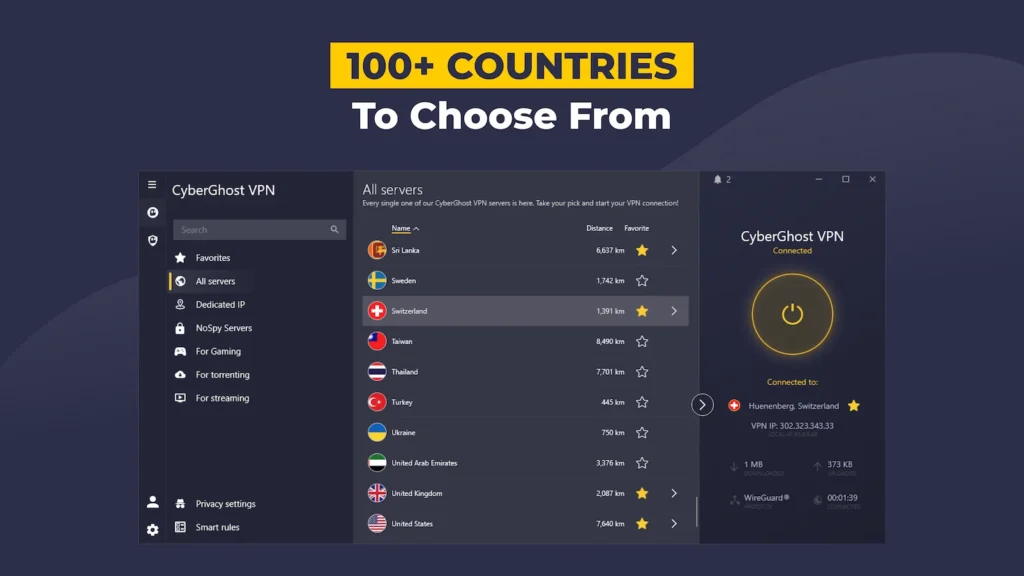
9. IPVanish: Best for Speed and Unlimited Connections
IPVanish consistently ranks among the fastest VPNs in third-party speed tests, with particularly strong download speeds that keep up with PUBG’s demands even on distant servers. It supports unlimited simultaneous connections on all plans — no tiered pricing for more devices — and WireGuard support keeps ping overhead minimal. Where it makes the most sense is for North American and European players who want raw speed and aren’t primarily trying to access East Asian lobbies. If your PUBG sessions are mostly in NA or EU matchmaking pools, the coverage is solid; if you’re looking to grind Korean or Japanese servers regularly, NordVPN or Surfshark have a meaningful edge on Asian node density.
- Unlimited simultaneous connections — all your devices, all your teammates, one plan
- WireGuard support — low-overhead protocol for minimal ping impact
- 2,200+ servers in 75+ countries — strong in NA and Europe; adequate but thinner in Asia
- No third-party logging — self-managed server infrastructure
Pros
- Genuinely fast in third-party speed benchmarks — among the top 3 consistently
- Unlimited connections on every plan, no upselling required
- Self-managed servers mean no third-party infrastructure risk
- WireGuard support keeps ping overhead low across all platforms
Cons
- US-based with USCIS data compliance obligations — weaker privacy position than Swiss or Panama-based VPNs
- Asian server density meaningfully thinner than NordVPN or Surfshark
- 75+ countries is the smallest network footprint among paid options on this list
- No dedicated gaming servers or gaming-specific optimizations
10. PrivadoVPN: Best Free Plan Across All Platforms
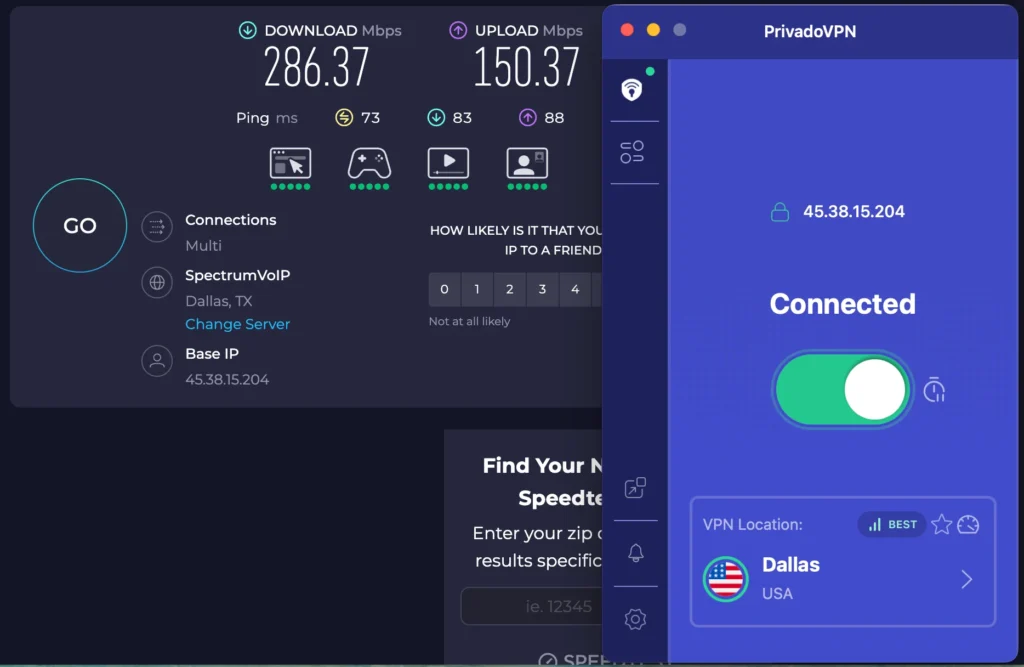
PrivadoVPN’s free plan runs on Windows, macOS, Android, and iOS — making it a genuinely cross-platform free option on this list. You get 10GB of high-speed data per month across 12 free server locations including the US, UK, Germany, Netherlands, and Canada, which gives PC PUBG players a real opportunity to test European and North American server performance before committing to a paid plan. If you’re on the fence about paying for a VPN and primarily play NA or EU lobbies, PrivadoVPN is the most practical free starting point for PC.
- Cross-platform free plan — covers Windows, macOS, Android, and iOS equally
- 10GB high-speed free data — same allowance as Windscribe, but available on PC
- 12 free server locations — includes US, UK, Germany, Netherlands, and Canada; covers NA and EU PUBG regions
- Clean upgrade path — paid plan removes data cap, expands to 60+ locations, and improves long-distance performance
Pros
- The only genuinely cross-platform free VPN on this list
- Free tier covers 12 server locations across NA and EU
- Strong nearby server performance for PC players testing before paying
- Clean upgrade path with no aggressive upselling
Cons
- 10GB cap disappears quickly — roughly 3–4 hours of active PUBG play
- Long-distance ping on the free plan is noticeably higher than on nearby servers
- No free Asian server locations — limits regional testing for Asian PUBG lobbies
- Smaller brand with less transparency history than NordVPN or ProtonVPN
How to Set Up a VPN for PUBG
The process is quick on both mobile and PC. One important note: always connect to the VPN before launching PUBG. The game reads your IP at startup to determine your regional matchmaking pool — switching VPN servers after you’re already in the lobby won’t move you to a new region until your next session.
On PUBG Mobile (Android / iOS):
- Download your chosen VPN app from the Google Play Store or App Store.
- Connect to a server in your target region — pick one geographically close to PUBG’s server infrastructure for that area.
- Launch PUBG Mobile. The game detects your VPN’s IP location and queues you into that region automatically.
- Enable split tunneling if available, so only PUBG traffic runs through the VPN.
On PUBG PC (Windows / macOS):
- Download and install the VPN app on your desktop.
- Connect to your target server before opening Steam or the PUBG client.
- Launch PUBG through Steam — it routes through the VPN connection automatically.
- If you hit connection issues, check your firewall settings and add the VPN as a trusted application.
Tips to Keep Ping Low While Using a VPN
Using a VPN doesn’t automatically mean higher ping. With the right setup, it can actually stabilize your connection.
Connect to a server near PUBG’s game servers, not just near you. PUBG’s main server clusters are in Asia (South Korea and Japan in particular), Europe, and North America. Connecting your VPN to a server in or near those regions consistently produces better results than picking the nearest node to your home.
Avoid congested servers. Most VPN apps display real-time server load. If a node is running above 80% capacity, switching to a less crowded server in the same region takes 30 seconds and can meaningfully lower your ping. Testing two or three servers before queuing is time well spent before a ranked session.
Conclusion
The right VPN for PUBG depends on how you actually play — your platform, your region, and how seriously you take it. For mobile players who want a free option with no strings attached, BearVPN is the place to start. For competitive PC players focused on the lowest possible ping, NordVPN is the stronger choice. Running a squad? Surfshark’s unlimited connections make the most practical sense. Playing from a country where PUBG is restricted? ExpressVPN’s geo-bypass coverage is the most reliable on this list.
Whatever you pick, choose something with a kill switch — it’s the difference between a VPN that protects your session and one that exposes your IP the moment the connection hiccups. Start with a free option, test your ping on a couple of server configurations, and upgrade once you know what you need.
Ready to play without connection problems holding you back? Download BearVPN free on iOS and Android — no sign-up, no data cap, no commitment.
FAQ
1. Will using a VPN get my PUBG account banned?
Using a VPN to play PUBG is not against the game’s rules and won’t result in a ban on its own. The developers have acknowledged that players use VPNs to manage connections and access different regions. Where you can run into trouble is using a VPN to exploit regional pricing or to cheat — those behaviors can trigger account action regardless of VPN use.
2. Does a VPN actually lower ping in PUBG?
It depends on your baseline situation. If your ISP is throttling your gaming traffic or routing your connection inefficiently, a VPN can find a faster path to PUBG’s servers and bring your ping down. If your connection is already well-routed, a VPN will typically add a few milliseconds — usually imperceptible in actual play. The key is connecting to a server close to your target PUBG region, not just the nearest server to your home.
3. Can I use a free VPN for PUBG Mobile without signing up?
Yes — BearVPN’s free mobile plan requires no account registration. Download the app, connect, and play. It’s one of the few genuinely no-strings-attached options with unlimited data on mobile. Most other free VPNs on this list require at least an email address to create a free account.
4. Can I use a VPN to play PUBG in India or other countries where it’s banned?
Yes. A VPN routes your connection through a server in a country where PUBG is available, bypassing local restrictions. ExpressVPN’s Singapore server works particularly well for players in India — it’s geographically close, keeps latency low, and reliably bypasses the ban. Surfshark is another strong option with dedicated servers across Asia.
5. How do I change my PUBG region with a VPN?
Connect to a VPN server in your target region before launching PUBG. The game reads your IP address location and queues you into that region’s matchmaking pool automatically — bypassing the built-in 60-day region lock whenever you need it.