Logo
Why BearVPN
Features
Desktop
Mobile
See All >
Pricing
Blog>
Supports>
Tools>
Log in
Download Now
Toggle Menu
Features
  • VPN Servers
  • VPN for Streaming
  • VPN for Gaming
  • Access Any Websites
  • Free VPN for iOS
  • Free VPN for Android
Tools
  • What Is My IP
  • IP Lookup
  • IPV6 Lookup
  • Website Down Checker
VPN Servers
  • USA VPN
  • Turkey VPN
  • Iraq VPN
  • Syria VPN
  • Egypt VPN
VPN for Gaming
  • Roblox VPN
  • Brawl Stars VPN
  • Oculus Quest VPN
  • Epic Games VPN
  • Clash of Clans VPN
VPN for Apps
  • TikTok Live VPN
  • Facebook VPN
  • Telegram VPN
  • Chaturbate VPN
  • OmeTV VPN
VPN for Streaming
  • Netflix VPN
  • World Cup Vpn
Resources
  • Blog
  • Contact Us
  • Research
About BearVPN
  • About Us
  • Transparency Report
  • Privacy Policy
  • Terms of Service
  • Refund Policy
Best Free VPNs for PCBest VPN for OmeTVBest VPNs for AndroidBest VPNs for StreamingBest Free VPN for iPhoneIs VPN Legal in Saudi ArabiaApps Banned in the USVPN Not Working in QatarVPN Not Working for TikTokIs Chaturbate Safe?
Windows
Windows
macOS
macOS
Android
Android
iOS
iOS
Follow us
  • X IconX Icon
  • Youtube IconYoutube Icon
  • TikTok IconTikTok Icon
  • Discord IconDiscord Icon
  • Telegram IconTelegram Icon
Payment methods
  • Payment provider icon
  • Payment provider icon
  • Payment provider icon
  • Payment provider icon

© 2026 BearVPN. All Rights Reserved.

 > VPN for Gaming
 > Battle.net VPN
BearVPN App Store rating
4.8/5 (11K Ratings) on App Store
BearVPN App Store
BearVPN App Store rating
4.8/5 (11K Ratings) on App Store
BearVPN App Store

Best VPN for Battle.net: Fix Lag & Unblock Blizzard Games

Ready to jump into the action on Overwatch 2, World of Warcraft, or Diablo IV, but blocked by strict school or workplace firewalls? Network restrictions and poor routing can ruin your competitive matches. BearVPN uses dedicated bare-metal servers to bypass network blocks, secure your connection, and lower your ping for uninterrupted gaming on Battle.net.
  • Bypass Network Blocks: Punch through firewalls to access Blizzard games anywhere.
  • Stop Lag & Drops: Premium bare-metal servers ensure the lowest ping and zero lag.
  • Secure Blizzard Assets: Protect your account and progress from DDoS attacks.
Go PremiumGet BearVPN
Refund policy varies by plan
Go PremiumGet BearVPN
Refund policy varies by plan
Free DownloadDownload Now
Available on:
Free DownloadDownload Now
Available on:
Free DownloadDownload Now
Available on:
BearVPN
Download Icon
BearVPN
Download Icon

How to Set Up BearVPN for Battle.net in 3 Easy Steps

Getting your network battle-ready is fast and simple. Follow these steps to secure your connection and unblock your game library:
1
Download and Install
Download and install the BearVPN client on your gaming device. Open the application and log into your account to get started.
2
Connect to a Server
Connect to a Server
Open the server network list. For the lowest ping and best performance, choose a server located closest to Blizzard data centers, such as Washington D.C. for the Americas region, Frankfurt for Europe, or Singapore for Asia.
3
Launch Battle.net and Play
Click connect to establish your secure gaming tunnel. Launch the Battle.net launcher, load your favorite Blizzard game, and enjoy a lag-free gaming experience without limits.

Why You Need a Premium VPN for Battle.net
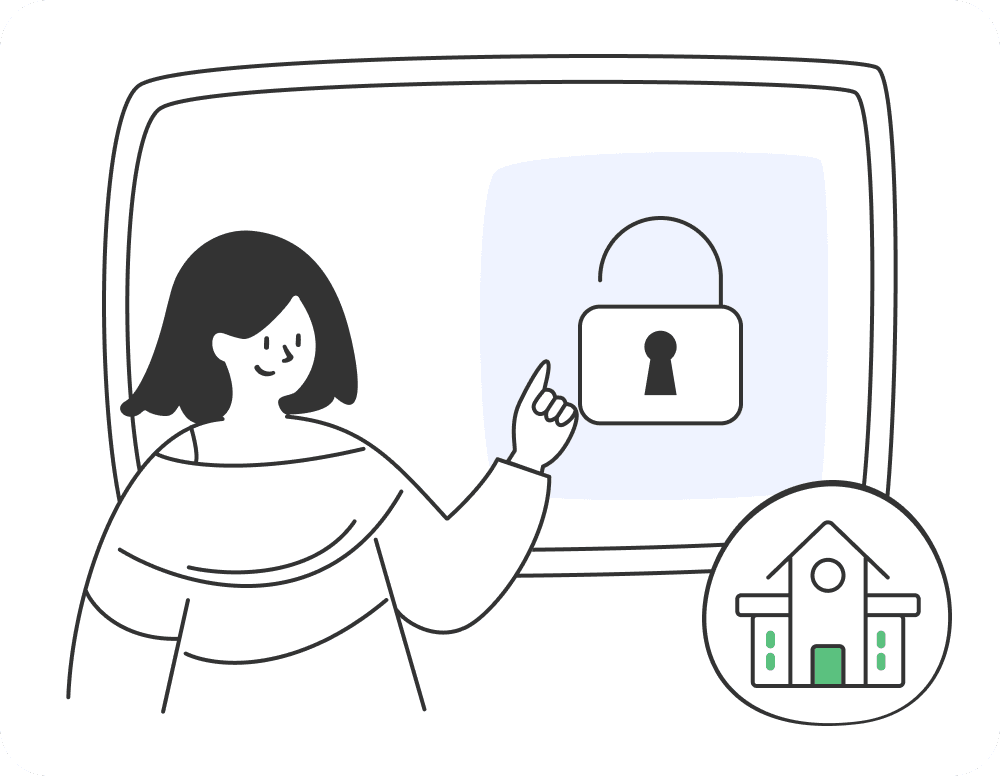
Blizzard games demand a fast, uninterrupted connection. Here is how a gaming-optimized VPN completely changes your Battle.net experience and keeps you in the game.
Unblock Battle.net at School or Work

Unblock Battle.net at School or Work

Network administrators often block gaming clients like Battle.net and Epic Games on campus or office Wi-Fi. BearVPN encrypts your internet traffic, hiding your activity from the firewall. If you are searching for the best vpn for world of warcraft to log in, complete your daily quests, or play a quick Hearthstone match anywhere without being restricted, BearVPN is the ultimate solution. Avoid using an unreliable free vpn for wow, which can cause severe lag or trigger false security bans.
Go PremiumGet BearVPN
Free DownloadDownload Now
Unblock Battle.net at School or Work
Defeat ISP Throttling for Lower Ping
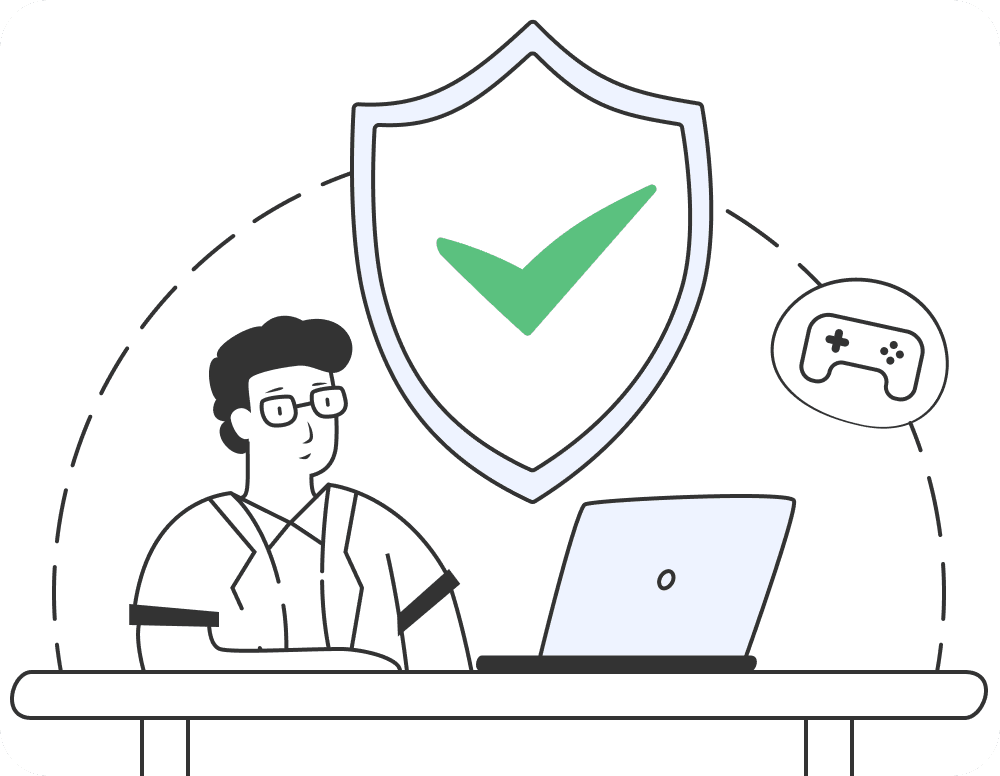
Defeat ISP Throttling for Lower Ping

Internet Service Providers frequently slow down your connection when they detect heavy bandwidth usage from gaming or downloading large Blizzard updates. A VPN prevents your ISP from seeing what you are doing, stopping bandwidth throttling and ensuring your ping stays low during intense competitive matches in Overwatch 2 or Call of Duty.
Go PremiumGet BearVPN
Free DownloadDownload Now
Defeat ISP Throttling for Lower Ping
Protect Your Valuable Blizzard Account

Protect Your Valuable Blizzard Account

Your Battle.net account holds years of progression, rare mounts, and expensive cosmetics. A VPN masks your real IP address, making it impossible for malicious players to launch targeted DDoS attacks against you during ranked matches, while also securing your login data from hackers on public Wi-Fi networks.
Go PremiumGet BearVPN
Free DownloadDownload Now
Protect Your Valuable Blizzard Account

Best VPN Locations for Battle.net Servers

Battle.net operates massive regional data centers. To get the best connection, you should always connect to a BearVPN server located closest to the game's physical servers.

  • Americas Region: Connect to BearVPN servers in Los Angeles, Chicago, or Washington D.C. for optimal routing to Blizzard's North American infrastructure.
  • Europe Region: Choose our servers in Frankfurt, Paris, or London to ensure the lowest possible latency for European server matchmaking.
  • Asia Region: Select BearVPN servers in Seoul, Tokyo, or Singapore to achieve stable connections for the Asia-Pacific gaming communities.

Why BearVPN is the Ultimate Battle.net VPN in 2026

Standard VPNs can ruin your gaming experience. BearVPN is built from the ground up with specialized hardware and software features designed specifically for hardcore gamers.

Powered by Bare-Metal Servers

Powered by Bare-Metal Servers

Unlike ordinary VPNs that use shared virtual servers, BearVPN operates exclusively on dedicated bare-metal physical servers. This guarantees maximum processing power, eliminating the sudden ping spikes and virtualization lag that can cost you the game.

Advanced Split Tunneling

Advanced Split Tunneling

Maximize your PC performance and manage exactly how a tunnel vpn effects battlenet. Our advanced split tunneling feature allows you to route only the Battle.net client and your game through the secure VPN connection, while letting your web browser or Discord run directly on your normal local network.

Smart Server Recommendations

Smart Server Recommendations

You never have to guess which server will provide the best connection. Our intelligent algorithm automatically analyzes network distance and server load to instantly connect you to the lowest-ping server available for your specific Blizzard region.

Dedicated IP Addresses

Dedicated IP Addresses

Using shared VPN IP addresses can sometimes trigger automated security checks from Blizzard if another user misbehaves. BearVPN offers Dedicated IP options, giving you a clean, private IP address that only you use, drastically reducing the risk of false-positive account locks.

Massive Global Network

Massive Global Network

With over 2,000 high-speed servers across 50 different locations, you can always find an uncongested server positioned right next to Blizzard's global data centers, ensuring your connection takes the shortest and fastest route possible.
Military-Grade AES-256 Encryption

Military-Grade AES-256 Encryption

We lock down your internet connection using the AES-256 encryption standard. This completely hides your physical location and IP address, shielding your home network from targeted DDoS attacks during high-stakes World of Warcraft raids or Call of Duty tournaments.

Go PremiumGet BearVPN
Free DownloadDownload Now

Download Battle.net VPN for your device

Our VPN works perfectly on popular operating systems.
WindowsWindows
macOSmacOS
AndroidAndroid
iOSiOS

Frequently asked questions

    Using a VPN to stabilize your ping, prevent DDoS attacks, or bypass local network blocks is generally safe and widely used by the gaming community. However, using a VPN specifically to exploit regional pricing or bypass geographical game bans violates Blizzard's Terms of Service and should be avoided.
    Simply download the BearVPN application onto your laptop or mobile device, log in, and connect to a server outside of your local network. The VPN encrypts your data, preventing the local network firewall from detecting and blocking your connection to Blizzard servers.
    A high-quality gaming VPN like BearVPN can actually decrease your ping. If you are struggling with latency, using our bare-metal servers and optimized network routing can help create a faster and more stable connection. We bypass congested ISP nodes, delivering a more direct and stable connection to the game servers.
    Yes. Because BearVPN completely hides your real IP address and replaces it with the IP of our server, any malicious DDoS attack aimed at you will hit our heavily fortified, DDoS-protected server infrastructure instead, keeping your home connection perfectly safe and online.
    Absolutely not. BearVPN provides completely unlimited bandwidth with zero data caps. You can download massive World of Warcraft expansions, Diablo IV patches, and play online 24 hours a day without ever being restricted or throttled by our network.