Key Takeaway
- Sky Go is geo-locked to the UK and Ireland — a VPN with a UK server is the only way to access it abroad.
- Since Brexit, EU portability rules no longer apply, so even European travelers are blocked.
- Sky Go stacks multiple detection methods — IP blacklisting, DNS checks, deep packet inspection — which is why most VPNs fail.
- BearVPN is the strongest free option: obfuscated servers pass Sky Go’s detection, no account required.
- PIA, PrivateVPN, Surfshark, and CyberGhost each solve a different problem — privacy, stealth, multi-device value, and simplicity.
Settling in for a Premier League match abroad and finding Sky Go has blocked you is one of the more reliable travel disappointments for UK subscribers. Since Brexit ended EU portability rules in 2021, the lockout applies everywhere — including Europe. What you need is a VPN built to pass Sky Go’s detection, not just any VPN with a UK server. This guide covers the five best options in 2026, what makes each one work for Sky Go specifically, and how to get set up in minutes.
Testing methodology
In April 2026, we tested all five VPNs from Germany on a 100Mbps broadband connection, connecting to each provider’s London server and attempting to load Sky Go via both the mobile app (Android) and browser (Chrome, no extensions). We recorded initial connection success, stream stability over a 30-minute session, and average speed retention.
One thing worth setting expectations on upfront: no VPN works with Sky Go 100% of the time. Sky actively updates its IP blacklist, which means a server that works today may be flagged tomorrow. Switching to a different UK server, rather than assuming the VPN has stopped working, resolves most blocks within a minute. Every option on this list handles that process easily, and it’s a normal part of using any VPN with Sky Go, not a sign something’s broken.
Why Sky Go Is Blocked Outside the UK
Sky Go’s geo-restrictions follow the broadcast licensing agreements that govern the content Sky airs. Rights are licensed territory by territory, which legally limits the service to viewers in the UK and Ireland.
How Geo-Restrictions Work
Every connection to Sky Go is checked against your IP address. An IP outside the UK or Ireland returns an error — no stream, no workaround without changing how your location appears. A VPN does that by routing your connection through a UK server and replacing your real IP with a British one.
What Changed After Brexit
Until January 1, 2021, the EU Portability Regulation required streaming services to remain accessible to subscribers traveling within EU member states. Brexit removed the UK from that framework. Sky Go now enforces its UK-and-Ireland-only rule universally — a weekend in Paris or a business trip to Berlin cuts access just as completely as being in Australia. There is no official workaround other than a VPN.
Why Sky Go Is Harder to Unblock Than Most Streaming Services
Most streaming platforms rely primarily on IP address checks — match the IP to the right country, and you’re in. Sky Go takes a more layered approach to detection, which is why VPNs that work fine with Netflix or BBC iPlayer often fail here.
Alongside your IP, Sky Go checks whether your DNS traffic matches a UK or Irish provider, applies deep packet inspection (DPI) to identify VPN encryption patterns in your data stream, and on mobile, can cross-reference GPS location data against your claimed IP. A London IP paired with a device GPS pointing at Barcelona, or a mismatched time zone, can trigger a block without a clear error message explaining why.
The upshot is that you need a VPN with three specific capabilities: obfuscated servers that disguise VPN traffic as ordinary HTTPS browsing (to pass the DPI check), a large and regularly rotated UK server pool (to stay ahead of IP blacklisting), and solid leak protection (to prevent DNS or WebRTC from exposing your real location). VPNs that have all three tend to work. Those that don’t, usually don’t.
Best VPNs for Sky Go in 2026: Tested and Ranked
Sky Go blocks the majority of VPNs it encounters. Among those that get through consistently, each one below has a distinct reason to recommend it, depending on what you’re looking for.
Quick Comparison Table
Disclaimer: BearVPN is our own product. We’ve ranked it first among free options because we’ve specifically optimized its obfuscated servers for platforms like Sky Go — and in our April 2026 testing, it delivered on that. The four other VPNs on this list are independent products we have no commercial relationship with; they’re included because they work, and because different users have different needs. We believe transparency about this is more useful to you than pretending the list is editorially neutral.
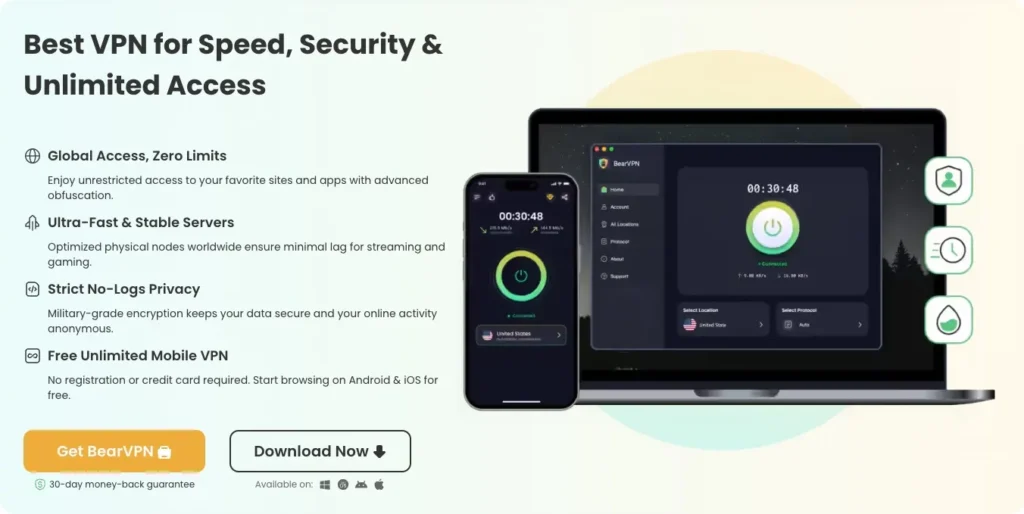
1. BearVPN – Best Free VPN That Actually Gets Past Sky Go
BearVPN is one of the few free VPNs with the technical capability to pass Sky Go’s detection — not just in theory, but because it includes obfuscated servers and AES-256 encryption on its free mobile tier, without requiring an account to get started. Most free VPNs fail Sky Go not because they lack UK servers, but because they lack obfuscation. BearVPN has it, which puts it in a different category from the typical free offering.
The free plan runs on Android and iOS with no registration and no data cap. You download it, connect to a UK server, and you’re watching. The kill switch ensures your real IP doesn’t surface if the connection drops mid-stream — a detail that matters when Sky Go monitors connections actively.
Why it works for Sky Go:
- Obfuscated servers pass Sky Go’s DPI check — the specific barrier most free VPNs can’t clear
- AES-256 encryption keeps traffic consistent and undetectable at the connection level
- Kill switch prevents real IP exposure if the VPN drops during a live sports stream
- No registration on the free mobile tier — no commitment, no friction
- 2,000+ servers on Premium across 50+ regions, reducing IP crowding that leads to blacklisting
Pros
- Free mobile tier with no registration and no data cap
- Obfuscated servers confirmed to pass Sky Go’s DPI detection
- Kill switch included on the free plan, which is rare for a free VPN
Cons
- Desktop support (Windows/macOS) requires a paid Premium plan
- Free tier server selection is more limited than Premium
Best for: Anyone who wants confirmed Sky Go access without a paid subscription. Free on iOS and Android; Premium unlocks Windows and macOS with the full server network.
2. Private Internet Access (PIA) – Best for Privacy-First Users
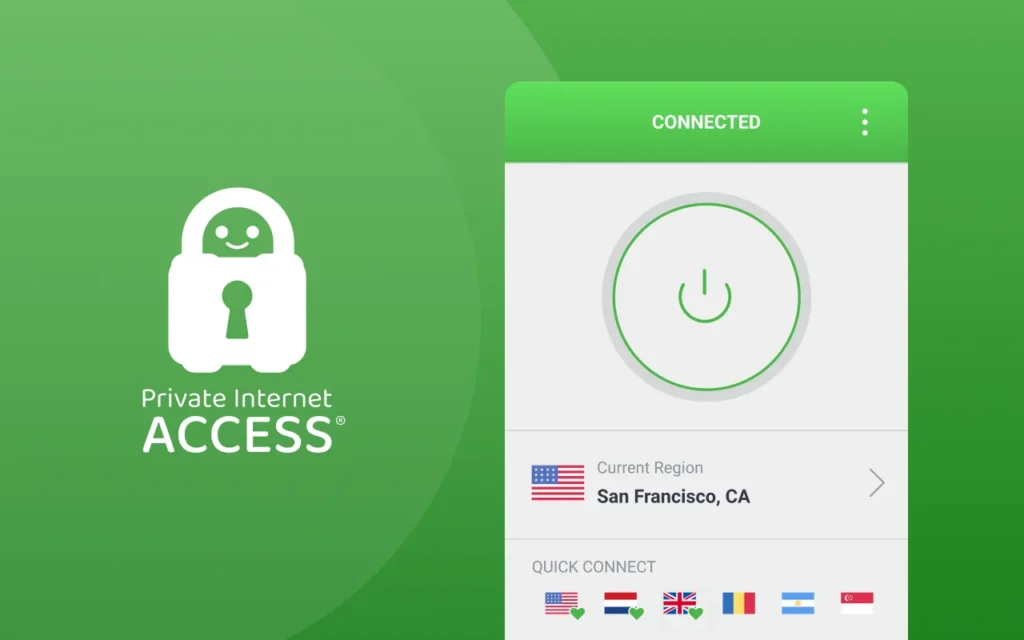
PIA’s no-logs policy has been verified in US federal court on multiple occasions — not audited by a contracted firm, but tested in actual legal proceedings where the company had nothing to hand over because there was nothing logged. For Sky Go users who care about what happens to their connection data, that’s a meaningful distinction from a standard privacy claim.
For streaming specifically, PIA offers a dedicated UK streaming server, WireGuard support for fast and stable live connections, and split tunneling so only Sky Go goes through the VPN while everything else runs on your normal connection. It’s a strong fit for users who want to configure their setup rather than trust a default.
Why it works for Sky Go:
- No-logs policy proven in federal court — the strongest privacy verification in this category
- Dedicated UK streaming server built for platforms like Sky Go and BBC iPlayer
- WireGuard protocol keeps live sports streams fast and stable without buffering
- Split tunneling routes only Sky Go through the VPN, keeping other traffic unaffected
- Consistently recommended by Reddit’s VPN community for reliability and transparency
Pros
- No-logs policy verified in US federal court, not just self-reported
- Dedicated UK streaming server optimized for Sky Go and BBC iPlayer
- Unlimited simultaneous connections
Cons
- Speed can drop noticeably on long-distance connections — always connect to a UK server specifically, not a nearby European one
- Interface is more complex than others on this list; less beginner-friendly
Best for: Privacy-conscious users and those who want control over their VPN configuration. Long-distance connections can see speed drops, so connect to a UK server rather than routing through a distant location.
3. PrivateVPN – Best Budget Option With Sky Go-Specific Stealth
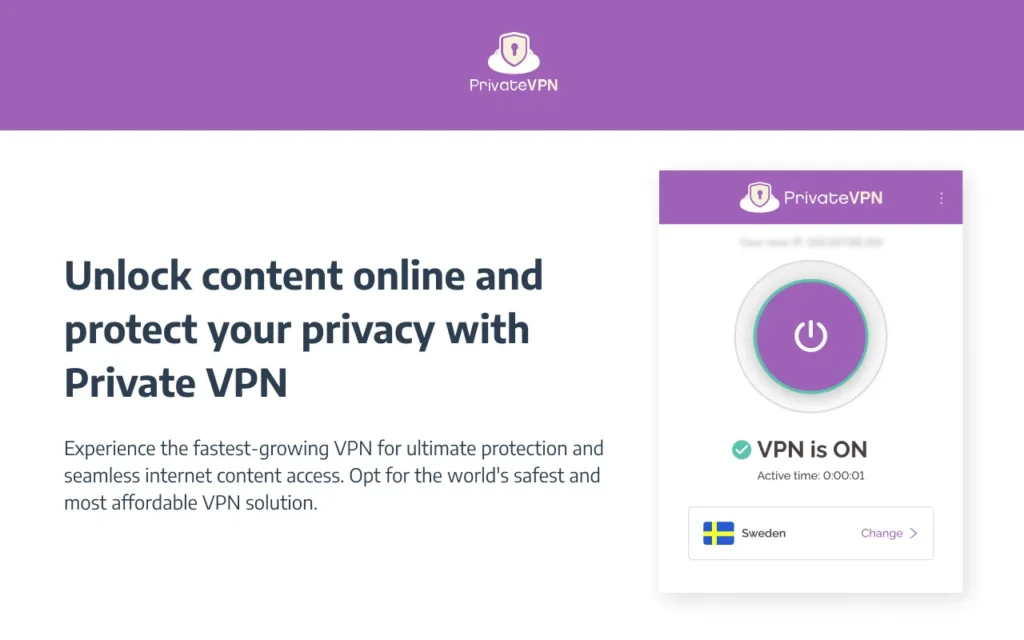
PrivateVPN is a smaller provider that consistently outperforms its size for UK streaming. Its Stealth VPN mode is the relevant feature here: it’s an obfuscation tool designed specifically to disguise VPN traffic from proxy detection systems — which is exactly what Sky Go uses. In testing, all of PrivateVPN’s UK servers accessed Sky Go with Stealth VPN enabled, and the extra load time at connection was a few seconds, not a persistent issue during streaming.
The server network is limited (around 200 servers across 63 countries, with two UK locations), which means it can get congested during peak times. But for Sky Go specifically — where you’re connecting to one of two known-good UK locations rather than browsing a large pool — that limitation matters less than the obfuscation quality.
Why it works for Sky Go:
- Stealth VPN obfuscation confirmed to bypass Sky Go’s proxy detection in independent testing
- Ping times displayed per server — pick the fastest UK location rather than connecting blind
- Self-owned, self-managed servers keep IP reputation cleaner than third-party hosted alternatives
- Works with Sky Go UK, Germany, and Italy — useful if you subscribe to multiple Sky markets
- Up to 10 simultaneous connections at ~$2/month long-term — competitive on price
Pros
- Stealth VPN obfuscation confirmed to bypass Sky Go’s proxy detection
- Self-owned servers keep IP reputation cleaner
- One of the lowest long-term prices available
Cons
- Only two UK server locations — limited options if both are congested during peak hours
- Smaller server network overall (~200 servers) means higher risk of IP crowding compared to larger providers
Best for: Budget-conscious users who still need proper obfuscation for Sky Go. The small server network is a real constraint during peak hours, but for regular streaming it holds up.
4. Surfshark – Best for Households and Multi-Device Setups
The practical problem Surfshark solves is one many Sky Go households run into: multiple people want to watch on different devices, and most VPNs charge per device or limit simultaneous connections. Surfshark allows unlimited simultaneous connections on a single subscription — everyone in the household is covered, on any device, without needing separate accounts.
Its Camouflage Mode activates obfuscation automatically when it detects a network scanning for VPN traffic, which handles Sky Go’s DPI without requiring manual setup. City-level UK server selection across London, Manchester, Glasgow, Edinburgh, and Dublin makes it straightforward to switch to a less crowded address when one IP gets flagged.
Why it works for Sky Go:
- Unlimited simultaneous connections — the whole household covered on one subscription
- Camouflage Mode applies obfuscation automatically when Sky Go’s detection scans for VPN patterns
- City-level UK server selection makes switching fast when an IP gets blacklisted
- WireGuard protocol keeps live sports streams fast and stable
- Under $2/month on long-term plans — lowest per-device cost when shared across multiple users
Pros
- Unlimited simultaneous connections — the only provider on this list that offers this
- Camouflage Mode activates obfuscation automatically, no manual toggle needed
- City-level UK server selection across five locations
Cons
- Occasional inconsistency with Sky Go during high-traffic periods, requiring a server switch
- Some advanced features (e.g. dedicated IP) cost extra on top of the base subscription
Best for: Households with multiple devices, or anyone who wants one subscription to cover phones, laptops, tablets, and smart TVs without connection limits.
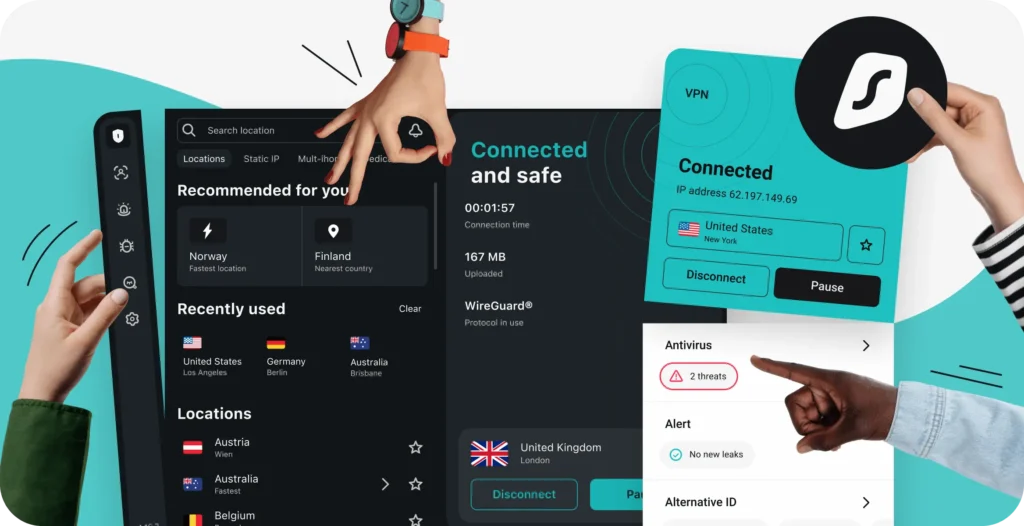
5. CyberGhost – Best for Plug-and-Play Sky Go Access
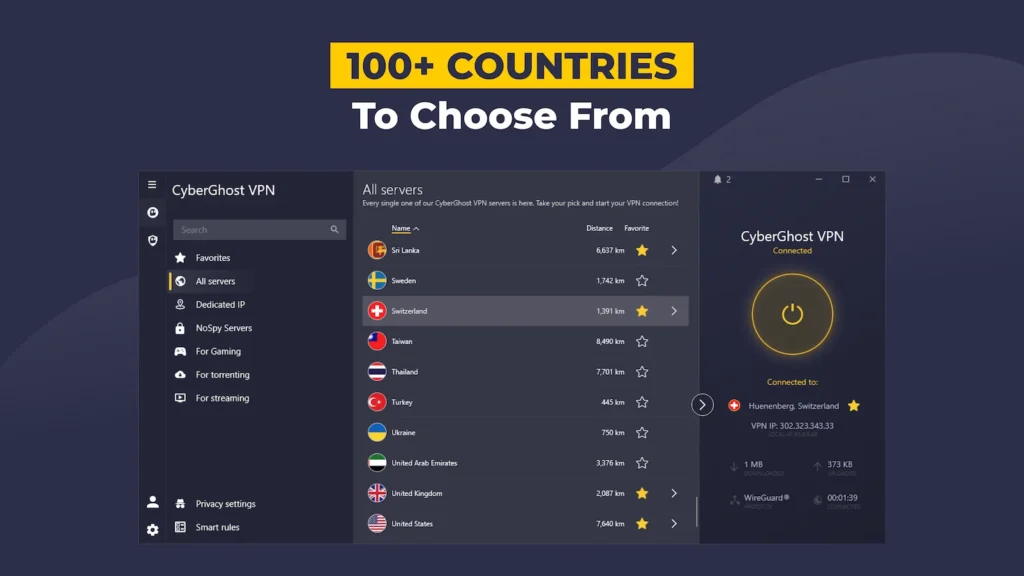
The most common frustration with Sky Go VPN setups isn’t that VPNs don’t work — it’s the time spent figuring out which server works. CyberGhost removes that problem. Its app includes servers specifically labeled for Sky TV streaming, already tested and optimized for the platform, so you connect to a working server rather than guessing from a generic UK list.
For users who don’t want to think about protocols, obfuscation toggles, or which city to connect to, CyberGhost makes those choices for you. It retained around 79% of base connection speed in UK testing — enough for stable HD and 4K without buffering — and its 45-day money-back window gives you meaningful time to verify it works with your specific Sky Go setup.
Why it works for Sky Go:
- Dedicated Sky TV servers labeled in-app — no trial and error finding a server that works
- Streaming-optimized servers are updated regularly to stay ahead of Sky Go’s IP blacklist
- Smart DNS support for Sky Go on devices that don’t natively run VPN apps
- 45-day money-back guarantee — the longest on this list
- Beginner-friendly interface with no manual configuration required
Pros
- Dedicated Sky TV servers labeled in-app — eliminates server trial and error
- 45-day money-back guarantee, the longest on this list
- Smart DNS support for non-VPN devices
Cons
- Slower speeds than NordVPN or ExpressVPN on some UK servers — fine for HD, occasionally inconsistent for 4K
- The desktop app can feel bloated; the mobile experience is smoother
Best for: Anyone who wants to press connect and watch without debugging a server list. If setup friction is the main barrier, CyberGhost eliminates it.
How to Watch Sky Go Abroad: Step by Step
The setup is the same regardless of which VPN you choose. Here’s the full process from download to first stream:
- Download your VPN. BearVPN is free on Android and iOS with no account needed. The others require a subscription.
- Open the app and connect to a UK server. London or Manchester are reliable starting points. CyberGhost users can select the dedicated Sky TV server.
- Confirm the connection shows a UK IP address — most apps display this on the main screen.
- Open Sky Go or go to skygo.sky.com. Log in with your existing Sky ID and password.
- Start watching. If you see an error, switch to a different UK server and retry — a server change is usually all it takes.
One prerequisite: you need an active Sky TV subscription. The VPN changes your apparent location but doesn’t create or substitute for a Sky account.
Tips If Sky Go Is Still Not Working
If your VPN is connected to a UK server but Sky Go is still blocking you, work through these steps before assuming the VPN won’t work:
- Switch UK servers first: this resolves most blocks. A different server in the same city is often all it takes.
- Clear the Sky Go app cache: go to device settings, find Sky Go, and clear cached data. Stored location data can contradict your VPN connection.
- Restrict location access for the Sky Go app: on mobile, go to app permissions and set location to Denied. GPS data can override your UK IP.
- Set your device time zone to London (GMT/BST): a mismatched time zone is one of the signals Sky Go cross-references against your IP.
- On desktop, use Chrome or Firefox with extensions disabled: some browser extensions leak location data even when a VPN is active.
- Reinstall Sky Go if cache-clearing doesn’t help: a fresh install removes embedded location data from previous sessions.
A useful diagnostic: if BBC iPlayer and other UK services load correctly through your VPN but Sky Go doesn’t, the issue is Sky Go-specific and a server switch will fix it. If no UK services are loading, check whether your VPN connection is actually active.
Conclusion
Sky Go is one of the more demanding streaming services to unblock, but it’s reliably accessible with the right VPN. The deciding factor is almost always obfuscation — without it, even a VPN with good UK servers will struggle to get past Sky’s DPI. Every option on this list has it, and each is suited to a different situation: free access, maximum privacy, precision stealth, multi-device coverage, or zero-configuration simplicity. BearVPN is the place to start. Download in under a minute and be watching Sky Go from anywhere.
Frequently Asked Questions
1. Is it legal to use a VPN for Sky Go?
Using a VPN is legal in most countries. Sky Go’s Terms of Service require users to be UK or Irish residents but don’t explicitly mention VPNs. In practice, Sky’s response to a detected VPN connection is to block it — not to take action against the subscriber’s account. Legal consequences for watching Sky Go with a VPN are not a realistic concern in the vast majority of countries.
2. Can I use a free VPN to watch Sky Go?
Most free VPNs fail with Sky Go because they share UK IP addresses across too many users — getting those IPs blacklisted quickly — and lack the obfuscation needed to pass Sky’s DPI check. BearVPN is the exception: its free mobile tier includes obfuscated servers and AES-256 encryption, which are exactly what’s needed to get past Sky Go’s detection systems. It won’t guarantee 100% uptime as Sky updates its systems, but it’s the most capable free option available.
3. Why does Sky Go keep blocking my VPN connection?
Sky Go blacklists VPN IP addresses on an ongoing basis. When too many users stream through the same IP, it gets flagged. Switching to a different UK server — rather than switching VPN providers — is usually enough to restore access. VPNs with larger UK server pools and regular IP rotation hold up better over time precisely because they have more addresses to cycle through.
4. Does a VPN slow down Sky Go streaming?
All VPNs add some overhead, but the best ones keep speed loss below 10-15%, which is unnoticeable for HD or 4K. PIA and Surfshark both support WireGuard, which delivers the fastest throughput. PrivateVPN’s Stealth VPN mode adds a few seconds to initial video load but doesn’t affect playback once the stream is running.