4.8/5 (11K Ratings) on App Store

4.8/5 (11K Ratings) on App Store
Watch NOS TV Abroad with a Portugal VPN
Traveling outside the region supported by NOS TV? Connect to a server in Portugal, get a Portuguese IP, and securely access the live channels and recordings included in your eligible NOS package.
- Get a Portuguese IP in one tap
- Watch your subscribed NOS TV channels abroad
Connect to Portugal for NOS TV
NOS TV officially supports eligible customers in Portugal and during temporary travel within the EU. Outside that region, connect to BearVPN’s Portugal location to get a Portuguese IP. Playback still depends on NOS’s channel rights and VPN controls.
| Regions | Countries |
| Europe |  Portugal Portugal |
Europe
Portugal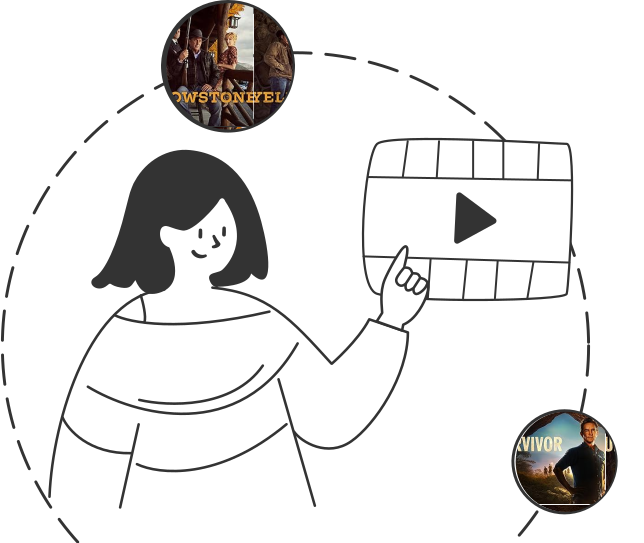
Take Your NOS TV Package With You
NOS TV is an extension of an eligible NOS television package—not a standalone free streaming service. Depending on your plan and channel rights, it can include 100+ live channels, subscribed premium channels, recordings, and programs from the previous seven days.
Sign in with your NOS customer credentials and watch the content already included in your package.
Sign in with your NOS customer credentials and watch the content already included in your package.
Go PremiumGet BearVPN
Free DownloadDownload Now
Watch NOS TV Beyond the EU
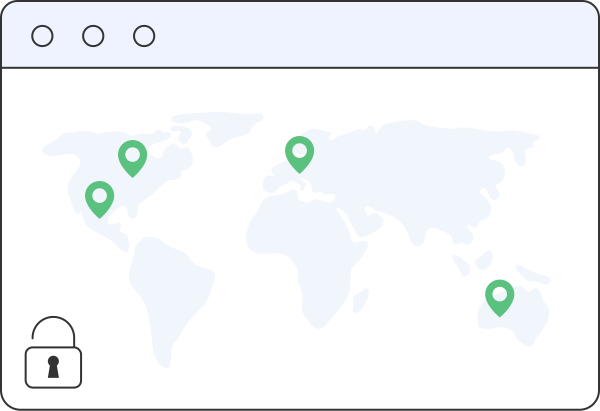
NOS officially supports the app in Portugal and for eligible customers temporarily traveling in EU countries. When you travel farther, regional checks can block playback.
Connect to a BearVPN server in Portugal before opening NOS TV to use a Portuguese IP and help restore access to your subscribed channels. NOS may still restrict individual channels or detect some VPN connections.
Connect to a BearVPN server in Portugal before opening NOS TV to use a Portuguese IP and help restore access to your subscribed channels. NOS may still restrict individual channels or detect some VPN connections.
Go PremiumGet BearVPN
Free DownloadDownload Now
Use BearVPN on Your NOS TV Devices
Install BearVPN on Windows, macOS, Android, or iOS, connect to Portugal, then open NOS TV in its supported app or browser. NOS device and location rules still apply.
Why use BearVPN for NOS
Connect through Portugal, protect your traffic, and stream the NOS TV content included in your package with fewer barriers while traveling.

Portugal Server Access
Route your connection through Portugal to get a Portuguese IP when NOS TV limits playback based on your location.

Unlimited Bandwidth and Data
Stream live channels, recordings, and catch-up programs without BearVPN imposing a monthly VPN data or bandwidth cap.

Streaming-Optimized Servers
Use servers configured for demanding streaming traffic and let smart recommendations help you find a responsive connection.

Up to 10 VPN Connections
Protect up to 10 devices through one BearVPN account. NOS TV’s own device registration and simultaneous-stream limits remain separate.

Go PremiumGet BearVPN
Free DownloadDownload Now
Frequently asked questions
NOS officially supports temporary access from EU countries for eligible customers. When traveling outside its supported region, connecting to a BearVPN server in Portugal may help you access your subscribed content. Channel availability and VPN detection can still vary.
BearVPN supports iOS and Android. Connect to a server in Portugal before opening the NOS TV app, then sign in with your NOS credentials. Access still depends on your eligible NOS package, location, and NOS’s VPN controls.
A VPN does not add sports channels or replace a subscription. If a sports channel is included in your NOS package, a Portugal connection may help you watch while traveling outside the supported region. Individual events can still be restricted by broadcasting rights.
Yes. BearVPN changes and encrypts your internet connection, but it does not provide a NOS account, television package, premium channel, or pay-per-view event. You must sign in with an eligible NOS subscription.
VPN use is legal in many countries, but laws vary by location. Using a VPN may also be subject to NOS’s terms and content-licensing rules. Check the rules that apply to you and use NOS TV only where permitted.