4.8/5 (11K Ratings) on App Store

4.8/5 (11K Ratings) on App Store
Watch Globoplay Outside Brazil with a VPN
Traveling outside Brazil? Connect to a Brazil server to change your virtual location and access the Globoplay content available to your account, with encrypted traffic and no data caps.
- Get a Brazil IP: Change your virtual location while traveling outside Brazil.
- Stream Without Data Caps: Watch longer without BearVPN limiting your VPN data.
Choose a BearVPN Server Location
For Brazilian regional content, connect to the Brazil location. Other server locations can help you protect your connection while traveling, but they may show a different Globoplay catalog.
| Regions | Countries |
| Americas |  Brazil Brazil Canada Canada |
| Europe |  Austria Austria Belgium Belgium |
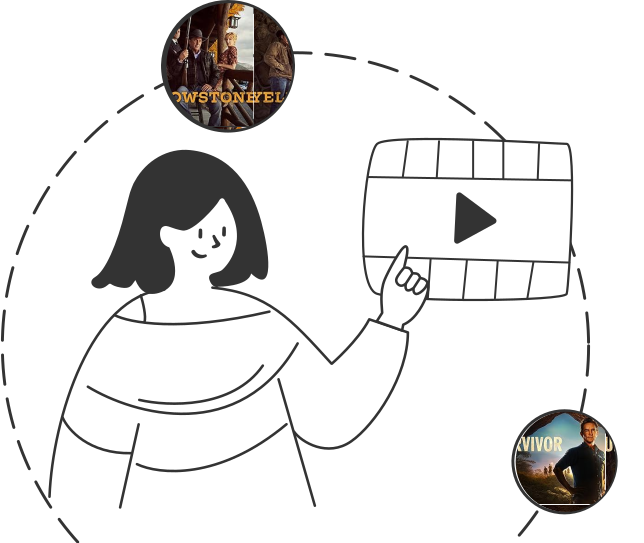
Watch Brazilian TV While Traveling
Globoplay brings together Brazilian novelas, original series, news, entertainment, live channels, and sports. However, the programs available to you can change with your country, subscription, and local streaming rights.
When a show or live channel from Brazil is unavailable while you are traveling, connect BearVPN to a Brazil server before opening Globoplay. You will receive a Brazil IP address, which can help you access the regional content available to your account. A valid Globo account or subscription may still be required.
When a show or live channel from Brazil is unavailable while you are traveling, connect BearVPN to a Brazil server before opening Globoplay. You will receive a Brazil IP address, which can help you access the regional content available to your account. A valid Globo account or subscription may still be required.
Go PremiumGet BearVPN
Free DownloadDownload Now
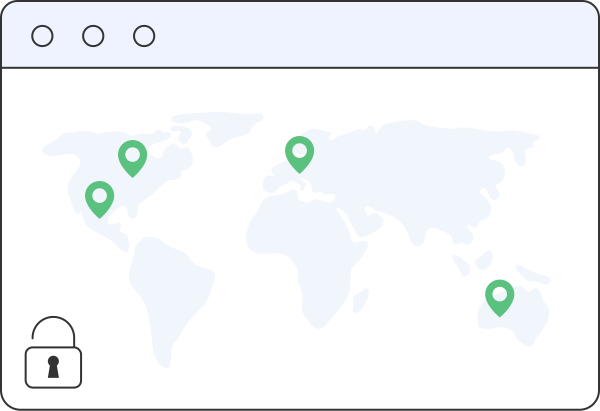
Change Your Virtual Location to Brazil
Globoplay uses your IP address as one signal when determining which regional content is available. BearVPN replaces your visible IP with one from its Brazil server, helping you reconnect to Brazilian programming while abroad.
Your traffic is encrypted between your device and the VPN server, adding privacy on hotel, airport, and other shared networks. Streaming availability can still depend on your account, subscription, location checks, and Globoplay’s current terms.
Your traffic is encrypted between your device and the VPN server, adding privacy on hotel, airport, and other shared networks. Streaming availability can still depend on your account, subscription, location checks, and Globoplay’s current terms.
Go PremiumGet BearVPN
Free DownloadDownload Now
Why Choose BearVPN for Globoplay?
Get a Brazil IP, stream without VPN data caps, and protect your connection while watching Globoplay away from home.

Streaming-Ready Brazil Server
Connect to a Brazil server to get a Brazilian IP address and access the Globoplay content available to your account while traveling abroad.

Unlimited VPN Data
Watch episodes, live channels, and longer programs without BearVPN cutting off your connection because you reached a VPN data limit.
Advanced Obfuscation
Make VPN traffic resemble ordinary internet traffic, which can improve connection success on networks that restrict or identify standard VPN connections.

One-Tap Connection
Select the Brazil location and connect without manually configuring complicated VPN settings before opening Globoplay.
Frequently asked questions
A VPN can help while you are traveling. Connect to a Brazil server to receive a Brazilian IP address, then open Globoplay and sign in. Available programs can still depend on your country, account, subscription, and Globoplay’s current location checks.
VPNs are legal in many countries, but rules vary. Check the laws where you are located and review Globoplay’s current terms before using a VPN to access regional content.
Download BearVPN, open the app, and connect to the Brazil server location. Then open Globoplay, sign in to your account, and select the program you want to watch.
Confirm that BearVPN is connected to Brazil, then reload Globoplay. You can also reconnect to refresh your VPN connection, clear the site’s cookies and cache, or try a different network. Buffering may also be caused by congestion, weak Wi-Fi, or insufficient internet bandwidth.
Globoplay may identify and restrict some VPN connections, and no VPN can guarantee permanent access. If the service displays a location or proxy error, reconnect to Brazil, clear stored site data, and try again. BearVPN’s obfuscation can make VPN traffic harder for restrictive networks to identify.
Free VPNs may have limited data, slow servers, crowded connections, or no Brazil location, making them less suitable for long streams. BearVPN offers free access on Android and iOS, while Windows and macOS require a subscription. Availability on Globoplay is not guaranteed and may depend on your account and region.