Logo
Why BearVPN
Features
Desktop
Mobile
See All >
Pricing
Blog>
Supports>
Tools>
Log in
Download Now
Toggle Menu
Features
  • VPN Servers
  • VPN for Streaming
  • VPN for Gaming
  • Access Any Websites
  • Free VPN for iOS
  • Free VPN for Android
Tools
  • What Is My IP
  • IP Lookup
  • IPV6 Lookup
  • Website Down Checker
VPN Servers
  • USA VPN
  • Turkey VPN
  • Iraq VPN
  • Syria VPN
  • Egypt VPN
VPN for Gaming
  • Roblox VPN
  • Brawl Stars VPN
  • Oculus Quest VPN
  • Epic Games VPN
  • Clash of Clans VPN
VPN for Apps
  • TikTok Live VPN
  • Facebook VPN
  • Telegram VPN
  • Chaturbate VPN
  • OmeTV VPN
VPN for Streaming
  • Netflix VPN
  • World Cup Vpn
Resources
  • Blog
  • Contact Us
  • Research
About BearVPN
  • About Us
  • Transparency Report
  • Privacy Policy
  • Terms of Service
  • Refund Policy
Best Free VPNs for PCBest VPN for OmeTVBest VPNs for AndroidBest VPNs for StreamingBest Free VPN for iPhoneIs VPN Legal in Saudi ArabiaApps Banned in the USVPN Not Working in QatarVPN Not Working for TikTokIs Chaturbate Safe?
Windows
Windows
macOS
macOS
Android
Android
iOS
iOS
Follow us
  • X IconX Icon
  • Youtube IconYoutube Icon
  • TikTok IconTikTok Icon
  • Discord IconDiscord Icon
  • Telegram IconTelegram Icon
Payment methods
  • Payment provider icon
  • Payment provider icon
  • Payment provider icon
  • Payment provider icon

© 2026 BearVPN. All Rights Reserved.

 > VPN for Gaming
 > World of Tanks VPN
BearVPN App Store rating
4.8/5 (11K Ratings) on App Store
BearVPN App Store
BearVPN App Store rating
4.8/5 (11K Ratings) on App Store
BearVPN App Store

Best VPN for World of Tanks: Fix Routing & Stabilize Ping

World of Tanks is a game of milliseconds where strategy meets quick reactions. Don't let ISP throttling, packet loss, or bad routing ruin your matches. BearVPN optimizes your connection to Wargaming servers, cutting out the "teleporting" and ghost shells, while protecting your IP from DDoS attacks.
  • Force optimized, direct network routing to Wargaming servers to fix high ping.

Why you need a VPN for World of Tanks
Play on any regional server

Play on any regional server

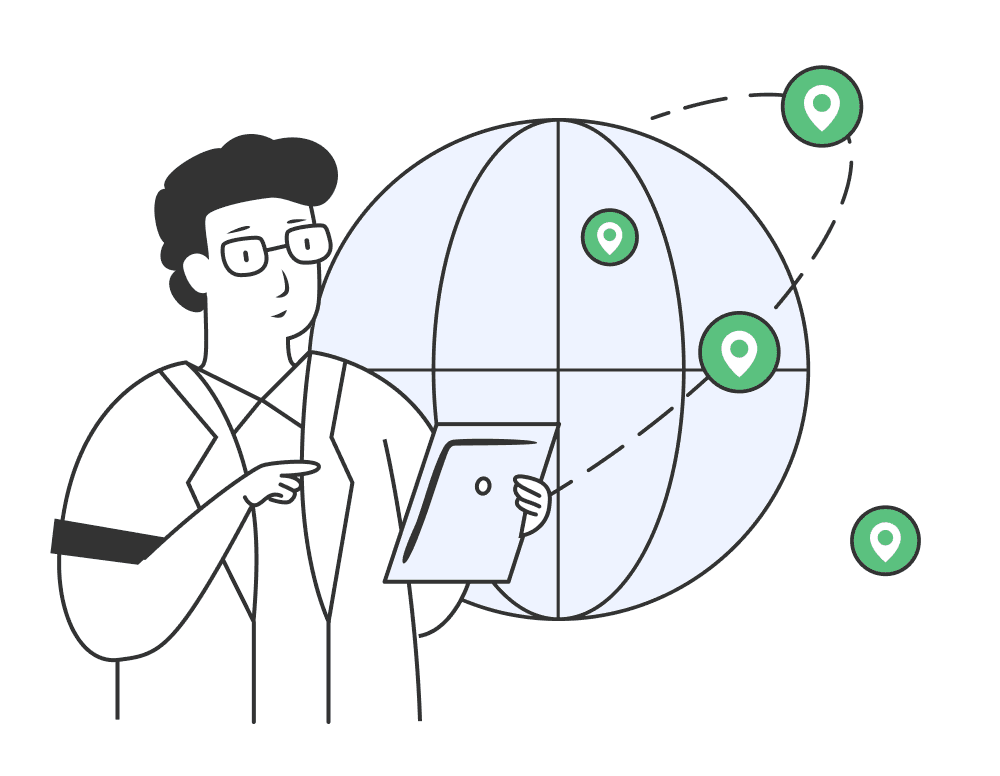
In regions with lower player populations, waiting for matchmaking can be painful. A World of Tanks VPN lets you bypass geographical barriers to easily access EU, NA, or Asia servers. BearVPN provides a stable connection across continents, ensuring you find fair matches faster and can platoon with friends overseas.
Go PremiumGet BearVPN
Free DownloadDownload Now
Play on any regional server
Fix ISP routing and packet loss

Fix ISP routing and packet loss

A VPN can't break the laws of physics, but it can fix a lazy ISP. Often, your internet provider takes a cheap, congested route to game servers, causing the packet loss and "ghost shells" that lose matches. BearVPN forces a direct, optimized path to Wargaming's network to eliminate jitter.

How to choose the best World of Tanks VPN

When selecting a VPN for World of Tanks, you need more than just standard security. You need gaming-optimized routing, zero data caps, and ultra-low latency protocols to ensure your shots register exactly when you pull the trigger.

Extensive Server network

Extensive Server network

To fix WoT high ping, you need servers physically close to Wargaming's data centers. BearVPN offers 1,000+ servers worldwide, allowing you to match your connection perfectly to the game region you want to play in without getting bottle-necked.

Ultra-fast speeds

Ultra-fast speeds

Unlike standard VPNs that add heavy encryption overhead, BearVPN utilizes lightweight, ultra-fast protocols designed specifically to carry high-speed game traffic. This prevents FPS drops and stabilizes your network latency.

No data caps

No data caps

The best VPNs let you grind tank lines without limits. BearVPN provides completely unlimited bandwidth. Play World of Tanks for hours on end without worrying about hitting a data ceiling or experiencing sudden throttling.

Top-tier encryption

Top-tier encryption

Your account safety is non-negotiable. BearVPN uses AES-256 encryption to protect your Wargaming credentials and personal data, keeping you completely safe from hackers when playing on unsecured or public Wi-Fi networks.

Up to 10 devices

Up to 10 devices

Whether you are playing the standard World of Tanks client on your PC, or grinding World of Tanks Blitz on your phone or tablet, BearVPN supports up to 10 simultaneous device connections on a single account.

24/7 customer support

24/7 customer support

Network routing can be complicated, but our support isn't. BearVPN’s team is available around the clock via live chat or email. If you need help finding the absolute best server for your specific WoT region, we’re here 24/7.

Go PremiumGet BearVPN
Free DownloadDownload Now

Frequently asked questions

    Using a VPN for standard random battles to fix routing issues is generally safe and widely practiced. However, Wargaming can be strict during major competitive events or ranked seasons. We recommend turning the VPN off during official tournaments, as sudden IP region shifts can sometimes trigger automated account-sharing flags.
    A VPN won't change physical distance—playing from Australia to the US will always have some latency. However, if your lag is caused by your ISP routing your traffic inefficiently (throttling or bad peering), BearVPN forces a direct, optimized path, which can significantly stabilize your connection and lower your ping.
    Simply install the BearVPN app and connect to any server outside of your local network. This encrypts your traffic, rendering local firewalls blind to your gaming activity and allowing WoT to connect freely.
    Yes! If your friends are on the EU server but you are in NA, simply connect to a BearVPN European server. This helps stabilize your transatlantic connection so you can platoon together with minimal jitter.
    Absolutely. BearVPN supports high-speed routing to regions housing all major Wargaming clusters, including North America, Europe, and the Asia-Pacific servers.
    If your internet speed is fast but your tank is "teleporting," you likely have packet loss caused by your ISP. Experienced players use diagnostic tools like PingPlotter to test the route to Wargaming's login servers. If you see packet drops along the route, a VPN will help by bypassing those congested ISP nodes.
Eliminate packet loss and network jitter for highly responsive tank controls.
  • Mask your IP to prevent targeted DDoS attacks during competitive Clan Wars.
  • Switch regions effortlessly to play with friends on NA, EU, or Asia servers.
  • Go PremiumGet BearVPN
    Refund policy varies by plan
    Go PremiumGet BearVPN
    Refund policy varies by plan
    Free DownloadDownload Now
    Available on:
    Free DownloadDownload Now
    Available on:
    Free DownloadDownload Now
    Available on:
    BearVPN
    Download Icon
    BearVPN
    Download Icon
    Go PremiumGet BearVPN
    Free DownloadDownload Now
    Fix ISP routing and packet loss
    Protect against competitive DDoS

    Protect against competitive DDoS

    In intense Stronghold skirmishes, tournaments, or Clan Wars, malicious opponents might attempt a DDoS attack to knock top players offline. BearVPN completely masks your real IP address, absorbing these attacks on our secure servers so your tank stays in the fight.
    Go PremiumGet BearVPN
    Free DownloadDownload Now
    Protect against competitive DDoS

    How to set up a VPN for World of Tanks

    Follow these simple steps to bypass bad ISP routing and stabilize your WoT connection in minutes.
    1
    Download
    Download
    Download and install BearVPN on your PC or mobile device.
    2
    Connect
    Connect
    Choose a server closest to your preferred World of Tanks data center (Europe, Americas, Asia) to ensure the shortest digital route.
    3
    Play
    Play
    Launch WOT and enjoy stabilized ping and restriction-free matchmaking.

    Work on any device

    BearVPN works on Windows, macOS, Android, and iOS, so you can play World of Tanks safely across all your devices.
    WindowsWindows
    macOSmacOS
    AndroidAndroid
    iOSiOS