
Logo
Why BearVPN
Features
Desktop
Mobile
See All >
Pricing
Blog>
Supports>
Tools>
Log in
Download Now
Toggle Menu
Features
  • VPN Servers
  • VPN for Streaming
  • VPN for Gaming
  • Access Any Websites
  • Free VPN for iOS
  • Free VPN for Android
Tools
  • What Is My IP
  • IP Lookup
  • IPV6 Lookup
  • Website Down Checker
VPN Servers
  • USA VPN
  • Turkey VPN
  • Iraq VPN
  • Syria VPN
  • Egypt VPN
VPN for Gaming
  • Roblox VPN
  • Brawl Stars VPN
  • Oculus Quest VPN
  • Epic Games VPN
  • Clash of Clans VPN
VPN for Apps
  • TikTok Live VPN
  • Facebook VPN
  • Telegram VPN
  • Chaturbate VPN
  • OmeTV VPN
VPN for Streaming
  • Netflix VPN
  • World Cup Vpn
Resources
  • Blog
  • Contact Us
  • Research
About BearVPN
  • About Us
  • Transparency Report
  • Privacy Policy
  • Terms of Service
  • Refund Policy
Best Free VPNs for PCBest VPN for OmeTVBest VPNs for AndroidBest VPNs for StreamingBest Free VPN for iPhoneIs VPN Legal in Saudi ArabiaApps Banned in the USVPN Not Working in QatarVPN Not Working for TikTokIs Chaturbate Safe?
Windows
Windows
macOS
macOS
Android
Android
iOS
iOS
Follow us
  • X IconX Icon
  • Youtube IconYoutube Icon
  • TikTok IconTikTok Icon
  • Discord IconDiscord Icon
  • Telegram IconTelegram Icon
Payment methods
  • Payment provider icon
  • Payment provider icon
  • Payment provider icon
  • Payment provider icon

© 2026 BearVPN. All Rights Reserved.

 > VPN for Gaming
 > Dota VPN
BearVPN App Store rating
4.8/5 (11K Ratings) on App Store
BearVPN App Store
BearVPN App Store rating
4.8/5 (11K Ratings) on App Store
BearVPN App Store

Cut Routing Lag with a Dota 2 VPN

Your mechanics should decide the fight—not a congested route. BearVPN sends your Dota 2 traffic through a nearby VPN location, giving you another path to the server when your ISP’s default route performs badly. Connect before you queue, check your in-game ping, and keep the route that plays better.
  • Escape congested ISP routes before you queue

Why you need a Dota 2 VPN
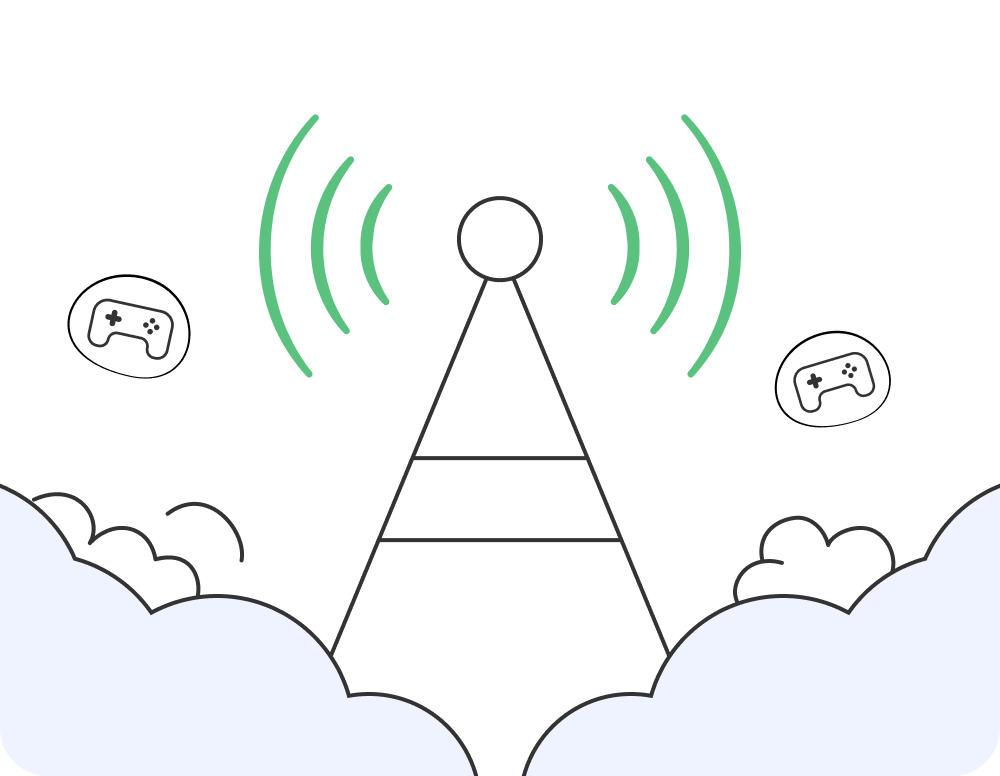
Break Away from a Bad ISP Route
Break Away from a Bad ISP Route

Your direct connection can take a long or congested path to the Dota 2 server, turning last hits, spell timing, and team fights into delayed inputs. Instead of accepting the route your ISP gives you, send the connection through another nearby location and compare the in-game result before ranked matchmaking.
Go PremiumGet BearVPN
Free DownloadDownload Now
Break Away from a Bad ISP Route
Get Back into Dota 2 on Restrictive Wi-Fi

Get Back into Dota 2 on Restrictive Wi-Fi

Campus, office, hotel, and shared Wi-Fi networks can block the ports or traffic Steam needs to connect. A VPN gives your Dota 2 connection another path out of the network, helping you get past traffic-level restrictions without changing the game client. Connect before the draft and get back to the match.

Find the Best BearVPN Route for Dota 2

Choose your Dota 2 server region in the game first, then connect to a BearVPN location close to you or that region. Check your in-game ping and test one or two nearby alternatives if the first route feels unstable. Do not chase a distant country just because it sounds faster—the best Dota 2 VPN location is the one that gives your connection the cleanest, most consistent path into the match.

For optimal Dota 2 performance, connect to servers in:
1. Germany (Frankfurt) - Excellent for European servers with competitive player base
2. United States (East Coast) - Great for US East servers and high-skill matches
3. Singapore - Perfect for Southeast Asian servers and diverse gameplay styles

What a Dota 2 VPN Should Do for Your Connection

BearVPN gives your Dota 2 traffic a physical server foundation, faster route selection, and a global pool of locations to test. Once connected, its privacy and access controls keep the rest of your match protected.

2,000+ Servers, More Routes to Test

2,000+ Servers, More Routes to Test

With 2,000+ servers across 50+ locations, you are not stuck testing the same path when routing turns bad. Pick a nearby alternative, reconnect in seconds, and find the route that holds up through the match.

Bare-Metal Routes Built for Real Traffic

Bare-Metal Routes Built for Real Traffic

Put your Dota 2 traffic on physical bare-metal infrastructure built for direct, consistent data handling. BearVPN does not depend on virtual server locations for this foundation, giving every route test a stronger place to start before you enter the draft.

Smart Recommendations, Faster Route Choice

Smart Recommendations, Faster Route Choice

Stop guessing which VPN location to try first. Smart server recommendations point you toward a suitable BearVPN route quickly, so you can connect, check your Dota 2 ping, and switch before the draft begins.

Strong Obfuscation for Restrictive Networks

Strong Obfuscation for Restrictive Networks

Strong obfuscation makes BearVPN traffic harder for restrictive school, office, hotel, and shared Wi-Fi networks to identify. When ordinary VPN connections get filtered, switch on a connection built to push through tougher network conditions.

Mask Your Public IP Every Match

Mask Your Public IP Every Match

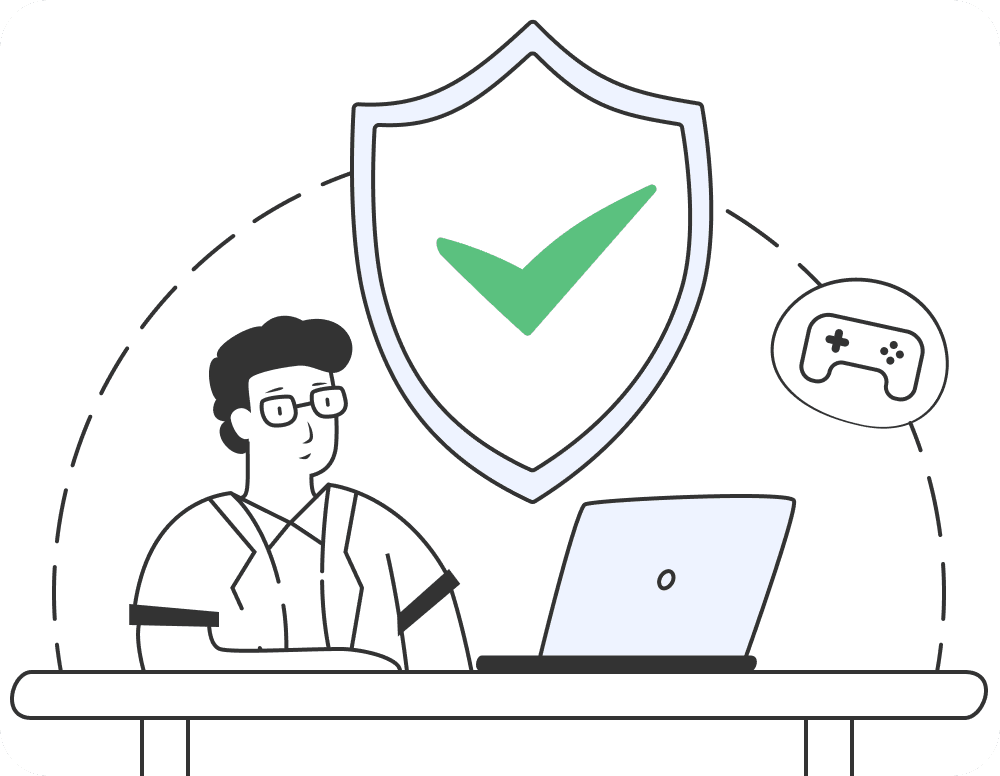
Replace your usual public IP with the BearVPN server’s IP before you launch Dota 2. AES-256 encryption protects traffic between your device and the VPN server, keeping your real address out of sight while you play.

Keep Your IP Covered with Kill Switch

Keep Your IP Covered with Kill Switch

If the VPN connection drops, Kill Switch stops traffic from falling back to an exposed connection. Your real IP stays covered while you reconnect, so a broken VPN tunnel does not quietly undo the protection you activated before the match.

Go PremiumGet BearVPN
Free DownloadDownload Now

Frequently asked questions

    A VPN does not give you permission to break Valve or Steam rules. Use it to protect your connection or test another route—not to evade bans, exploit regional pricing, cheat, or manipulate matchmaking. Valve controls account enforcement, so follow the current Steam Subscriber Agreement and Dota 2 rules whenever you connect.
    BearVPN is built for players who refuse to accept a bad default route. Bare-metal servers give your traffic a physical foundation, smart recommendations help you choose a location faster, and 2,000+ servers across 50+ locations give you more nearby paths to test. Connect before ranked matchmaking and keep the route that performs best for your network.
    BearVPN’s free version is available on Android and iOS, but Dota 2 runs on desktop operating systems rather than mobile. To route Dota 2 through BearVPN, use the paid Windows or macOS app. This gives you server selection and the desktop connection needed to protect and reroute your match traffic.
    Start with a BearVPN location close to you or the Dota 2 server region selected in the game. Check the in-game ping, then compare one or two nearby locations before you queue. The best location is not always the nearest country on a map—it is the route that delivers the strongest result on your network at that moment.
    Yes—when bad ISP routing is the reason your connection is slow. A nearby VPN location can send Dota 2 traffic along a cleaner path and cut routing-related lag. If your direct route is already efficient, the extra VPN hop can add latency, so check the in-game result before entering ranked matchmaking.
Test another path to your Dota 2 server
  • Switch VPN locations when the route turns bad
  • Go PremiumGet BearVPN
    Refund policy varies by plan
    Go PremiumGet BearVPN
    Refund policy varies by plan
    Free DownloadDownload Now
    Available on:
    Free DownloadDownload Now
    Available on:
    Free DownloadDownload Now
    Available on:
    BearVPN
    Download Icon
    BearVPN
    Download Icon
    Go PremiumGet BearVPN
    Free DownloadDownload Now
    Get Back into Dota 2 on Restrictive Wi-Fi
    Keep Your Real IP off the Battlefield

    Keep Your Real IP off the Battlefield

    Your public IP should not be another weakness opponents or third-party services can expose. Route the connection through a VPN server and Dota 2, Steam, and other internet services see the VPN IP instead of your usual public address. You stay focused on the Ancient while your real IP stays out of sight.
    Go PremiumGet BearVPN
    Free DownloadDownload Now
    Keep Your Real IP off the Battlefield

    How to set up a VPN for Dota 2

    Stop accepting the route your ISP gives you. Install BearVPN, test a nearby location, and take a different path into Dota 2 in three quick steps.
    1
    Download
    Download
    Download and install BearVPN on the Windows or macOS computer you use for Dota 2, then open the app.
    2
    Connect
    Connect
    Connect to a recommended BearVPN location near you or the Dota 2 server region you selected. Start close, connect fast, and avoid adding unnecessary distance to the route.
    3
    Play
    Play
    Launch Steam and open Dota 2. Check the in-game ping before entering ranked matchmaking. If the route performs better, keep it and queue; if not, switch to another nearby BearVPN location and test again.

    Download BearVPN for Dota 2 and Your Other Devices

    Route Dota 2 through BearVPN on Windows or macOS, then use the same account to protect your Android and iOS devices.
    WindowsWindows
    macOSmacOS
    AndroidAndroid
    iOSiOS


