Key Takeaways: Why You Need a VPN for Meta Quest
- Quick Answer: Since Meta Quest doesn’t support VPNs natively, you can secure your headset via Sideloading (APK), Router setup, or a PC Hotspot.
- Top Choice: BearVPN offers the most robust balance of high-speed performance and specialized stealth protocols ($SLProxy$/$SCProxy$) for lag-free VR gaming.
- Access Everything: Bypass geo-blocks to play restricted titles like Supernatural or access the full US Netflix library on your virtual big screen.
- Security First: Prevent DDoS attacks in competitive multiplayer lobbies and hide your activity from ISPs that might throttle your VR traffic.
- Budget-Friendly: You don’t need to break the bank for premium VR security; top options like BearVPN start as low as $1.67/month.
Meta’s Quest series—spanning the Quest 2, 3, and the high-end Pro—has redefined what it means to be “online”. Whether you’re scaling a cliff in The Climb 2 or attending a virtual concert in Horizon Worlds, your VR headset is effectively a high-powered computer strapped to your face. However, just like any other connected device, your Quest is subject to regional content blocks, ISP bandwidth throttling, and the occasional toxic player looking to launch a DDoS attack.
While Meta doesn’t offer a native VPN app on the Quest Store yet, using a VPN in 2026 has become standard practice for power users who want a lag-free, unrestricted metaverse experience.
Why Your Oculus Quest Needs a VPN
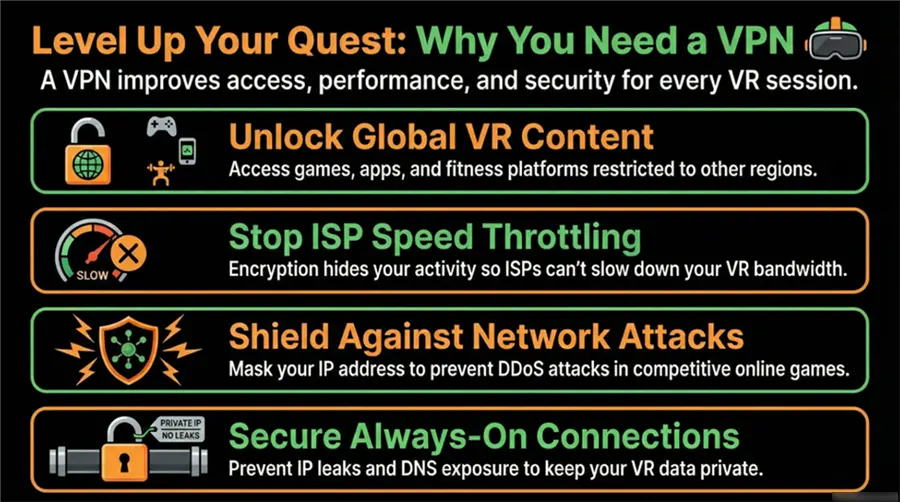
In the modern VR ecosystem, a VPN is no longer just about anonymity—it plays a direct role in access, performance, and security. Independent research and industry data help explain why.
1. Bypassing Geo-Restrictions in a Fragmented Internet
Internet access is no longer uniform across regions. Freedom House reports that many countries actively restrict platforms, services, or types of online content through IP-based blocking, throttling, or regulatory enforcement. This directly impacts VR users when games, fitness apps, or social VR platforms are released only in specific regions or operate under regional licensing rules.
A VPN allows Meta Quest users to route traffic through servers in different countries, effectively bypassing geographic barriers and enabling access to region-locked VR titles, early-access releases, or country-specific app libraries.
2. Protecting Privacy and Limiting ISP Visibility
Market research from Statista indicates that privacy protection and ISP avoidance remain among the top reasons users adopt VPN services globally. Internet service providers can analyze traffic patterns to identify bandwidth-heavy activities such as cloud streaming or high-resolution gaming—both common in VR—and may apply throttling policies as a result.
By encrypting traffic, a VPN prevents ISPs from inspecting the content or purpose of the data stream. For Meta Quest users, this means reduced risk of bandwidth throttling during 4K VR streaming, multiplayer sessions, or cloud-rendered experiences.
3. Reducing Exposure to Network Attacks
From a cybersecurity standpoint, exposing a real IP address during online sessions increases vulnerability to attacks such as DDoS flooding—an issue that has become more common in competitive online gaming environments.
Security organizations and standards bodies such as OWASP consistently emphasize minimizing exposed network identifiers as a core principle of modern application and network security. By masking the user’s real IP address, a VPN significantly reduces the risk of targeted network attacks that could disrupt VR gameplay or disconnect users mid-session.
4. Independent Security Testing Supports VPN Effectiveness
Independent testing organizations such as AV-Test and AV-Comparatives regularly evaluate VPN technologies for encryption strength, data-leak prevention, and resistance to traffic analysis. Their findings consistently show that reputable VPN services—when properly implemented—provide strong encryption and effective protection against IP leaks and DNS exposure.
For high-bandwidth, always-online devices like Meta Quest, this level of protection is particularly important, as VR traffic often contains persistent connections and real-time data streams that are more vulnerable without encryption.
5. Platform Policies and Content Availability
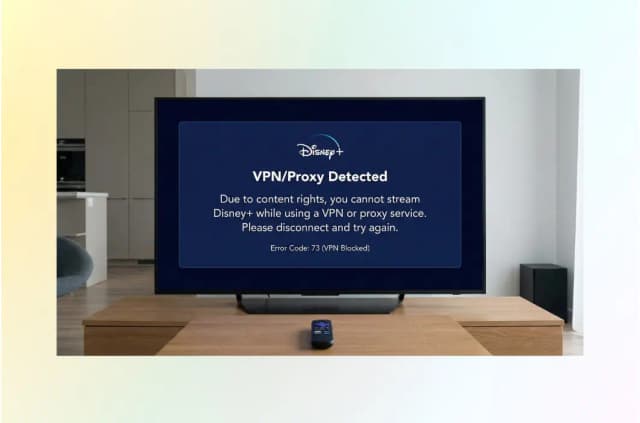
Streaming platforms such as Netflix and Disney+ openly acknowledge that content libraries differ by region due to licensing agreements, as stated in their official help documentation. While platforms may restrict certain VPN behaviors, this regional segmentation highlights why users seek network tools to access content available elsewhere.
For Meta Quest users who stream content inside VR environments or use virtual theaters, VPNs play a role in determining which libraries and experiences are accessible.
Top 6 VPNs for Oculus Quest (Ranked & Tested)
We’ve tested dozens of providers specifically for VR latency, ease of installation, and server stability. Here are the top six choices for 2026.
1. BearVPN: The Ultimate VR Choice
BearVPN stands out as a surprisingly practical option for Oculus Quest users, especially if you want something simple that doesn’t overcomplicate setup. It offers one-click IP switching, unlimited bandwidth, and access to a large global network with 2,000+ server lines across more than 50 regions — which is more than enough for VR gaming, streaming, and region-locked apps.
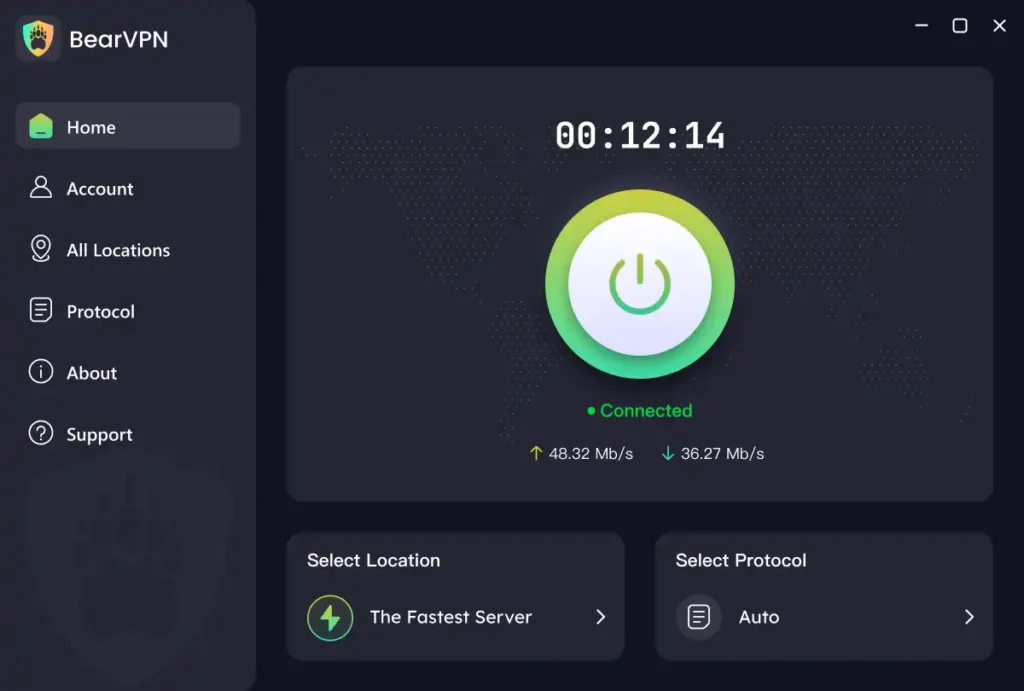
There’s no native BearVPN app in the Meta Quest Store yet, but unlike many VPN providers, BearVPN actually explains how to use its Android app on Quest. The official guide walks you through sideloading the APK via SideQuest, making the process far clearer than with most VPNs that never mention Quest at all.
If you’re mainly looking for a VPN that’s easy to use, doesn’t limit your bandwidth, and can reliably handle VR streaming or online multiplayer, BearVPN fits naturally into a Quest setup — especially for users who want quick access to content from different regions without dealing with complex router configs or advanced networking tweaks.
Key Features
- 2,000+ Servers in 50+ Regions: A wide global server distribution allows users to easily switch IP locations, helping unlock region-restricted VR games, apps, and streaming content.
- Unlimited Bandwidth: BearVPN imposes no traffic or data limits, which is essential for bandwidth-intensive activities such as VR streaming, downloads, and multiplayer gaming.
- One-Click Connection & Simple Interface: Designed for ease of use, BearVPN requires no technical background and allows users to connect or switch servers with a single click.
- Advanced Encryption & Privacy Protection: BearVPN states that it uses industry-standard encryption protocols and does not record user browsing logs, helping protect user privacy and online security.
- Cross-Platform Support: Officially supports Windows, macOS, Android, and iOS. The Android APK can be sideloaded onto Oculus Quest headsets following BearVPN’s official guide.
Advantages
- BearVPN provides clear, step-by-step instructions for installing its VPN on Oculus Quest via SideQuest and APK sideloading, reducing uncertainty for VR users.
- Unlimited bandwidth and a large server network help maintain smooth performance for VR gaming, cloud content, and video streaming.
- The simple UI and one-click connection make BearVPN accessible to users who are new to VPNs or VR networking setups.
Disadvantages
- No Native Meta Quest App: relies on APK sideloading rather than a Quest-optimized native app, which may feel less seamless than native solutions.
Price
- Free basic service available
- Premium subscriptions available, typically offering broader server access and higher performance, with pricing varying by platform and plan duration.
Best For:
Users who want a low-entry VPN that can handle basic privacy, early access to advanced proxy tech, and simplified setup — particularly in high-censorship regions.
Related article: How to get the best VPN for Xbox>
2. ExpressVPN: Fast but Premium
ExpressVPN is one of the industry’s most established VPNs, now offering tiered subscriptions (Basic, Advanced, Pro) with strong performance and privacy features.
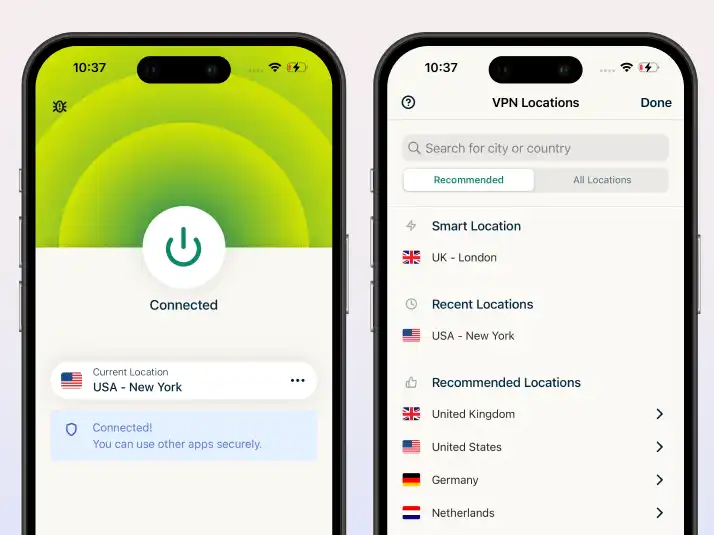
Key Features:
- Proprietary Lightway protocol optimized for low latency and high throughput.
- RAM-only servers and a strict no-logs policy for security.
- Tiered plans with added tools like ExpressAI, password manager, identity protection on higher tiers.
- Coverage across major platforms (Windows, macOS, Android, iOS, routers).
Advantages:
- Excellent speed and stability — important for VR streaming and online games.
- Ease of setup and reliable app support across devices.
- Tiered pricing lets users choose a feature set that fits their needs.
Disadvantages:
- Usually more expensive than many competitors, even with long-term discounts.
- Some advanced features (like Identity Defender) are region-limited.
Price:
- Approx $2.44–$5.24/month (2-year plans with tiered features).
- 30-day money-back guarantee typically included.
Best For:
Users seeking premium, fast, and secure connections with broad platform support and industry-leading uptime — ideal for high-performance VR streaming.
3. NordVPN: Feature-Packed Security
NordVPN combines excellent speed, robust security, and advanced tools like Meshnet, which allows encrypted private networks between devices (e.g., PC to Quest).
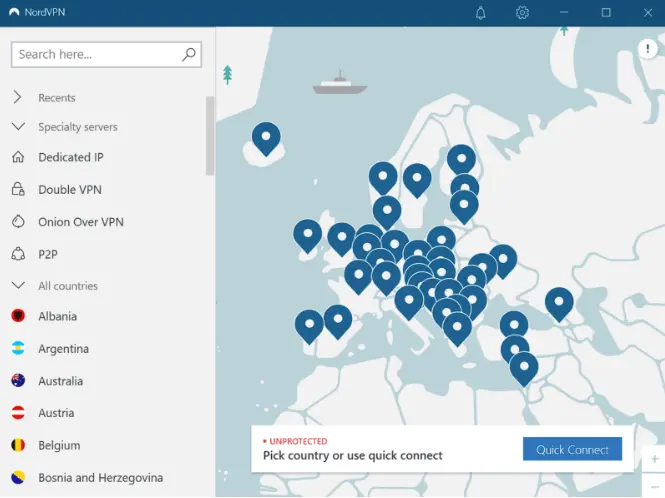
Key Features:
- Large global server network and high-performance protocols (NordLynx).
- Meshnet for secure peer-to-peer networking — useful for remote LAN gaming or device bridging.
- Strong encryption and independent audits of its no-logs policy.
Advantages:
- Great mix of security + performance for gaming and streaming.
- Advanced options like Double VPN and Onion over VPN for privacy purists.
- Official apps on most platforms include strong feature sets.
Disadvantages:
- Can be slightly more expensive than budget VPNs after promotions.
- Rare latency spikes reported on some distant servers (varies by workload). (User insights align with this trend.)
Price:
- Starting around $2.99–$3.39/month for long-term plans.
- 30-day money-back guarantee is common.
Best For: Users wanting comprehensive security features + decent speed — particularly useful for privacy-oriented VR gamers who might also use advanced networking (like Meshnet).
4. Surfshark: The Family Powerhouse
Surfshark offers unlimited simultaneous device connections and a broad set of features at a budget price, making it one of the most cost-efficient full-feature VPNs in 2026.
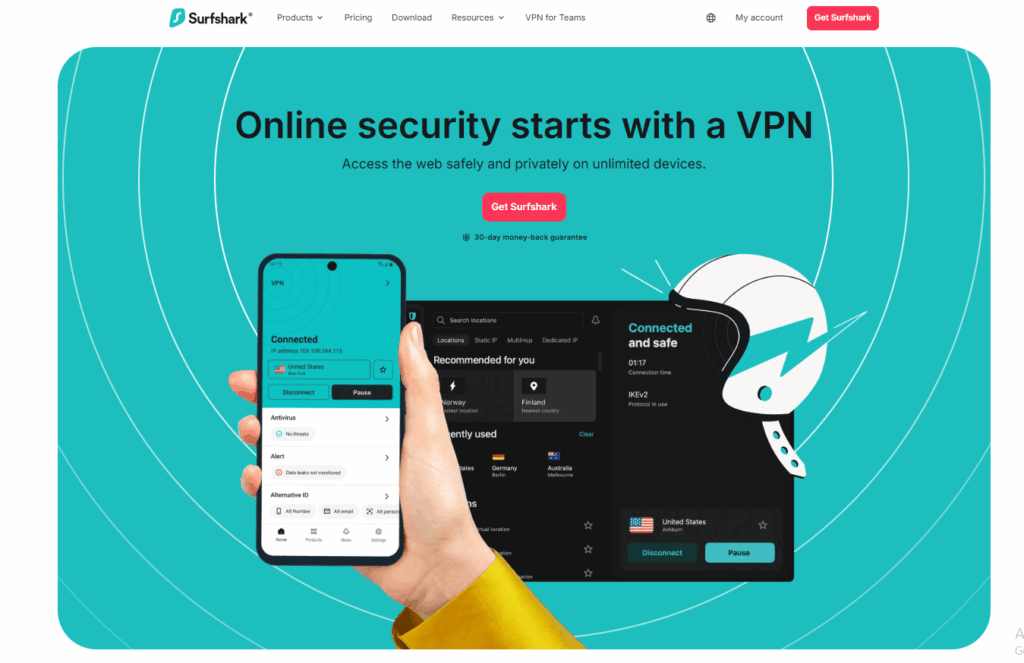
Key Features:
- Unlimited devices on a single subscription.
- CleanWeb ad/malware blocker, split tunneling, and NoBorders mode for restrictive networks.
- Advanced privacy and security tools like MultiHop, Kill Switch, Rotating IP.
Advantages:
- Great value — competitive pricing with unlimited device support.
- Wide range of advanced features even in basic plans.
- Strong support across devices and browsers.
Disadvantages:
- Unlimited device claims sometimes lead to account flags if perceived as unusual traffic patterns (according to user reports).
- Speeds and stability can vary by region. (Observed in some user experience discussions.)
Price:
- Highly competitive, often around ~$1.99–$2.49/month on long-term plans.
- A 30-day refund guarantee is typically available.
Best For:
Households or users protecting many devices simultaneously on a tight budget with strong overall feature sets.
5. ProtonVPN: Privacy Without Compromise
ProtonVPN, operated by Proton AG in Switzerland, emphasizes open-source security, strong privacy laws, and independent transparency.
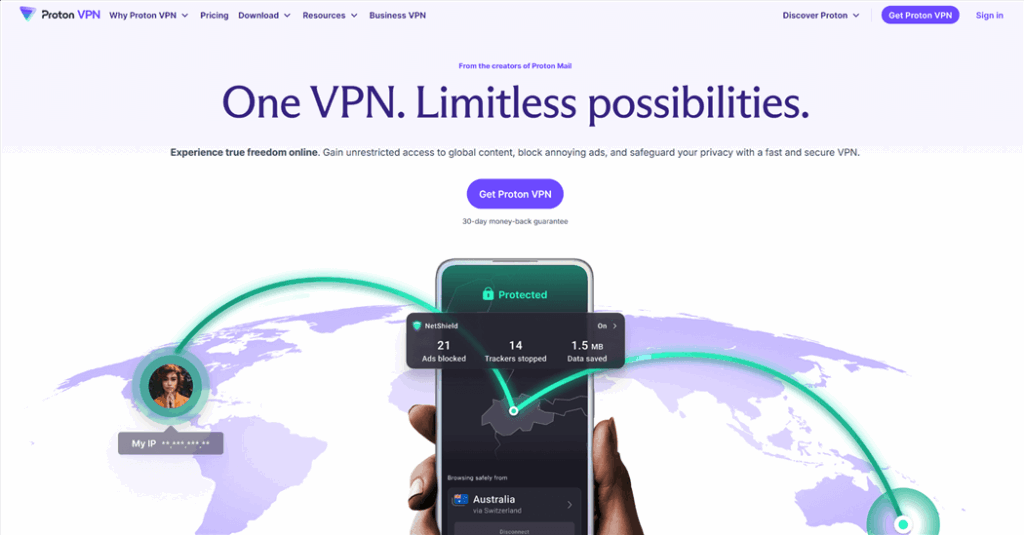
Key Features:
- Based in Switzerland with a strict no-logs policy and transparent open-source apps.
- Secure Core routing and strong encryption.
- Options include a free tier for basic security and paid plans with full features.
Advantages:
- Excellent privacy credentials for users who prioritize data protection.
- Free tier available (limited servers) — useful for basic needs without cost.
- Open-source apps are regularly audited.
Disadvantages:
- Smaller server network than top competitors, which can affect latency.
- Paid plans are usually higher priced than budget options like Surfshark.
Price:
- Free tier available; Plus plans often around $2.99/month (long-term).
Best For:
Privacy advocates and security-focused users who want transparent, auditable apps and don’t mind paying a bit more for principled data practices.
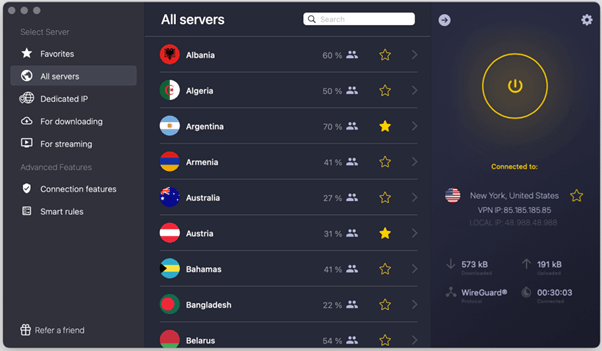
6. CyberGhost: The Gaming Specialist
CyberGhost stands out with gaming-optimized servers and clear server labels for different use cases — beneficial for VR gamers and streamers.
Key Features:
- Dedicated servers for gaming, streaming, and torrenting.
- Strong encryption, a no-logs policy, and global server presence.
- Up to 7 devices per subscription.
Advantages:
- One-click access to servers tuned for low ping and stability.
- Big server network with consistent performance.
- Long refund window (45 days).
Disadvantages:
- Android/Quest side-loading APK can be bulky and impact system UI. (Note: this specific issue is based on prior user tests rather than official docs.)
- Slightly less flexible pricing than budget rivals.
Price:
- Often around ~$2.03/month on promotional 2-year plans.
Best For:
VR gamers who benefit from clearly labeled and optimized low-latency servers — especially when streaming, gaming, or tackling high-bandwidth tasks.
Summary Table of the Best VPNs for Oculus Quest
| VPN | Strength | Best For | Price (Long-term) |
| BearVPN | Free and stealth focus | Censorship/budget | Free / Paid tiers |
| ExpressVPN | Speed + stability | Premium VR & streaming | ~$2.44–$5.24/mo |
| NordVPN | Security + features | Balanced security & gaming | ~$2.99–$3.39/mo |
| Surfshark | Unlimited devices | Families/devices | ~$1.99–$2.49/mo |
| ProtonVPN | Privacy first | Privacy purists | ~$2.99/mo |
| CyberGhost | Gaming optimized | VR gaming/streaming | ~$2.03/mo |
How to Install a VPN on Oculus Quest with BearVPN
This is the most efficient way to run a VPN, as it puts the software directly on the headset.
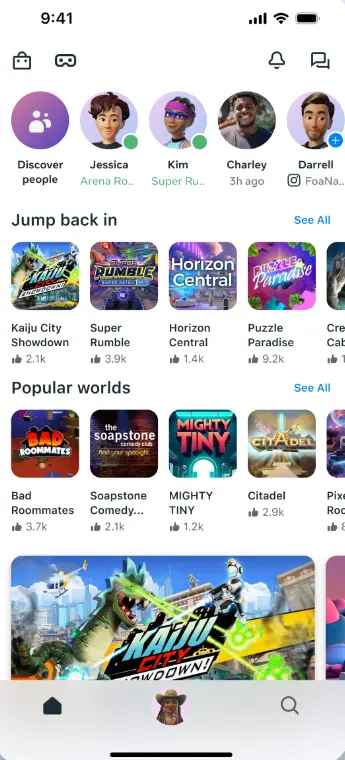
Step 1: Enable Developer Mode
Open the Meta Quest mobile app, select your headset, and toggle Developer Mode to ON.
Step 2: Install SideQuest on Your PC or Mac
Download and install SideQuest, then connect your Quest to your computer via a USB-C cable.
Step 3: Download the BearVPN APK
Visit the BearVPN Download Page and download the Android APK file to your computer.
Step 4: Install the APK via SideQuest
In SideQuest, click “Install APK” and select the BearVPN APK you downloaded.
Step 5: Launch BearVPN on Your Quest
On your headset, go to App Library → Unknown Sources, open BearVPN, log in, and connect to your desired server.
Why BearVPN is the Best Choice for VR Gaming
While the competitors are strong, BearVPN is engineered for the specific demands of 2026 VR enthusiasts.
- Extreme Low Latency: We’ve optimized our 2000+ server network for 4K bandwidth, ensuring that your $VR$ environment doesn’t stutter or “rubber-band” during intense gameplay.
- Stealth Protocols (SLProxy /SCProxy): In countries with high internet censorship (like the MENA region or parts of SE Asia), standard VPNs are often blocked. BearVPN’s proprietary protocols disguise VPN traffic as regular web browsing, ensuring you stay connected where others fail.
- Competitive Pricing: We believe privacy shouldn’t be a luxury. At $1.67/month, you get the same (or better) security as providers charging $10+.
Troubleshooting: Common Quest VPN Issues
If things aren’t working perfectly, try these quick fixes:
- VPN Disconnecting in Standby: Meta Quest often kills background apps to save battery. Go to your headset settings and ensure “Battery Optimization” is disabled for the BearVPN app.
- Black Screen on Launch: This usually happens if the sideloaded APK is out of date. Always ensure you are using the latest version from theofficial BearVPN site.
- High Ping/Lag: If you experience lag, try switching between the SLProxy and SCProxy protocols in the BearVPN settings. Often, one route is more congested than the other depending on your ISP.
- Cannot See “Unknown Sources”: Ensure Developer Mode is still active. Meta updates sometimes reset this setting, requiring you to toggle it back on via the mobile app.
Conclusion
The “Metaverse” is only as good as your connection to it. Don’t let regional blocks, toxic players, or greedy ISPs dictate your VR experience. Whether you choose to sideload an APK or secure your entire home via a router, a VPN is the ultimate upgrade for any Meta Quest owner in 2026.
With its blend of stealth protocols, high-speed servers, and unbeatable pricing, BearVPN ensures you can play, stream, and explore with total freedom.
FAQs
- Is it legal to use a VPN on Meta Quest?
Yes. In most countries, using a VPN for privacy, security, and bypassing geo-restrictions is perfectly legal. However, always check the local laws in high-restriction areas like Iran or China.
- Will a VPN slow down my VR games?
Every VPN adds a tiny bit of overhead. However, a premium service like BearVPN uses high-speed 4K-ready servers that minimize this impact to the point where it’s unnoticeable in gameplay.
- Can I get a free VPN for my Quest?
We don’t recommend it. Most free VPNs have strict data caps (often just 500MB), which a Quest will chew through in 10 minutes of VR. They also tend to sell user data to stay afloat.
- Can I use a VPN to buy games cheaper?
While changing your region to a lower-priced territory is technically possible, it violates Meta’s Terms of Service and could lead to your account being flagged. We recommend using a VPN primarily for privacy and access to content you already own.
- Does BearVPN work with the Quest 3S?
Yes. BearVPN is fully compatible with the entire Meta ecosystem, including the Quest 2, 3, 3S, and Pro.