Key Takeaways
- CapCut is an AI video editor popular among content creators to output high-quality videos.
- The geo-restrictions cut off users from CapCut downloads and Pro functions.
- Using a VPN helps hide your real location and unlock the full features of CapCut.
- Based on an analysis of user feedback and rigorous hands-on testing, the best VPN for CapCut include BearVPN, ExpressVPN, NordVPN, Surfshark, and more.
- Simply connect to a server that is located in a supported country (such as a USA server), and you can use CapCut video editor privately.
CapCut is always a crucial choice for video creators, especially after it combines with advanced AI features. However, geo-restrictions can prevent you from accessing its massive library of video effects, templates, and Pro features. If you are dealing with endless loading screens, missing templates, or geo-block warnings, finding the best VPN for CapCut is your ultimate workaround.
A premium VPN masks your real IP address, routing your internet traffic through a secure server in a country where CapCut is freely available. What is the best VPN for CapCut? Is it safe to bypass regional restrictions with a VPN? In this comprehensive guide, we will analyze the top 10 VPN recommendations of 2026, identify which countries have banned the app, and walk you through the exact steps to unblock CapCut and protect your creative workflow.
Which Countries Banned CapCut Until 2026?
CapCut is available to use globally on iOS, Android, Windows, and Mac devices. However, as it is owned by ByteDance, the same parent company that operates TikTok, it is restricted on certain networks in some areas. Because of mounting concerns over data privacy, surveillance, and geopolitical tensions, several governments have implemented strict bans on ByteDance applications.
As of 2026, India instituted a blanket ban on CapCut, TikTok, and dozens of other Chinese-linked applications back in 2020. You cannot find CapCut on the Indian iOS App Store or Google Play Store, and local ISPs actively block the desktop client from connecting to ByteDance servers. Other countries or regions, such as Afghanistan, Nepal, Texas, and Maryland, have blocked CapCut on certain networks, including government, school, and state-owned devices.
If you are traveling through or living in any of these restricted areas, a VPN is an essential tool for your editing suite. Learn more about the CapCut ban status.
Top 10 VPNs for CapCut Video Editor
Not every VPN is cut out for video editing. You need lightning-fast speeds to download heavy 4K templates, all-around security to protect your unreleased footage, and reliable servers that won’t drop your connection during use. Here are the top 10 VPN options for CapCut.
1. BearVPN
If you want both privacy and cost-effectiveness, BearVPN is undoubtedly the top choice for CapCut. Its advanced SLProxy and SCProxy protocols ensure no latency when browsing the CapCut template library. With 2000+ servers in more than 50 countries, you can easily connect to a server with low ping when editing videos.
As for security, BearVPN utilizes AES-256 encryption to prevent your personal data from online hacking and theft. Its strict no-logs privacy ensures your browsing is always traceless. More importantly, BearVPN’s Stealth Mode can effortlessly bypass deep packet inspection (DPI) in heavily censored countries like India. No matter where you are, it can provide you with the best CapCut experience.

| What We Like: | What We Don’t Like: |
| Overall security and fast speed. 2000+ global servers. Most valued price (as low as $1.67/mo). Master in bypassing geo-blocks. | No support for Linux systems. No ad-blocker for websites. |
2. ExpressVPN
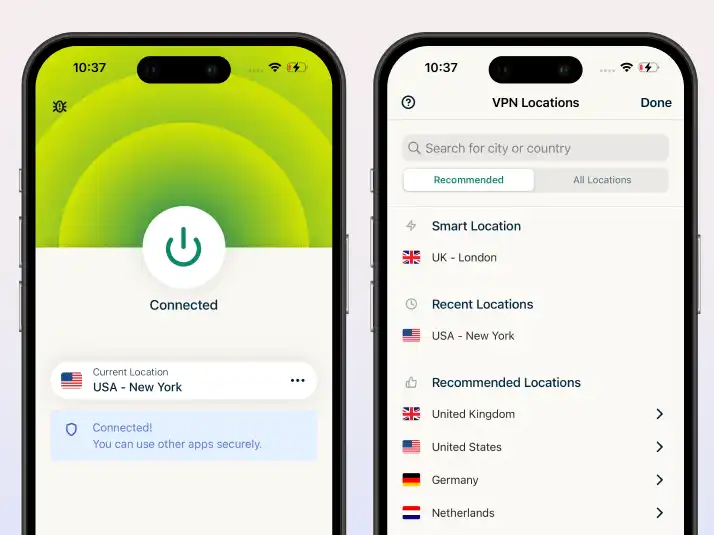
ExpressVPN is another recommendation for CapCut, which is known for its proprietary Lightway protocol. If you edit primarily on mobile and frequently switch between Wi-Fi and mobile data, ExpressVPN handles network transitions better than almost anyone else, ensuring your CapCut uploads and exports never fail. With servers in over 105 countries, you can instantly change your device location to an unrestricted region and enjoy the advanced features of CapCut.
As a no-logs VPN, ExpressVPN doesn’t record and keep any information about your online activities, so your ISPs will not store your browsing history, downloads, or any other sensitive data.
| What We Like: | What We Don’t Like: |
| Strong encryption. Fast connection speed. Use on multiple platforms. | High price compared with competitors. No advanced customization options. |
3. Surfshark
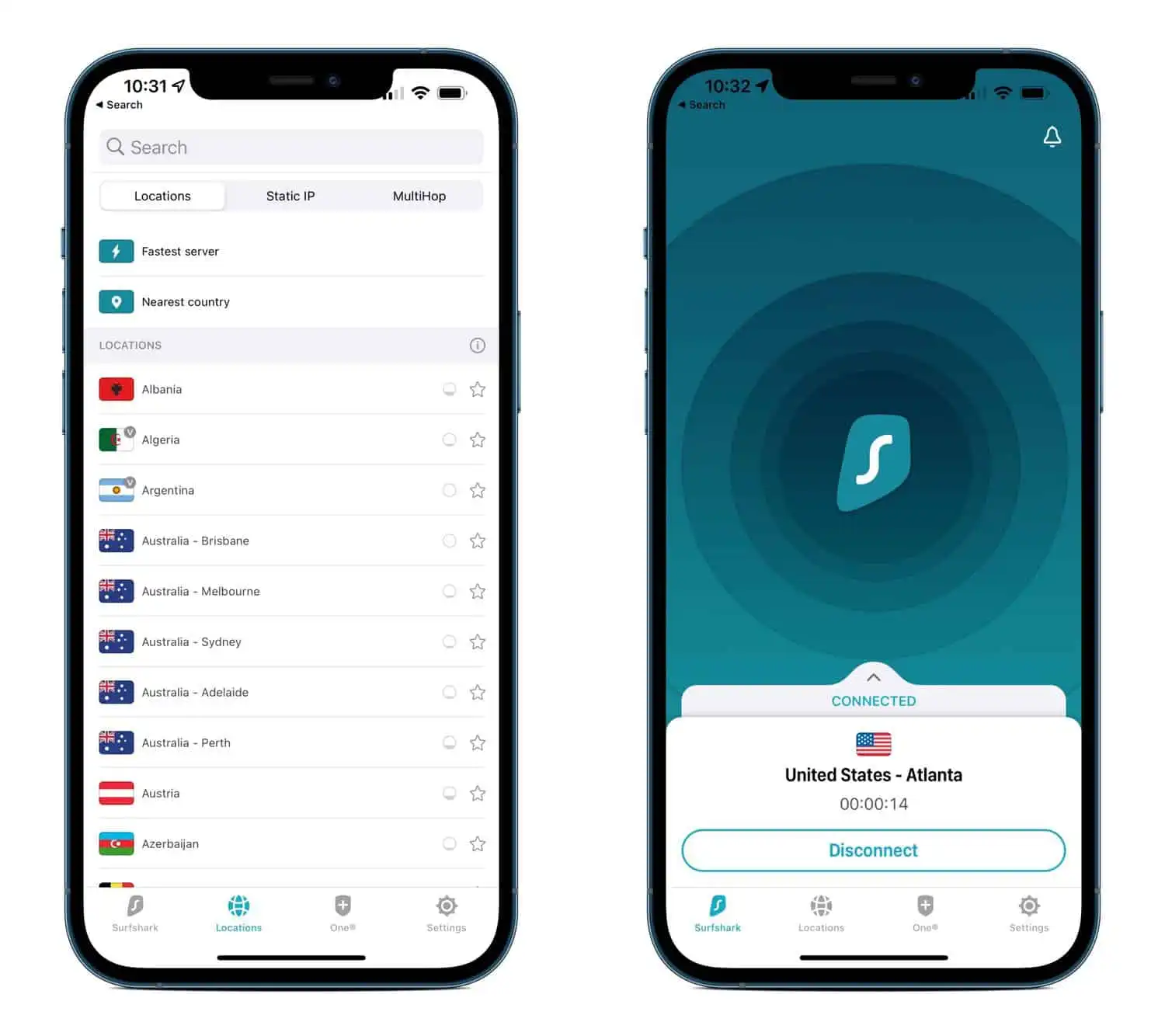
Surfshark is an ideal VPN for CapCut when you want to edit videos across a phone, tablet, laptop, and desktop. It offers unlimited simultaneous connections on a single subscription, which is highly praised in teamwork. Surfshark provides premium features at a budget-friendly price, so it is also one of the best cheap VPNs in 2026.
Besides the supported devices and low price, Surfshark is selected for its security concerns. The CleanWeb feature stops trackers dead in their tracks, and the Camouflage mode ensures your ISP can’t tell you are using a VPN.
| What We Like: | What We Don’t Like: |
| Low price compared with competitors. Unlimited devices simultaneously. Fast connection speed. | Some advanced features vary by platform. Renewal pricing can increase after the first term. |
4. NordVPN
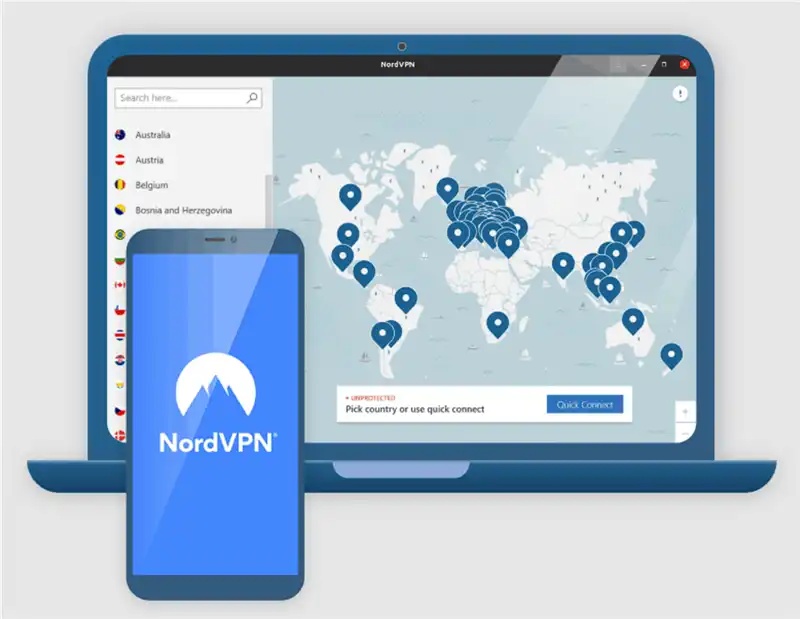
NordVPN is a powerhouse for privacy, and it is always on the list regardless of its high price. Powered by the NordLynx protocol, NordVPN consistently registers the fastest download speeds in our 2026 tests, perfect for syncing cloud assets in CapCut Pro.
When it comes to online security, NordVPN is an industry -leading choice too. Its Threat Protection Pro acts as a shield against malicious links, and the massive network of 8,000+ servers means you will seldom deal with server congestion.
| What We Like: | What We Don’t Like: |
| Industry-leading security features. Excellent speeds for video uploads and exports. Independently audited no-logs policy. | Higher price compared with value-focused VPNs. The advanced features may be unnecessary for new starters. |
5. CyberGhost VPN
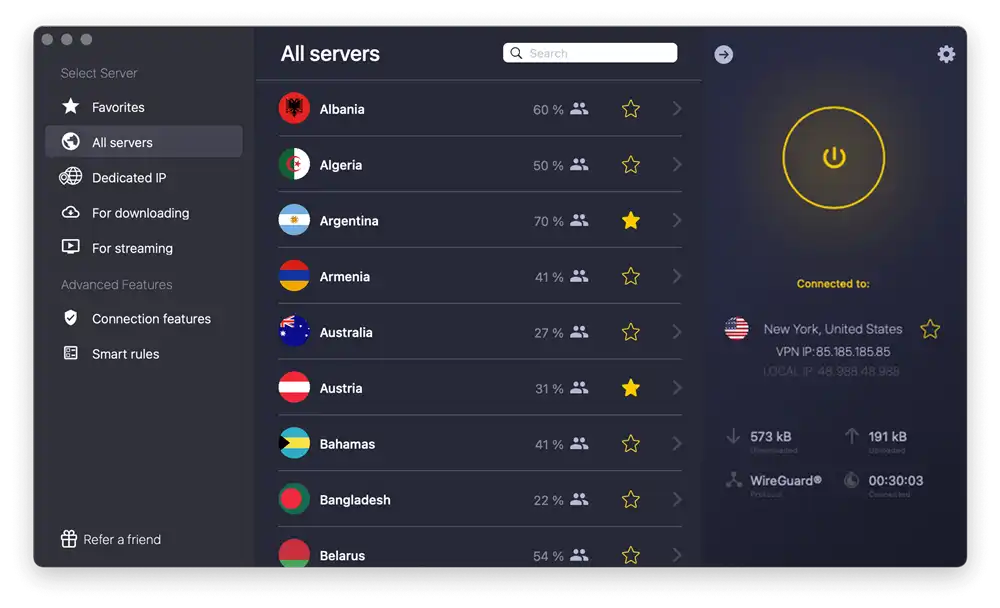
CyberGhost is fantastic for users who want a plug-and-play experience. It boasts a staggering 11,000+ servers globally. While it is famous for its streaming-optimized servers, those same high-bandwidth servers are incredible for bypassing ISP throttling when downloading heavy CapCut updates or exporting massive video files.
For CapCut users, CyberGhost provides highly reliable connections, strong military-grade encryption, and an automatic Wi-Fi protection feature. It is an ideal choice for those who have frequent import and export tasks in CapCut.
| What We Like: | What We Don’t Like: |
| Huge server network. Automatic Wi-Fi protection triggers. User-friendly interface. | Slightly slower speeds on distant servers. No advanced obfuscation tools. |
6. Private Internet Access (PIA)
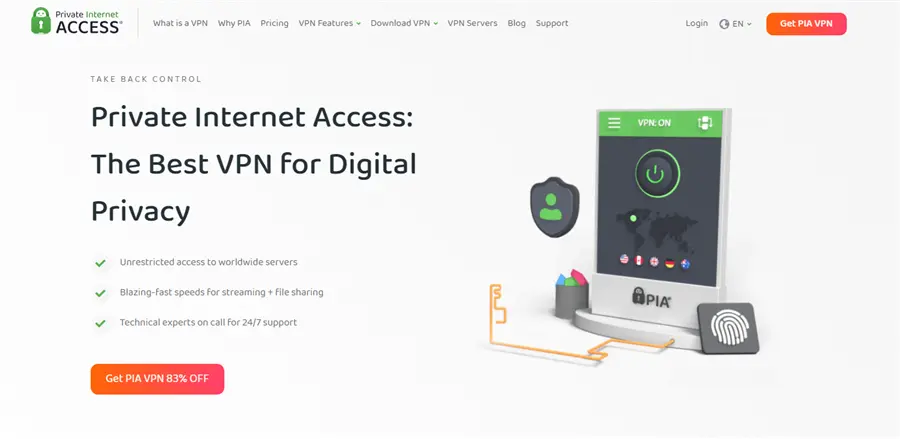
Private Internet Access is a favorite among power video editors. With over 35,000 servers, you are virtually guaranteed to find an uncrowded node for CapCut. Furthermore, PIA allows for highly customizable encryption settings, meaning you can lower the encryption overhead slightly to prioritize pure speed while rendering and uploading your videos to social platforms.
| What We Like | What We Don’t Like |
| Massive server network globally. Highly customizable desktop and mobile apps. Unlimited simultaneous device connections | Complicated settings for new users. US jurisdiction may concern privacy purists. |
7. Proton VPN
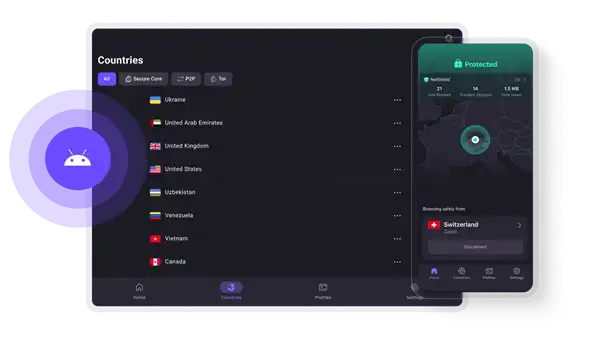
Based in Switzerland, Proton VPN is the recommended VPN for creators handling sensitive documentary footage. Its Secure Core architecture routes your traffic through privacy-friendly countries before sending it to your destination. The VPN Accelerator technology also helps maintain high speeds over long-distance connections.
As one of the best VPNs for PC, Proton VPN offers free access to unblock the CapCut video editor. The apps are open-source, which is helpful for experienced users to test their code.
| What We Like | What We Don’t Like |
| Free to use. Exceptional privacy and legal standards. Open-source and independently audited apps. | The subscriptions are pricier than many of its direct competitors. The free version has limited server access. |
8. IPVanish
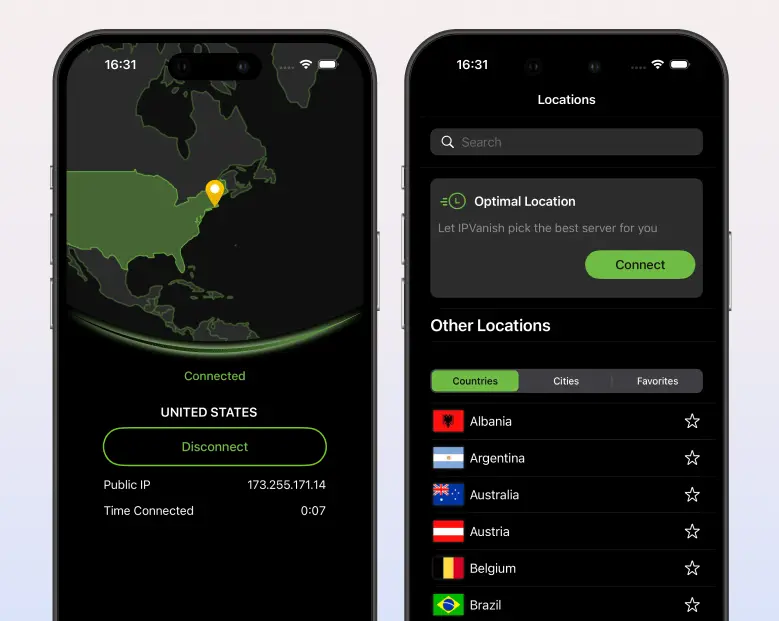
IPVanish owns its entire server network infrastructure, which translates to fewer third-party privacy risks and highly stable connections. It performs exceptionally well on desktops, making it a great companion for the CapCut PC client. Moreover, IPVanish supports unlimited simultaneous device connections, which is ideal for users who need to transfer videos frequently across platforms.
| What We Like | What We Don’t Like |
| Fast connection speed. Unlimited simultaneous connections. Easy to set up. | Based in the USA. High latency on distant servers. |
9. FastestVPN
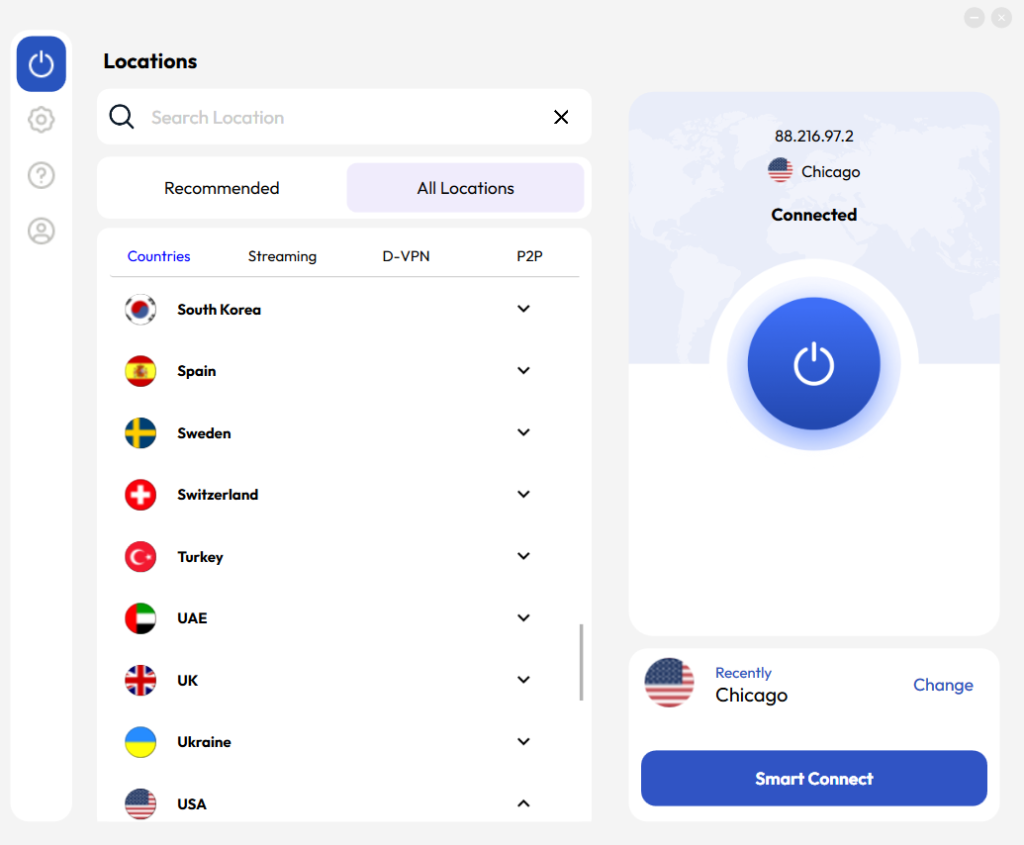
Living up to its name with a recent 2026 infrastructure overhaul, FastestVPN is the ultimate ultra-budget option. For less than $1 a month, you get access to reliable WireGuard speeds and a smart connect feature that automatically pairs you with the best server for unblocking CapCut in geo-blocked countries.
| What We Like | What We Don’t Like |
| Extremely low price. AES 256-bit encryption. User-friendly interface. | Less than 1000 servers. Inconsistent and slow speeds. |
10. PrivadoVPN
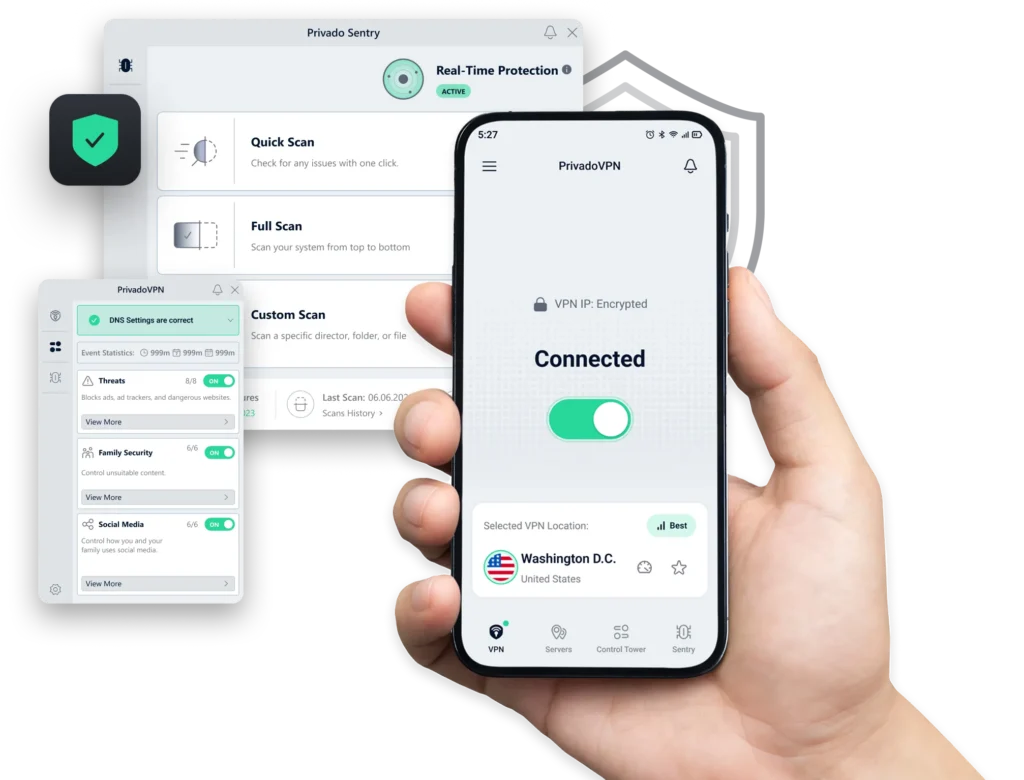
PrivadoVPN rounds out the list with a fantastic interface and reliable connections. It is a Swiss-based VPN that offers AES 256-bit encryption and a no-logs policy for users. For those who want to save more on VPN service, PrivadoVPN offers a usable free tier with a 10GB monthly limit. If you don’t have much editing work, the free version can cover it. It’s better to upgrade to a premium plan for unrestricted 4K editing and template downloading.
| What We Like | What We Don’t Like |
| Strong security and privacy. Contains a Kill Switch feature. User-friendly interface. | Only 300+ servers. High latency on streaming platforms. |
Comparison Table of 10 Best VPNs for CapCut
| VPN Provider | Global Servers | Advanced Features | Price (Based on the 2-year plan) | Free Version |
| 1. BearVPN | 2,000+ | Stealth Mode, No-logs Privacy | $1.67 | Yes |
| 2. ExpressVPN | 3,000+ | Split Tunneling, Threat Manager | $3.49 | No |
| 3. Surfshark | 4,500+ | Unlimited Devices, CleanWeb | $1.99 | No |
| 4. NordVPN | 8,400+ | Threat Protection Pro, Double VPN | $3.39 | No |
| 5. CyberGhost | 11,000+ | App-Optimized Servers, Smart Rules | $2.03 | No |
| 6. Private Internet Access | 35,000+ | MACE ad blocker, Port Forwarding | $1.98 | No |
| 7. ProtonVPN | 15,000+ | Secure Core, VPN Accelerator | $2.99 | Yes |
| 8. IPVanish | 3,200+ | VIPRE Antivirus, Unlimited Devices | $2.19 | No |
| 9. FastestVPN | 800+ | Smart Connect, NAT Firewall | $0.83 | No |
| 10. PrivadoVPN | 300+ | Control Tower, Robust Free Tier | $1.11 | Yes |
How to Use CapCut Pro with a VPN
Knowing what the best VPNs for CapCut are, you may wonder how to connect to a suitable server for this video editor. You can refer to the step-by-step instructions from a vlog freelancer:
“As a freelance video editor based in a region where ByteDance apps are restricted, finding out CapCut Pro was blocked mid-project was a nightmare. My templates wouldn’t load, the Pro effects were grayed out, and my cloud sync kept throwing error codes. Here is exactly how I got my workflow back online in less than five minutes using BearVPN.”
Step 1. Download and install BearVPN on your computer or mobile phone.
Step 2. Open BearVPN and log in to your account. Or register a new one with your email address.
Step 3. Clear your app cache and location data before connecting to a BearVPN server. If you skip this, the app sometimes remembers your real GPS or network data and keeps you blocked.
Step 4. Go to the server list and connect to an unrestricted one with low ping. Servers in the UK, US, or Singapore usually work perfectly for CapCut.

Step 5. Once connected, launch CapCut and restore Pro features for your video editing.
User Note: “I chose BearVPN because of its Stealth Mode, which completely masks the fact that I’m using a VPN from my local ISP. I downloaded the client directly from their official site to my laptop and phone.”
Is It Safe to Use Free VPNs for CapCut?
No, it’s not 100% safe to use CapCut with a free VPN. As CapCut is an app that requires significant bandwidth and handles your personal media, using a free VPN is rarely safe or effective. While there are a few legitimate freemium VPN services, the vast majority of entirely free ones operate on a predatory business model.
Limits and Potential Risks of Free VPNs
1. Data Harvesting
Free VPNs have to make money somehow. Many of them actively log your browsing history, app usage, and IP data, selling this information to third-party advertising brokers.
2. Severe Data Caps
Video editing is highly data-intensive. Downloading a single 4K template or uploading an exported reel can consume hundreds of megabytes. Most free VPNs cap your usage at 2GB to 10GB per month, which a CapCut user will burn through quickly.
3. Throttled Speeds
Free servers are universally overcrowded. If you attempt to use them for CapCut, you will face endless buffering, failed asset downloads, and frequent app timeouts.
4. Fail to Bypass Strong Blocks
Governments and ISPs easily identify and block the IP addresses associated with free VPNs. If you are in India or another strictly banned region, a free VPN simply won’t have the obfuscation tools to access CapCut servers.
For an uninterrupted, secure, and private editing experience, investing a few dollars a month in a premium service like BearVPN is essential.
The Bottom Line
Whether you are trying to unblock CapCut or access advanced Pro features in a restricted country like India, using the best vpn for CapCut is the only path to maintain your creative workflow. Premium VPNs like BearVPN, NordVPN, and ExpressVPN provide high-speed servers and robust encryption needed to download heavy video templates and bypass strict government firewalls. By understanding each VPN’s main features, pros, cons, and cost, you can easily choose the best one. Try any of the recommended VPNs now and unlock the full power of CapCut’s editing suite today.
FAQs About the Best VPN for CapCut
1. Does CapCut still work with VPN?
Yes, CapCut works flawlessly with a reliable VPN. By routing your connection through a country where the app is available, a VPN bypasses geo-blocks, allowing you to edit, sync templates, and export videos normally.
2. How to add a VPN in CapCut?
You don’t need to add a VPN directly inside CapCut. Instead, you download a VPN app (like BearVPN) to your device, connect to a server in an unrestricted country, and then open the CapCut app to edit and export.
3. Which VPN works for CapCut Free?
Premium VPNs like BearVPN, NordVPN, and Surfshark work perfectly for accessing CapCut free and Pro versions. They provide fast speeds to download effects and the server obfuscation required to bypass regional firewalls efficiently.
4. Are free VPNs safe for CapCut?
Most completely free VPNs are not safe. They often log and sell your private data, plague your device with ads, and severely throttle your internet speeds. These can make downloading video assets and exporting projects in CapCut nearly impossible.
5. What is the best VPN for CapCut in India?
BearVPN is the top choice for CapCut in India. Because Indian ISPs actively block CapCut, you need a VPN with strong obfuscation to bypass deep packet inspection and connect to international servers securely without being detected.
6. Which server is best for CapCut Free?
Servers located in the United States, the United Kingdom, or Singapore are generally the best for CapCut. These regions have unrestricted access to all of CapCut’s features, fast infrastructure, and host major servers, ensuring quick template downloads and video editing.