Logo
Why BearVPN
Features
Desktop
Mobile
See All >
Pricing
Blog>
Supports>
Tools>
Log in
Free Download
Toggle Menu
Features
  • VPN Servers
  • VPN for Streaming
  • VPN for Gaming
  • Access Any Websites
Tools
  • What Is My IP
  • IP Lookup
  • IPV6 Lookup
VPN Servers
  • UK VPN
  • USA VPN
  • India VPN
  • Turkey VPN
  • Japan VPN
VPN for Gaming
  • Roblox VPN
  • Steam VPN
  • Geforce Now VPN
  • Fortnite VPN
  • Pokemon Go VPN
VPN for Apps
  • TikTok VPN
  • OmeTV VPN
  • LINE VPN
  • Facebook VPN
  • Reddit VPN
VPN for Streaming
  • Netflix VPN
  • Apple TV+ VPN
  • YouTube TV VPN
  • Hulu VPN
  • Disney Plus VPN
Resources
  • Blog
  • Contact Us
VPN Deals
  • Black Friday Deals
  • Cyber Monday Deals
  • All VPN Deals
About BearVPN
  • Privacy Policy
  • Terms of Service
  • Refund Policy
Windows
Windows
macOS
macOS
Android
Android
iOS
iOS
Follow us
  • X IconX Icon
  • Youtube IconYoutube Icon
  • TikTok IconTikTok Icon
  • Discord IconDiscord Icon
  • Telegram IconTelegram Icon
Payment methods
  • Payment provider icon
  • Payment provider icon
  • Payment provider icon
  • Payment provider icon

© 2026 BearVPN. All Rights Reserved.

 > Features
 > VPN Kill Switch

Always stay secure online with Kill Switch in BearVPN

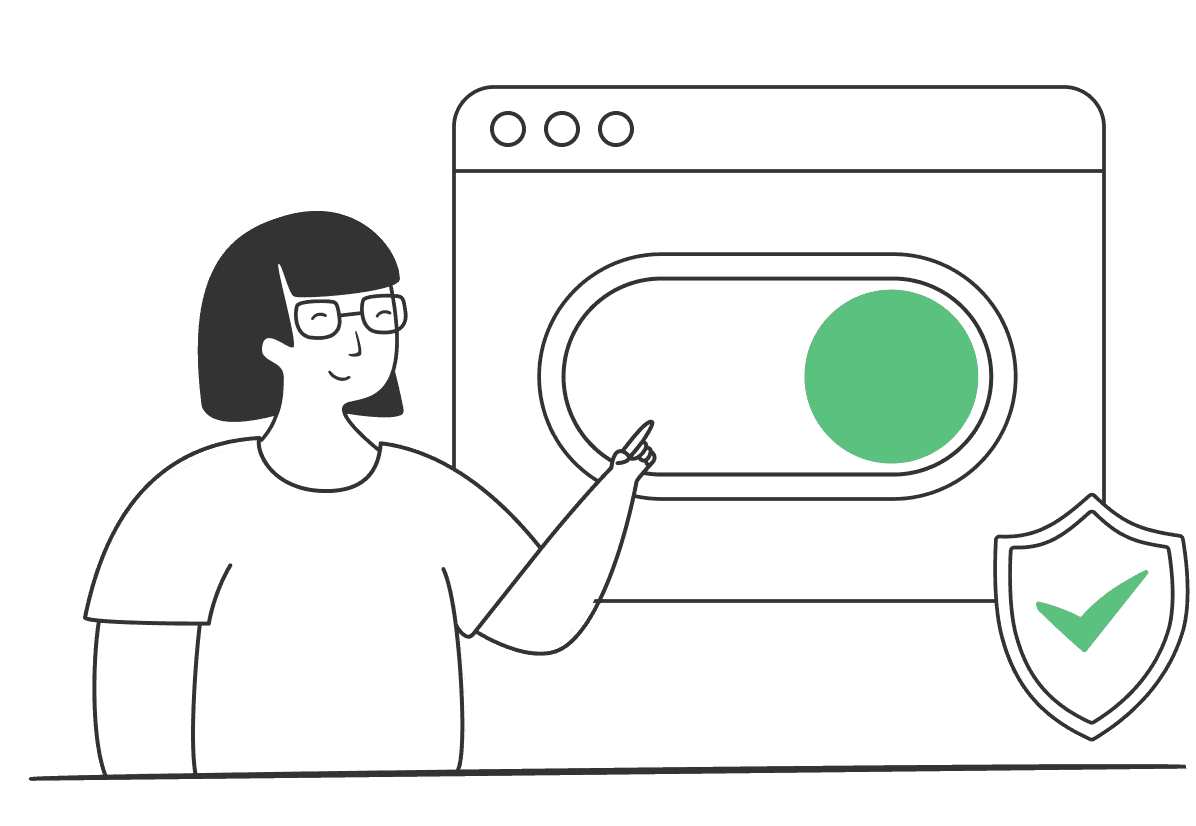
Don’t let a dropped VPN connection put your data at risk. BearVPN’s Kill Switch instantly blocks your internet if your VPN disconnects, keeping your identity and activity 100% private. No leaks, no worries—just uninterrupted security.
Free DownloadFree Download
Available on:
BearVPN

What is Kill Switch

Logo
A VPN Kill Switch is a crucial security feature designed to protect your privacy by automatically disconnecting your internet if your VPN connection drops unexpectedly. This ensures that your real IP address, location, and online activities remain hidden from your internet service provider (ISP), hackers, and government surveillance.

Without a Kill Switch, even a brief VPN disruption could expose your sensitive data. By instantly blocking internet access until the VPN reconnects, this feature acts as a safety net, keeping your online presence private and secure at all times.

Why do you need a VPN Kill Switch

A VPN Kill Switch adds an extra layer of security, ensuring your data stays private even if your connection is interrupted. Here’s why this feature is essential:
Prevents IP and data leaks

Prevents IP and data leaks

If your VPN connection drops, your internet traffic reverts to your regular network, exposing your real IP address and browsing data. A Kill Switch instantly blocks internet access, preventing leaks until your VPN reconnects.
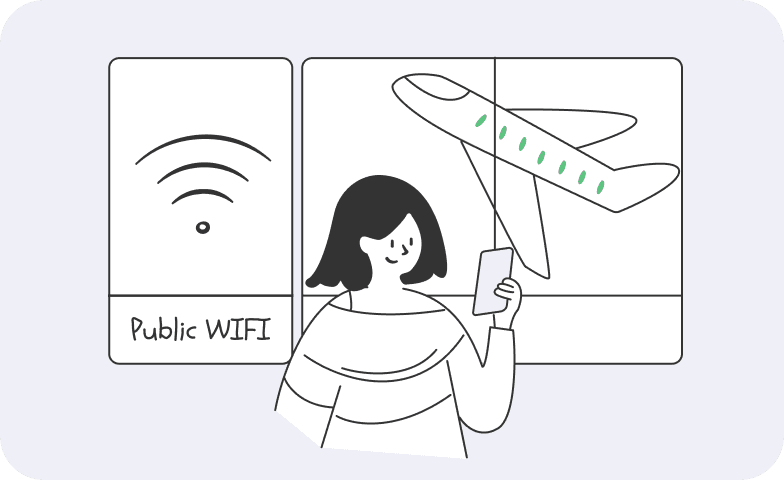
Ensures privacy on public Wi-Fi

Ensures privacy on public Wi-Fi

Public Wi-Fi networks are hotspots for hackers. If your VPN disconnects, your data could become vulnerable. A Kill Switch shields you from cyber threats by ensuring your connection stays encrypted at all times.

Protects against ISP and government tracking

Protects against ISP and government tracking

Your ISP and government agencies constantly monitor online activity. A sudden VPN drop could reveal what you're doing online. A Kill Switch keeps your identity hidden by cutting off your connection until the VPN is restored.
Essential for streaming and torrenting

Essential for streaming and torrenting

If you're accessing geo-restricted content or torrenting, a dropped VPN could expose your real location, leading to restrictions or copyright warnings. A Kill Switch prevents accidental exposure, ensuring seamless security.
Keeps online banking and transactions secure

Keeps online banking and transactions secure

A VPN protects your financial transactions from prying eyes. If your connection drops during an online payment, a Kill Switch prevents your banking details from leaking over an unsecured network.
Prevents apps from sending unprotected data

Prevents apps from sending unprotected data

Many apps and services run in the background and continue to send or receive data even if your VPN drops. Without a Kill Switch, this traffic could bypass the VPN and expose your information. A Kill Switch blocks all internet access instantly, ensuring no app transmits data over an unencrypted connection.

Free Download

Types of Kill Switch

VPN providers offer two main types of Kill Switches to keep your data secure:

System-level Kill Switch:
A system-level Kill Switch monitors your entire internet connection. If the VPN disconnects, it completely blocks all internet traffic on your device, ensuring that no data leaks occur. This type of Kill Switch is ideal for users who need maximum security, such as journalists, activists, or anyone handling sensitive information.
Application-level Kill Switch:
An application-level Kill Switch gives you more control by allowing you to choose which apps should be blocked if the VPN disconnects. For example, you can ensure that torrenting, banking, or browsing apps stay protected, while other non-sensitive apps, like messaging or email, remain online. This is useful if you only want to secure specific activities without cutting off your entire internet connection.

VPN Kill Switch for all devices

Our VPN kill switch is fully compatible with all major devices. You can easily download and secure your connection on the following platforms:
WindowsWindows
macOSmacOS
AndroidAndroid
iOSiOS

How to use Kill Switch in BearVPN
Enable Kill Switch in BearVPN to stay secure online without worrying about leaks.
1
Download
Download
Download and install the BearVPN app on your device.
2
Enable Kill Switch
Enable Kill Switch
Open BearVPN, go to Settings, and turn on Kill Switch to block internet if the VPN disconnects.
3
Connect
Connect
Tap Connect to start your secure session. Your online activity is now encrypted, with no logs ever saved.
Free Download

How does a VPN Kill Switch works

Here’s how it works:

Monitoring

The kill switch continuously tracks your VPN connection, checking for any changes in status or IP address.

Detecting

If the system detects any issues that could disrupt the VPN, such as connection drops or IP address changes, it activates.

Blocking

Depending on the type of VPN you're using, the kill switch either blocks specific apps or cuts off your entire device’s internet access to prevent unencrypted traffic.

Restoring

Once the issue is resolved, the kill switch will automatically restore your internet connection, allowing you to resume browsing securely without any manual effort.

When does a VPN Kill Switch activated
A VPN kill switch activates whenever there is a disruption in your VPN connection that could potentially expose your online activity. This can happen in several situations:
Connection drop

Connection drop

If your VPN connection unexpectedly disconnects, the kill switch immediately blocks your internet access to prevent unencrypted traffic from being sent.
IP Address change

IP Address change

If your IP address changes unexpectedly, the kill switch will step in to protect your data until the VPN connection is stable again.
VPN failure

VPN failure

If your VPN software encounters an issue that causes it to stop functioning, the kill switch will cut off your internet to ensure no sensitive information is exposed.

More than a VPN Kill Switch

It’s not just the Kill Switch. Explore all the powerful features BearVPN has to offer for ultimate online security.
Kill Switch

Kill Switch

Automatically blocks your internet if the VPN disconnects, keeping your data safe from leaks.

Hide IP

Hide IP

Decide which apps use the VPN while others access the internet directly—balance security and speed effortlessly

Split Tunneling

Split Tunneling

Decide which apps use the VPN while others access the internet directly—balance security and speed effortlessly.

Advanced encryption

Advanced encryption

Shields your data with top-tier encryption, protecting you from hackers, ISPs, and surveillance.

No-logs policy

No-logs policy

Your privacy is our priority—we never track, store, or share your online activity.

Up to 10 devices

Up to 10 devices

Secure up to 10 devices simultaneously with one BearVPN account—perfect for work, travel, and home use.

Dedicated IP

Dedicated IP

Connect with a unique IP address that’s yours alone to reduce CAPTCHA prompts and access trusted services more reliably.
Double VPN

Double VPN

Encrypts your data twice by routing it through two servers to boost anonymity and strengthen your online privacy.

Fastest VPN

Fastest VPN

Optimized for speed with high-performance servers to let you stream, game, and browse without slowdowns or buffering.

Frequently asked questions

    The kill switch works by cutting off your internet connection if the VPN disconnects. You’ll notice that your internet stops functioning, which means the kill switch is active and protecting your data until the VPN reconnects.
    Many trusted VPN providers, including BearVPN, offer a built-in kill switch to maintain your privacy and security during any connection interruptions.
    Yes, most VPNs allow you to enable or disable the kill switch through the settings. However, we recommend keeping it on for added protection against data leaks.
    Yes, it’s highly recommended to keep the kill switch on to ensure your data stays secure if the VPN connection drops. This feature is essential for maintaining privacy, especially for sensitive Browse.