Key Takeaways
- For travel and public Wi-Fi in Colombia, prioritize stability, a kill switch, and fast nearby servers.
- If you need a Colombian IP address, confirm the provider offers VPN servers in Colombia (Bogotá) and that performance is usable at your usual hours.
- For streaming in Colombia (or watching Colombian TV abroad), reliability matters more than peak speed.
- A free VPN for Colombia can work for low-stakes browsing, but it’s rarely a good idea for accounts, payments, or work tools.
- The fastest way to pick: choose from the shortlist below, then test on your real network for 10 minutes.
If you’re searching for the best VPN for Colombia, you’re usually trying to solve one of three practical problems: staying safer on public Wi-Fi, getting a Colombian IP address for local services, or keeping streaming and everyday browsing smooth without constant disconnects. The right choice depends less on “the biggest name” and more on how you’ll use it—travel, work, streaming, or routine privacy at home. This guide gives you a short list of reliable options, a quick checklist to choose confidently, and simple setup steps you can apply in minutes.
Best VPNs for Colombia: Top Picks for Speed, Privacy, and Colombian IP Access
Picking a VPN gets easier when you start with a focused shortlist. The options below cover the most common needs: a smooth daily VPN, a Colombia IP option, a privacy-first choice, and a lightweight pick for occasional use. Each one includes clear strengths and honest trade-offs so you can decide fast.
1) BearVPN: Best VPN for Colombia for Everyday Use
Once you’ve seen the shortlist, the practical question is: which option is easiest to live with every day in Colombia—on home Wi-Fi, mobile hotspots, and the random hotel network that barely loads your email? This is where a “daily driver” VPN matters most: quick to start, stable on real networks, and simple enough that you actually keep it on.
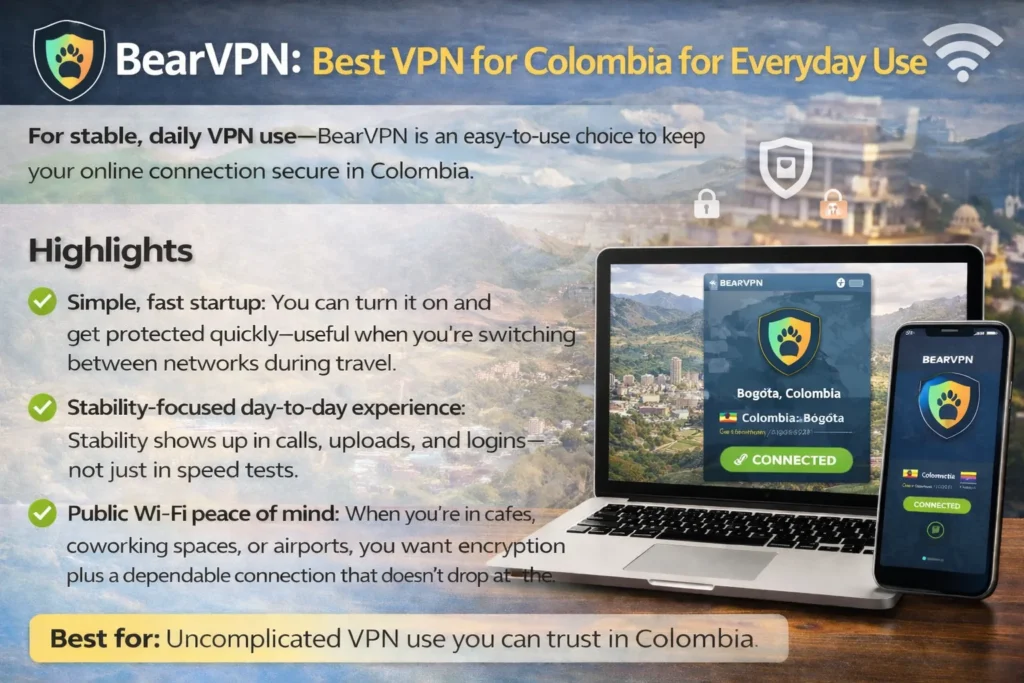
If your goal is stable, no-drama daily use, BearVPN is a strong choice to put at the top of your testing list. You’re not buying a VPN to admire a feature checklist—you’re buying it to reduce friction: fewer random disconnects, fewer “why is this site acting weird?” moments, and a setup you can trust on public Wi-Fi.
Why BearVPN is a practical pick for Colombia
- Simple, fast startup: You can turn it on and get protected quickly—useful when you’re switching between networks during travel.
- Stability-focused day-to-day experience: Stability shows up in calls, uploads, and logins—not just in speed tests.
- Public Wi-Fi peace of mind: When you’re in cafés, coworking spaces, or airports, you want encryption plus a dependable connection that doesn’t drop at the worst time.
How to test BearVPN in a way that actually proves it fits you
Instead of doing random browsing, test your real routine for 10 minutes:
- Connect on your most common network (home Wi-Fi or phone hotspot).
- Open the two services you care about most (work tool, bank, email, streaming app).
- Start a small stress test: upload a file, join a call, or stream for 5 minutes.
- Switch servers once and repeat.
If your connection stays stable, pages load normally, and you don’t get repeated verification headaches, you’ve found your daily driver.
2) CyberGhost: Beginner-Friendly for Colombia Travel and Quick Setup
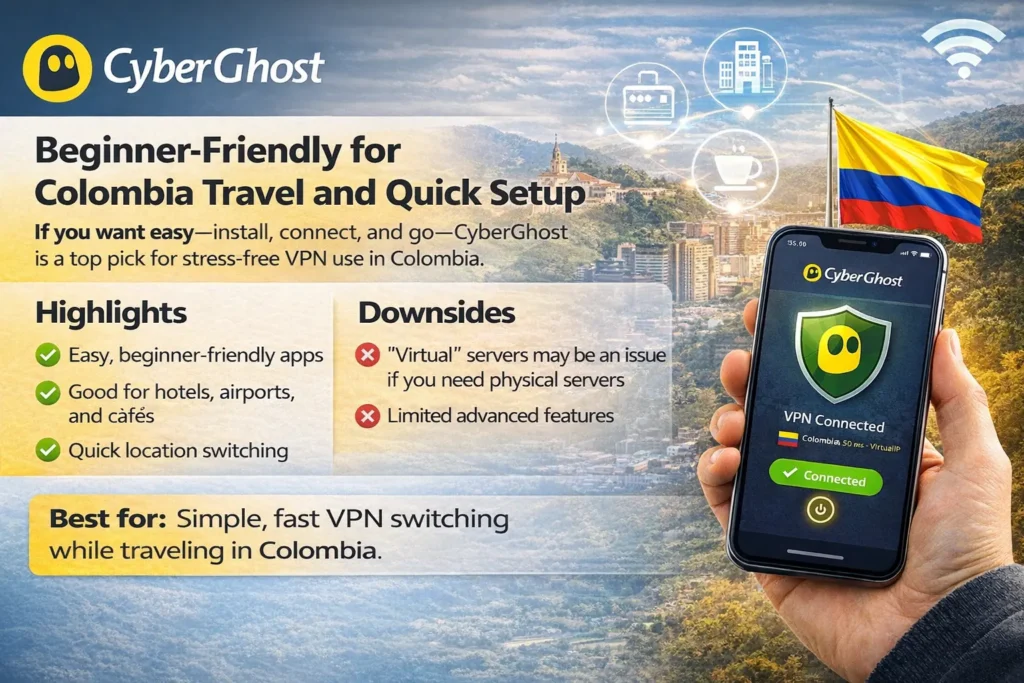
Why it’s a solid pick: If you want something easy—install, tap connect, and get on with your day—CyberGhost is often the least stressful option.
Highlights
- Generally beginner-friendly apps and a clear server selection flow
- Useful for VPN for Colombia travel scenarios like hotels, airports, and cafés
- Convenient for quick location switching when you need it
Downsides
- Some locations can be implemented as “virtual” placements, which may matter if you specifically want physical server presence
- Power users may feel limited compared to more configurable tools
Best for you if: you want a straightforward VPN that’s easy to operate while moving around Colombia.
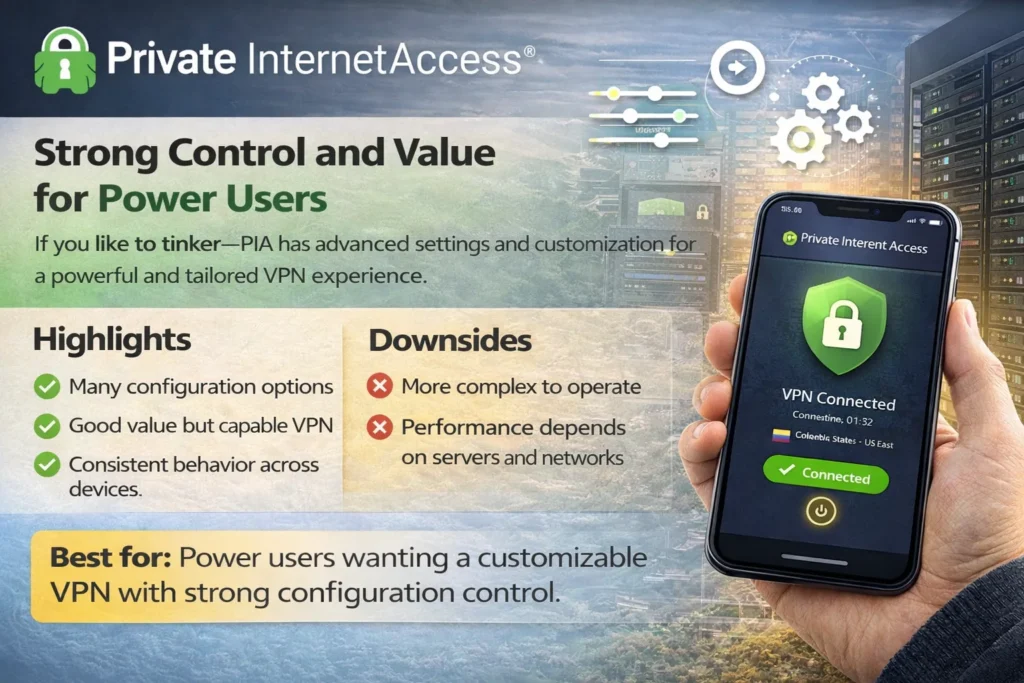
3) Private Internet Access (PIA): Strong Control and Value for Power Users
Why it’s a solid pick: PIA leans practical: lots of settings, good control, and a tool-like feel that appeals if you care about dialing in behavior.
Highlights
- Plenty of configuration options (useful if you like tweaking)
- Can be a strong fit when you’re price-sensitive but still want a capable VPN
- Good for users who need consistent behavior across devices
Downsides
- More settings can mean more friction if you just want “one button and done.”
- Your experience can vary depending on which servers you choose and your local network conditions
Best for you if: you like control and want a VPN you can tune for your workflow.
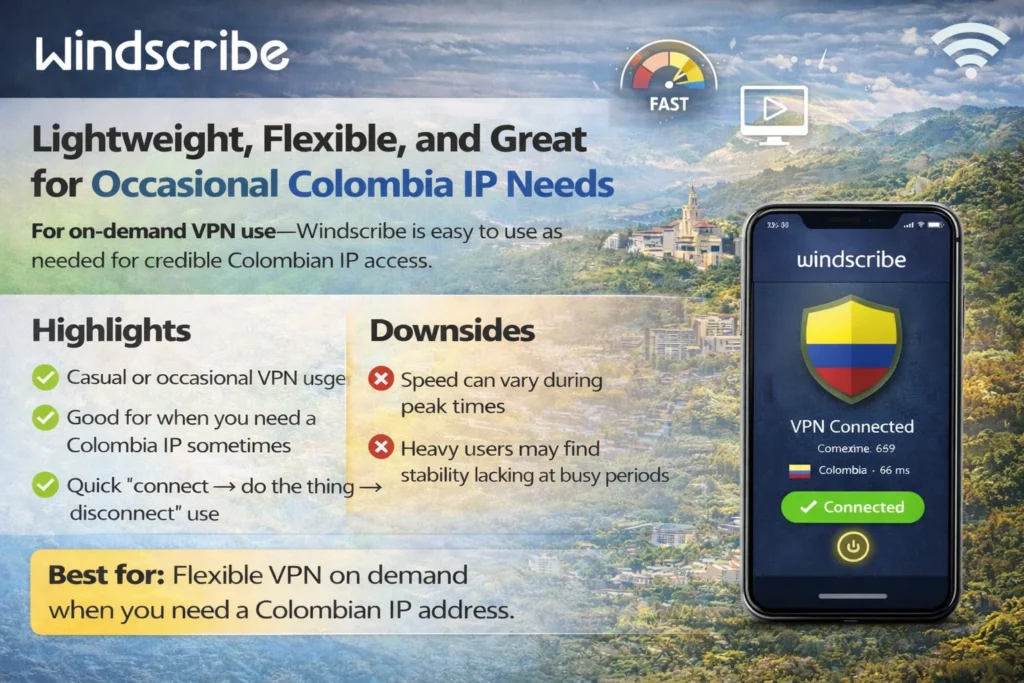
4) Windscribe: Lightweight, Flexible, and Great for Occasional Colombia IP Needs
Why it’s a solid pick: Windscribe tends to work well when you don’t need a VPN running 24/7, but you still want something credible when you do connect.
Highlights
- Lightweight feel and flexible usage for casual or occasional VPN sessions
- Good fit if you mainly need a Colombian IP address sometimes (banking checks, local content, account verification)
- Straightforward for quick “connect → do the thing → disconnect” use
Downsides
- Peak-hour performance can depend on server load
- If you’re a heavy streamer or remote worker, you’ll want to test stability at your busiest times
Best for you if: you want a flexible VPN you can use on demand without fuss.
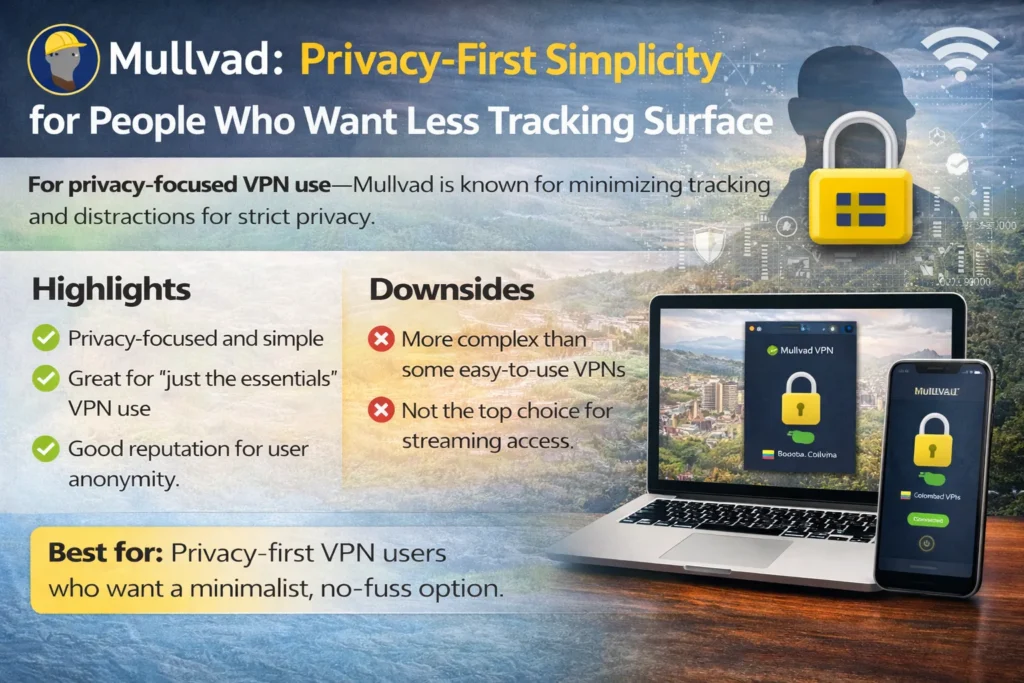
5) Mullvad: Privacy-First Simplicity for People Who Want Less Tracking Surface
Why it’s a solid pick: Mullvad is often chosen for its privacy posture and straightforward product philosophy. It’s not trying to be a glossy “lifestyle VPN”—it’s a tool.
Highlights
- Strong privacy-oriented reputation and a minimalist approach
- Great fit if you’re allergic to marketing fluff and want a “just the essentials” VPN
- Often appreciated by more technical users
Downsides
- Not always the most beginner-friendly experience compared to mainstream picks
- If your primary goal is streaming convenience, you may prefer a more “consumer-optimized” VPN
Best for you if: privacy is your priority and you prefer a clean, no-nonsense product.
How to Choose a VPN for Colombia in 60 Seconds
You can avoid overthinking this. A short checklist is enough to pick the best VPN for Colombia for your specific needs—especially if you’re deciding between “Colombia IP access,” “streaming,” and “travel safety.” Use this quick filter, and you’ll narrow it down immediately.
Your 60-second checklist
- Do you need a Colombian IP address? If yes, confirm the provider has VPN servers in Colombia (Bogotá) and that you can actually connect reliably.
- Stability beats peak speed: A VPN that drops once during a call is worse than one that’s slightly slower but steady.
- Safety basics: Kill switch + DNS leak protection matter most on public Wi-Fi.
- Nearby servers still matter: If you don’t need a Colombian IP, a nearby location can be faster and more stable.
- Refund window: The best VPN is the one that performs well on your network—choose a provider that lets you test without getting trapped.
Colombia VPN Use Cases: Travel, Public Wi-Fi, Colombian IP, and Streaming
Most best VPN for Colombia searches are really about one or two scenarios. Once you identify yours, you’ll know whether you should prioritize Colombian servers, nearby servers for speed, or privacy features for public networks. Think in tasks, not brands.
Use Case 1: Public Wi-Fi Safety in Colombia (Hotels, Airports, Cafés)
If you connect on shared networks, encryption is the baseline. What you’ll notice day to day is stability: fewer random reconnects, and less chance of accidentally browsing unprotected if the VPN drops. Turn on the kill switch, keep your VPN on during logins, and treat public Wi-Fi like a convenience—not a trusted environment.
Use Case 2: Getting a Colombian IP Address (Bogotá) for Local Services
If you’re abroad and want local Colombian sites or accounts to behave normally—or you’re in Colombia and need consistent access for a platform that’s sensitive to IP changes—choose a VPN that offers a Colombia location and test it at the hours you’ll actually use it. Server availability can change, and performance can vary by time of day.
Use Case 3: Streaming in Colombia or Watching Colombian TV Abroad
For streaming, reliability is everything. A VPN might work perfectly one week and require a server change the next, depending on how platforms respond to VPN traffic. Your best strategy is simple: keep two backup server locations that work, and don’t assume one single “magic server” will always be best.
Setup Tips for Faster VPN Speeds in Colombia (Without Overcomplicating It)
You don’t need a networking degree to get a good connection. A few small choices make the difference between “this VPN feels slow” and “this just works.” Keep your setup simple, then adjust only when something is clearly wrong.
Fast setup in 5 steps
- Install your VPN and enable the kill switch (especially for public Wi-Fi).
- Start with Auto / Recommended server selection.
- Run a quick real-world check: load the sites you actually use, start a short stream, or join a call.
- If you need a Colombian IP, switch to the Colombia/Bogotá location and repeat the same check.
- Save 1–2 “known good” servers as backups for busy hours.
If your VPN feels slow, try this order
- Switch servers (same country first, then nearby region)
- Switch protocol if your VPN allows it
- Test on a different network (home Wi-Fi vs hotspot) to isolate whether the issue is your ISP/router
Free VPN for Colombia: When It’s Okay and When It’s a Bad Idea
A free VPN for Colombia can sound tempting—especially if you only need something once. But free products have to make money somehow, and the trade-offs often show up as weak privacy, aggressive limits, or unstable performance. The question isn’t “can a free VPN work?” It’s “is it worth the risk for what you’re doing?”
Free can be okay when
- You’re doing low-stakes browsing
- You’re not logging into sensitive accounts
- You’re not relying on stable connections for calls or work
Free is a bad idea when
- You’re logging into banking, work dashboards, or anything tied to money
- You need consistent streaming or long sessions
- You’re on public Wi-Fi and want predictable protection
If you care about stability and privacy, a reputable paid VPN with a refund window is usually the smarter route: you can test properly, keep the VPN on, and stop treating protection like a once-a-month hack.
Conclusion
The best VPN for Colombia is the one that matches your real task: safe public Wi-Fi, a Colombian IP address, stable streaming, or daily privacy without headaches. Start with the shortlist, apply the 60-second checklist, and then test on your actual network—home Wi-Fi, hotspot, and public Wi-Fi if you travel. If you want a simple daily driver you’ll actually keep turned on, BearVPN is a strong option to test first. If you prefer a different style—privacy-first, lightweight, or more configurable—choose accordingly and let real-world stability be your final judge.
FAQs
1. Is using a VPN legal in Colombia?
VPNs are widely used globally for privacy and security. Laws can change, and enforcement varies, so treat this as general information and double-check local rules if you have a specific legal concern.
2. Which VPN has servers in Bogotá, Colombia?
Some providers offer Colombia/Bogotá locations, but availability and performance can change. If you need a Colombian IP address, confirm Colombia server access before paying and test it during your typical usage hours.
3. How do you get a Colombian IP address?
You connect to a VPN server located in Colombia (often labeled Bogotá). After connecting, most sites will treat your traffic as coming from a Colombian IP.
4. What’s the best VPN for Colombia travel?
For travel, prioritize fast setup, strong stability on changing networks, and a kill switch for public Wi-Fi. A VPN that’s slightly slower but stable will feel better than a “fast” one that drops.
5. Why does my VPN feel slow in Colombia?
The most common reasons are server congestion, distance to the server, protocol choice, or local network quality. Try a different server first, then a nearby country if you don’t specifically need Colombia.
6. What’s the best server location if you don’t need a Colombian IP?
Often, the closest reliable location performs best. Start with Auto/Recommended and keep a backup nearby region if speed fluctuates.
7. Can a VPN help with streaming reliability in Colombia?
It can, but results vary by platform and time. Your best approach is to test two server locations and keep backups rather than relying on a single server forever.