Logo
Why BearVPN
Features
Desktop
Mobile
See All >
Pricing
Blog>
Supports>
Tools>
Log in
Free Download
Toggle Menu
Features
  • VPN Servers
  • VPN for Streaming
  • VPN for Gaming
  • Access Any Websites
Tools
  • What Is My IP
  • IP Lookup
  • IPV6 Lookup
VPN Servers
  • UK VPN
  • USA VPN
  • India VPN
  • Turkey VPN
  • Japan VPN
VPN for Gaming
  • Roblox VPN
  • Steam VPN
  • Geforce Now VPN
  • Fortnite VPN
  • Pokemon Go VPN
VPN for Apps
  • TikTok VPN
  • OmeTV VPN
  • LINE VPN
  • Facebook VPN
  • Reddit VPN
VPN for Streaming
  • Netflix VPN
  • Apple TV+ VPN
  • YouTube TV VPN
  • Hulu VPN
  • Disney Plus VPN
Resources
  • Blog
  • Contact Us
VPN Deals
  • Black Friday Deals
  • Cyber Monday Deals
  • All VPN Deals
About BearVPN
  • Privacy Policy
  • Terms of Service
  • Refund Policy
Windows
Windows
macOS
macOS
Android
Android
iOS
iOS
Follow us
  • X IconX Icon
  • Youtube IconYoutube Icon
  • TikTok IconTikTok Icon
  • Discord IconDiscord Icon
  • Telegram IconTelegram Icon
Payment methods
  • Payment provider icon
  • Payment provider icon
  • Payment provider icon
  • Payment provider icon

© 2026 BearVPN. All Rights Reserved.

 > Features
 > Dedicated IP

Get a dedicated IP VPN

Enjoy a stable, secure, and private VPN experience with your own dedicated IP address. Unlike shared IPs, your dedicated IP ensures reliable access to websites and services without interruptions.
Free DownloadFree Download
Available on:
BearVPN

What is a dedicated IP?

Logo
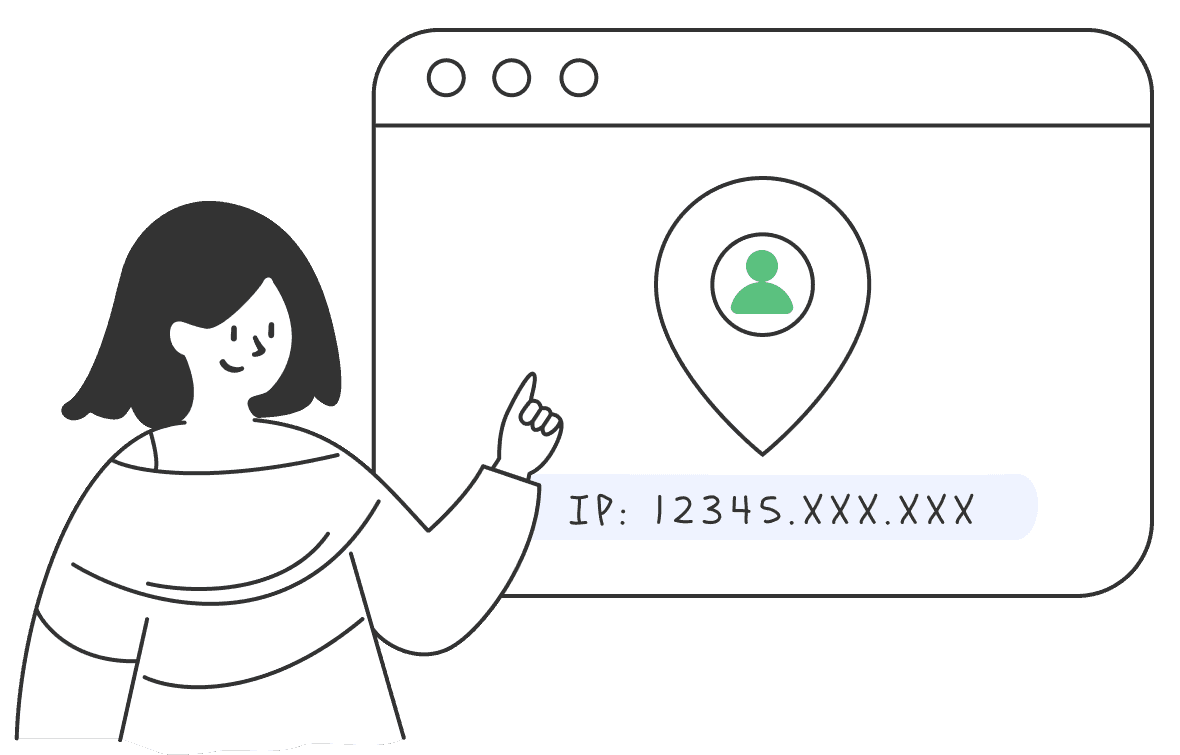
A dedicated IP address is a unique internet address assigned exclusively to you when using a VPN. This means that only you use this IP address, unlike a shared IP that many users share simultaneously. Having a dedicated IP provides a consistent online identity, which helps avoid problems often caused by shared IPs.

Benefits of having a dedicated IP

When using a VPN, most users are assigned a shared IP — one that dozens or even hundreds of people use at the same time. While this setup offers basic anonymity, it can also cause problems like blocked websites, frequent CAPTCHAs, or unreliable access. A dedicated IP, on the other hand, is yours alone — and that comes with key advantages:

Works on all your devices

BearVPN works seamlessly on Android, iPhone, Windows, and Mac.
WindowsWindows
macOSmacOS
AndroidAndroid
iOSiOS

How to get a dedicated IP

Getting your own Dedicated IP with BearVPN is simple.
1
Download
Download
Download and install the Bear VPN app on your device.
2
Select a server
Select a server
Browse the server list and choose a Dedicated IP server.
3
Connect
Connect
Tap Connect to enjoy a stable, secure, and private online experience.
Free Download

Dedicated IP vs. shared IP: what’s the difference?

FeatureDedicated IPShared IP
UsageExclusive to one userShared among many users
Access StabilityConsistent and reliableCan be blocked or blacklisted
SecurityEasier to whitelistLess secure for sensitive use
PrivacySame IP every timeDifferent IPs per session
CostAdditional fee appliesIncluded in standard VPN

More than Dedicated IP

It’s not just the Dedicated IP—explore all the powerful features BearVPN has to offer for ultimate online security.
Kill Switch

Kill Switch

Automatically blocks your internet if the VPN disconnects, keeping your data safe from leaks.

Hide IP

Hide IP

Mask your real IP address to protect your identity and prevent online tracking.

Split Tunneling

Split Tunneling

Decide which apps use the VPN while others access the internet directly—balance security and speed effortlessly.

Advanced encryption

Advanced encryption

Shields your data with top-tier encryption, protecting you from hackers, ISPs, and surveillance.

No-logs policy

No-logs policy

Your privacy is our priority—we never track, store, or share your online activity.

Up to 10 devices

Up to 10 devices

Secure up to 10 devices simultaneously with one BearVPN account—perfect for work, travel, and home use.

Dedicated IP

Dedicated IP

Connect with a unique IP address that’s yours alone to reduce CAPTCHA prompts and access trusted services more reliably.
Double VPN

Double VPN

Encrypts your data twice by routing it through two servers to boost anonymity and strengthen your online privacy.

Fastest VPN

Fastest VPN

Optimized for speed with high-performance servers to let you stream, game, and browse without slowdowns or buffering.

Free Download

Frequently asked questions

    Yes, using a dedicated IP is safe—especially when provided by a trusted VPN. It gives you a consistent IP address that only you use, reducing the risk of being flagged or blacklisted like with shared IPs.
    Yes, most VPNs (including BearVPN) allow you to use your dedicated IP across multiple devices, as long as you're logged into the same account. It’s great for seamless access on your phone, laptop, and more.
    A dedicated IP gives you a private, static IP address that only you use. It helps you avoid CAPTCHAs, access IP-restricted services, reduce login verification issues, and maintain a trusted online identity.
    The best dedicated IP VPN combines strong privacy, fast speeds, and ease of use—like BearVPN. It offers stable dedicated IPs, ensuring reliable access to streaming, banking, and remote systems.
    It depends on your needs. A dedicated IP offers more stability, fewer security checks, and personalized access. Shared IPs provide more anonymity, but they’re more likely to be blocked or flagged.