The Snake game has been one of the most popular entertainments on keyboard phones. Until now, it is still hotly discussed by students or employees in their spare time. However, restrictive firewalls at schools and workplaces often block gaming websites, making it frustrating to play the Snake games. This is why you need the unblocked game sites to play the Snake game.
Be optimistic, this guide will introduce how to play the Snake game unblocked and provide some tips to stay safe in web-based games.
What Is Snake Game Unblocked?
Snake Game Unblocked refers to versions of the classic Snake arcade game that are playable on networks where gaming sites are typically restricted, like schools, libraries, or offices. These versions are often hosted on mirror sites, legitimate educational domains, or Google’s own servers, which makes them difficult for standard firewalls to filter out.
The Evolution of the Snake Game
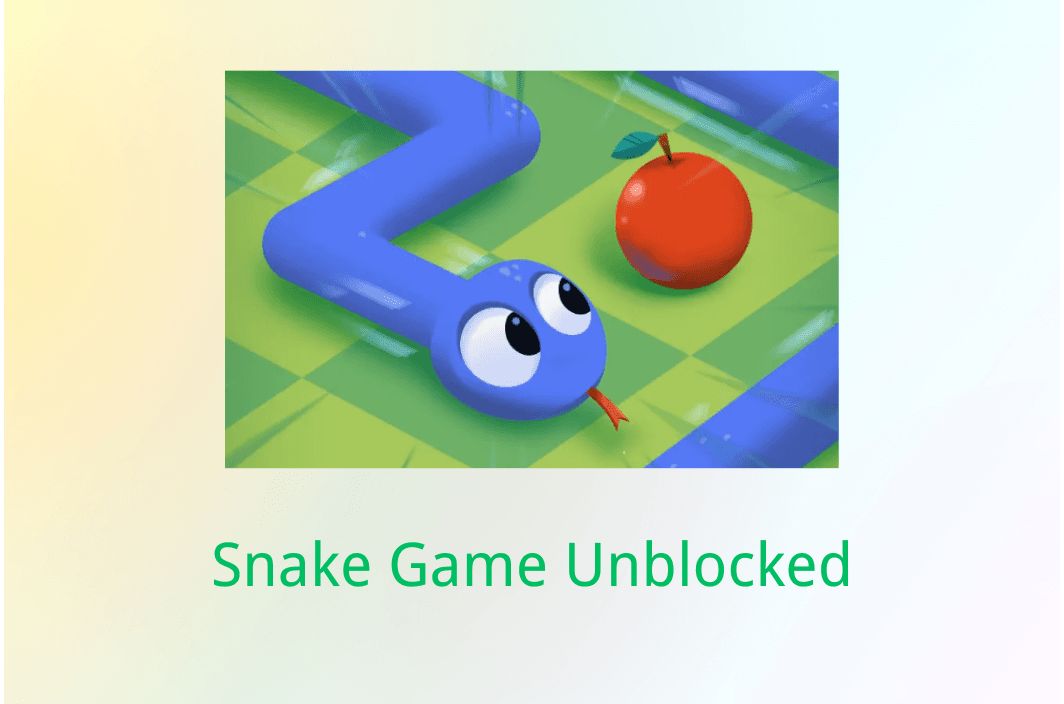
While most people associate Snake with the indestructible Nokia phones from the late 90s, the concept dates back to the 1976 arcade game Blockade. The premise is timelessly simple: you control a serpent that grows longer as it consumes food. The goal is to survive as long as possible without crashing into the walls or your own body.
Popular Variations
In recent years, the Snake game isn’t just about eating and growing. There have been some major developments in the gaming model. When you search for unblocked versions, you will likely encounter:
- Google Snake: The polished, colorful version integrated directly into Google Search.
- Slither.io: A massive multiplayer online (MMO) version where you compete against hundreds of other players.
- Little Big Snake: A high-fidelity, RPG-like variation with graphics and skill upgrades.
You may also like: How to play Poki unblocked at school
How to Play the Snake Game Unblocked Safely
When playing the Snake game unblocked on the web, you should first be concerned with keeping safe. Additionally, while some of you may use a more technical path to play the Snake game unblocked, such as in GitHub or by using websites that are specifically designed to host HTML5 games, you may encounter extreme lag due to the complicated coding process. That’s where BearVPN is highly recommended.
Using a VPN is always the most reliable way to bypass game filters, especially when you are on some restricted networks. BearVPN is an excellent choice for the Snake game unblocked. It offers high-speed servers that minimize input lag, a critical factor in fast-paced Snake games. Besides, the no-log policy will strictly protect your privacy without leaving a trace in your Browser.
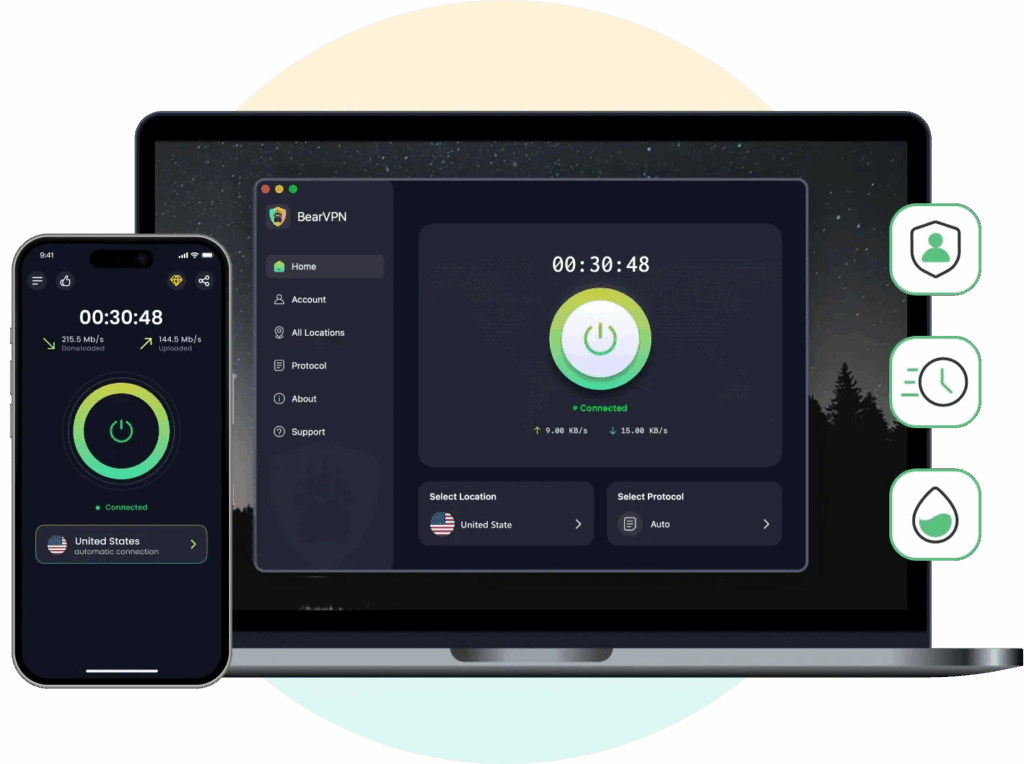
Why Choose BearVPN?
- Bypasses Firewalls: Real-time masks your traffic, preventing the network from seeing that you are accessing a game site.
- Low Latency: Optimized 2000+ servers reduce the lag and ensure a smooth move all the time.
- Security: Encrypts your connection with the advanced protocol.
- Ease of Use: One click to choose and connect to your desired server.
Step-by-Step Guide to Play the Snake Game Unblocked with BearVPN:
Step 1. Download and Install
Download BearVPN and install it on your Windows, Mac, Android, or iOS device.
Step 2. Select a Server
Open the BearVPN app. For playing the Snake game unblocked without lag, choose a server that is close to you.
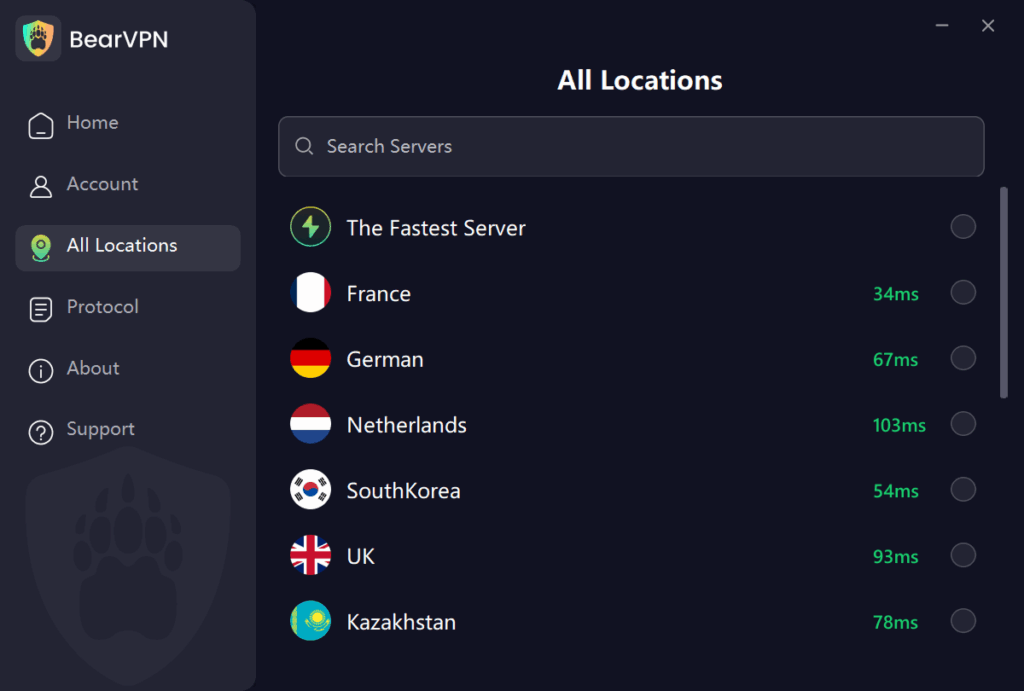
Step 3. Connect & Play
Click the connect button. Once it’s connected, open your browser and navigate to any Snake game site. The site should now load instantly.
Note: To ensure there is no log of your previous search, it’s better to clear the cache before gaming.
More Tips to Stay Safe When Playing the Snake Game Unblocked
Although using a VPN offers overall privacy protection while playing the Snake game unblocked, there are some other tips you need to avoid potential risks:
- Avoid clicking the ads or pop-ups that may redirect to phishing sites.
- Don’t use public WiFi connections that may expose your activities.
- Always choose verified websites so that you won’t be tracked.
- Never download from the mirror sites, which may contain malware.
Also read: Best unblocked games for school
3 Reliable Snake Game Unblocked Sites 2025
Check the following 3 popular sites to play the Snake game unblocked in 2025.
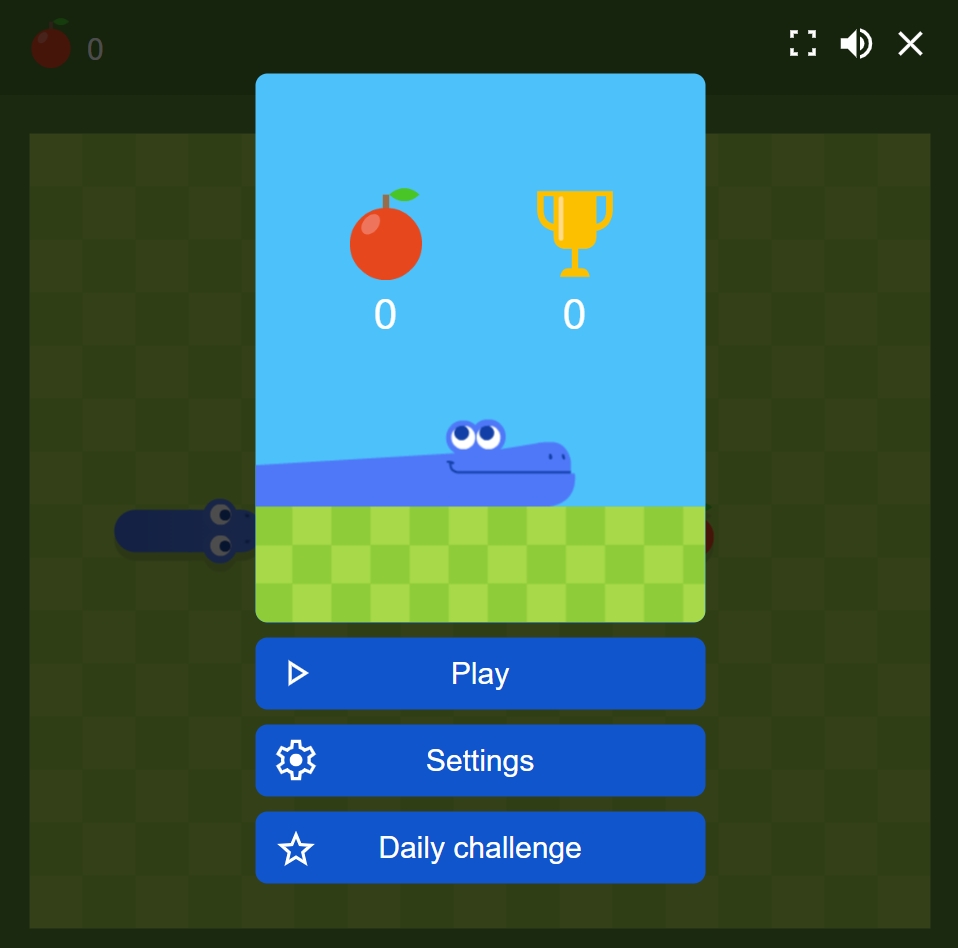
1. Google Snake
This is arguably the most reliable unblocked version because it is built directly into the Google search engine. Simply search Snake game on Google, and it will launch instantly as a pop-up.
What we like:
Google Snake is nearly impossible for network filters to block without banning Google itself. It features polished, ad-free gameplay with fun mods and runs smoothly on almost any device, making it the go-to for quick, discreet sessions.
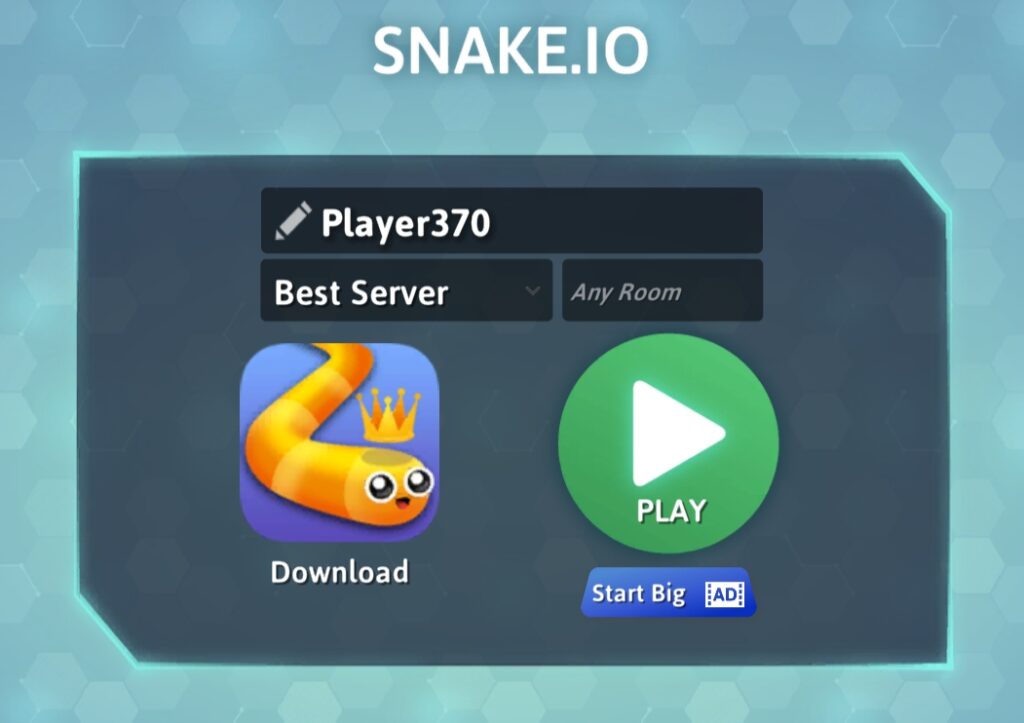
2. Snake.io
Snake.io transforms the solitary classic into a chaotic, multiplayer battle royale. Unlike the retro version, your goal here is to cut off other real players to consume their energy and grow the largest.
What we like:
Snake.io has a competitive nature and high-speed pacing. The official website is widely trusted and optimized for browsers, often remaining unblocked because it uses standard web protocols that don’t look like traditional gaming traffic to some filters.
3. Hooda Math
Hooda Math is a legitimate educational website used by teachers to reinforce math concepts, which means it is whitelisted on almost all school networks. While it focuses on learning, it hosts safe versions of classic games like Snake under its logic/puzzle section.
What we like:
It is regarded as a guaranteed haven that rarely gets blocked, allowing users to play guilt-free under the guise of visiting an educational resource.
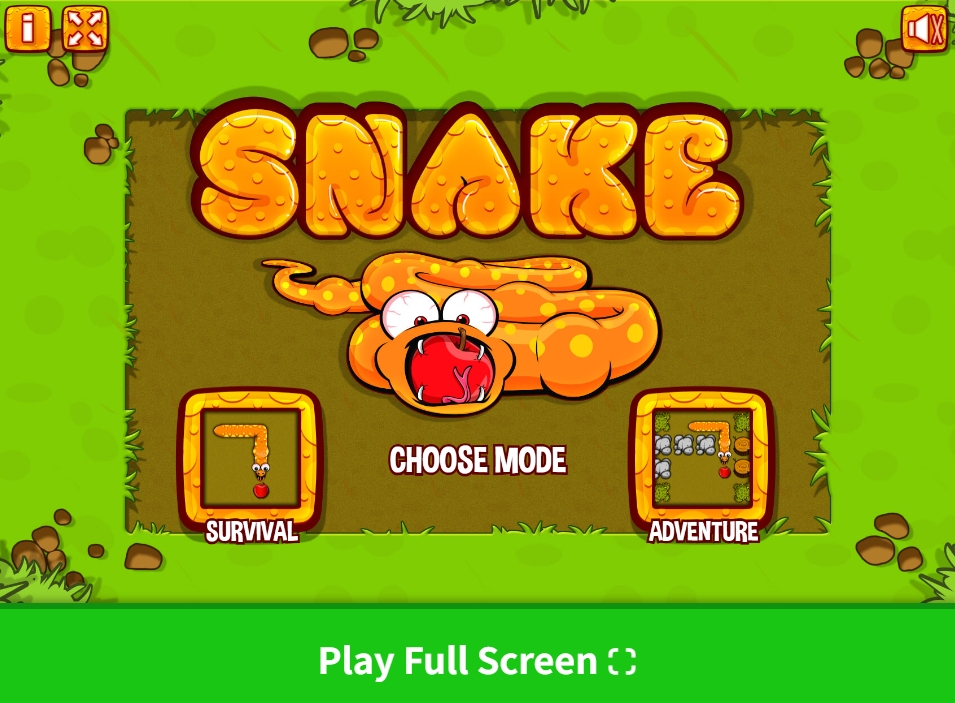
Troubleshoot Snake Game Unblocked Common Issues
When playing the Snake game unblocked, you may encounter some annoying issues that interrupt your gaming process. Here are some common problems according to the user feedback on Reddit:
1. Snake Game Unblocked Lagging / Stuttering
This is the most common problem you may face while playing the Snake game unblocked. RAM being occupied or a long server distance can cause it.
Solutions:
- Hardware Acceleration: Go to your browser settings and ensure Use graphics acceleration when available is turned ON. This offloads the rendering to your GPU.
- Close Background Tabs: Snake scripts can be CPU-intensive. Close unused tabs to free up RAM.
- Check VPN Server: If using BearVPN, ensure you are not connected to a server on the other side of the world. Switch to a closer server to lower your ping.
2. Snake Game Unblocked Won’t Load
The caches and outdated browser version can cause your Snake game not to load. To solve this problem, you need to clear the caches and update the browser for better use.
- Clear Cache: Old cached data can conflict with game updates. Press Ctrl + Shift + Delete and clear the cached images and files all the time.
- Update Browser: Modern Snake games, especially the MMO and RPG-like models, use WebGL technology that requires recent browser versions. Simply go to the settings and check if there is an update required.
3. Admin Blocked Notification
The admin blocked notification happens when network administrators block specific URLs, but they rarely block every single VPN protocol. To avoid the notification and enter the game smoothly, using BearVPN to mask your IP is the most straightforward way.
FAQs About Snake Game Unblocked
1. Can I unblock Snake games in school?
Yes, it is possible to unblock the Snake games in school by connecting to a VPN server or using websites that are designed for HTML5 games.
2. How to play the snake game unblocked for free?
Playing the Snake game unblocked on Google results is free. You can also access some restricted websites, such as snake.io, for free.
3. Is it safe to play the Snake game unblocked with a VPN?
Yes, a VPN helps ensure your online security when enjoying the Snake game unblocked. Moreover, it reduces lag and stuttering that interrupt your gameplay.
Conclusion
Playing the snake game unblocked is a great way to relieve stress. As a classic game without age restrictions, it is growing with new features and interests. However, knowing how to keep safe when playing the Snake game unblocked is pretty essential. By understanding the game’s mechanics and utilizing reliable unblocking methods like BearVPN or Google-hosted mirrors, you can enjoy lag-free gaming anywhere. Always remember to prioritize your digital safety and maximize your entertainment online.