Key Takeaways: Changing Your Roblox Region in 2026
- Automated Detection: Roblox no longer has a manual “Switch Country” button in settings; it updates automatically based on your IP address and device signals.
- The Official Fix: If you have permanently moved, you must contact Roblox Support with proof of residency (like a utility bill or ID) to update your account location.
- The Instant Workaround: Using a premium VPN like BearVPN allows you to mask your real IP and appear in a different region immediately, bypassing local blocks.
- 2026 Critical Context: This is a vital tool for users in Egypt (banned Feb 2026) and Iraq (banned Oct 2025) to retain access to their accounts.
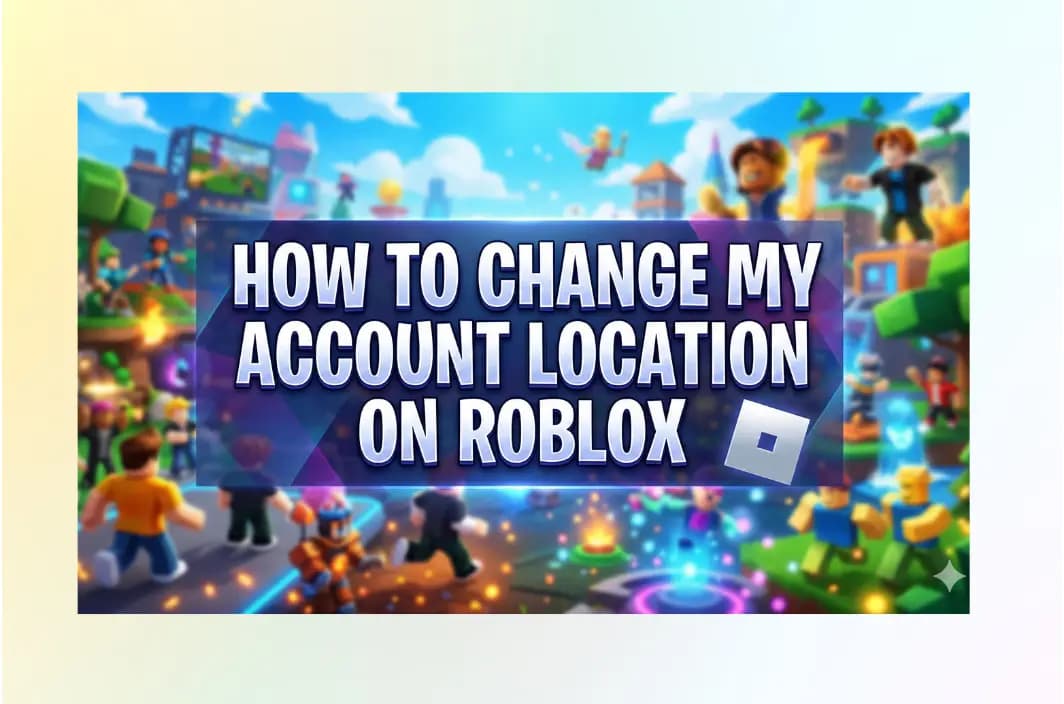
A few months ago, a Roblox player shared a frustrating experience on Reddit. After moving abroad, they discovered that their Roblox account was still locked to their old country. Prices were shown in the wrong currency, certain games and events were unavailable, and there was no option in settings to manually update the location. Like many users in 2026, they asked a simple question: “How do I change my Roblox account location to the correct country?”
That question has become increasingly common. Whether you’ve moved to a new country, are traveling long-term, or live in a region where Roblox access is restricted, account location issues can instantly block content, features, or even the entire platform. The problem is that Roblox no longer provides a clear, manual way to switch regions—leaving many users confused, locked out, or stuck with the wrong storefront.
This guide explains exactly why that happens, how Roblox determines your location in 2026, and what actually works if your account is tied to the wrong country.
Why Your Roblox Account Location Matters
Your Roblox account location is more than just a cosmetic setting — it directly controls what you can access, buy, and play on the platform. In 2026, Roblox ties regional data to legal compliance, safety standards, and national regulations, making location one of the most important hidden variables on your account.
Your region affects:
- Platform access (full access vs. partial or complete blocks)
- Available games and events (some experiences are region-locked)
- Robux currency and pricing
- Chat, voice, and social features
- Age verification and parental controls
For users in unrestricted countries, this system usually runs unnoticed in the background. But for players in regions facing bans, throttling, or content restrictions, an incorrect or locked location can mean losing access to years of progress, purchased Robux, and social connections overnight.
In short: if Roblox thinks you’re in the wrong country, your entire experience changes — sometimes dramatically.
Why You Can’t Manually Change Your Roblox Location Anymore
If you’ve been playing Roblox for years, you might remember a time when you could simply go into your account settings and pick a country from a dropdown menu. Those days are gone. Roblox has transitioned to a strictly IP-based regional detection system.
The Shift to Automated Detection
Roblox now uses sophisticated geolocation databases to determine your location the moment you log in. This shift was largely driven by the need for global compliance. Different regions have vastly different laws regarding digital privacy and child safety:
- GDPR (Europe): Strict data protection rules for minors.
- KOS (South Korea): Specific regulations regarding gaming hours and verification.
- Regional Censorship: Governments in the MENA region and Asia have increasingly pressured tech platforms to restrict content that doesn’t align with local cultural or safety standards.
By automating location detection, Roblox ensures that a user in Paris sees a version of the platform that complies with French law, while a user in New York sees the US version.
The Impact of 2025-2026 Regional Bans
The necessity of changing your location has shifted from “wanting different currency” to “needing access to the game.” In October 2025, Iraq implemented a nationwide ban citing concerns over “moral values” and child safety. More recently, in February 2026, Egypt’s Supreme Council for Media Regulation followed suit, blocking the platform to protect minors from “harmful content”. For millions of users in these regions, their accounts—often containing years of progress and purchased Robux—are effectively “dead” without a way to change their digital location.
Related Article: Roblox Banned Countries: Is It Blocked In Your Region >
Can You Change Your Country on Roblox?
As of 2026, Roblox no longer allows users to manually change their country or region from account settings. There is no dropdown menu, toggle, or self-service option to switch your location.
Instead, Roblox determines your country automatically using:
- Your IP address
- Network and device signals
- Login patterns over time
There are only two legitimate ways your country changes:
- Permanent Relocation (Official Method)If you’ve permanently moved, you must contact Roblox Support and submit proof of residency (such as a utility bill, government ID, or lease agreement). This process can take days or weeks and is only approved for genuine moves.
- IP-Based Location Change (Immediate Method)When you connect through a trusted VPN like BearVPN, Roblox detects the new IP address and temporarily assigns your account to that region. This happens automatically at login and requires no interaction with support.
Because Roblox removed manual controls, your IP is effectively your location.
How to Change Roblox Location with BearVPN (Step-by-Step)
If you are traveling, living in a restricted zone, or simply want to access region-locked events (like US-only concert experiences), follow these steps to update your virtual location using BearVPN.
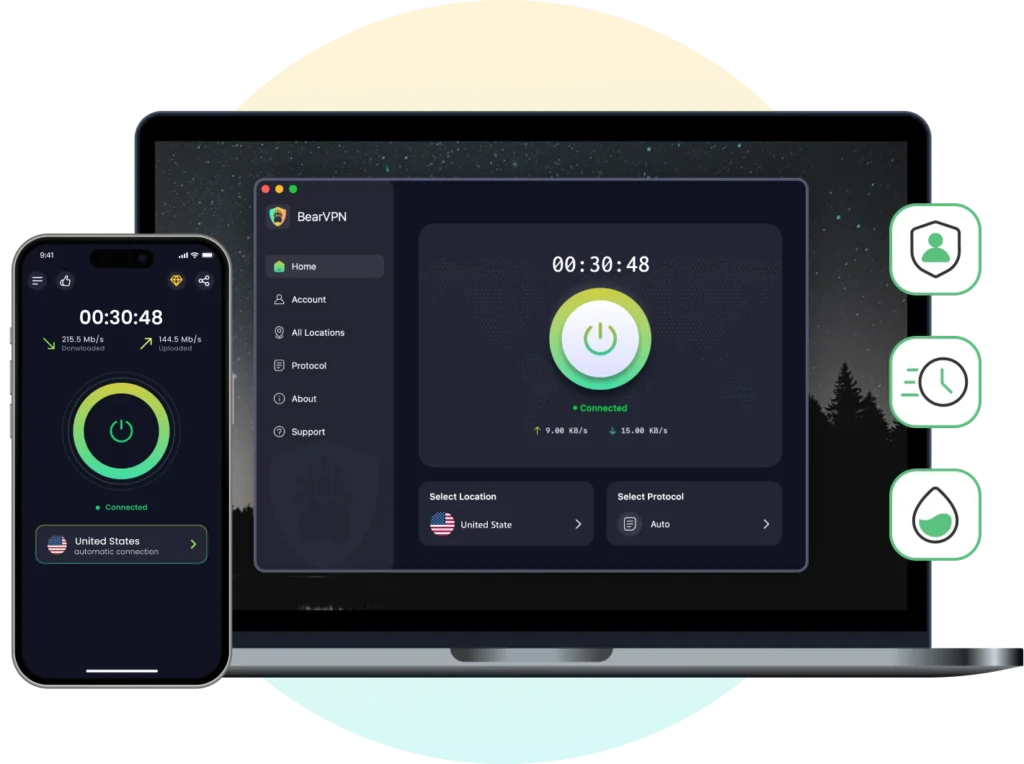
Step 1: Download & Install BearVPN
First, you need a tool that can provide a “clean” IP address that isn’t already flagged by Roblox as a proxy. Download the BearVPN app for your specific gaming device—whether it’s Mac, Windows, iOS, or Android.
Step 2: Select a High-Speed Server
Open the app and browse the global network. For the best Roblox experience, we recommend selecting a server in the United States or Singapore. These regions typically have the most stable access to all Roblox features and events. BearVPN offers over 2,000 servers globally, ensuring you can always find a low-latency connection.
Step 3: Enable “Smart Routing” Protocols
To stay under the radar of Roblox’s VPN detection bots, go to your BearVPN settings and select either the SLProxy or SCProxy protocol. These are designed to balance high-speed gaming with advanced stealth, making your VPN traffic look like regular web traffic.
Step 4: Launch Roblox and Log In
Once connected, open your browser or the Roblox app. The platform will see your new IP address and automatically adjust your regional settings. You can now access games, spend Robux in the local currency, and join servers that were previously hidden behind a “Region Lock.”
Why BearVPN is the Best Choice for Roblox Gamers
Not all VPNs are created equal, especially when it comes to high-speed gaming. Roblox requires a constant, low-ping connection to prevent “rubber-banding” or getting kicked from a server with Error Code 277.

1. Low-Latency Servers Optimized for Gaming
BearVPN operates a global network of 2,000+ high-speed servers across 50+ locations, allowing players to choose routes with minimal delay. Its intelligent routing technology automatically selects efficient paths, helping maintain smooth gameplay even when connecting across long distances, such as from the Middle East to North America or Southeast Asia.
2. Reliable Access in Restricted Regions
In countries where Roblox access is limited or blocked, many VPNs fail due to aggressive filtering or firewall detection. BearVPN is built to remain stable in high-restriction environments by minimizing detectable VPN signatures. This helps users maintain uninterrupted access to Roblox without frequent disconnects or blocked logins.
3. Stable Performance Across All Devices
Roblox players often switch between platforms—PC, mobile, or tablet. BearVPN supports Windows, macOS, iOS, and Android, allowing users to keep the same protected connection across their entire gaming setup. Unlimited bandwidth ensures that long play sessions, updates, and in-game events are not interrupted by data caps.
4. Privacy Protection Without Compromising Speed
BearVPN uses industry-standard encryption to secure all data traffic while maintaining fast connection speeds. Its strict no-logs policy ensures that browsing and gaming activity is not recorded, which is especially important for users accessing Roblox from shared networks or restricted regions.
5. Affordable Protection for Valuable Accounts
For players with years of progress, rare items, or purchased Robux, account access is valuable. BearVPN offers an affordable way to protect that access, providing consistent performance and privacy at a cost far lower than the value of most established Roblox accounts.
What Happens After Changing Your Location?
Once Roblox detects a new region, several things update automatically — sometimes instantly, sometimes gradually.
Here’s what typically changes:
- Server matchmaking adjusts to your new region
- Events and experiences become visible or unlocked
- Robux storefront switches currency and pricing
- Content filters and chat rules align with local laws
- Blocked pages or errors caused by national bans disappear
However, Roblox doesn’t always fully trust a new location right away. In some cases, it may take multiple logins over several hours (or up to 24 hours) before the platform fully refreshes your regional data.
To avoid issues:
- Stick to one country consistently
- Avoid hopping between multiple regions in short periods
- Clear cache if old regional data persists
Once stabilized, your account behaves as if it were created in that country.
Is It Safe to Use a VPN to Change Roblox Region?
In general, using a VPN to change your Roblox region is safe when done responsibly. Roblox does not automatically ban users for VPN connections, as many players rely on VPNs for privacy, security, or stable routing.
What matters most is behavior. If you consistently log in from one country and play normally, Roblox usually treats the VPN IP as your current location. Problems tend to occur only when accounts rapidly switch between regions or attempt to exploit regional pricing, which can trigger security checks or temporary restrictions rather than instant bans.
VPN quality is also important. Free or low-quality VPNs often use heavily shared or flagged IP addresses, increasing the chance of login errors or disconnections. A reliable VPN with clean IPs and stable routing reduces these risks significantly.
For players who are traveling, living in restricted regions, or affected by network blocks, a VPN is simply a practical access and privacy tool. As long as usage stays consistent and realistic, changing your Roblox region with a VPN remains low-risk for most users.
Roblox Location Still Not Changing?
If you’ve connected to BearVPN but Roblox still thinks you’re in your home country, don’t panic. There are a few technical “hang-ups” that can happen.
- Clear Your Cache: Your browser or the Roblox app often stores “cookies” that remember your old location. Clear your browser history and cache, then restart the app while the VPN is active.
- Check for DNS Leaks: Sometimes your device might “leak” your real location through its DNS settings. In the BearVPN app, ensure that DNS/IP Leak Protection is toggled ON to seal your digital footprint.
- The “Soft-Lock” Period: Roblox’s automated system sometimes requires you to log in from the new IP address several times over 24 hours before it fully “trusts” the new location and updates your regional storefront.
- Use Split Tunneling: If you only want Roblox to go through the VPN while keeping your other apps on your local connection, use BearVPN’s Split Tunneling feature. This can sometimes improve overall device performance.
FAQs: Everything You Need to Know About Roblox Regions
Is it legal to use a VPN for Roblox?
Yes, using a VPN for privacy and security is completely legal in most countries. However, you should always review the Roblox Terms of Use. While they generally allow VPNs for privacy, using one to exploit regional pricing (trying to get Robux cheaper by faking a different currency) could lead to account warnings.
Will a VPN slow down my gaming speed?
Any VPN adds a slight overhead, but with BearVPN’s high-speed protocols, the difference is usually imperceptible. In some cases, if your ISP is “throttling” your gaming traffic, a VPN can actually improve your speeds by hiding your activity from your provider.
Can I get banned for changing my location?
Roblox does not typically ban users just for using a VPN. However, if your account is constantly “jumping” between 10 different countries in one hour, it might trigger a security flag for “suspicious login activity.” It is best to stick to one server location for your gaming sessions.
Why is Roblox blocked in Egypt and Iraq?
In both cases, government regulators (like Egypt’s SCMR) cited “child safety” and “violent content” as the primary reasons. Officials expressed concerns that the platform’s open communication features could expose minors to inappropriate interactions or “outlaw culture”.
Does BearVPN work on mobile for Roblox?
Absolutely. BearVPN has dedicated apps for Android and iOS. Simply tap to connect on your
phone before opening the Roblox app, and you’ll be able to play on the go regardless of local network restrictions.
Conclusion: Reclaim Your Freedom in the Metaverse
As we move deeper into 2026, the internet is becoming increasingly fragmented. National bans in places like Egypt and Iraq are a reminder that access to the global gaming community is a privilege that can be taken away overnight. By using a professional-grade tool like BearVPN, you aren’t just “changing your location”—you are protecting your digital identity and ensuring that no geographic border can stop you from playing with your friends.
Ready to get back into the game?
Get BearVPN for just $1.67/mo and regain access to the global Roblox metaverse today.