Logo
Why BearVPN
Features
Desktop
Mobile
See All >
Pricing
Blog>
Supports>
Tools>
Log in
Free Download
Toggle Menu
Features
  • VPN Servers
  • VPN for Streaming
  • VPN for Gaming
  • Access Any Websites
Tools
  • What Is My IP
  • IP Lookup
  • IPV6 Lookup
VPN Servers
  • UK VPN
  • USA VPN
  • India VPN
  • Turkey VPN
  • Japan VPN
VPN for Gaming
  • Roblox VPN
  • Steam VPN
  • Geforce Now VPN
  • Fortnite VPN
  • Pokemon Go VPN
VPN for Apps
  • TikTok VPN
  • OmeTV VPN
  • LINE VPN
  • Facebook VPN
  • Reddit VPN
VPN for Streaming
  • Netflix VPN
  • Apple TV+ VPN
  • YouTube TV VPN
  • Hulu VPN
  • Disney Plus VPN
Resources
  • Blog
  • Contact Us
VPN Deals
  • Black Friday Deals
  • Cyber Monday Deals
  • All VPN Deals
About BearVPN
  • Privacy Policy
  • Terms of Service
  • Refund Policy
Windows
Windows
macOS
macOS
Android
Android
iOS
iOS
Follow us
  • X IconX Icon
  • Youtube IconYoutube Icon
  • TikTok IconTikTok Icon
  • Discord IconDiscord Icon
  • Telegram IconTelegram Icon
Payment methods
  • Payment provider icon
  • Payment provider icon
  • Payment provider icon
  • Payment provider icon

© 2026 BearVPN. All Rights Reserved.

Thank You for Downloading BearVPN for Windows

Complete the installation to get started.
Open
Step 1
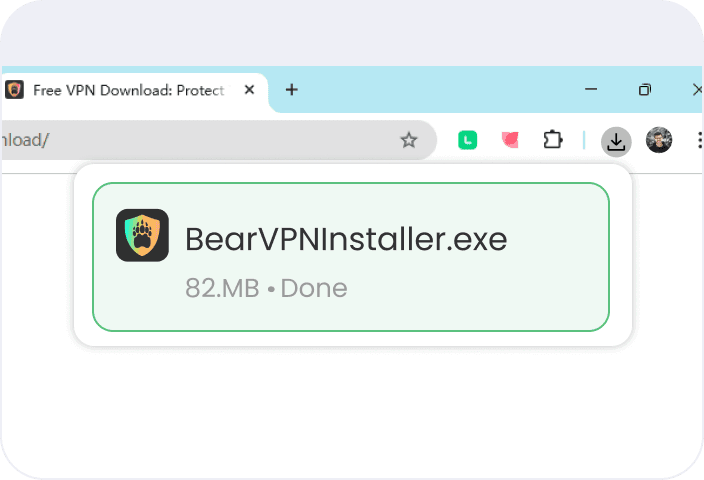
Open
Launch BearVPNInstaller.exe to install in your Downloads folder to begin.
Install
Step 2
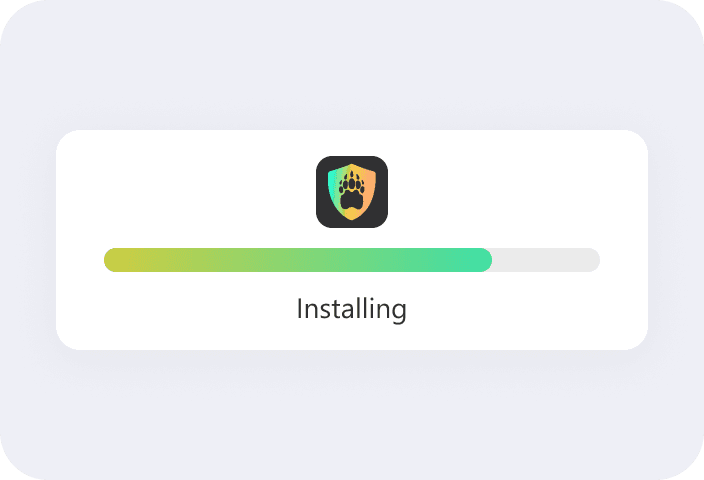
Install
Follow the on-screen instructions to install BearVPN on your Windows computer.
Start
Step 3
Start
Launch BearVPN, Sign up and Connect to enjoy private, unrestricted internet access.
If the download wasn’t completed, Restart download