Streaming is supposed to be simple—press play, get sharp video, no spinning wheel. In real life, you run into geo-restrictions while traveling, buffering on crowded Wi-Fi, and apps that suddenly throw a “VPN detected” message. A good streaming VPN fixes the practical stuff: it keeps speeds steady enough for HD/4K, works across the devices you actually use (phone, laptop, Fire TV, smart TV), and gives you reliable access to your usual catalog when you’re away from home. Below, you’ll find top streaming VPN picks, a clear testing checklist, and setup/troubleshooting steps you can use immediately.
Best VPN for Streaming in 2026: Top Picks at a Glance
Before you get into the details, it helps to see the options side-by-side. Use this section to narrow down your shortlist in under a minute—then jump to the reviews for the “why” behind each pick and the best setup approach for your devices.
Quick comparison (high-level)
| VPN option | Best for | Why it stands out for streaming | Watch-outs |
| BearVPN | Everyday streaming + travel + multi-device households | No-logs policy, split tunneling for smoother playback, up to 10 devices, 30-day money-back guarantee | Windows requires a subscription (free plan is platform-limited) |
| NordVPN | Consistently strong streaming access + speed | Often ranked top for streaming performance and broad coverage | Can feel feature-heavy if you want ultra-simple apps |
| Surfshark | Budget-friendly + many devices | Known for value pricing and multi-device use | UI/feature depth varies by platform |
| ExpressVPN | “Just works” simplicity | Very beginner-friendly streaming setup | Typically pricier than most alternatives |
| Proton VPN | Privacy-first streaming | Strong privacy reputation with solid speeds on paid tiers | Free tier isn’t designed for heavy streaming |
How We Chose the Best VPN for Streaming
Picking the best VPN for streaming isn’t about one magic feature—it’s about the combination that keeps your shows playing when conditions aren’t perfect. Use the checklist below as your filter so you don’t get distracted by marketing claims that don’t impact real streaming performance.

What to prioritize (in order):
- Speed and stability (especially for 4K)
If you want 4K on Netflix, Netflix recommends 15 Mbps or higher for UHD (4K). That’s a baseline—real life needs headroom for Wi-Fi dips, other devices, and peak-time congestion. - Streaming access that holds up
A streaming VPN should work across major services (think VPN for Netflix, Disney+, Prime Video, BBC iPlayer) and not collapse the moment you change regions or travel. - Device support that matches your habits
If you stream on a Fire TV Stick, smart TV, or Apple TV, make sure the VPN can realistically fit that setup (native app, casting workflow, or router support). - Convenience features that reduce buffering
This is where split tunneling can be a quiet superpower: you can route streaming traffic the “fast path” while keeping other apps protected—or do the reverse if a platform behaves better off-VPN. - Privacy and trust basics
For streaming, you still want a VPN that doesn’t log your activity. A clear no-logs statement (and a privacy policy you can read) matters.
Best VPNs for Streaming: Detailed Reviews and Real-World Fit
Choosing the best VPN for streaming comes down to how it performs in your everyday setup—your devices, Wi-Fi, and the platforms you actually use. Below you’ll find a consistent, apples-to-apples breakdown of each VPN mentioned in this guide, so you can compare quickly without repeating the same research five times.
1. BearVPN
BearVPN positions itself as an all-purpose VPN with streaming-friendly controls like split tunneling, plus a stated no-logs approach and multi-device coverage.

Best for
Everyday streaming across multiple devices, travel viewing, and “I just want it to play smoothly” setups, where split tunneling can reduce buffering.
Pros and Cons
- Pros: Split tunneling controls traffic for speed; up to 10 devices per account; no-logs claim includes no logging of browsing history/traffic destination/DNS queries.
- Cons: Refund terms can vary by plan type—its refund policy page outlines eligibility conditions (e.g., monthly-plan timing/usage limits), so you’ll want to align your purchase with those terms.
Streaming Performance
Best used when you want flexibility: keep the VPN on for privacy-sensitive apps while letting your streaming app take the faster route (or vice versa) via split tunneling.
Devices & setup notes
Supports protecting multiple platforms and up to 10 devices simultaneously; split tunneling is the key setup lever when a streaming app is picky or when you’re optimizing for speed.
Price/Refund
BearVPN promotes a 30-day money-back guarantee on its site and pricing page, but its dedicated refund policy describes specific eligibility rules (notably for monthly plans). Treat the refund policy as the source of truth for your plan.
2. NordVPN
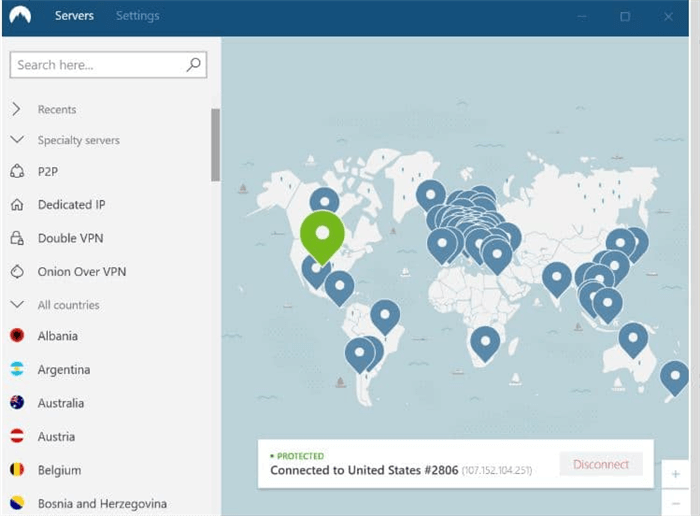
NordVPN is a long-time top pick in major reviews, often praised for speed and broad “unblocking” ability across popular streaming services.
Best for
Reliable “watch what you pay for” streaming across major platforms, plus households that want strong security features alongside streaming.
Pros and Cons
- Pros: Strong streaming access in independent testing (Netflix/Disney+/BBC iPlayer cited in reviews); fast modern protocol performance; 10 simultaneous connections.
- Cons: Feature set can feel heavy if you only want a minimal streaming tool; some reviews note minor app downsides on certain platforms.
Streaming Performance
Tech review testing highlights “flawless access” to major services and strong speeds, making it a dependable choice for HD/4K on stable connections.
Devices & setup notes
You can connect 10 devices at the same time with one account; if you connect multiple devices to the same server, NordVPN notes you may need to select different protocols.
Price/Refund
NordVPN offers a 30-day money-back guarantee for new subscriptions (refund request within 30 days).
3. Surfshark
Surfshark is widely positioned as a value-forward VPN with broad coverage and strong streaming performance in major “best streaming VPN” lists.
Best for
Budget-conscious streamers, big families, or anyone who wants to cover a lot of devices without counting connections.
Pros and Cons
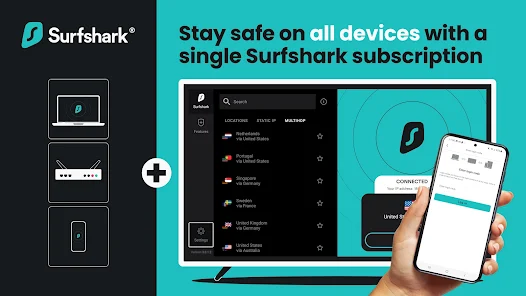
- Pros: Often rated highly for streaming performance; supports unlimited devices (per its official site); strong value reputation.
- Cons: The Refund policy is 30 days, but applies to the initial purchase (recurring payments are non-refundable per policy wording).
Streaming Performance
Streaming-focused roundups rate it highly for unblocking and consistent playback, making it a common “best overall” pick for streaming-centric shoppers.
Devices & setup notes
If you bounce between phone/laptop/TV devices, Surfshark’s “unlimited devices” approach is the main convenience edge; you’ll still want to choose nearby servers first for stable speeds.
Price/Refund
Surfshark advertises a 30-day money-back guarantee on pricing pages, and its support docs clarify the scope/limits (initial purchase, one refund per service).
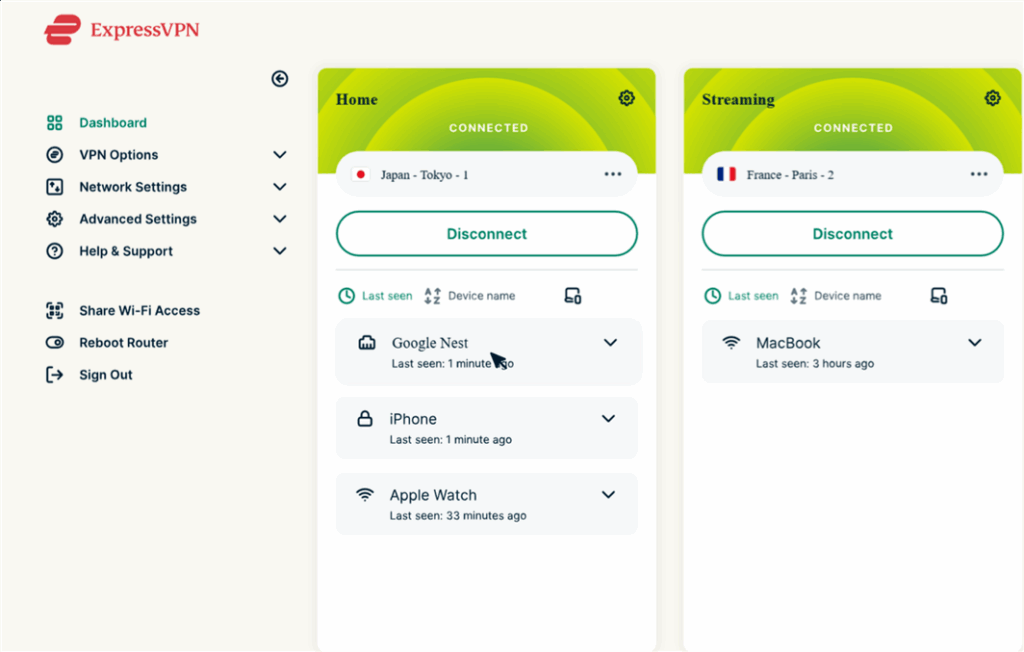
4. ExpressVPN
ExpressVPN is frequently recommended for people who want a smooth, beginner-friendly experience, and it has recently updated its plans and connection limits.
Best for
If you want streaming that “just works” with minimal tweaking, especially when you’re switching between devices often.
Pros and Cons
- Pros: Strong ease-of-use reputation; up to 14 simultaneous connections on Pro plan per ExpressVPN docs; 30-day money-back guarantee for new subscriptions.
- Cons: Refund rules can differ for in-app purchases (App Store billing follows Apple’s refund process); renewals may have different guarantee terms.
Streaming Performance
Major streaming VPN roundups place it near the top for ease of use and strong performance overall, though specific regional services can be hit-or-miss at times (as with most VPNs).
Devices & setup notes
ExpressVPN documents explain how to use it on multiple devices and what to do if you need more than the simultaneous-connection cap (e.g., router approach).
Price/Refund
ExpressVPN states a 30-day money-back guarantee for new subscriptions; it also notes exceptions/alternate handling for App Store purchases and mentions a 14-day guarantee for renewals.
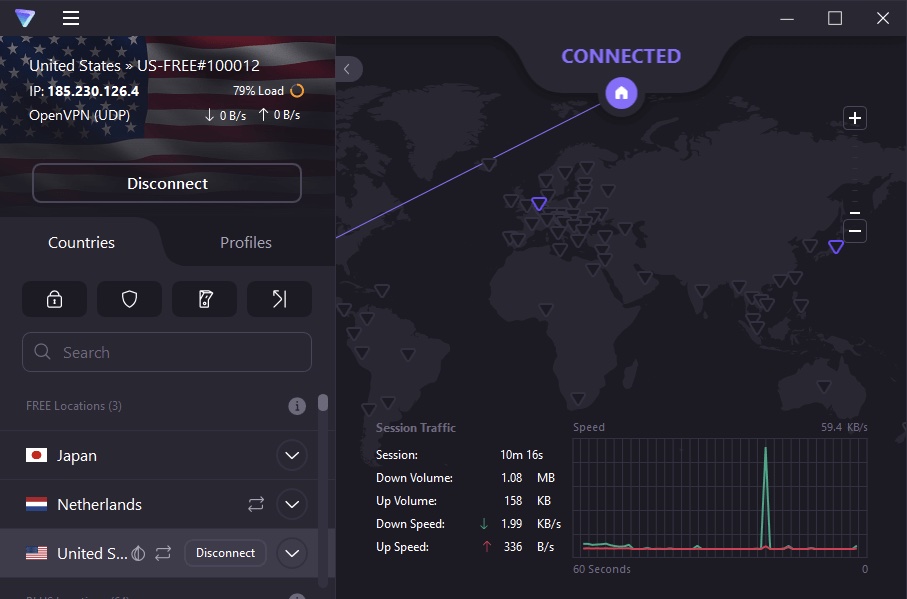
5. Proton VPN
Proton VPN is often recommended when privacy and security are your top priorities, with streaming as a secondary (but still important) requirement.
Best for
Privacy-first streamers who want a reputable provider and are willing to choose a paid tier that supports streaming well.
Pros and Cons
- Pros: Strong security-centric reputation; paid plans allow up to 10 devices; official pages state a 30-day money-back guarantee.
- Cons: Terms indicate refunds can be prorated for the unused portion (not always “full refund no matter what”), and streaming support isn’t the focus of its free tier in many comparisons.
Streaming Performance
Streaming VPN roundups typically place Proton VPN behind the most streaming-optimized picks, but still in the top group—especially for users who won’t trade privacy posture for streaming convenience.
Devices & setup notes
Proton VPN states: free plan supports one device, while paid plans can support up to 10 devices—useful if you stream across multiple screens.
Price/Refund
Proton VPN support pages state a 30-day money-back guarantee, and Proton’s terms describe refunds as the unused portion of the service period (prorated remaining full days).
Streaming VPN Compatibility by Platform and Device
Most “VPN not working” frustration comes from mismatched expectations: the VPN is fine, but the device needs a different setup, or the platform is stricter today than it was yesterday. Use this section to pick the most efficient path based on what you’re watching and where you’re watching it.
Platform quick guide (what to try first)
| Platform | What usually works best | If you see errors |
| Netflix | Choose a nearby server in the target region; prioritize stability | Switch server, clear app cache, try split tunneling |
| Disney+ / Prime Video | Use a fast server with low latency; avoid overloaded nodes | Reopen the app, try a different region server |
| BBC iPlayer | UK server + stable connection | Browser refresh, clear cookies, switch server |
| Live sports (DAZN/others) | Closest server to the broadcast region + reliable speed | Reduce resolution briefly, switch servers |
Device setup shortcuts (no fluff, just what works)
- Streaming on Firestick / Fire TV: Install the VPN app if available → sign in → connect → open your streaming app. If buffering spikes, try a different nearby server first, then adjust split tunneling.
- Smart TV / Apple TV / Roku: If there’s no native VPN app, your simplest options are (1) run the VPN on a router, or (2) stream from a phone/laptop to the TV (casting/AirPlay) while the VPN runs on the source device.
- Phone and tablet: This is usually the easiest environment. If you’re optimizing for speed, keep your streaming app on the “fast path” using split tunneling when supported.
Troubleshooting: Fix Buffering, “VPN Detected,” and Streaming Errors
When streaming breaks, the temptation is to assume the VPN “doesn’t work.” In reality, it’s usually a specific combination of server load, cached location data, or an app that’s temporarily stricter. Run the fixes below in order—you’ll solve most problems in minutes, not hours.
Common issues → fastest fixes
| Problem | Try this first | Then this | Last resort |
| Buffering/slow speeds | Switch to a nearer server | Use split tunneling for the streaming app | Restart router / try wired connection |
| “VPN detected” message | Change servers in the same region | Clear app cache/cookies | Use a different device (browser vs app) |
| Wrong catalog | Confirm server region | Log out/in to the streaming app | Disable location services (if relevant) |
| HD/4K won’t hold | Check baseline speed (target 15 Mbps+ for Netflix 4K) | Reduce resolution briefly to stabilize | Stream off-peak hours |
A simple “no-buffer” routine you can reuse
- Connect to the closest server in your needed region (closer often = faster).
- Start streaming in HD first; switch to 4K once it’s stable.
- If it stutters, change the server before changing anything else.
- If the app is picky, use split tunneling so the streaming app takes the path that performs best.
Conclusion
The best VPN for streaming is the one you’ll actually keep using: fast enough for HD/4K, stable on real Wi-Fi, and flexible across your devices. Start with a short list, test on the platform you care about most (Netflix, Disney+, live sports), and keep a repeatable troubleshooting routine for the occasional “VPN detected” day. If you want an option built around practical streaming needs—multi-device support, split tunneling, and a clear no-logs stance—BearVPN is a strong place to start.
FAQs
1. Is it legal to use a VPN for streaming?
In many countries, using a VPN is legal, but streaming services may restrict or discourage VPN use in their terms. If you’re using a VPN, you should still follow local laws and the platform’s rules.
2. Can a free VPN handle streaming?
Sometimes, but it’s rarely consistent. Streaming needs stable speed and enough server capacity—two things free plans often limit. If you stream regularly (especially HD/4K), a paid plan is usually the difference between “works today” and “works reliably.”
3. How fast does your internet need to be for 4K streaming?
For Netflix, the recommended speed for UHD (4K) is 15 Mbps or higher. Real-world comfort often means more headroom—especially if multiple devices are online at the same time.
4. What’s the best VPN for streaming on Firestick?
The best choice is usually the one with a solid Fire TV app, stable regional servers, and quick switching. In practice, you want “connect and play,” plus a fallback (server switch or split tunneling) when an app gets picky.
5. Why do some streaming apps block VPNs?
Streaming services work hard to enforce regional licensing. Some VPN IP ranges get flagged, which is why server switching and a provider’s ability to refresh access matter more than any single “unblock” claim.
6. Do you need split tunneling for streaming?
You don’t need it, but it’s one of the most useful features when you want streaming without buffering or when a single app behaves better off-VPN.