Logo
Why BearVPN
Features
Desktop
Mobile
See All >
Pricing
Blog>
Supports>
Tools>
Log in
Free Download
Toggle Menu
Features
  • VPN Servers
  • VPN for Streaming
  • VPN for Gaming
  • Access Any Websites
Tools
  • What Is My IP
  • IP Lookup
  • IPV6 Lookup
VPN Servers
  • UK VPN
  • USA VPN
  • India VPN
  • Turkey VPN
  • Japan VPN
VPN for Gaming
  • Roblox VPN
  • Steam VPN
  • Geforce Now VPN
  • Fortnite VPN
  • Pokemon Go VPN
VPN for Apps
  • TikTok VPN
  • OmeTV VPN
  • LINE VPN
  • Facebook VPN
  • Reddit VPN
VPN for Streaming
  • Netflix VPN
  • Apple TV+ VPN
  • YouTube TV VPN
  • Hulu VPN
  • Disney Plus VPN
Resources
  • Blog
  • Contact Us
VPN Deals
  • Black Friday Deals
  • Cyber Monday Deals
  • All VPN Deals
About BearVPN
  • Privacy Policy
  • Terms of Service
  • Refund Policy
Windows
Windows
macOS
macOS
Android
Android
iOS
iOS
Follow us
  • X IconX Icon
  • Youtube IconYoutube Icon
  • TikTok IconTikTok Icon
  • Discord IconDiscord Icon
  • Telegram IconTelegram Icon
Payment methods
  • Payment provider icon
  • Payment provider icon
  • Payment provider icon
  • Payment provider icon

© 2026 BearVPN. All Rights Reserved.

 > Download
 > iOS

Download the best free VPN for iOS

  • Intuitive Interface: Connect effortlessly with our simple, easy-to-use design.
  • Fast and stable: Enjoy the fastest speeds and reliable connections for seamless browsing.
  • 2,000+ server locations: Access a vast network of servers around the world for optimal performance and global content access.
Free DownloadFree Download
Available on:
BearVPN

Compatible with all platforms

BearVPN works on Windows, macOS, Android, and iOS, so you can stay secure and unblock content across all your devices.
WindowsWindows
macOSmacOS
AndroidAndroid
iOSiOS

How to set up a VPN

1
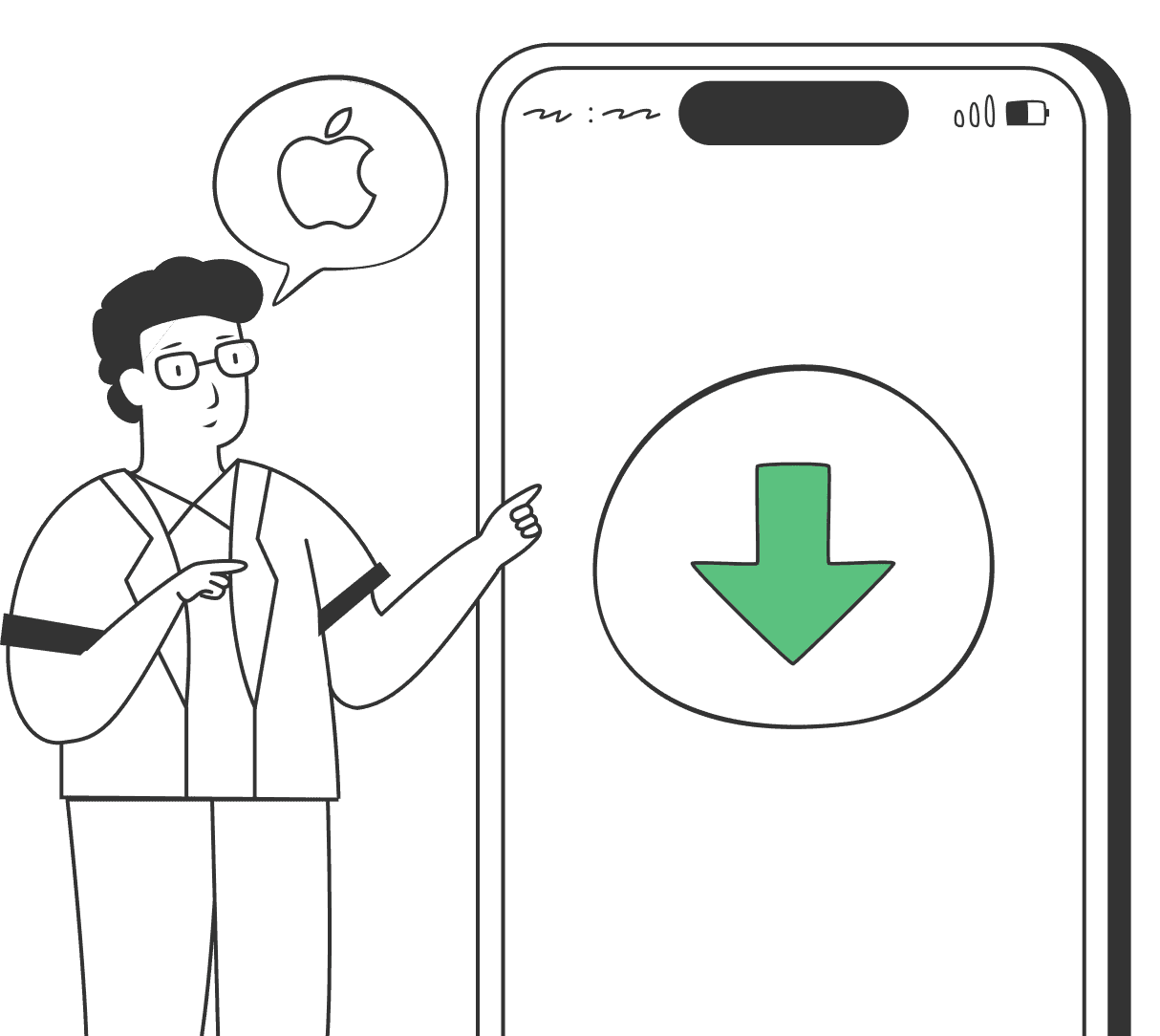
Download the VPN app
Download and install BearVPN on your device.
2
Select a server
Select a server
Open BearVPN and choose your preferred server.
3
Connect
Connect
Click the server to establish a secure connection.

Why use a VPN on your iPhone

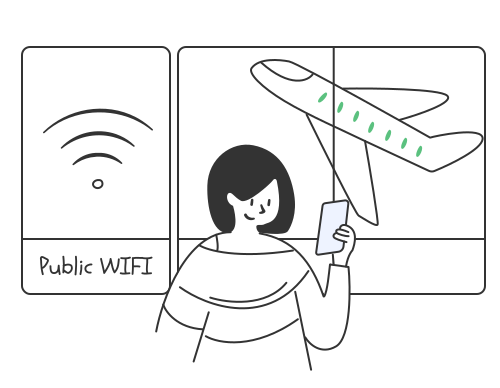
Secure access to public Wi-Fi
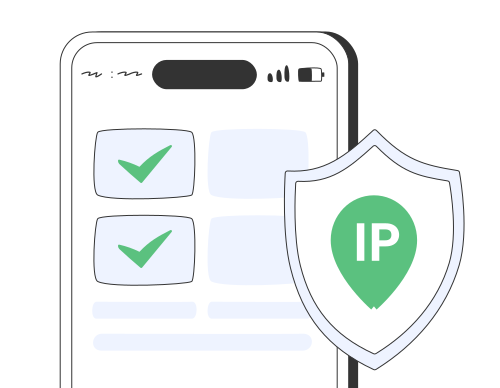
Secure access to public Wi-Fi

Public Wi-Fi networks, like those in cafés, airports, and hotels, are often vulnerable to security breaches. BearVPN protects your device with advanced encryption, safeguarding your online activities from hackers.
Free Download
Secure access to public Wi-Fi
Browse anonymously

Browse anonymously

BearVPN masks your real IP address, ensuring your online activities are not tracked or monitored. You can browse the internet with complete anonymity, free from the intrusive tracking of advertisers and data collectors.
Free Download
Browse anonymously
Bypass censorship and access global content

Bypass censorship and access global content

BearVPN enables you to circumvent government and ISP restrictions, granting you unrestricted access to websites and apps regardless of your location. Whether you're traveling abroad or living in a region with restricted internet access, BearVPN ensures you can reach your favorite content without barriers.
Free Download
Bypass censorship and access global content

BearVPN's features

BearVPN provides a range of features for iPhone and iPad users to keep you safe online.

One-tap connection

One-tap connection

BearVPN automatically selects the optimal server for you, so with just a single tap, you’re instantly connected to the fastest and most secure option—no effort needed.

Global network

Global network

BearVPN has 2,000+ server locations around the world, allowing you to switch IP addresses as needed for better connection speed and access to global content.

Streaming-optimized servers

Streaming-optimized servers

Our streaming-optimized servers ensure you can enjoy HD video streaming without buffering on popular services like Netflix, Disney+....., and more.
No-logs

No-logs

BearVPN takes your privacy seriously. We don’t track, log, or store any of your online activities, ensuring your information remains completely private and secure.

Automatic kill switch

Automatic kill switch

If the VPN connection is interrupted, our kill switch will automatically cut off your internet connection to prevent any data leaks.

DNS leak protection

DNS leak protection

Our system includes DNS leak protection to give your online activities an extra layer of privacy and prevent any sensitive data from being exposed.
Free Download

System requirements for BearVPN on iOS devices

BearVPN provides a range of features for iPhone and iPad users to keep you safe online.

iPhone:

iOS 15.0 or higher

iPhone 12, iPhone 12 mini, iPhone 12 Pro, iPhone 12 Pro Max, iPhone 11, iPhone 11 Pro, iPhone 11 Pro Max, iPhone X, iPhone XR, iPhone XS, iPhone XS Max, iPhone 8, iPhone 8 Plus, iPhone 7, iPhone 7 Plus, iPhone 6s, iPhone 6s Plus, iPhone SE (1st and 2nd generations)

iPad:

iPadOS 15.0 or higher

iPad Pro 12.9-inch (1st through 5th generations), iPad Pro 11-inch (1st through 3rd generations), iPad Pro 10.5-inch , iPad Pro 9.7-inch , iPad Air (3rd and 4th generations), iPad Air 2, iPad mini (5th generation), iPad mini 4, iPad (5th through 8th generations)

Download BearVPN for iOS Now>>

Trusted by millions of customers

Slimshaider

Slimshaider

Great app

"Great app - super easy to use. Doesn't make you go through a ton of confusing options and lets you connect for free."

Testimonial ratingTestimonial ratingTestimonial ratingTestimonial ratingTestimonial rating
Amin1342

Amin1342

Thank you

"Hello, I just want to let you know that letting me use your free VPN means a lot and make a difference in our life. Thank you!"

Testimonial ratingTestimonial ratingTestimonial ratingTestimonial ratingTestimonial rating
K Yatanar

K Yatanar

Thanks a lot

"Very supportive that especially for Firewall burn as civil war happening ASIA country."

Testimonial ratingTestimonial ratingTestimonial ratingTestimonial ratingTestimonial rating
Aadnan779

Aadnan779

Love it

"I am a user of this vpn. it's super fast and best vpn I have ever seen..."

Testimonial ratingTestimonial ratingTestimonial ratingTestimonial ratingTestimonial rating
Kentucky #23

Kentucky #23

AN AMAZING APP!

"It's honestly such a good connection!"

Testimonial ratingTestimonial ratingTestimonial ratingTestimonial ratingTestimonial rating
Mila McSabbu

Mila McSabbu

Very Good

"Not really tech-savvy but BearVPN was easy to get running. Glad I can keep my browsing private without much fuss."

Testimonial ratingTestimonial ratingTestimonial ratingTestimonial ratingTestimonial rating

Frequently asked questions

    A VPN (Virtual Private Network) is a tool that helps protect your online privacy. It creates a secure, encrypted connection between your device and the internet, allowing you to browse anonymously, access blocked content, and keep your data safe from hackers or surveillance.
    Yes, VPN servers are designed to provide a secure connection by encrypting your internet traffic and hiding your IP address. They help protect your data from being intercepted by third parties, such as hackers or snoopers.
    VPN servers work by creating a secure tunnel between your device and the internet. When you connect to a VPN server, your device sends internet traffic through this tunnel to the server, which then forwards the traffic to the destination website or service. The server masks your IP address with its own and encrypts the data being transmitted, ensuring that your online activities are private and secure
    Yes, BearVPN servers are both secure and reliable. Our servers use advanced encryption protocols to protect your data and ensure your privacy. We maintain high uptime rates and regularly monitor our servers to provide consistent performance and stability.
    BearVPN automatically recommends the fastest servers for you, so you can enjoy quick and smooth internet access without any hassle.